Using drawing shapes, drawing elements, and structures, you can create and customize a drawing to suit any need.
Starting a Drawing
Starting a drawing is a simple two-click process, in which you select the drawing units and the scaffold system.
To start a new drawing:
- Launch Avontus Designer.
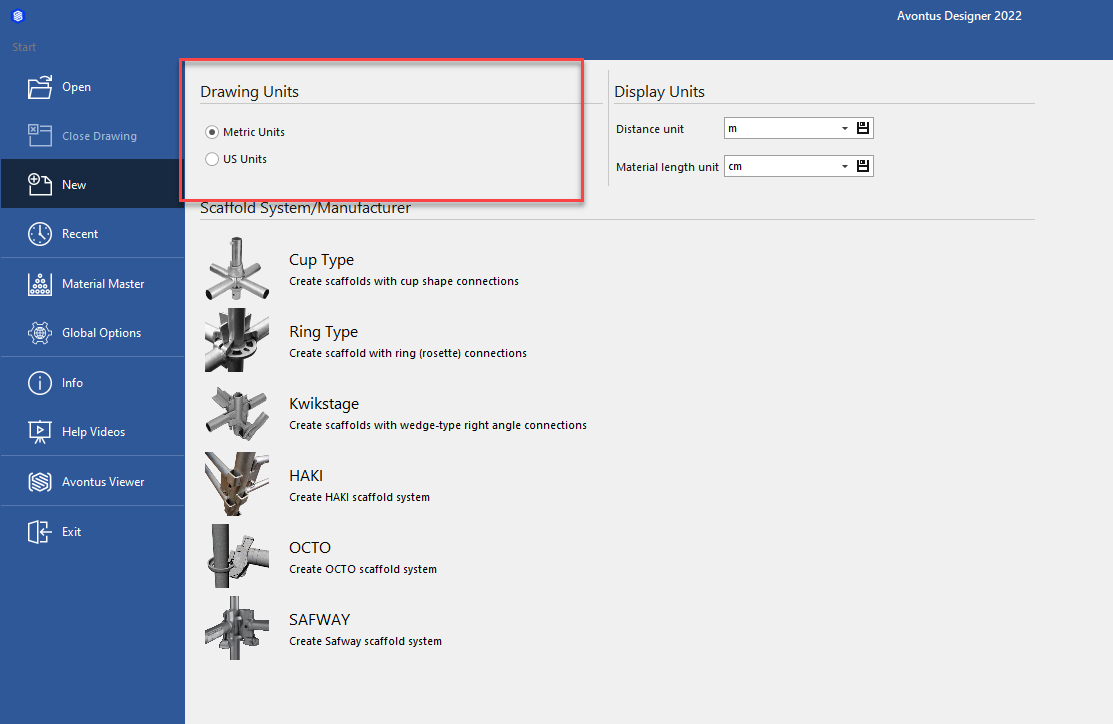
The Backstage appears with the New option selected. - Click the appropriate Drawing Units radio button. Your options are Metric Units and US Units.
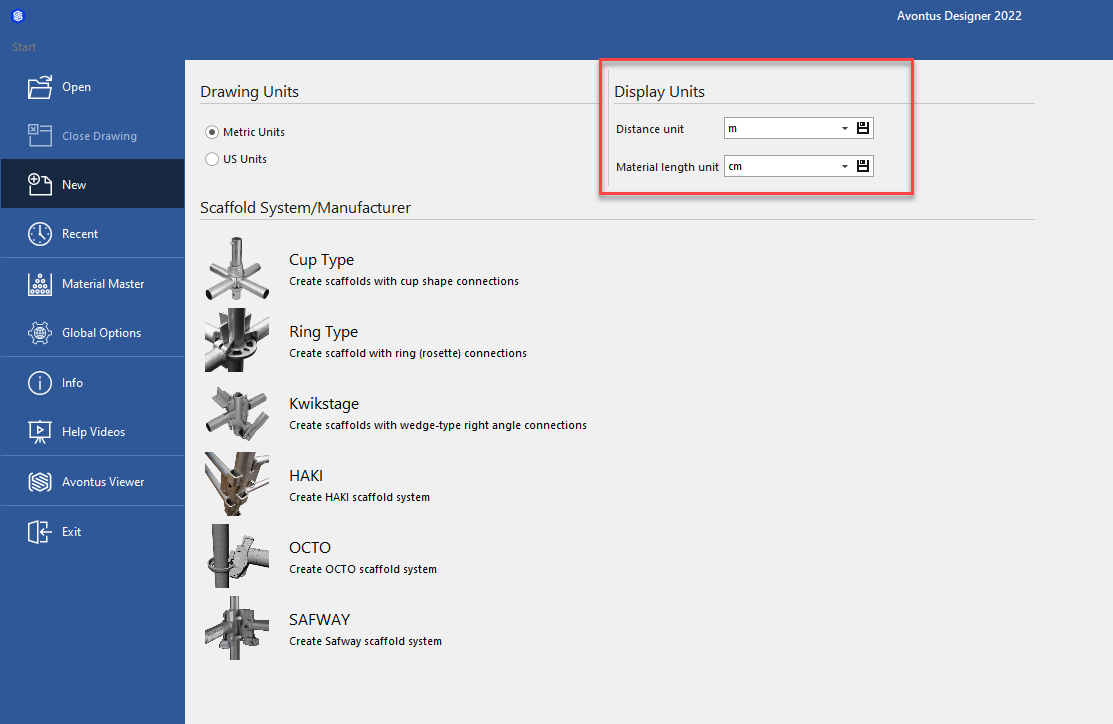
- Select the Display Units for the Distance unit and Material Length Unit
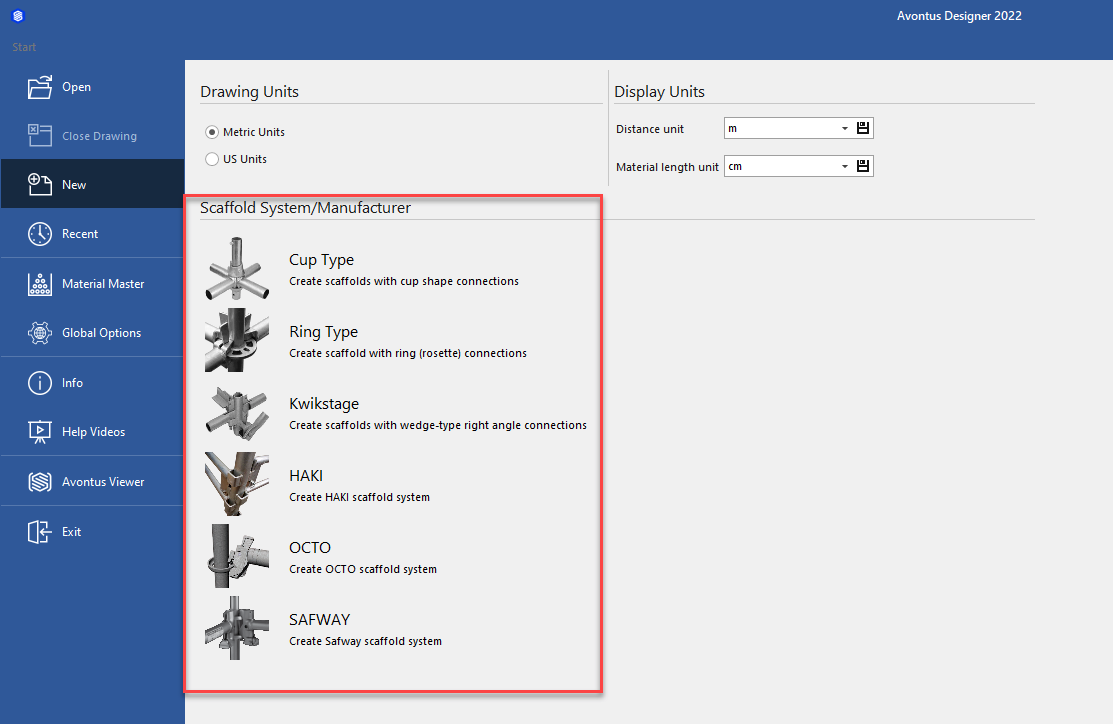
- Click the appropriate scaffold system. Your options are:
- Cup Type
- Ring Type
- Kwikstage
- HAKI
- OCTO
- SAFWAY
Avontus Designer launches a new drawing page.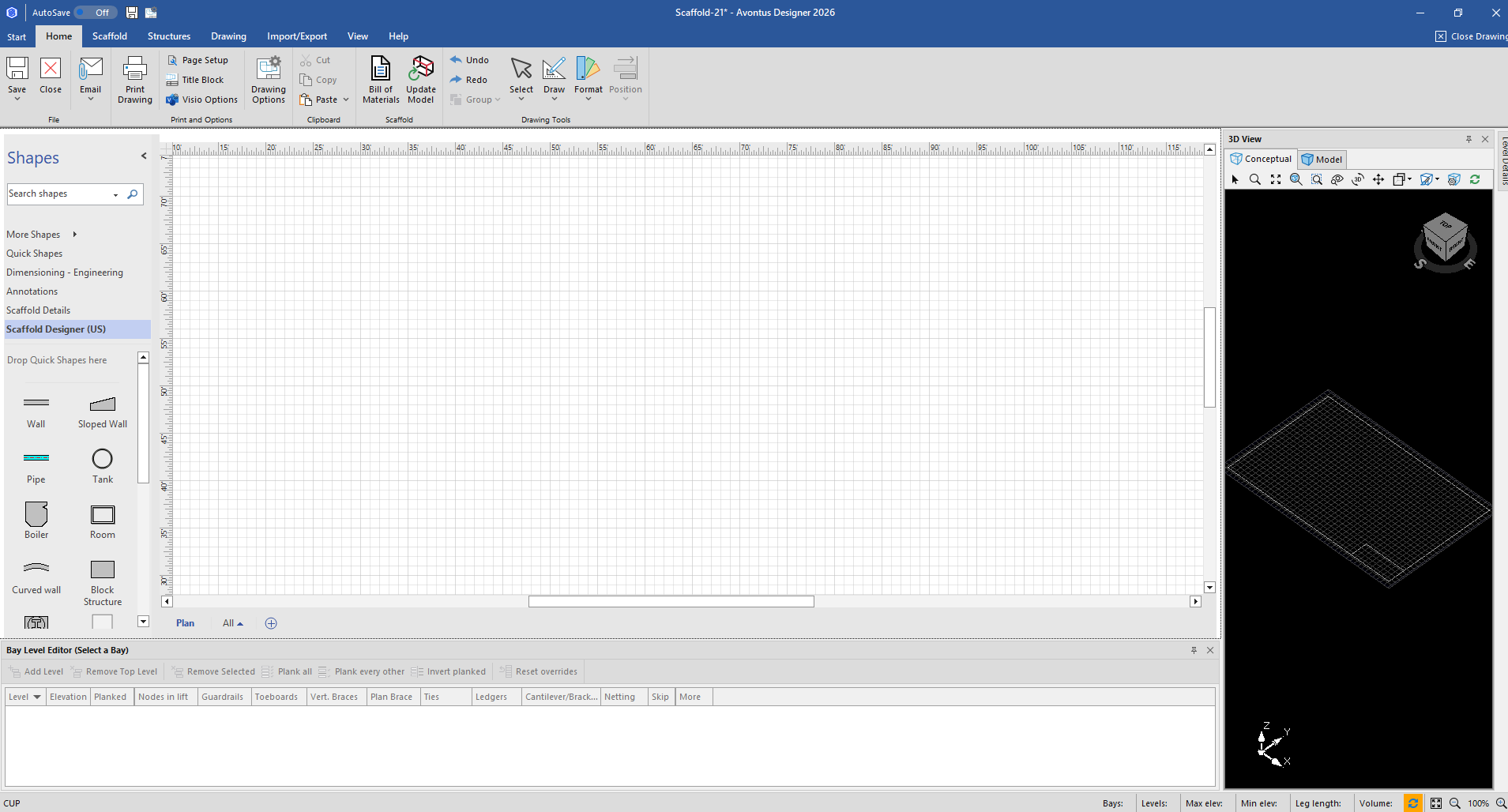 You are ready to create a drawing.