Avontus Designer automates the creation of Four types of Scaffolding Structures: Stair Towers, Wall Scaffolds and Boiler Scaffolds. Automating these structures saves a great deal of time and effort when designing large or intricate scaffold projects.
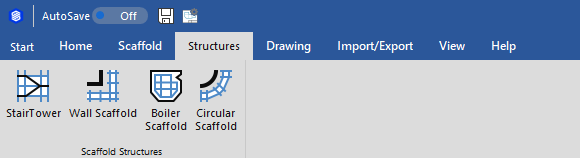
The articles in this section of the Avontus Designer help only refer to Stair Towers and Circular Scaffolds. To view articles for Boilers and Wall Scaffolding, refer to Placing Scaffolds Around Walls and Working with Rooms for Wall Scaffolds and Working with Boilers for Boilers.
|
|
|
|
Scaffold Structures are easy to create.
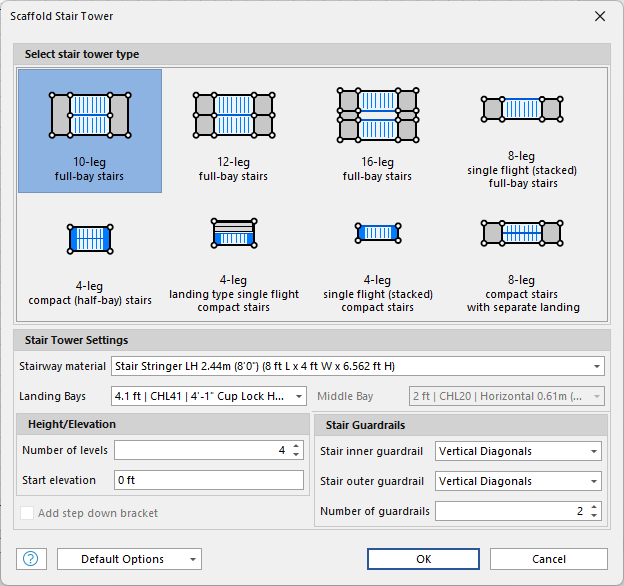
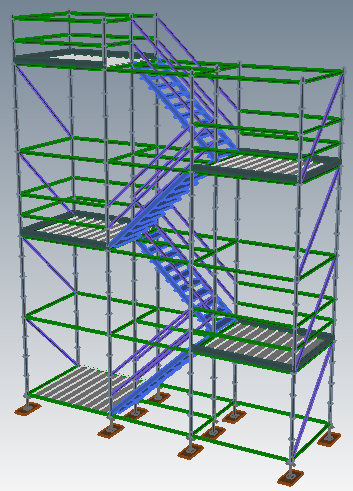
Click the Stair Tower icon and drag the Stair Tower onto the Drawing Page.The Scaffold Stair Tower dialog appears.Use it to customize that Stair Tower that Avontus Designer will build for you |
|
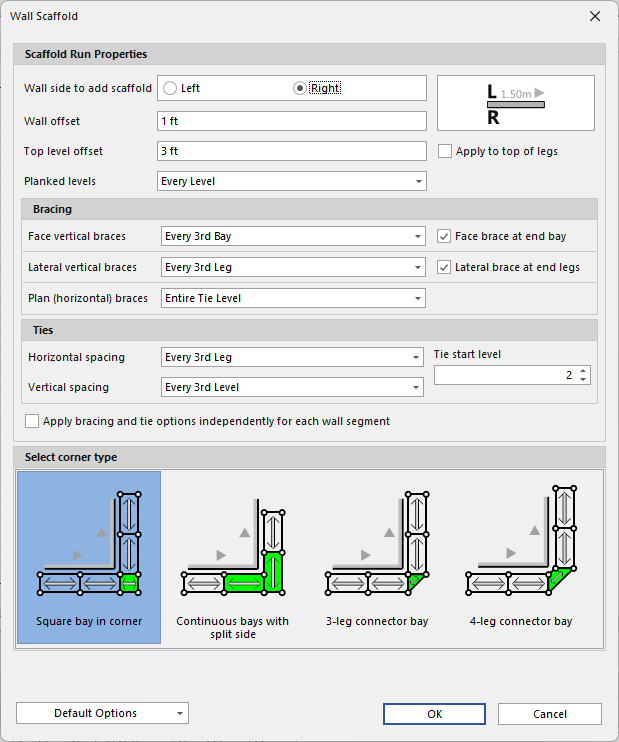
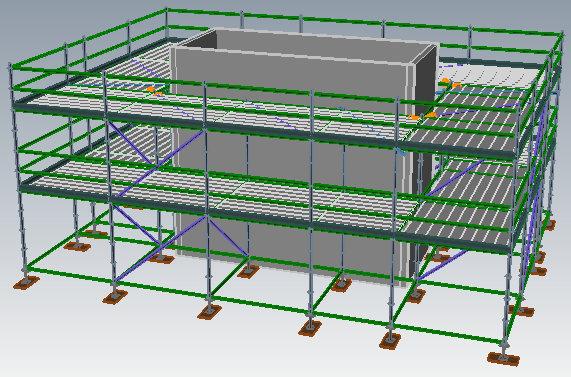
Create the walls of a structure around which you want to add scaffolding, select all the appropriate walls and click Wall Scaffold. Avontus Designer builds the Wall Scaffolding using the parameters set up in the Bay Size/Elevation group in the Scaffold tab. |
|
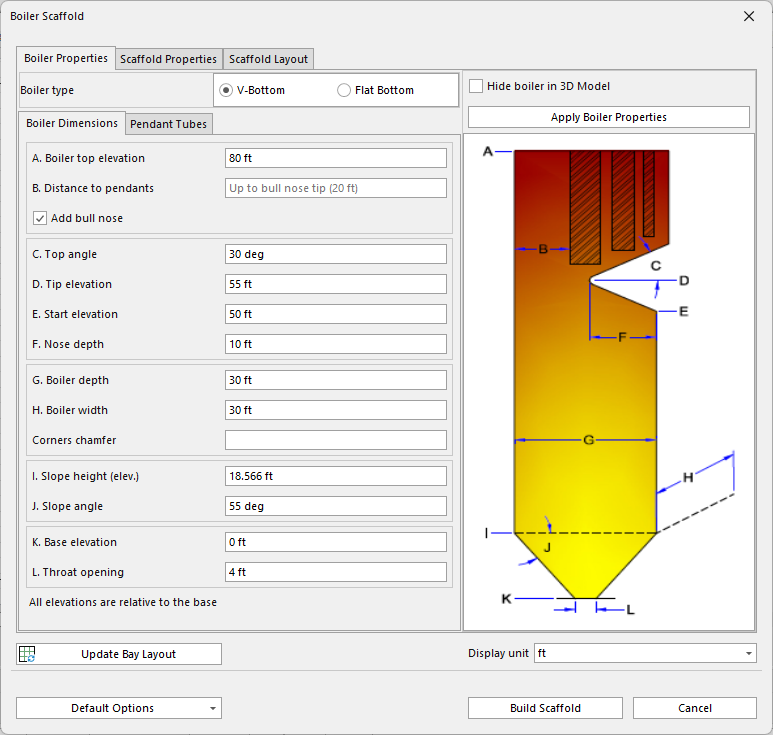
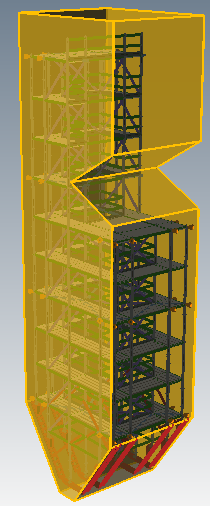
Use the Boiler Scaffold icon to either create a new boiler with internal Boiler Scaffolding you design, or to add Boiler Scaffolding you design to a boiler object that has been dragged from the Shapes Stencil. In either case, when you click Boiler Scaffold, the Boiler Scaffold dialog appears. Use it to customize the Boiler Scaffolding that Avontus Designer will build for you |
|
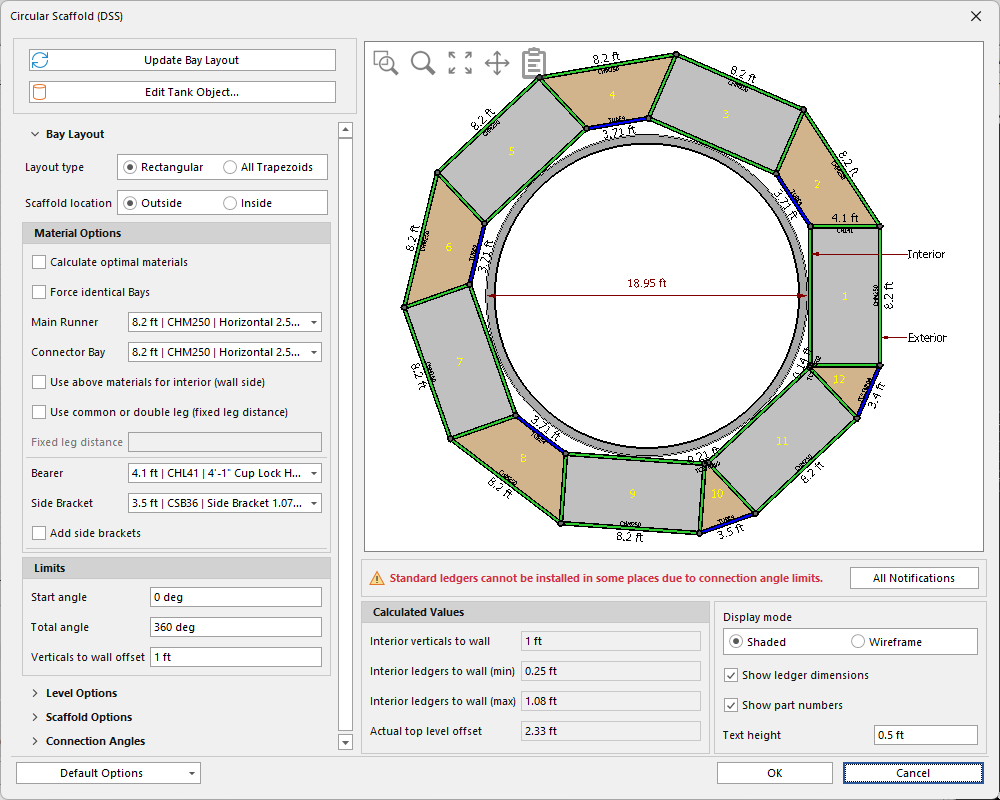
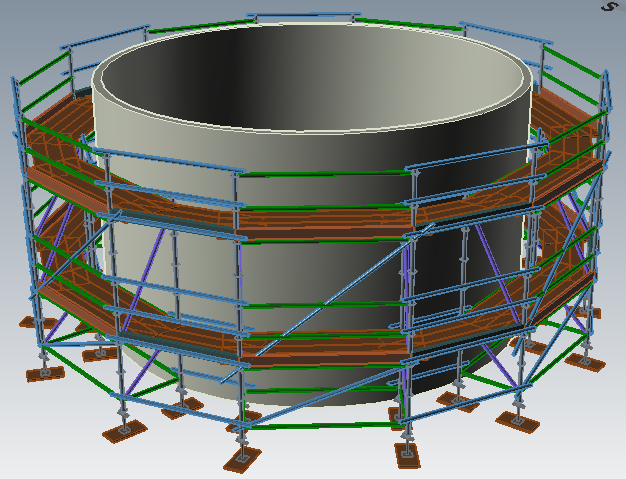
Use the Circular Scaffold icon to configure and generate and manage the ideal scaffolding design for tanks and any size. To do this, first drag the shape onto the Drawing Page. You can also select an existing tank and click the Circular Scaffold icon. In either case, the Circular Scaffold dialog appears. Use it to configure the Scaffolding that Avontus Designer will build for you. |
|