Filters allow you to create conditions where you can choose to display specific data whilst filtering out data you wish to exclude. For instance, you could use the filters to display scaffolds or requests that are in a specific status such as Awaiting Build.
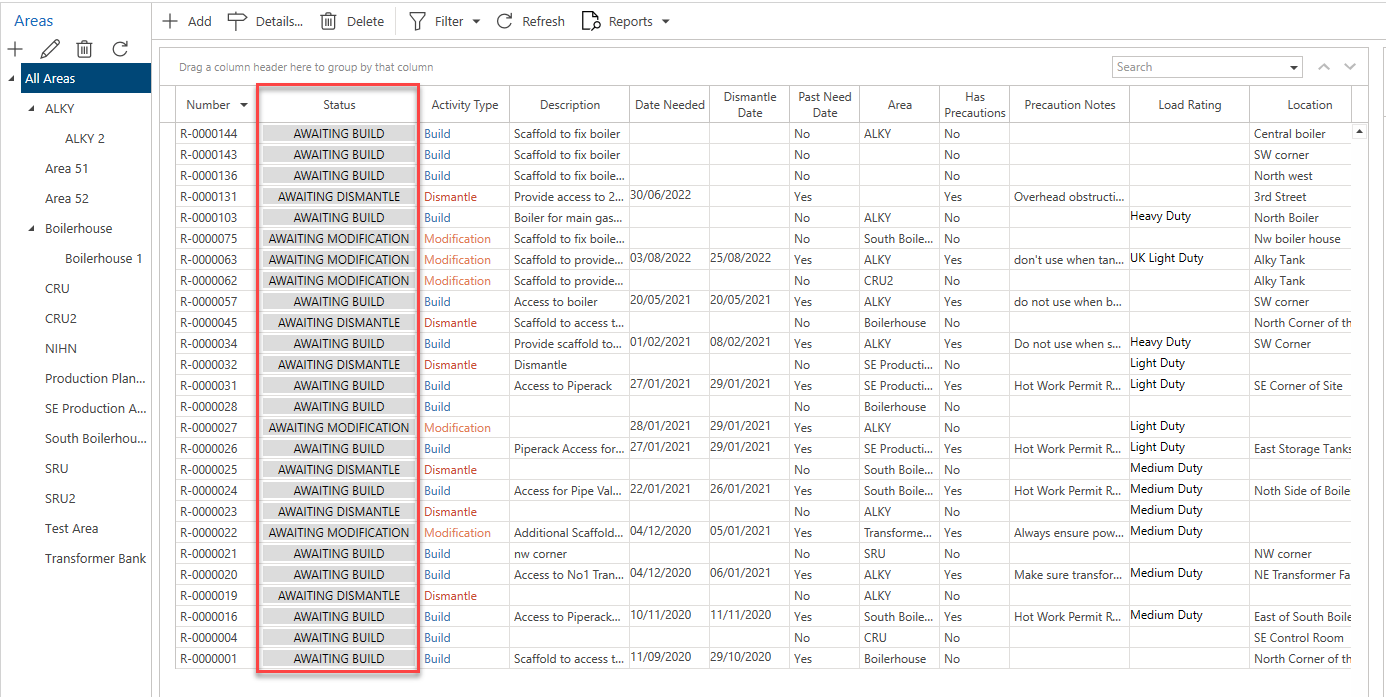
There are two ways to filter data:
Using the Filter Editor to filter the entire table.
Using the filter key icon to filter by a specific column.
Note: These filters can both be used at the same time. For more information, please view the Filtering by Filter Editor and Column section.