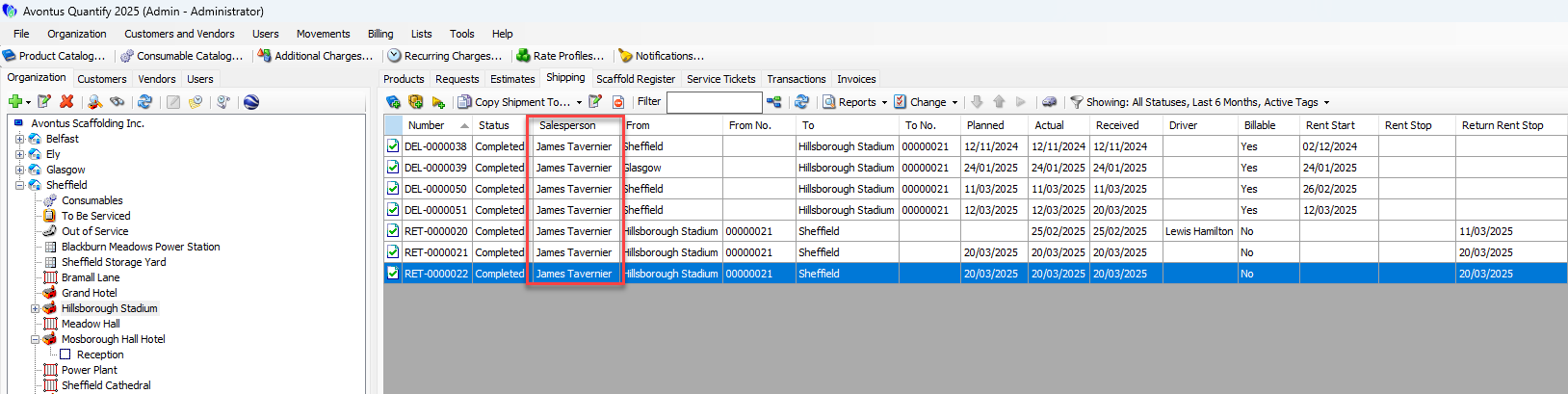
Salespeople can be assigned to Requests, Estimates, Shipments, Transactions, and Invoices. Whilst you can add Salespeople on Requests, Estimates, and so on, you can also add them in the Lists drop-down. You can also delete them here.
To add a salesperson
Click Lists
Select Salesperson
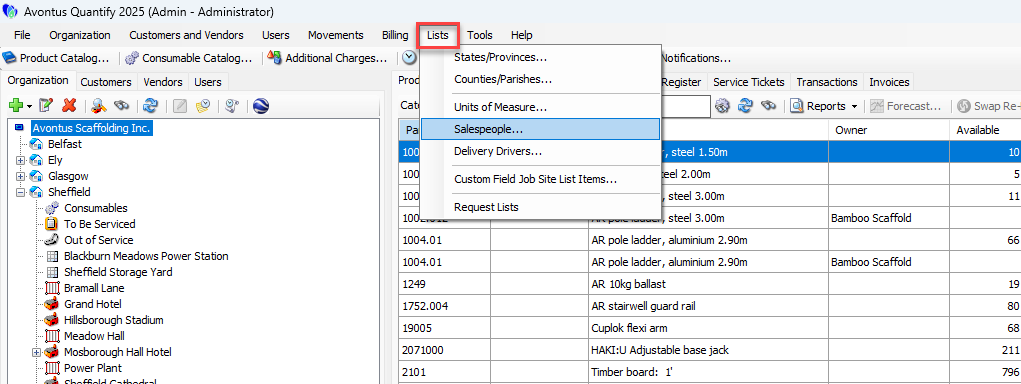
Click the green + icon
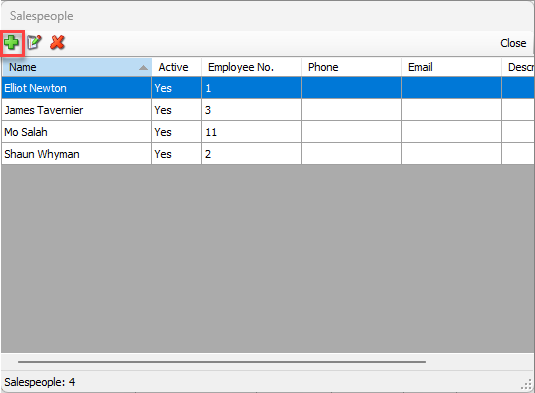
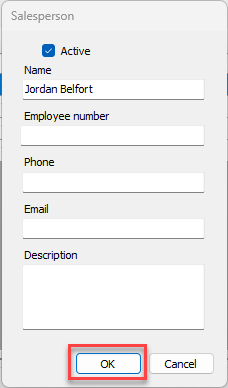
Provide the details of the new sales person
Note: Only the Name field is mandatory
Click OK
The new salesperson will be added.
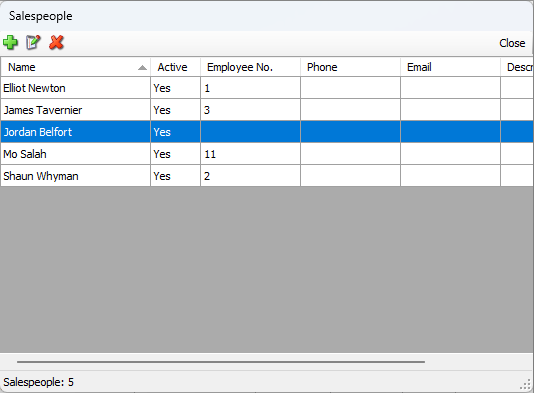
If users have not been assigned, they can be deleted using the red X button.
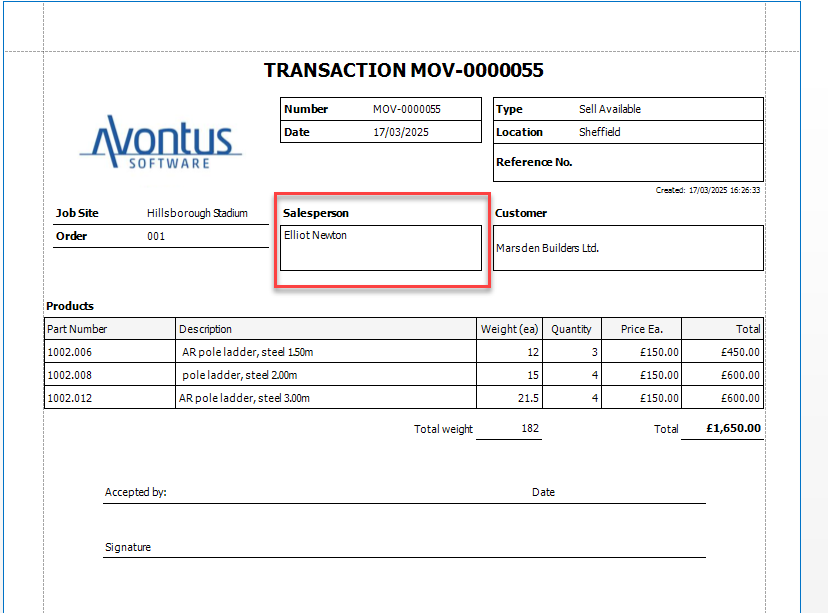
Salespeople will then appear on Reports, such as the Transaction Report.
Multi Assigning Salespeople
In various screens such as Transactions, Shipments, Estimates, etc you can assign/reassign multiple items to a sales person
To do this.
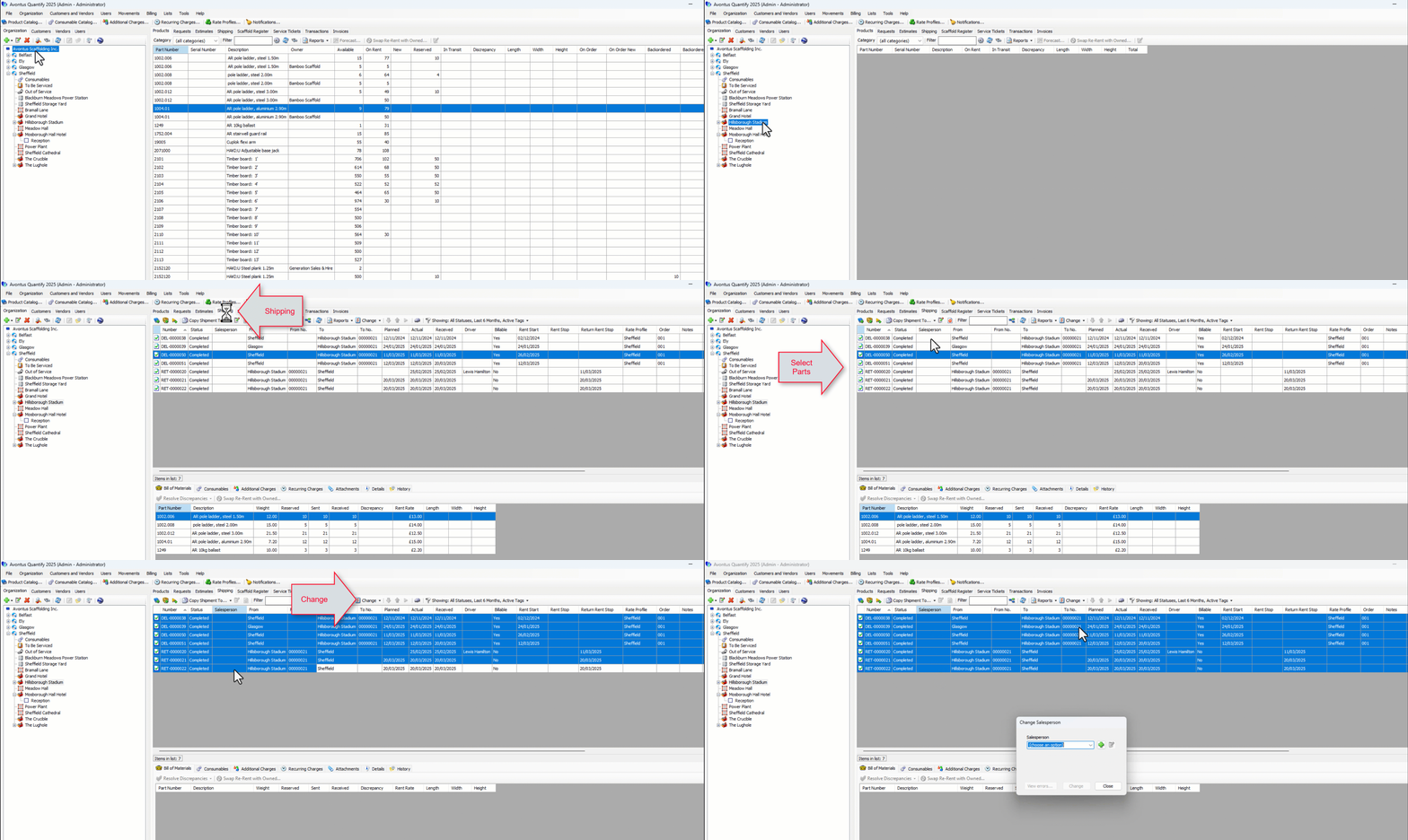
Got to appropriate Job Site and screen
Select the items to change
Click Change
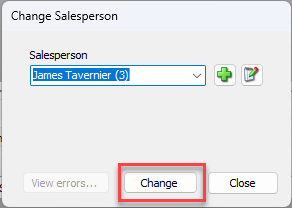
Select to Changes Sales person
Select a salesperson from the drop-down
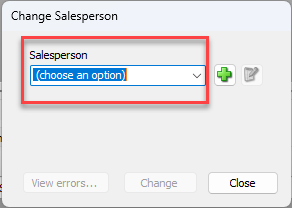
Click Change
Your changes will be made
Click OK
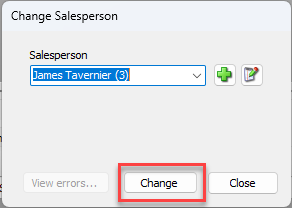
The new sales person will be assigned to the items.