This article includes helpful information and troubleshooting tips for activating Avontus Designer.
Unable to Connect to Activation Server
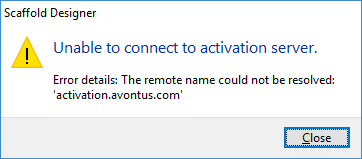
This message can occur for one of two reasons:
- No internet connection
In order to use the Activate Online feature, you must have an active internet connection. Refer to Manual Activation for activation instructions for computers that do not have an internet connection.
Note: Trial licenses of Avontus Designer require online activation and an active internet connection during the trial period.
- Connection to activation server is blocked
Network and firewall settings, user permissions, and/or internet security can prevent connection to the activation server despite having an active internet connection.
Activation Server Cannot be Contacted
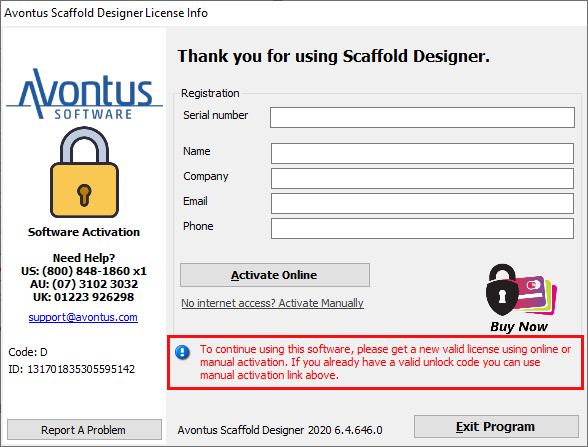
This message can occur for the same reasons as noted above.
Unable to Activate this Computer
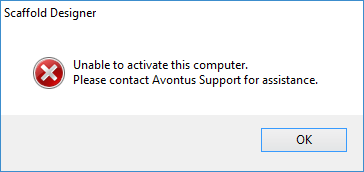
This message most commonly occurs when the serial number/license entered is already activated on another computer.