Add Mapbox Overlay
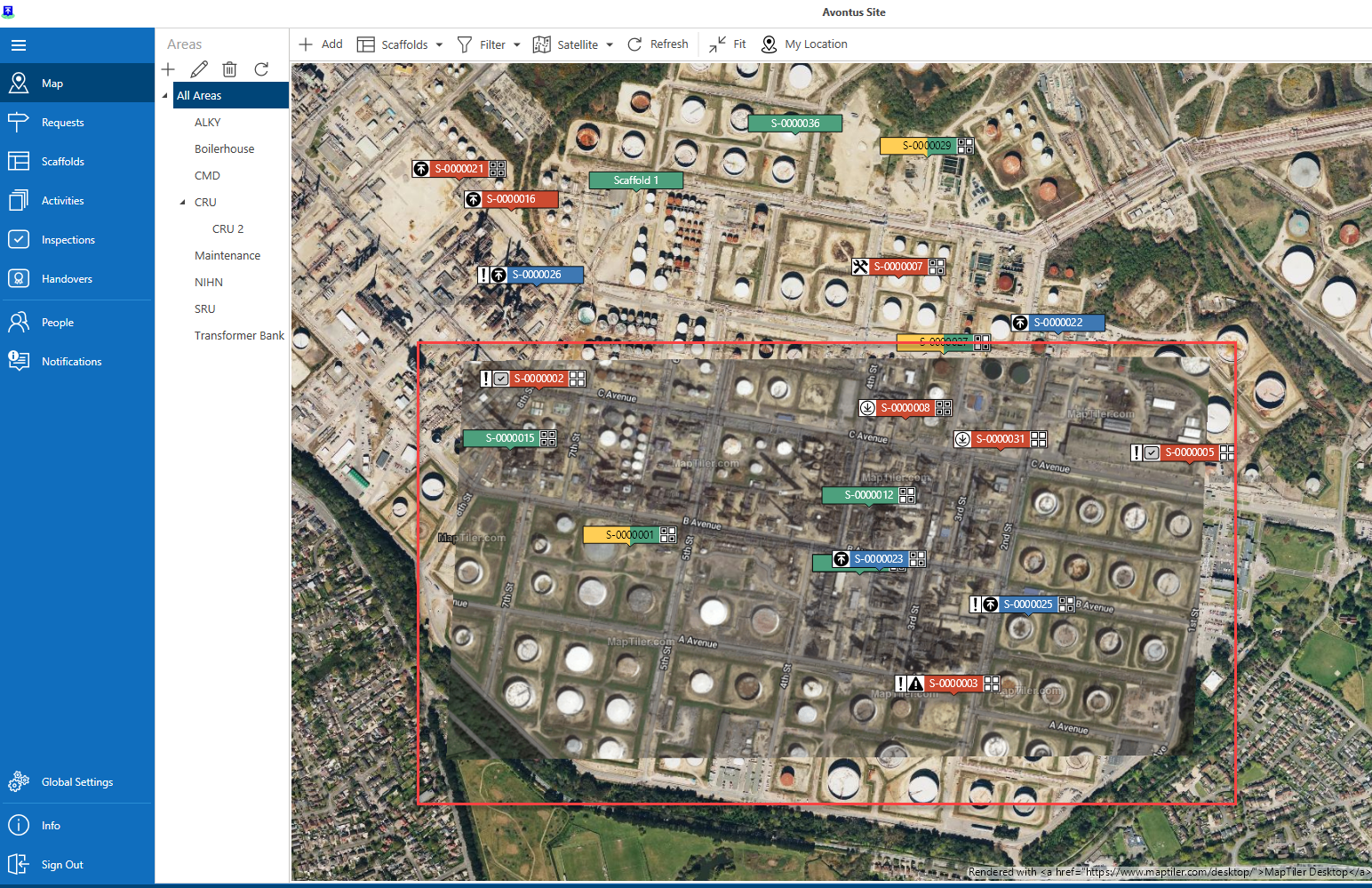
A street or satellite view in ScaffoldIQ can be overlaid with an image that the user creates. This is called an Overlay.
Admin users can upload an Overlay. To do this:
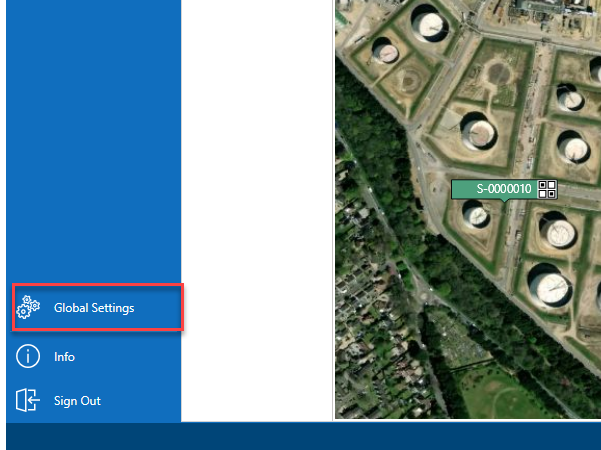
- Go to the Global Settings screen.
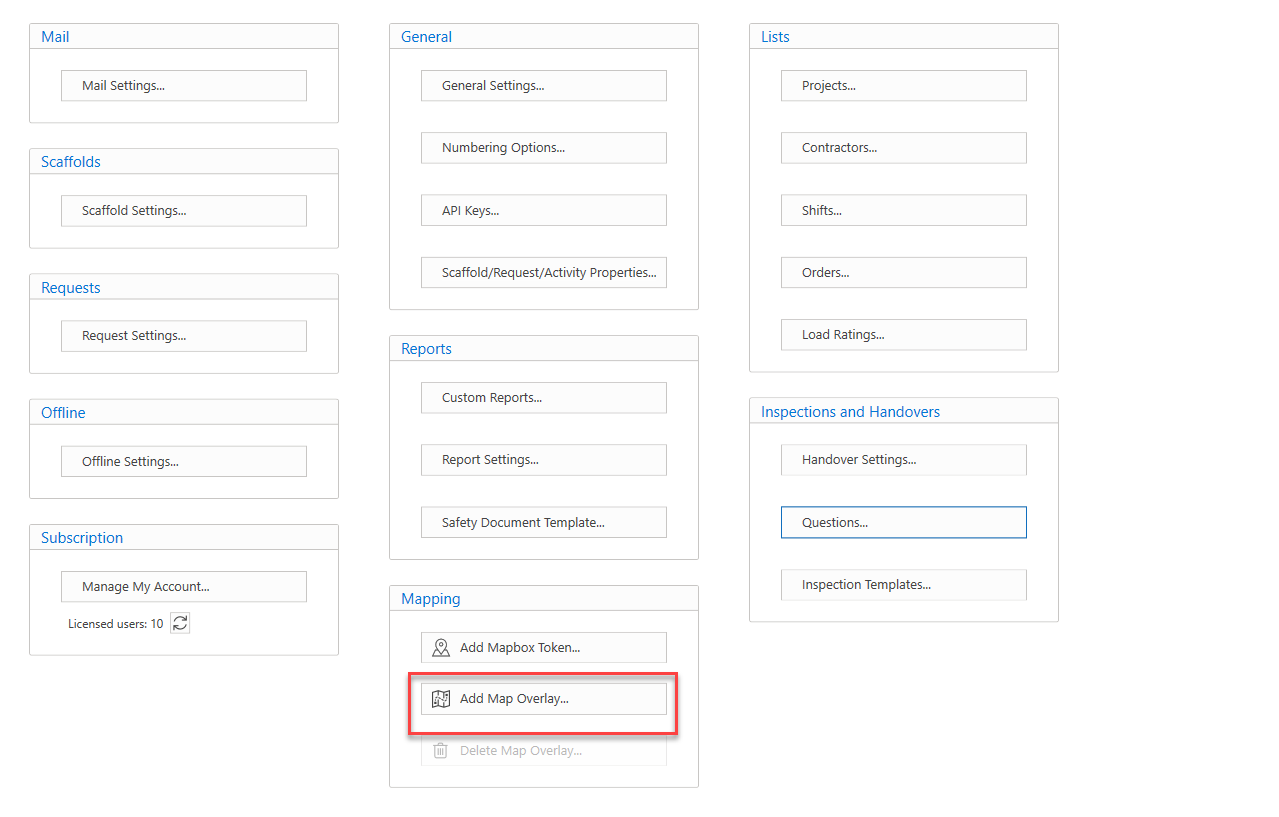
- In the Settings screen, select Add Map Overlay.
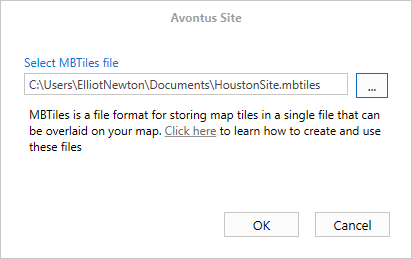
- Click the ... button to navigate to a file.
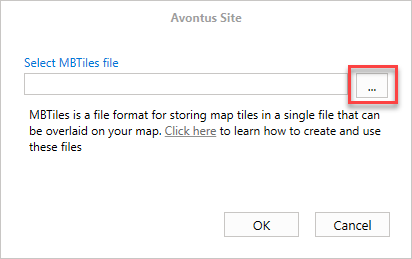
Note: The file must be an MBTile file - Upload the file and click OK.
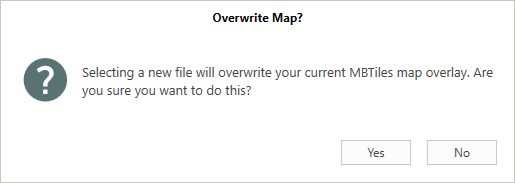
- Click Yes to upload the new MBTile format file
The new file will be uploaded on the Map screen.