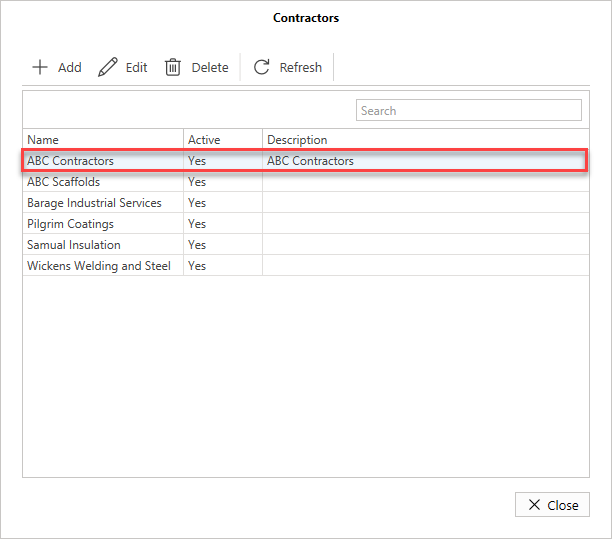
Contractors can be created and assigned to a Request or Scaffold.
To add a contractor
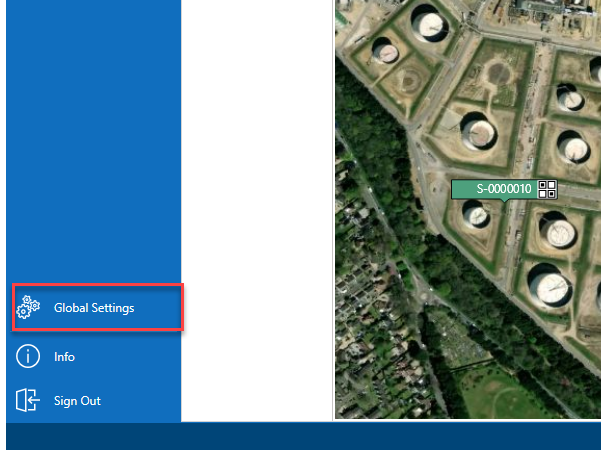
- From the Map screen, select Global Settings on the panel to the left.
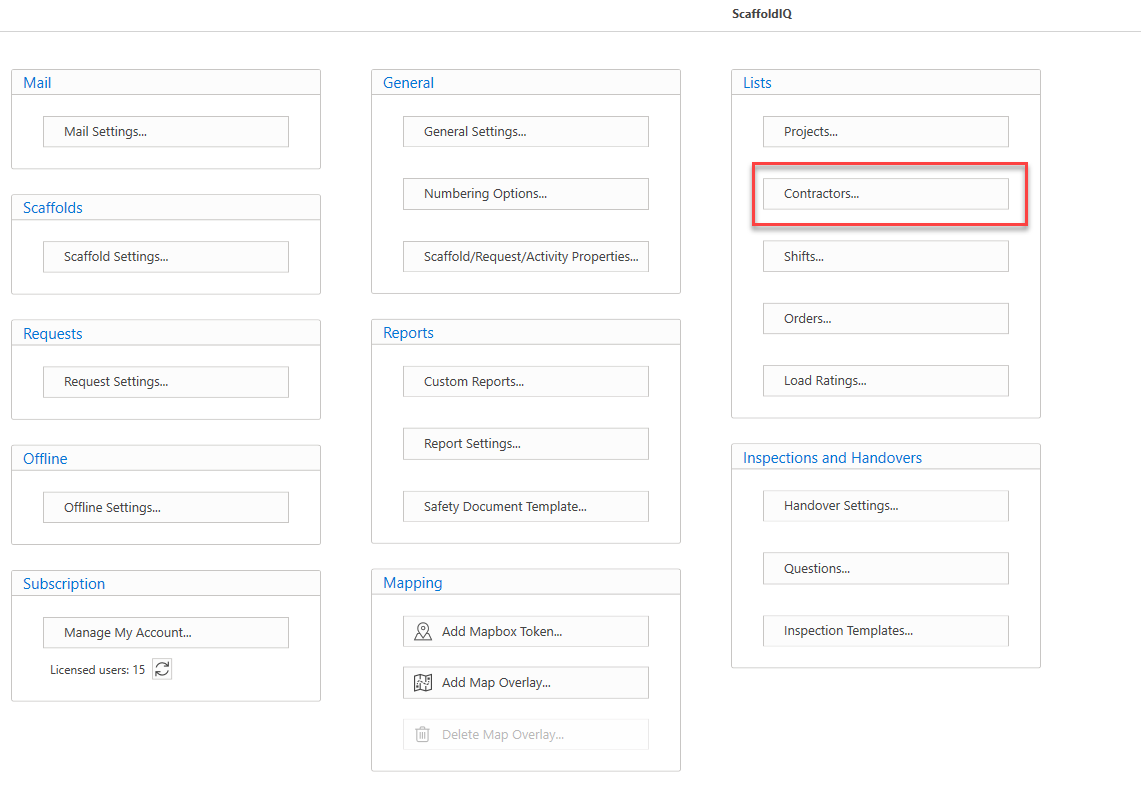
- Under Lists, select Contractors
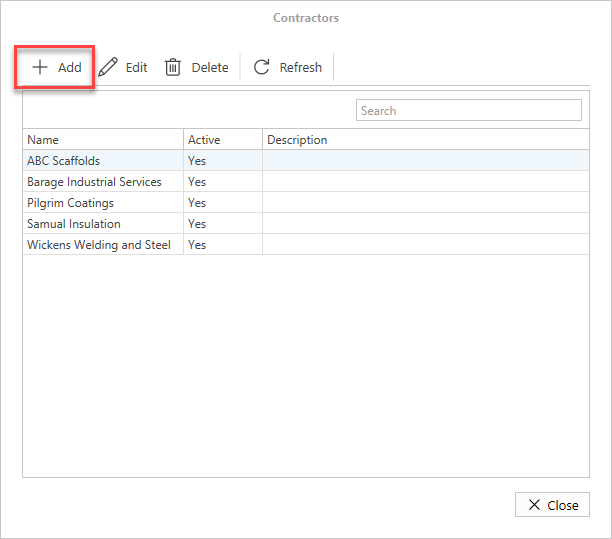
- In the Contractors dialog, click Add
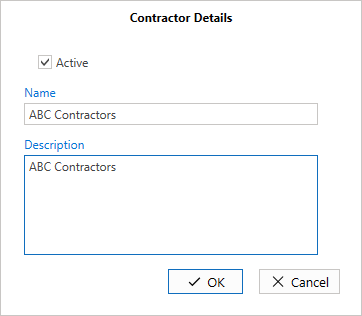
- Enable the Active text box and enter the name of the contractor
- Enter a description and click OK.
The Contractor will be added to the Contractors list.