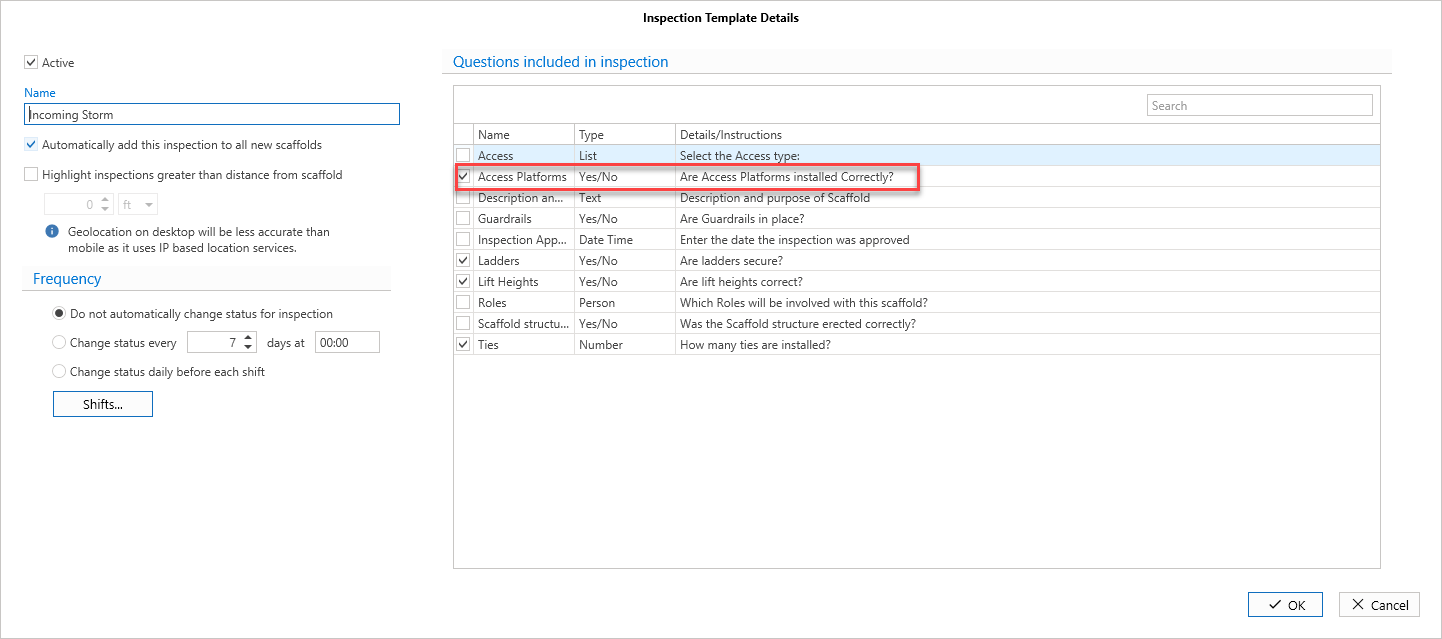
You can create Inspection questions, and apply them to a HaInspection ndover. These will be answered by a user Inspecting the scaffold.
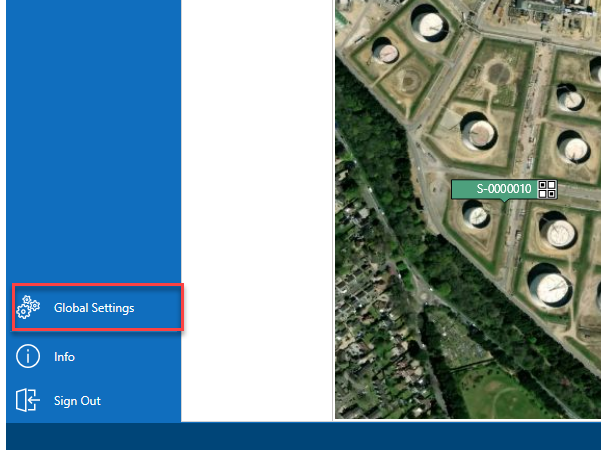
From the Map screen, select Global Settings
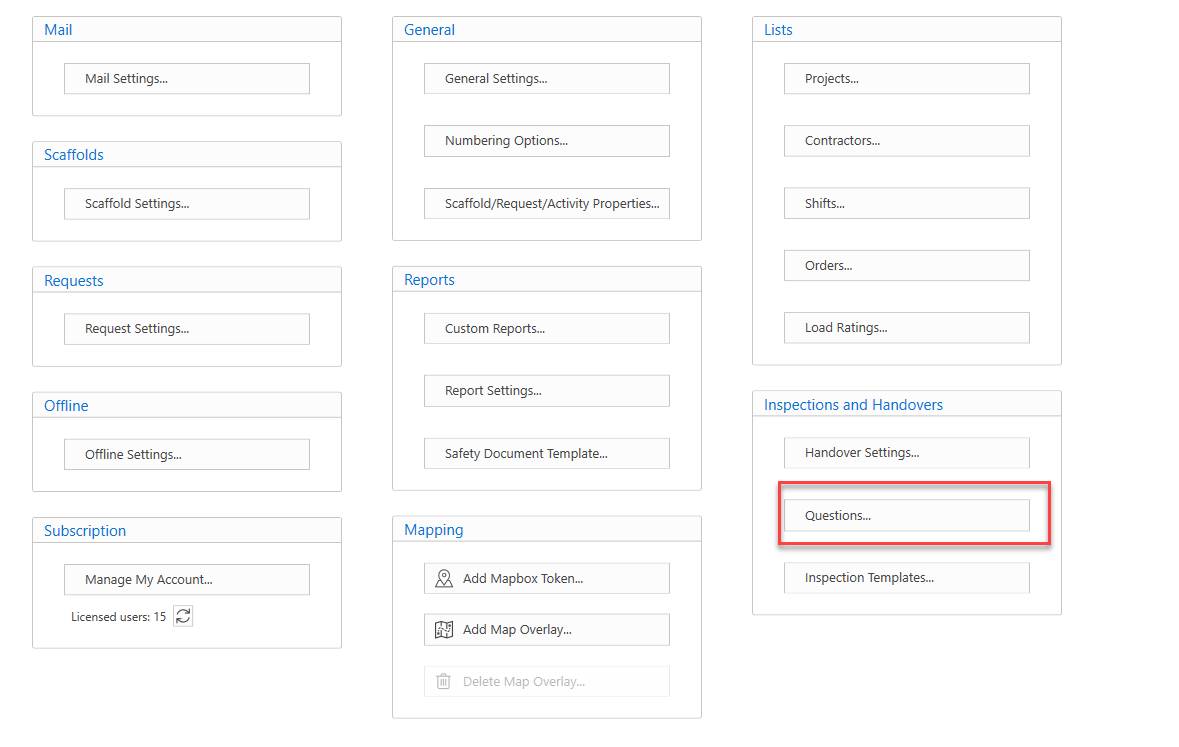
Select Questions....
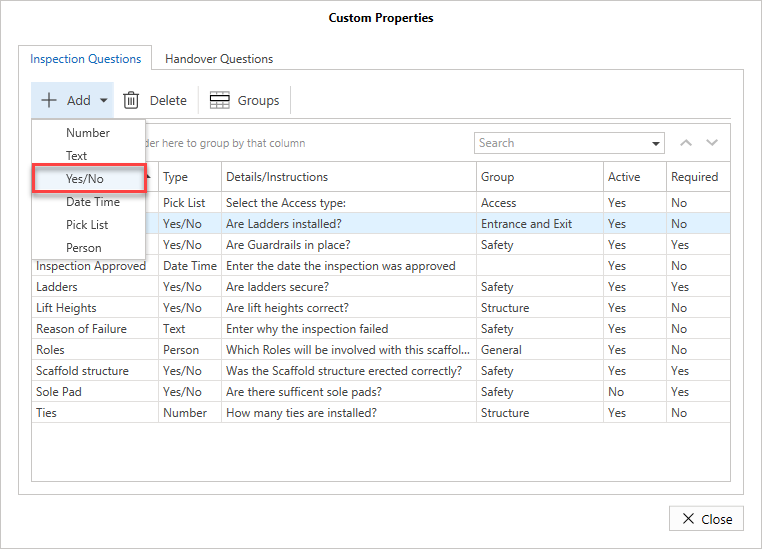
Select Inspection Questions (if not already selected)
Select the Add button and select the question type. In this example, we will select Yes/No
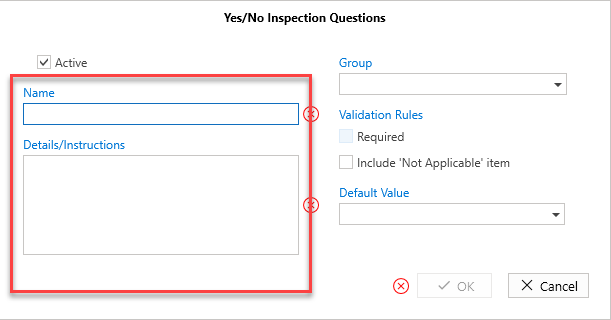
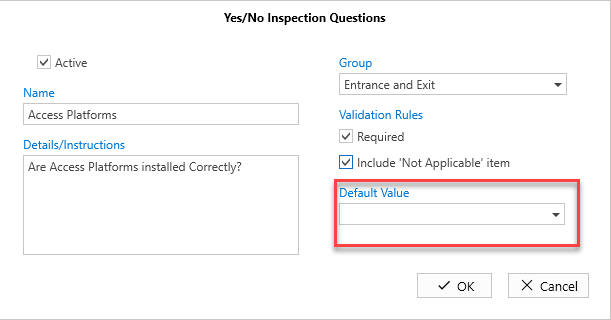
Enter the details of the question
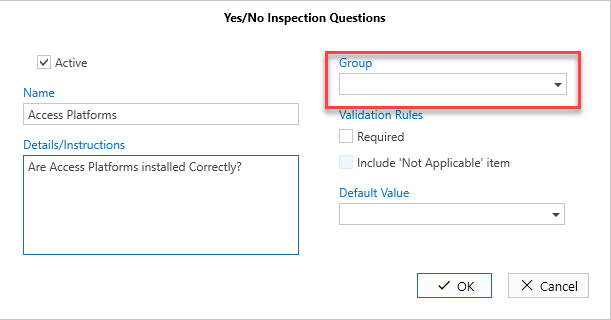
Select the group to assign the question to
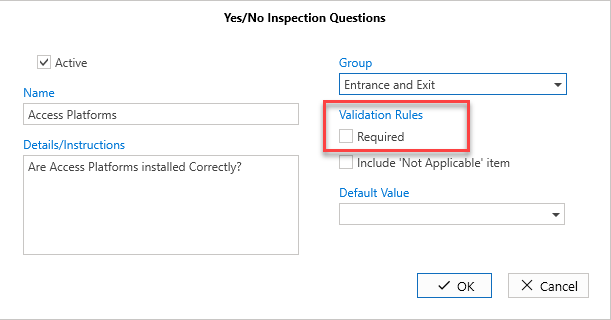
Specify whether this question is mandatory by putting a check in the box
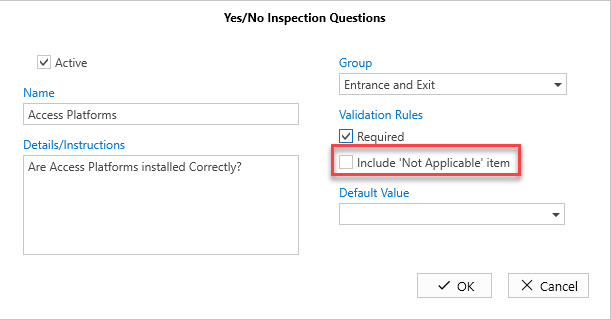
Specify whether this question has a Not Application option included
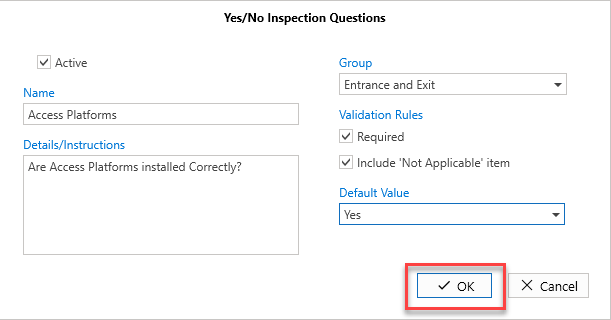
Specify a Default Value
Click OK
The question will be added.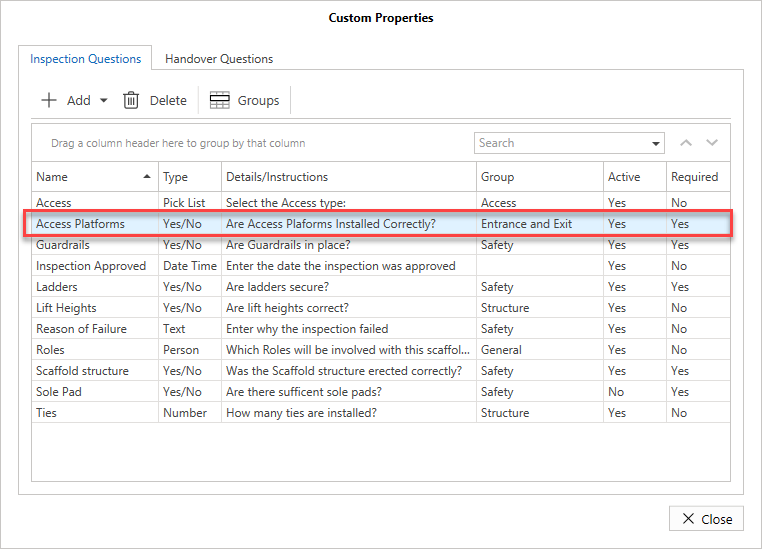
You must then add the question to an inspection template.