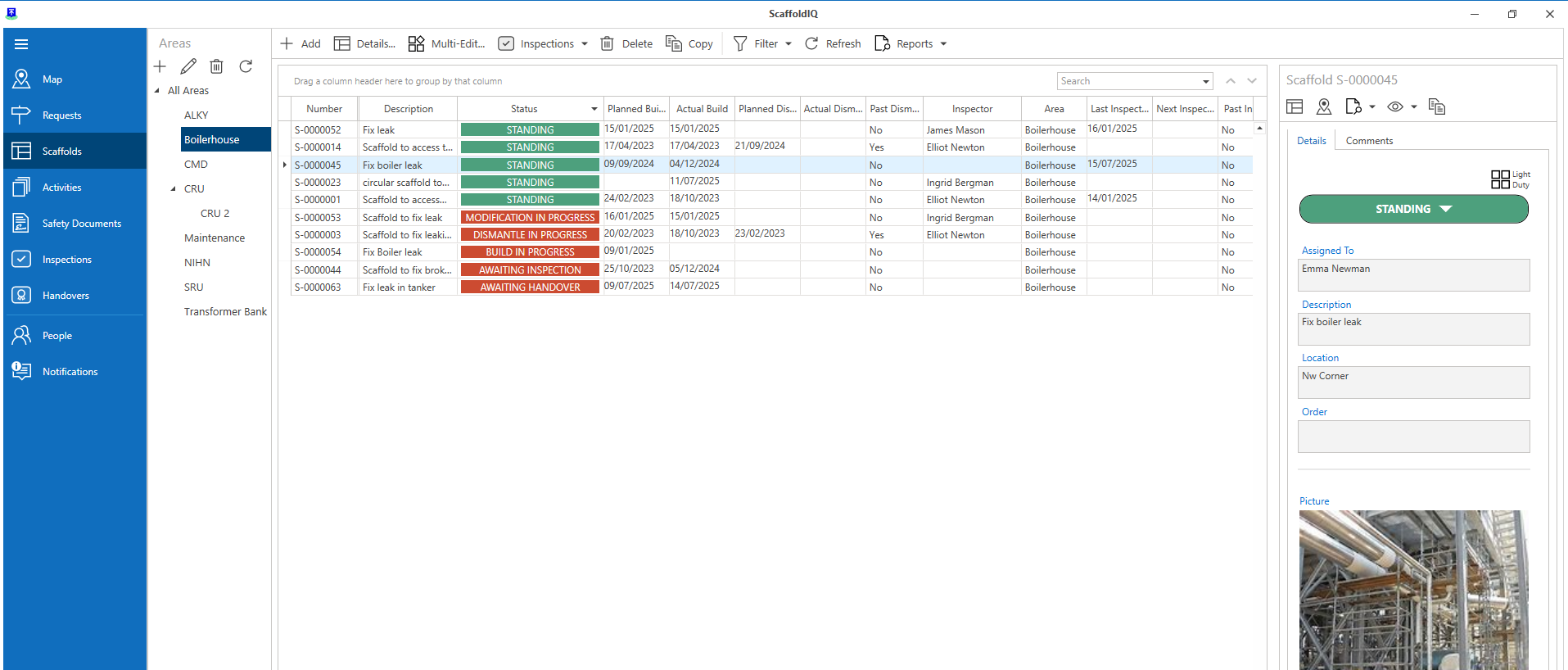
Requests or Scaffolds can be assigned to an area. Areas can be geographical (an area within an industrial park) or they could be used to group scaffolds together depending on the unit that the scaffold is built on.
In this example, we will select to assign an area to a Scaffold
Select the Scaffold, and click Details
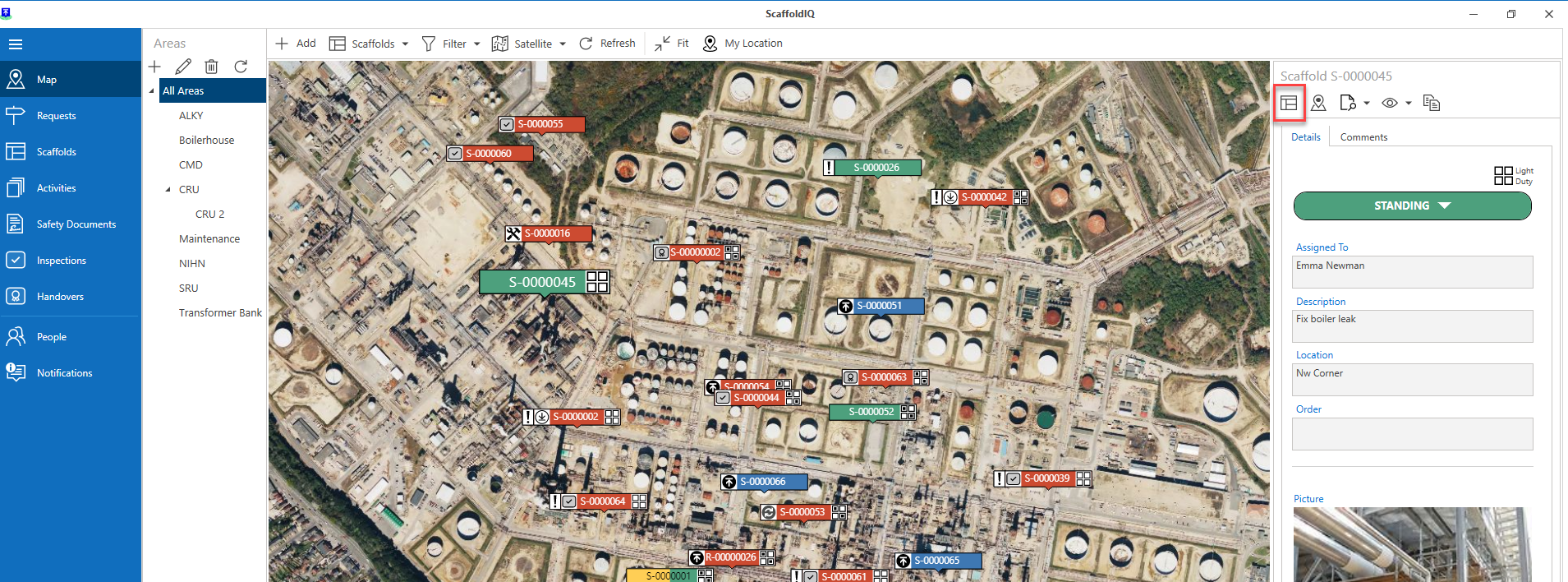
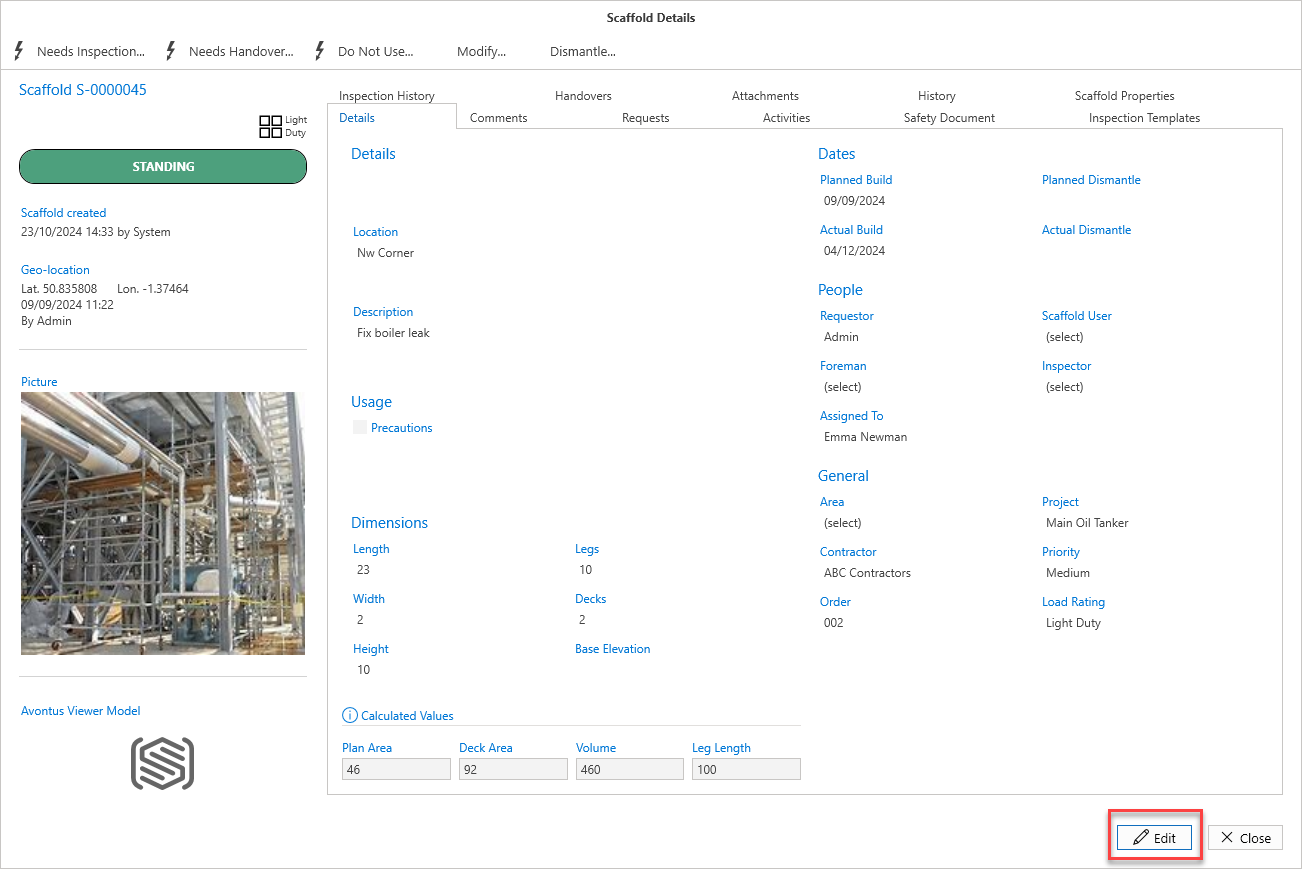
Click the Edit button at the bottom right.
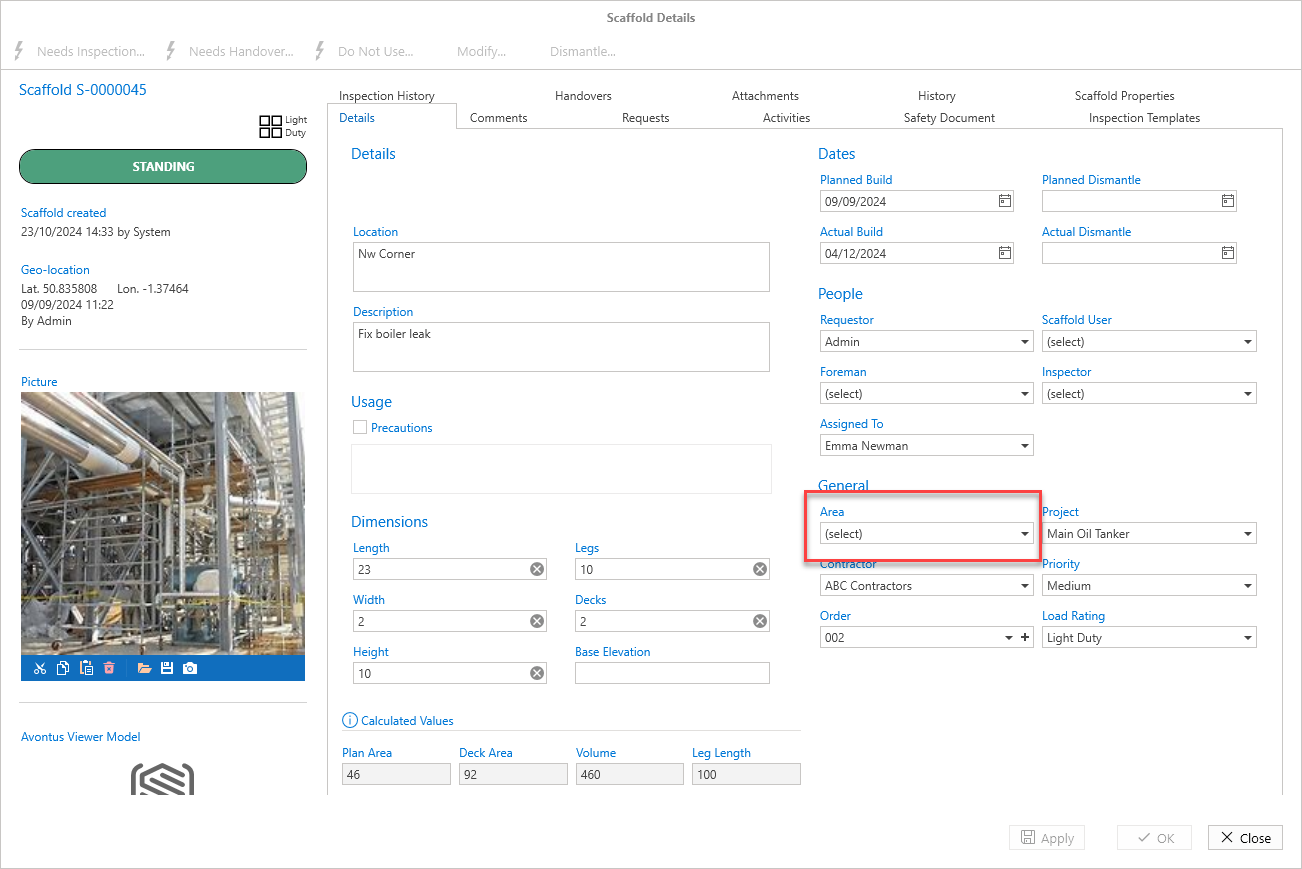
In the General section, click the Area drop-down.
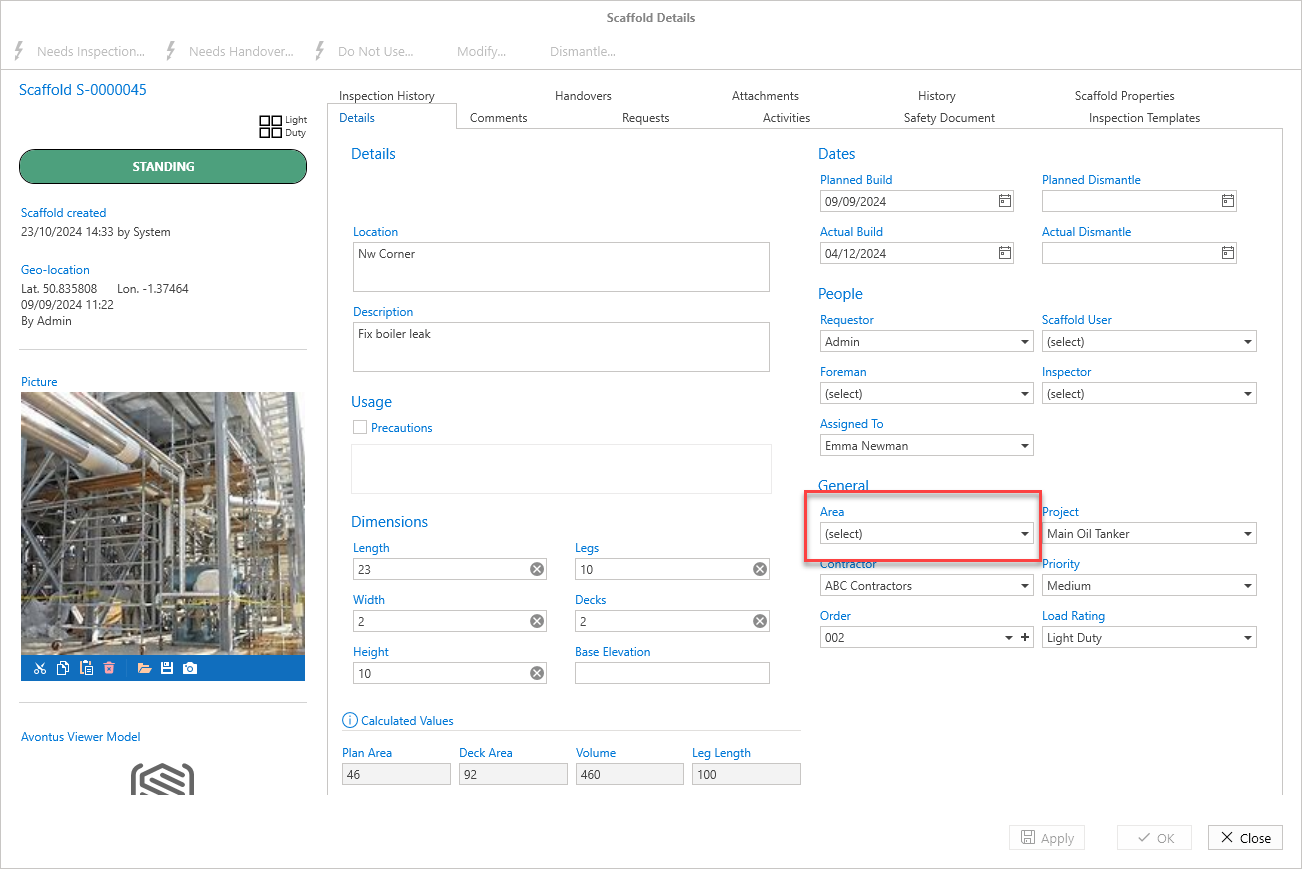
Select what Area you wish to assign this scaffold to. In this example, we will select ALKY.
Select Apply or OK
Note: You can also select Apply and then Close.
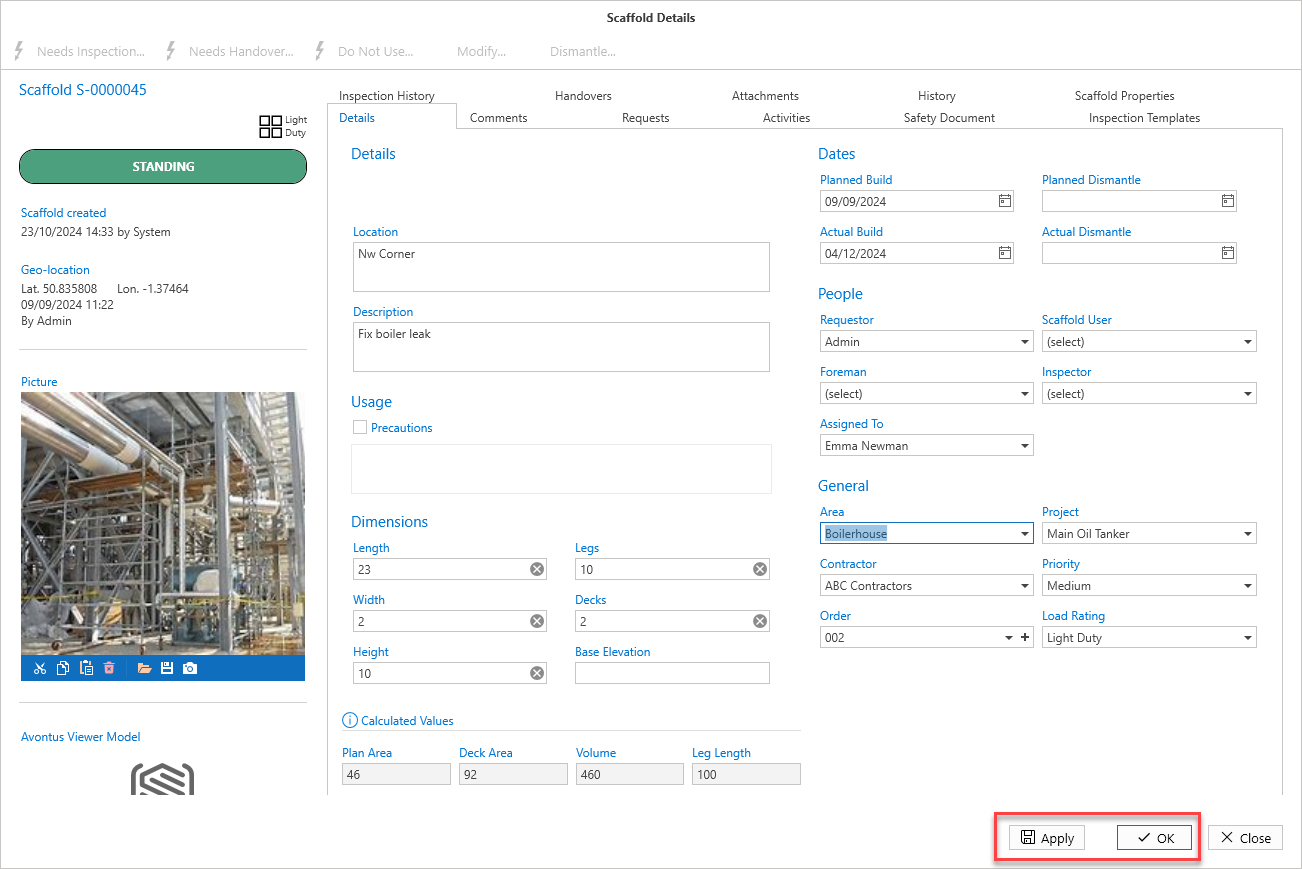
The Scaffold will be assigned to the new area.