You can assign an area to a Request. An Area could be an area within a job site or it could be related to the type of structure the Scaffold is for. Whilst, you can assign Areas on the mobile app, you cannot add Areas on the Mobile app. This has to be on the desktop app. Please see Working with Areas for more information.
To assign an area to a request:
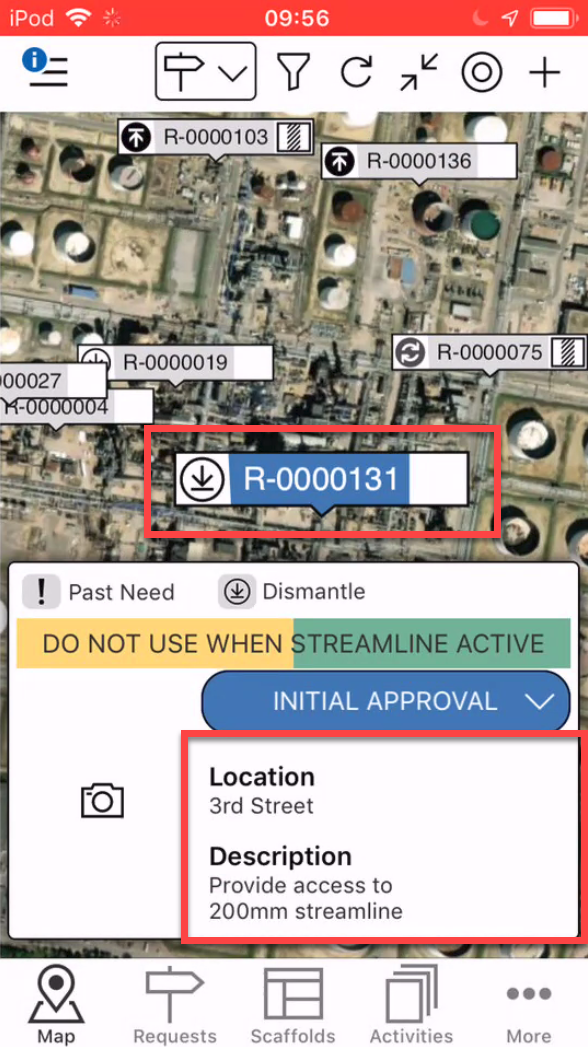
On the Map screen, tap the Request to assign to an Area.
Tap the Request details area
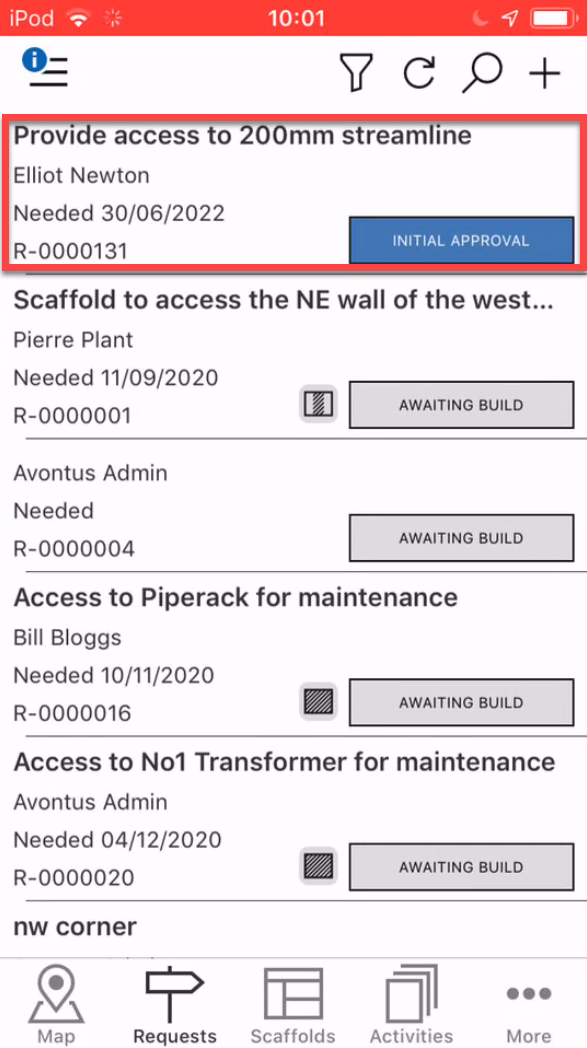
Note: You can also access the Request details by tapping on the Request in the Requests screen
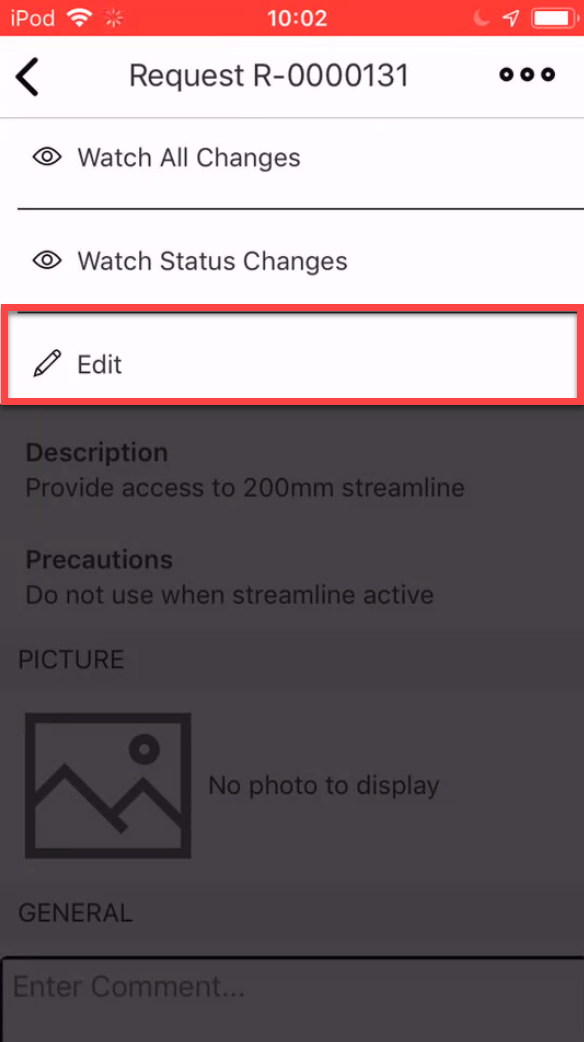
In the Request screen, tap the three dots in the top-right
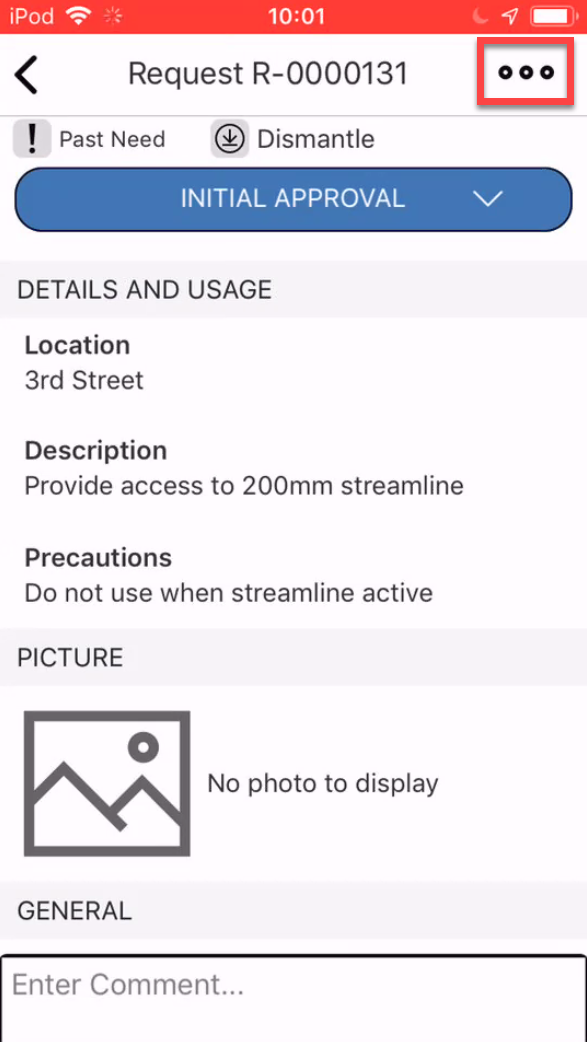
Select Edit
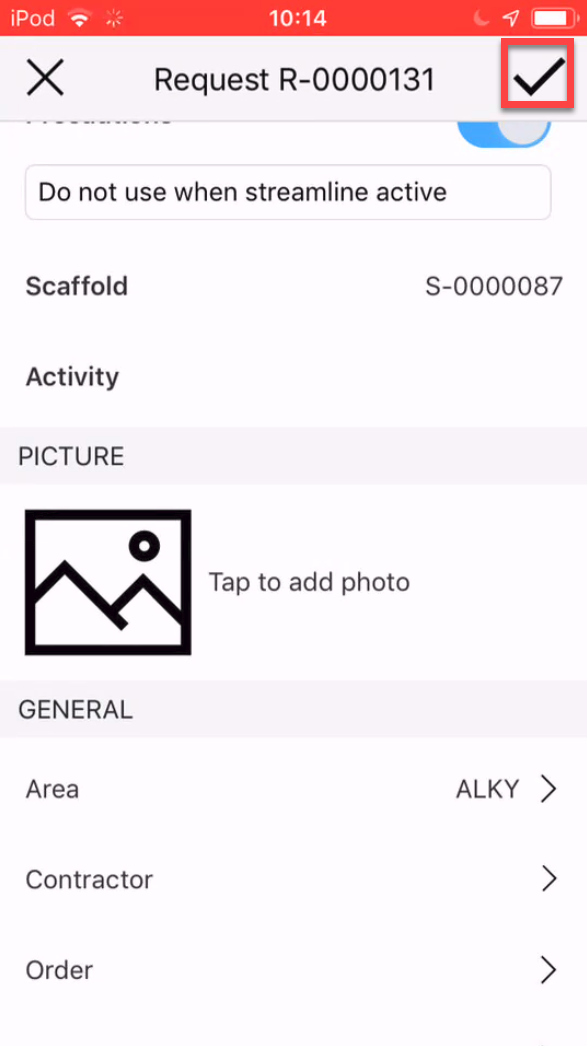
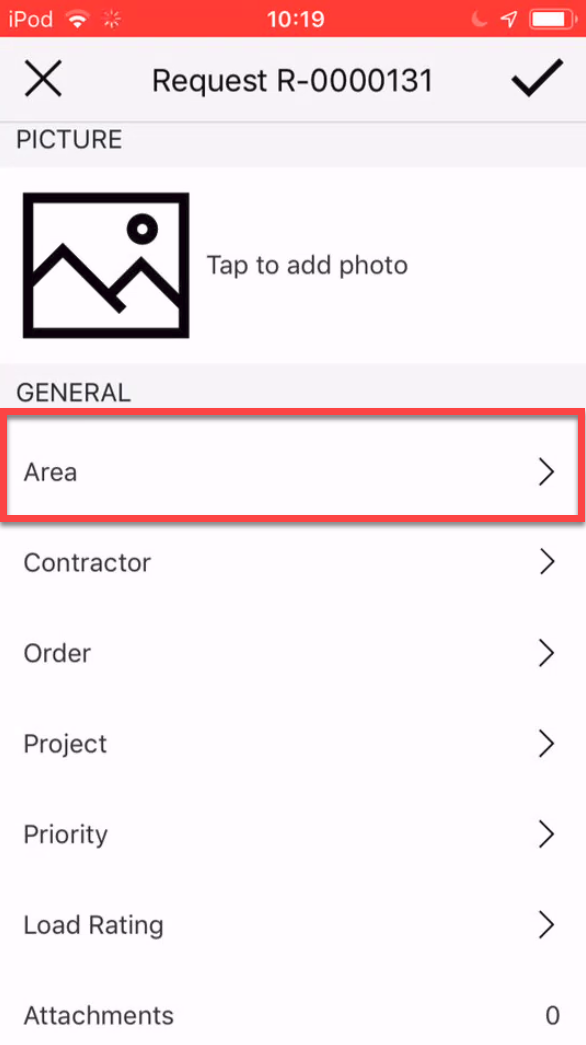
Scroll to the General section and tap Area.
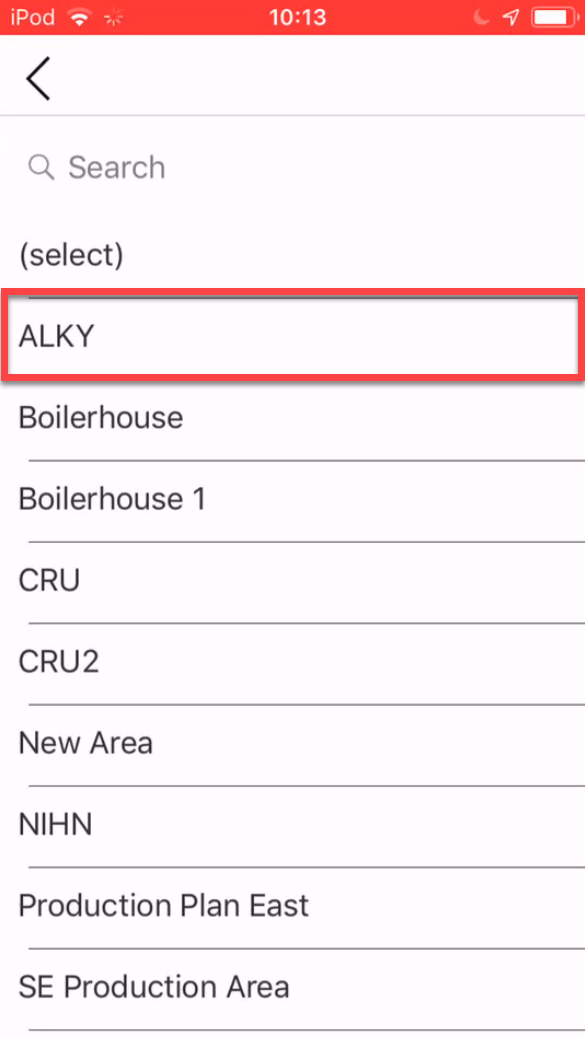
Tap the new area to assign the request to.
Tap the tick icon to save the change