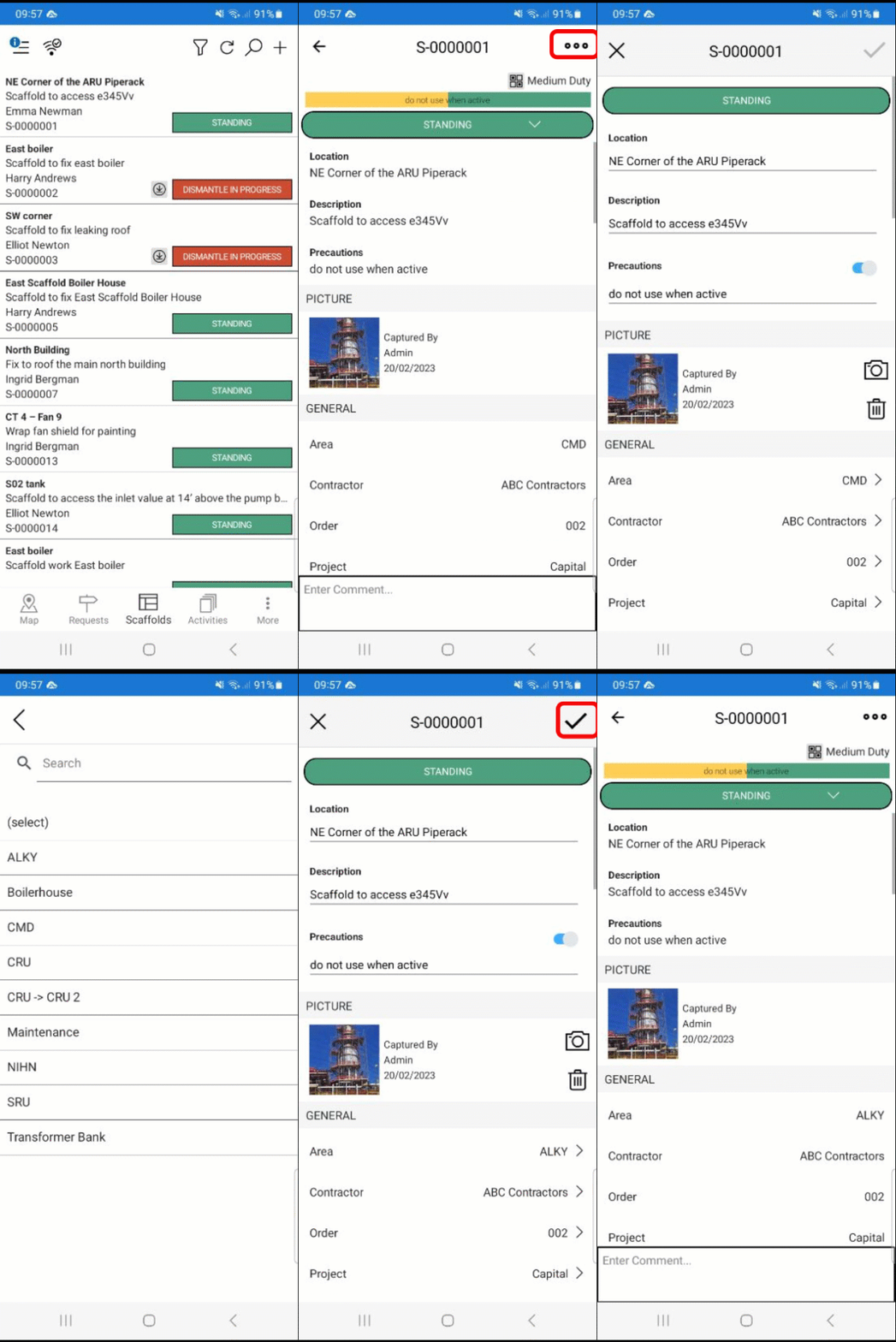
To assign an Area to a Scaffold
Areas can be created on the Desktop App.
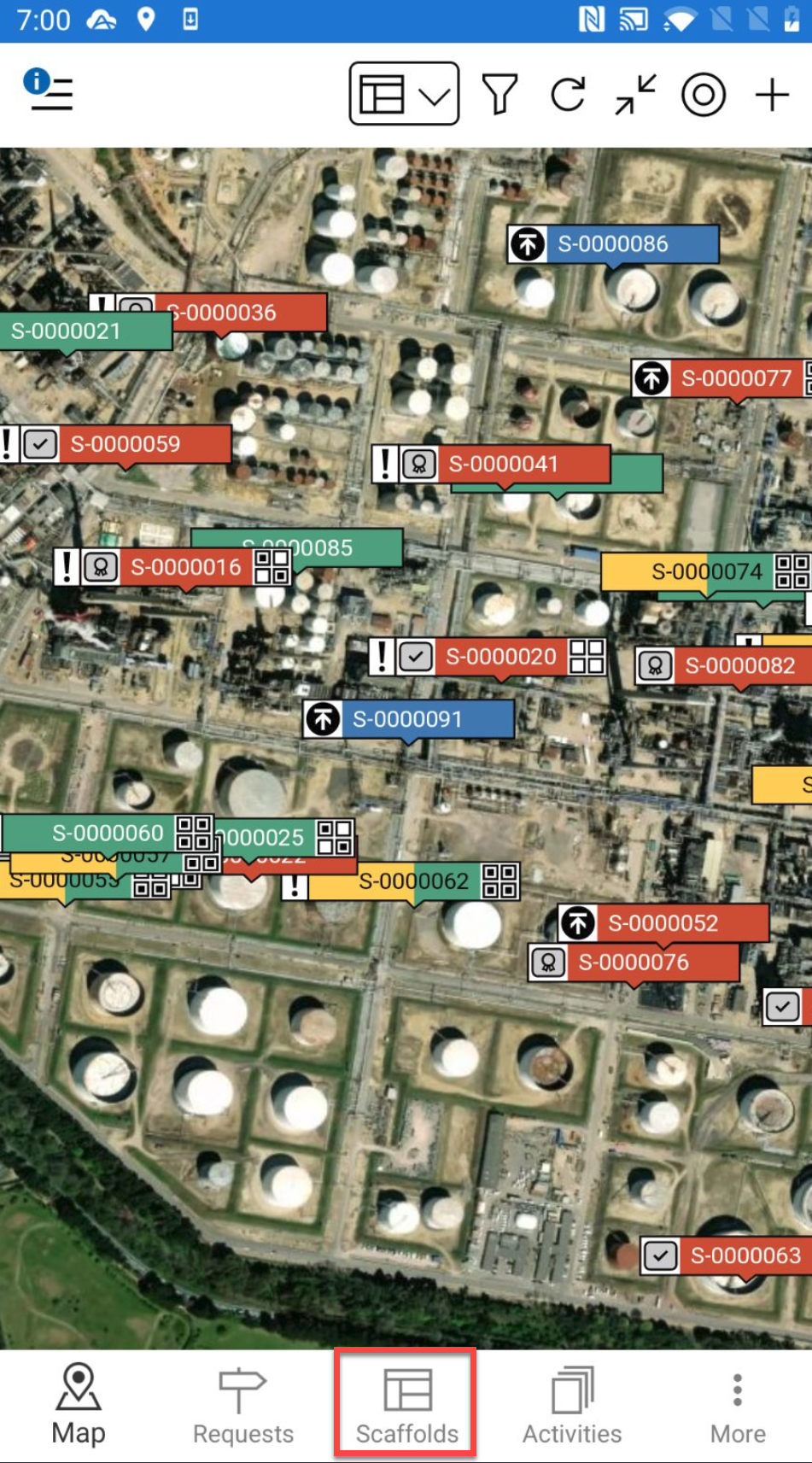
Go to the Scaffolds screen.
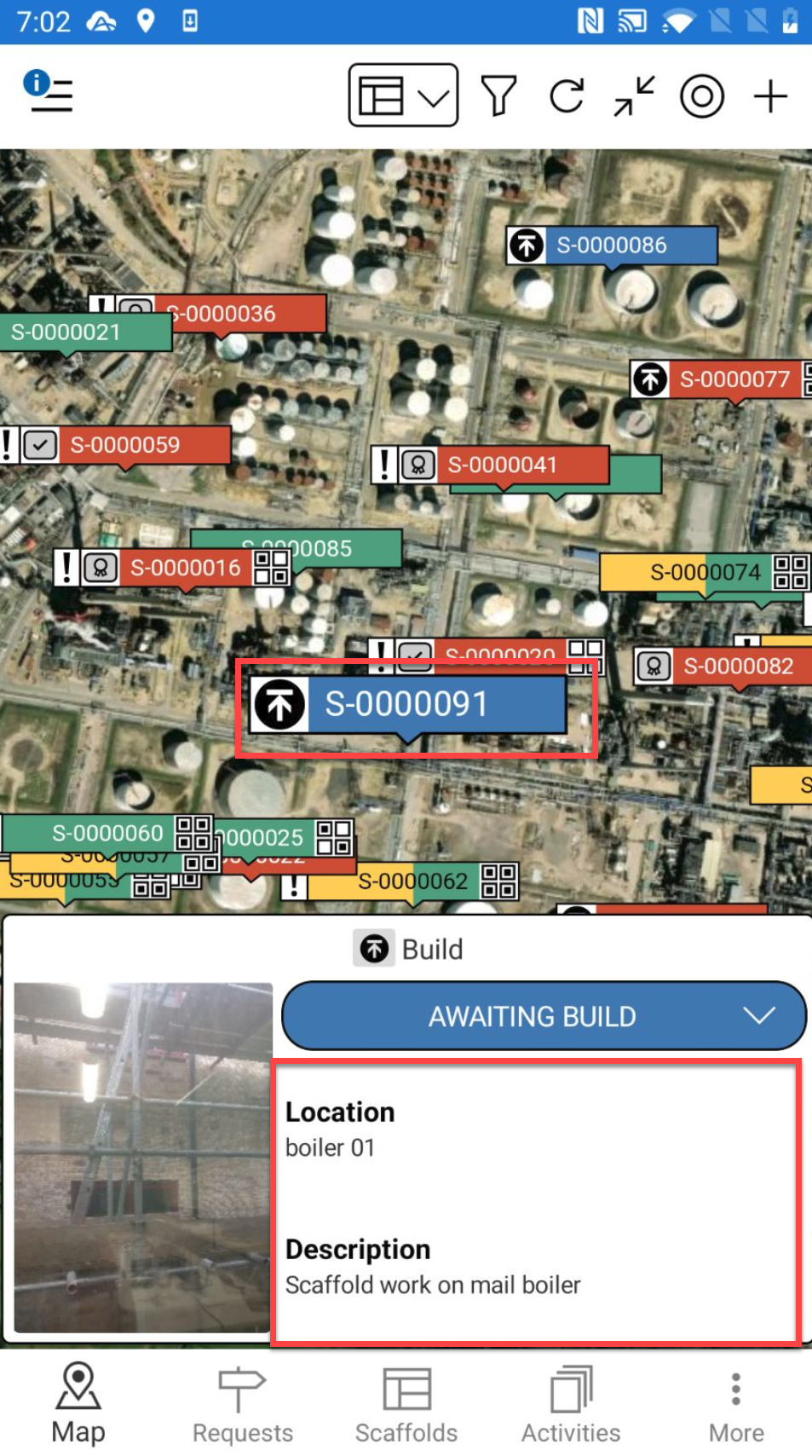
Alternatively, you can select a Scaffold pin and select the details to go to the Scaffold Details
Tap a Scaffold
In the Scaffold screen, tap the…. in the top right and select Edit.
In the General section, tap Area
From the list of Areas, tap the area to assign the Scaffold to.
Tap the tick icon to save the change.