Once you've drawn the building structure and Formwork, you can create a Bill of Materials.
To create a Bill of Materials:
Click the Handset Designer tab, then click Bill of Materials in the Application group. Handset Designer builds the Bill of Materials.Then the Bill of Materials dialog appears and displays (by default) the materials for the current page.
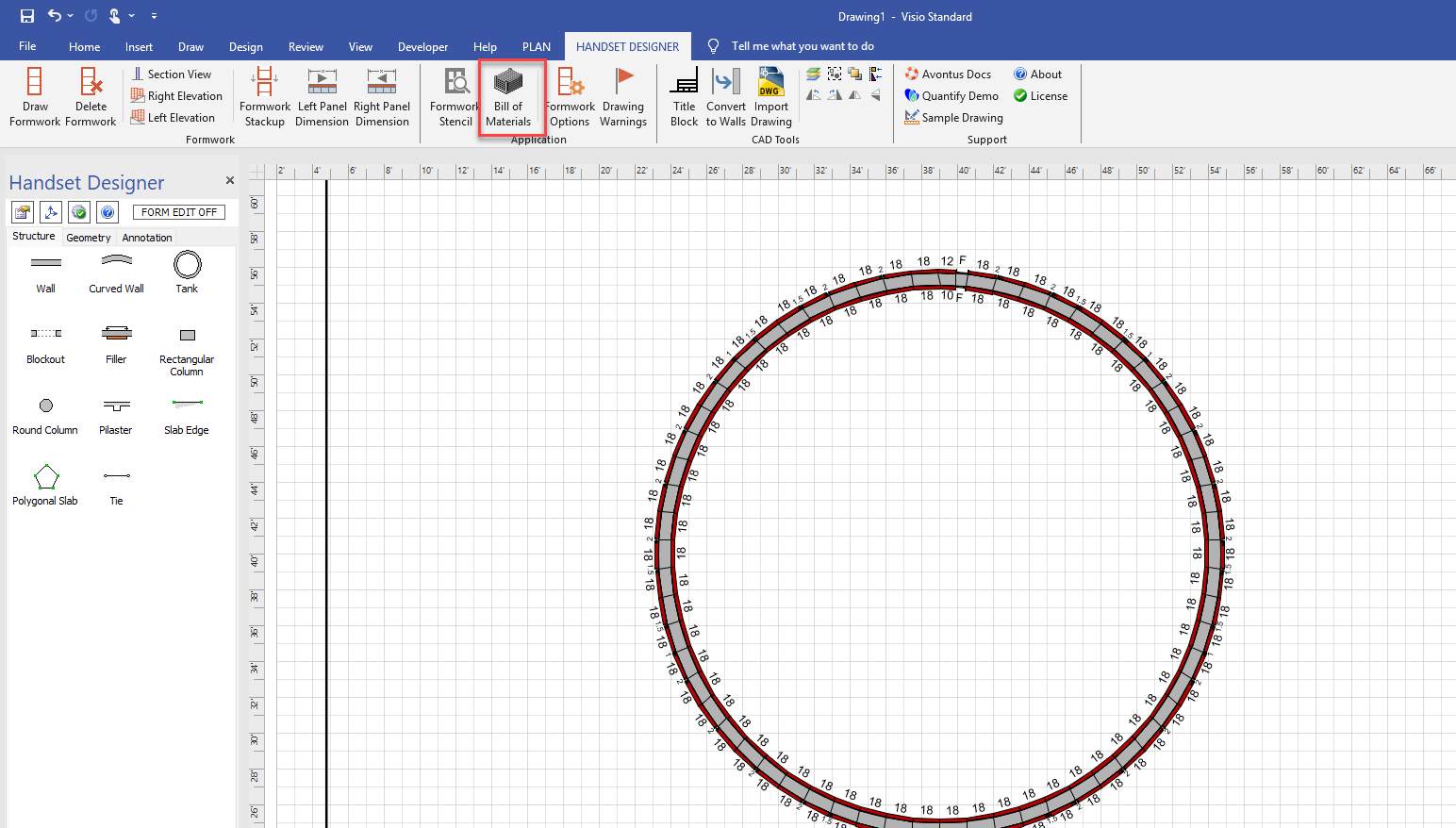
The Bill of Materials will open.
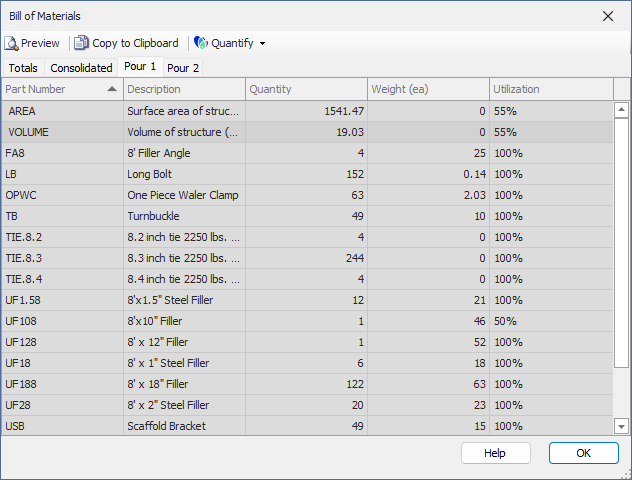
Note: Changes made to the Bill of Materials (such as modifying quantities) will not change the parts Handset Designer uses in the associated drawing.
You can edit the Bill of Materials for a drawing to add parts, modify quantities, change the description of a part, etc. Once complete, you can print or copy the Bill of Materials, or you can export it to Quantify to create an estimate. For more information about the Bill of Materials tabs, including the Totals and Consolidated tabs, refer to About the Bill of Materials Dialog.