You may need to delete a person. Note that a person cannot be deleted if they are in use, this includes dismantled Scaffolds and Requests. You will need to delete any completed Requests, Scaffolds or Activities that the user is assigned to before you can delete a user. It may be beneficial to edit a user with a new name or email rather than deleting every Request or Scaffold assigned to the previous user.
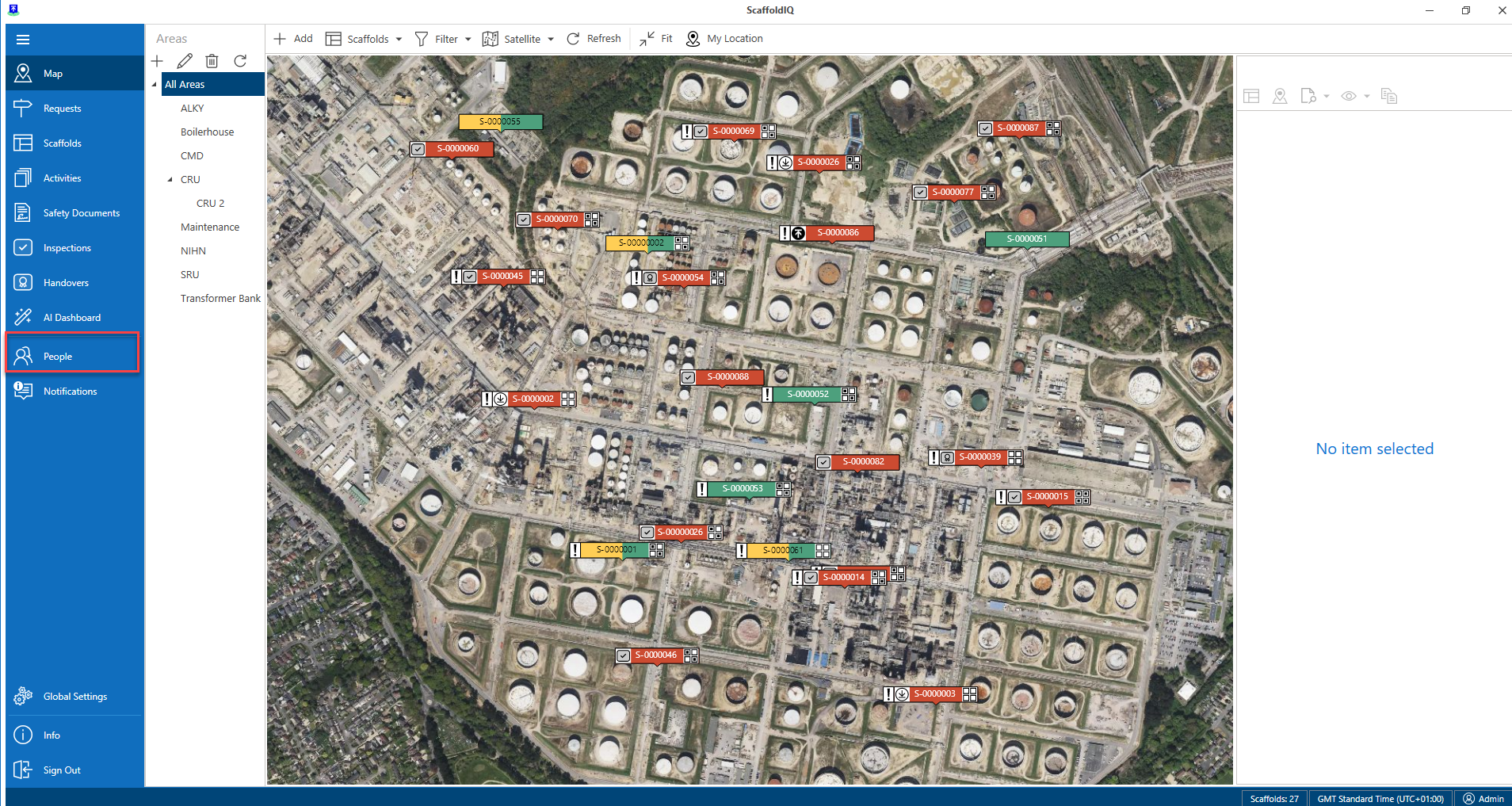
- From the Map screen, click People in the left-hand menu
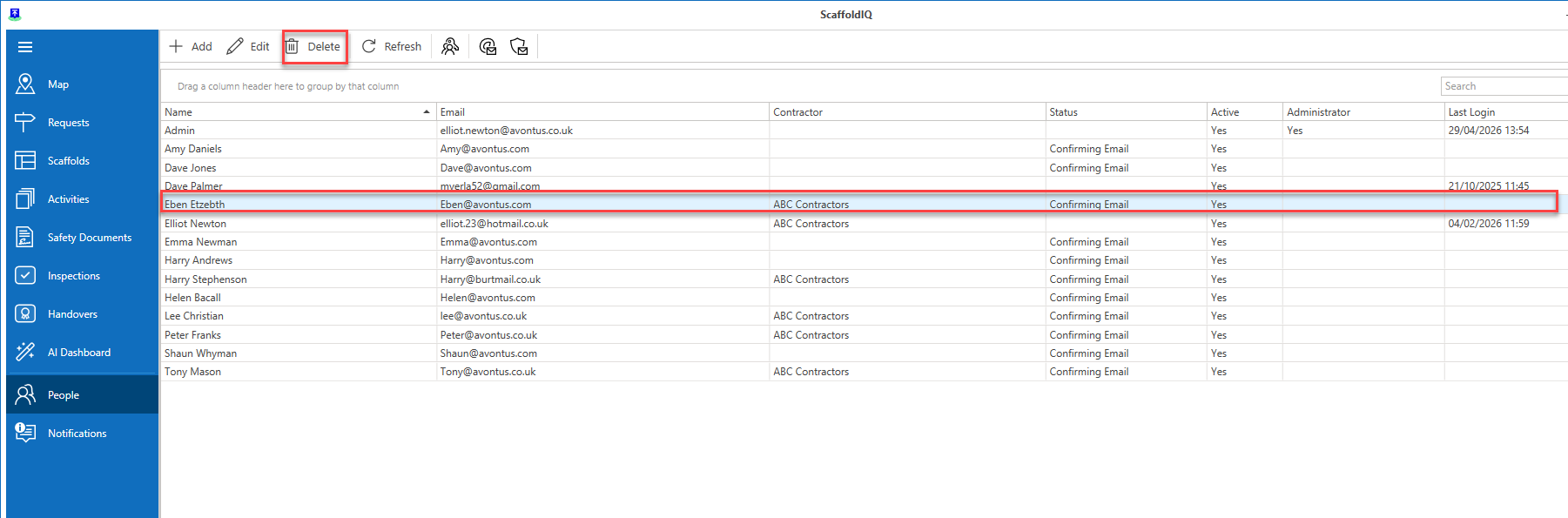
- In the People screen select a user and click Delete
- Click Yes, Delete to confirm the deletion of this user
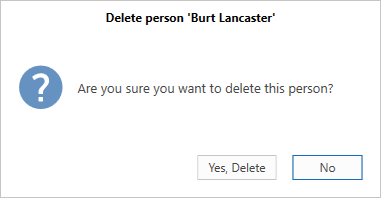
The user will be deleted unless they are assigned to a request or scaffold even if the scaffold has been dismantled and rejected.