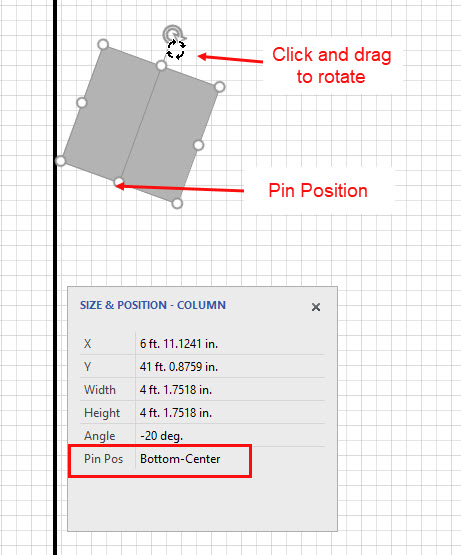
A Column's pin position is the point around which most operations are performed. The default for a Column is Center-Center. You can set the pin position to different values and experiment with rotating the shape with the rotation handle to see how this changes your shape's position.
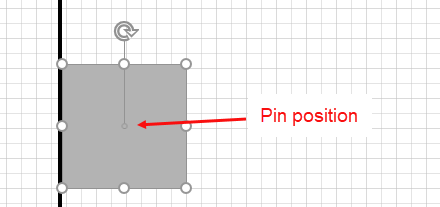
To set a Column's pin position:
- Click the appropriate Column shape to select it, then click the Size and Position button.
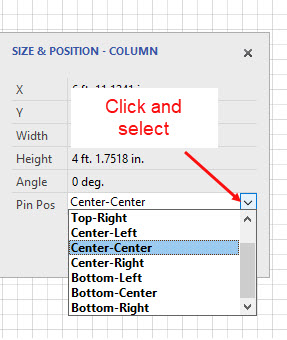
- Click the Pin Pos dropdown menu and select the appropriate pin position.
- Click the rotation handle and rotate the Column around the new pin. In the example below, the new pin position has become Bottom-Center.