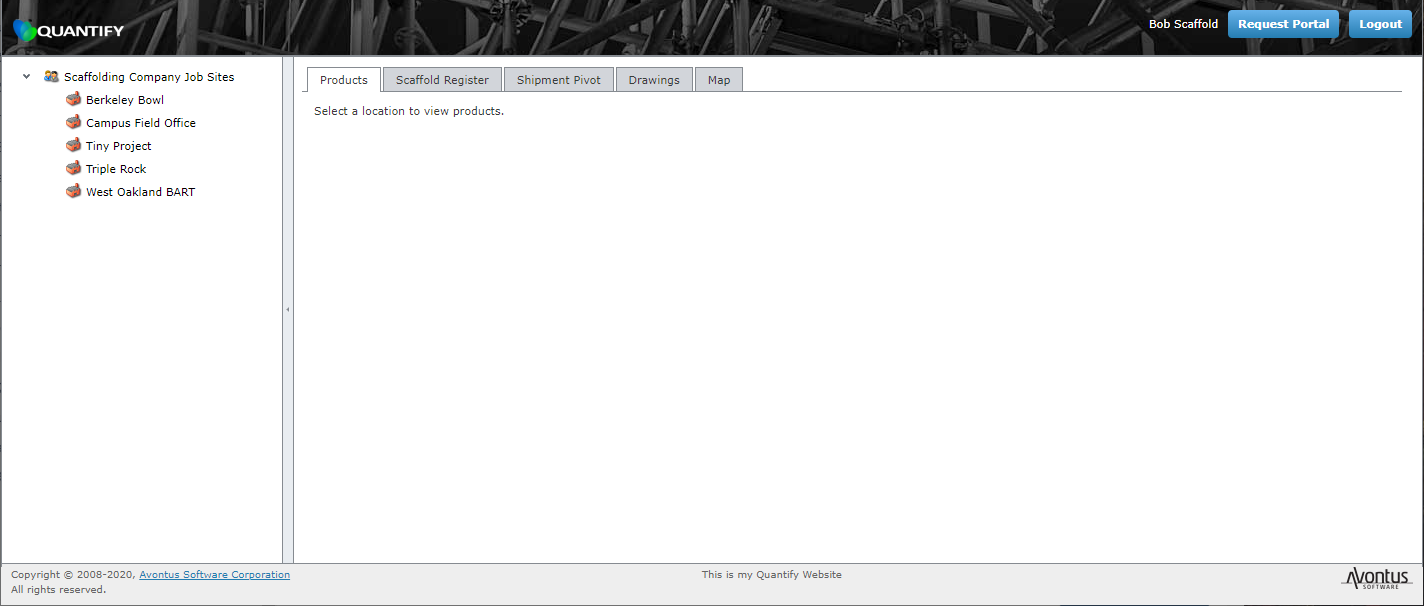
There are two types of Quantify Web users: Administrative and Customer User. If you are an Administrative user, Quantify Web will enable you to view and use all available Quantify Web data, locations and functions in the Products, Scaffold Tags, Shipment Pivot, Drawings and Map tabs. If you are a Customer User, Quantify Web will restrict your view to only data assigned to you. The Organization Tree will display only your Job Sites, product balances, Scaffolds and Shipments.
To log in to Quantify Web:
- Launch a web browser and use your Quantify Web URL to access your Quantify Web site.
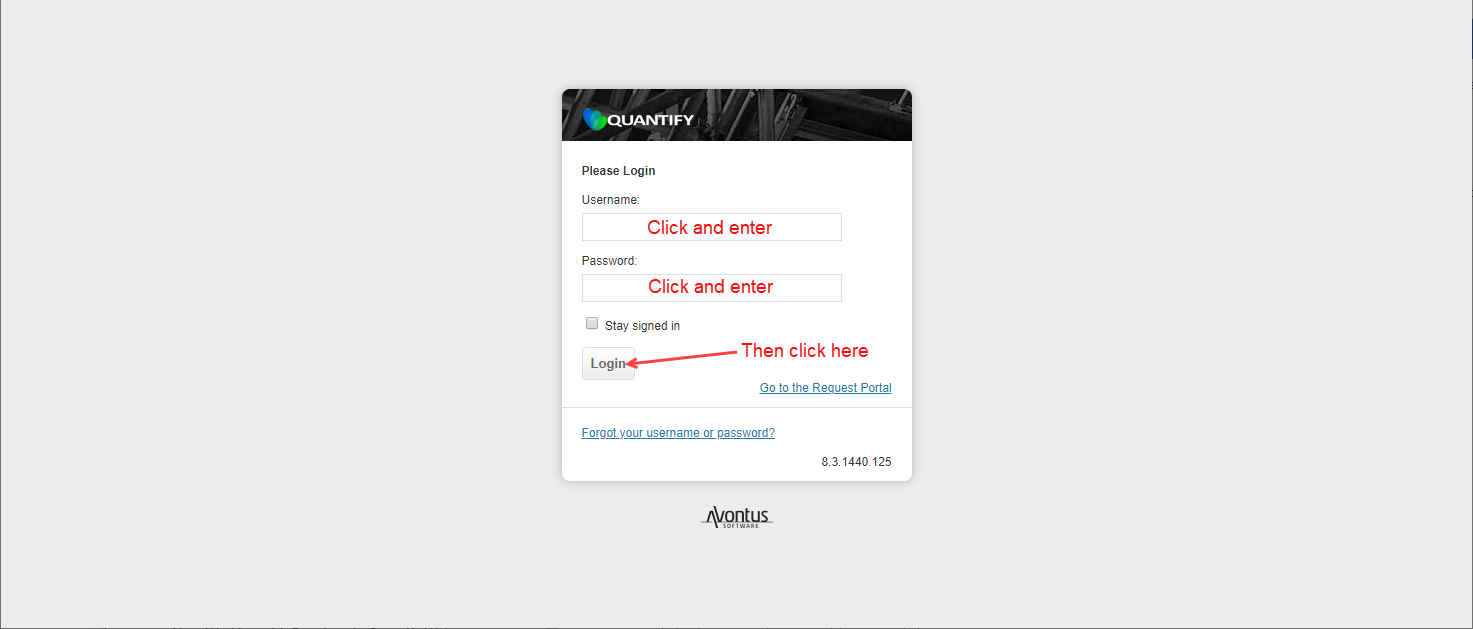
The Login page appears. - Enter your username and password, then click Login.
The Quantify Web interface appears, with the Products tab selected, but it is blank because a location has not been selected.
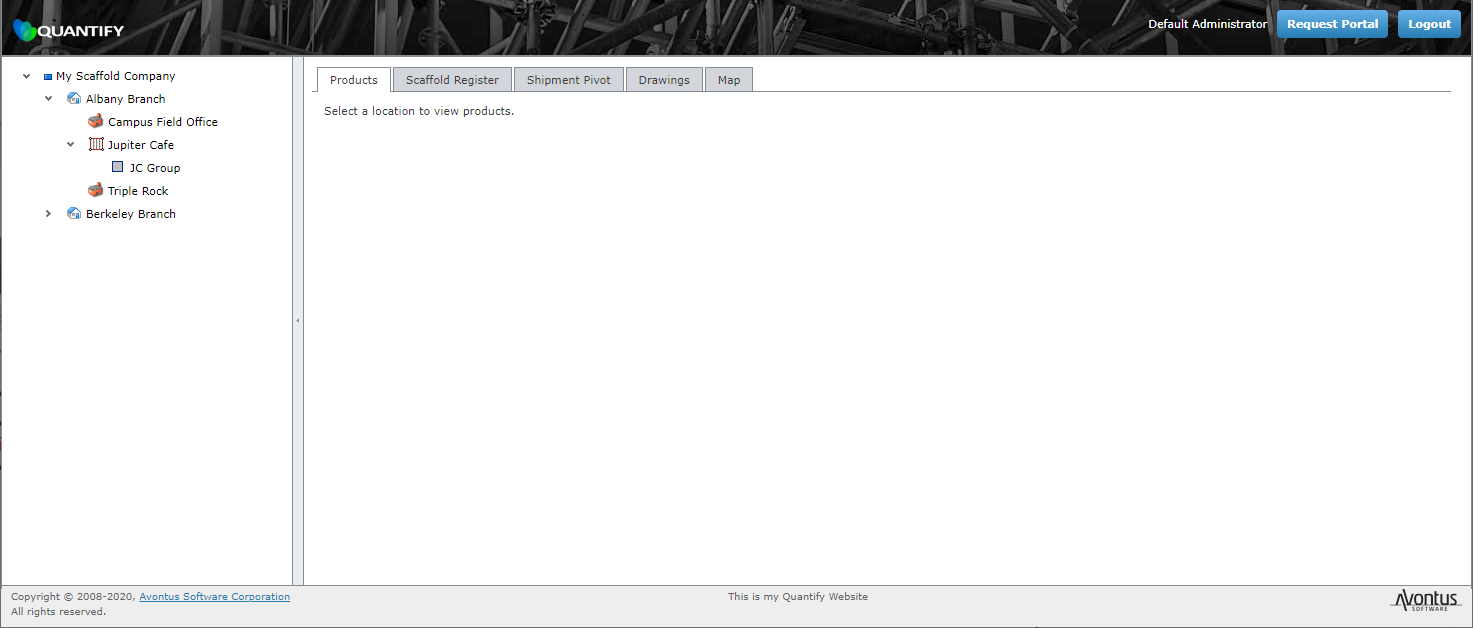
When you log into Quantify Web as an Administrator, the interface displays the entire organizational structure:
When you log into Quantify Web as Customer User, the interface only displays the locations associated with your User account: