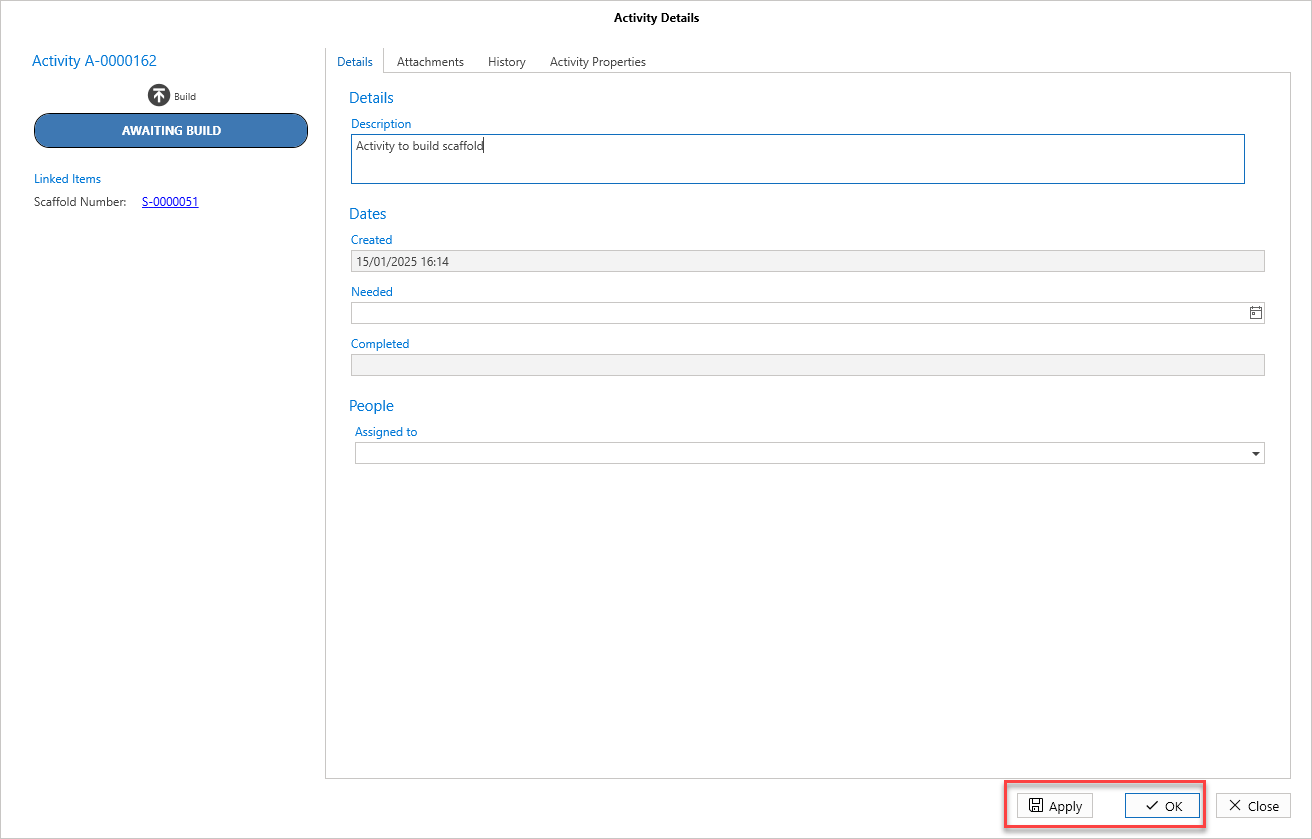
Whilst you cannot change the status of the Activity, you can change it details.
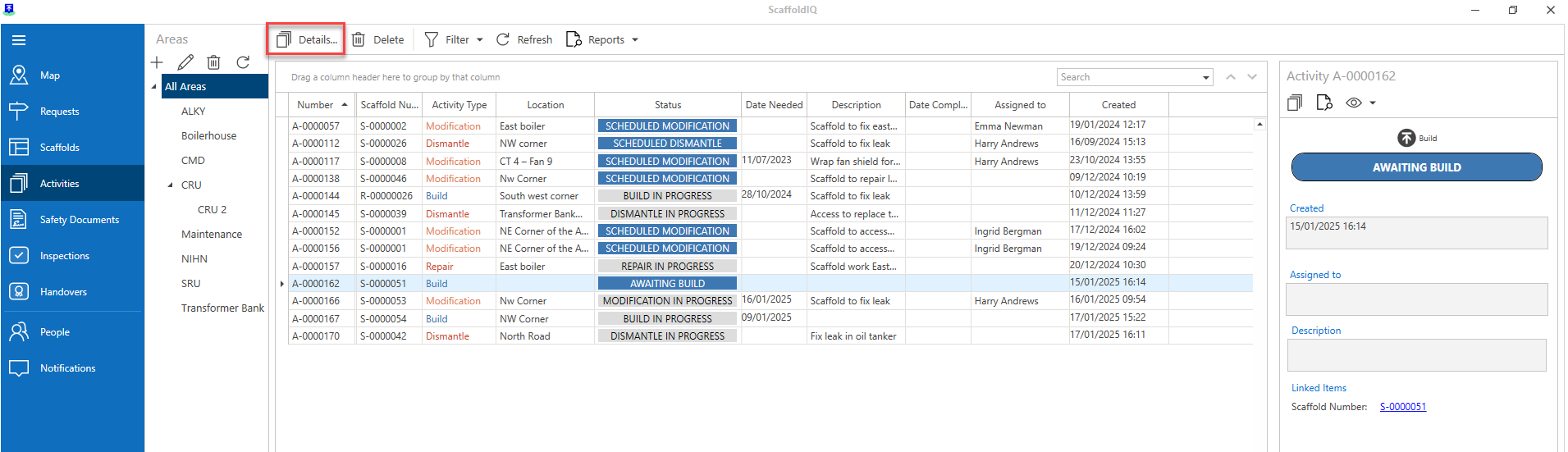
Go to the Activity screen.
Double-click on an activity to open the Activity Details screen.
Note: You can also select the details button(s) to open the Activity Details
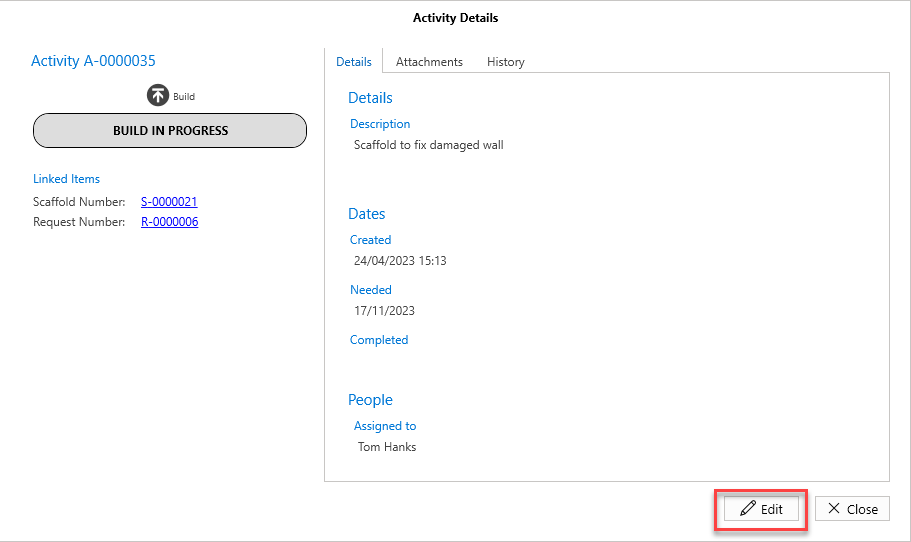
Click Edit.
Make the required change
Click Apply and OK.