A scaffold will go into the Awaiting Repair status whenever it fails a Handover or Inspection. A Scaffold will then need to be repaired to go into the Awaiting Inspection status or Standing.
Select Scaffolds and tap the scaffold awaiting repair.
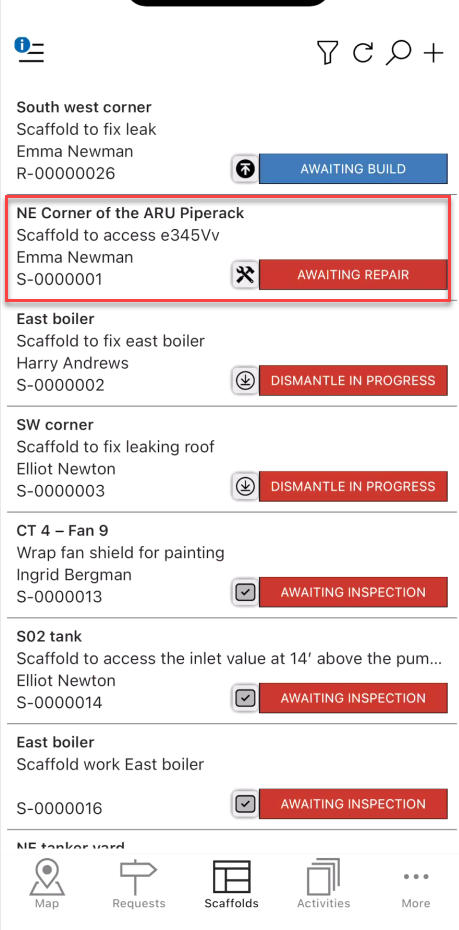
Tap the status indicator (it should say Awaiting Repair).
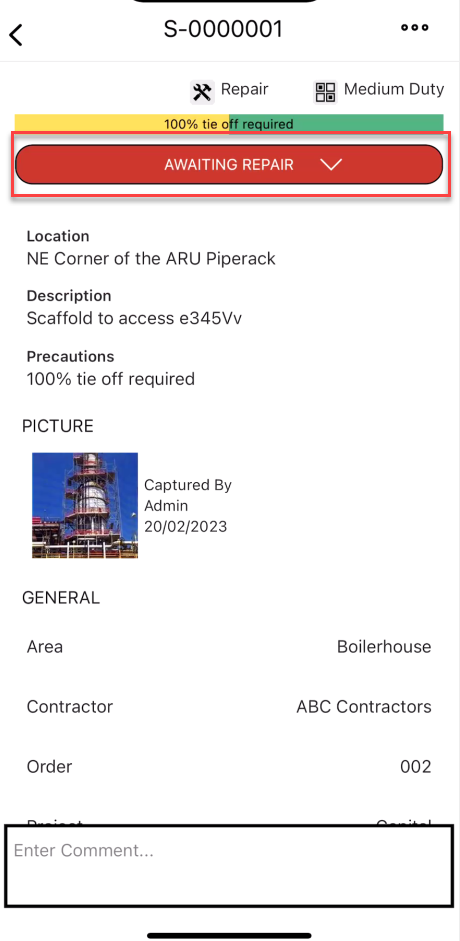
Tap Awaiting Repair.
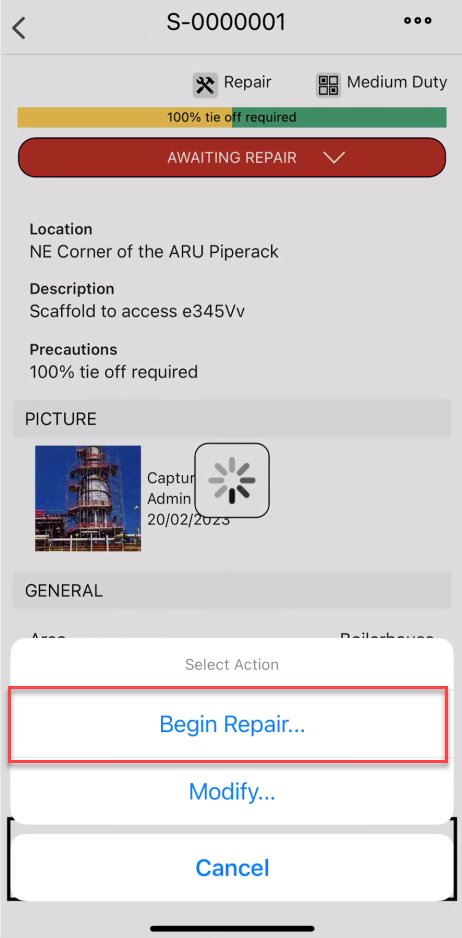
Tap Yes, Change Status
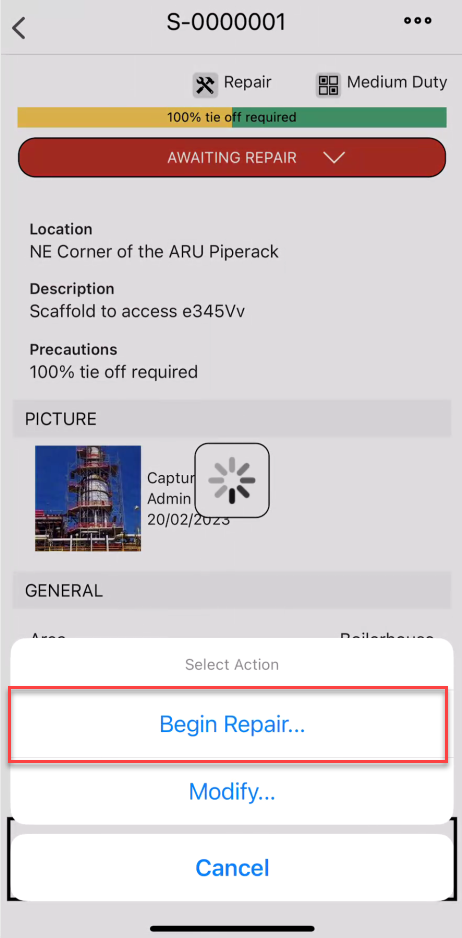
Tap the tick icon when the activity is launched
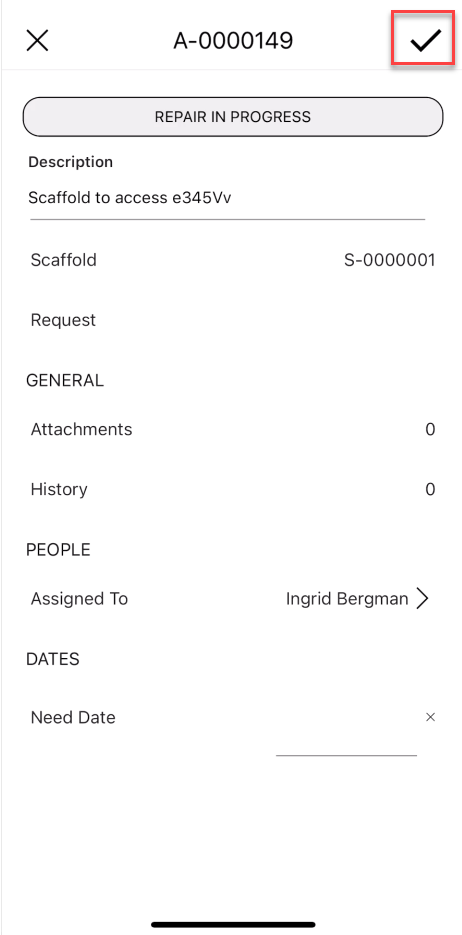
Tap Repair in Progress
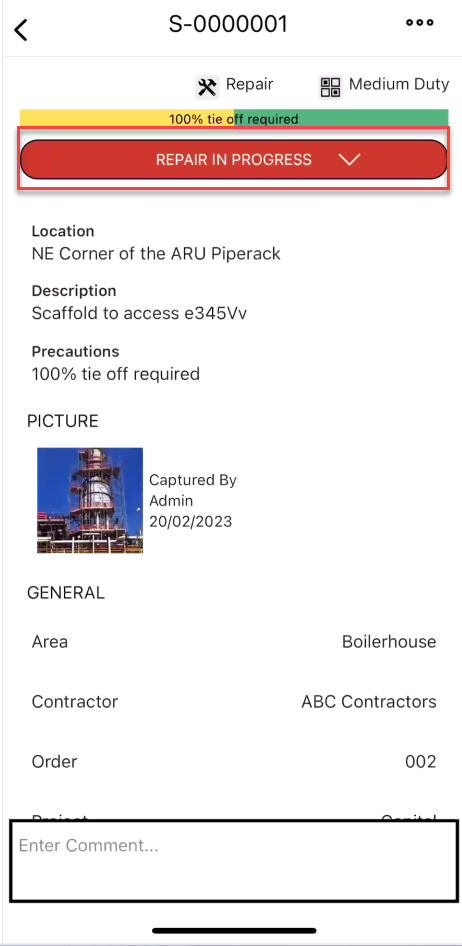
Select Complete Repair
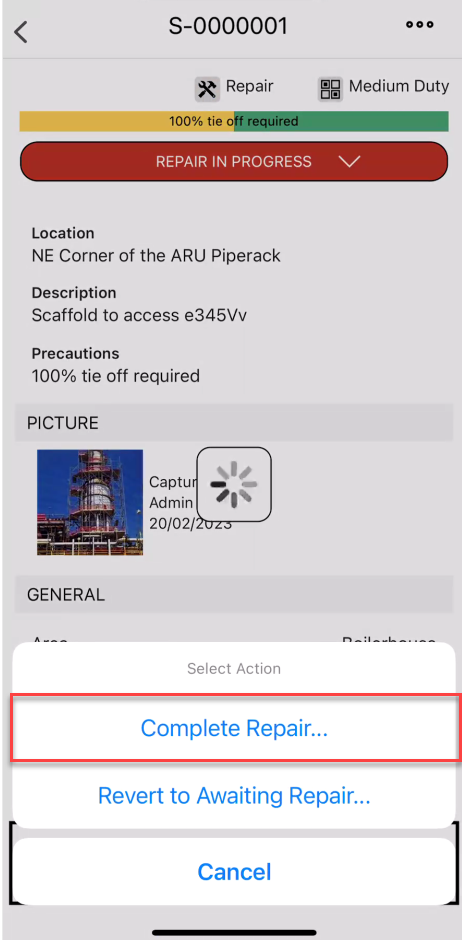
Note: Selecting Revert to Awaiting Repair will revert the scaffold back to Awaiting Repair.
8. Tap the tick icon
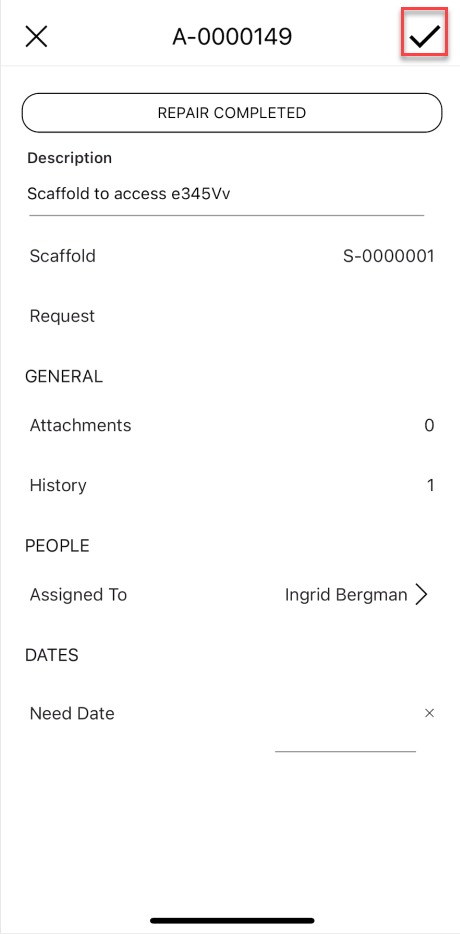
The repair will be complete and the Scaffold will either be in the Awaiting Handover Status, Standing Status, or Awaiting Inspection depending on what is set up in the Scaffold Settings