The Request Details panel provides an overview of the request including the current status of the request. Here you can also find the priority, a description, and the location of the request. This panel will appear when you select on a Request on either the Map or Requests screen.
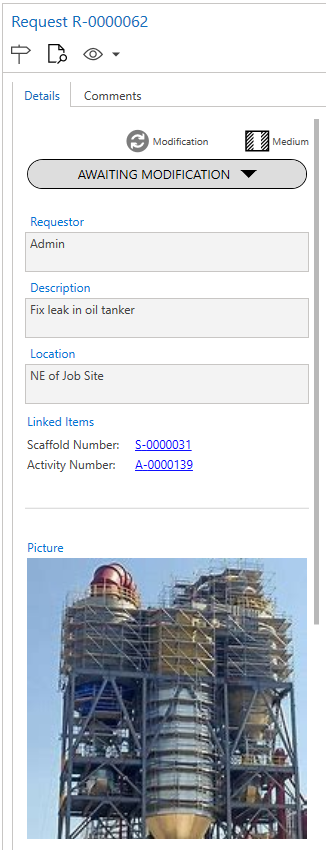
The first area of the details panel displays the current status of the request. Here you can also find the priority, a description, and the location of the request.
For some items, you can find linked items. These are Scaffolds linked to this request. This is normally found on Modification or Dismantle Requests. They can also be found on completed Requests.
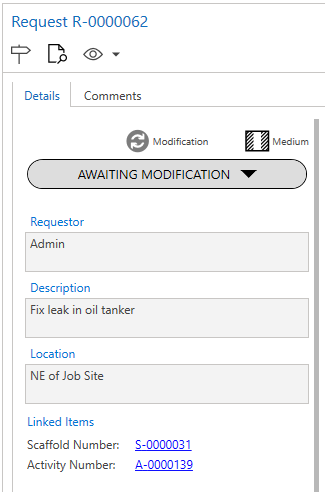
The priority of the request is indicated by a specific icon.
Symbol | Priority |
| Low |
| Medium |
| High |


Picture
In the details panel, you will also find a picture of the request. Click the picture to view the full-sized image.
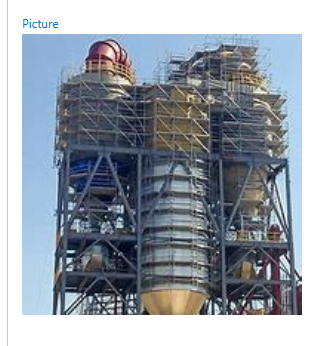
To upload a picture, visit the Uploading a Picture help guide.
Avontus Viewer Model
Inbuilt into ScaffoldIQ is the Avontus Viewer Model which renders a 3D model of the scaffold you created using Avontus Designer. To open the Avontus Viewer Model, click on the 3D model.
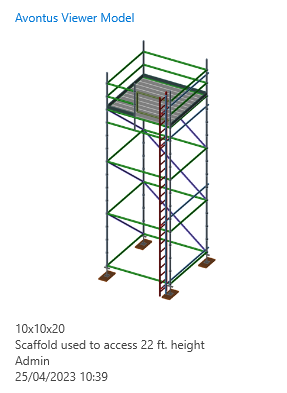
To upload a 3D model of your scaffold, visit the Uploading and Editing a 3D Model on a Request help guide.