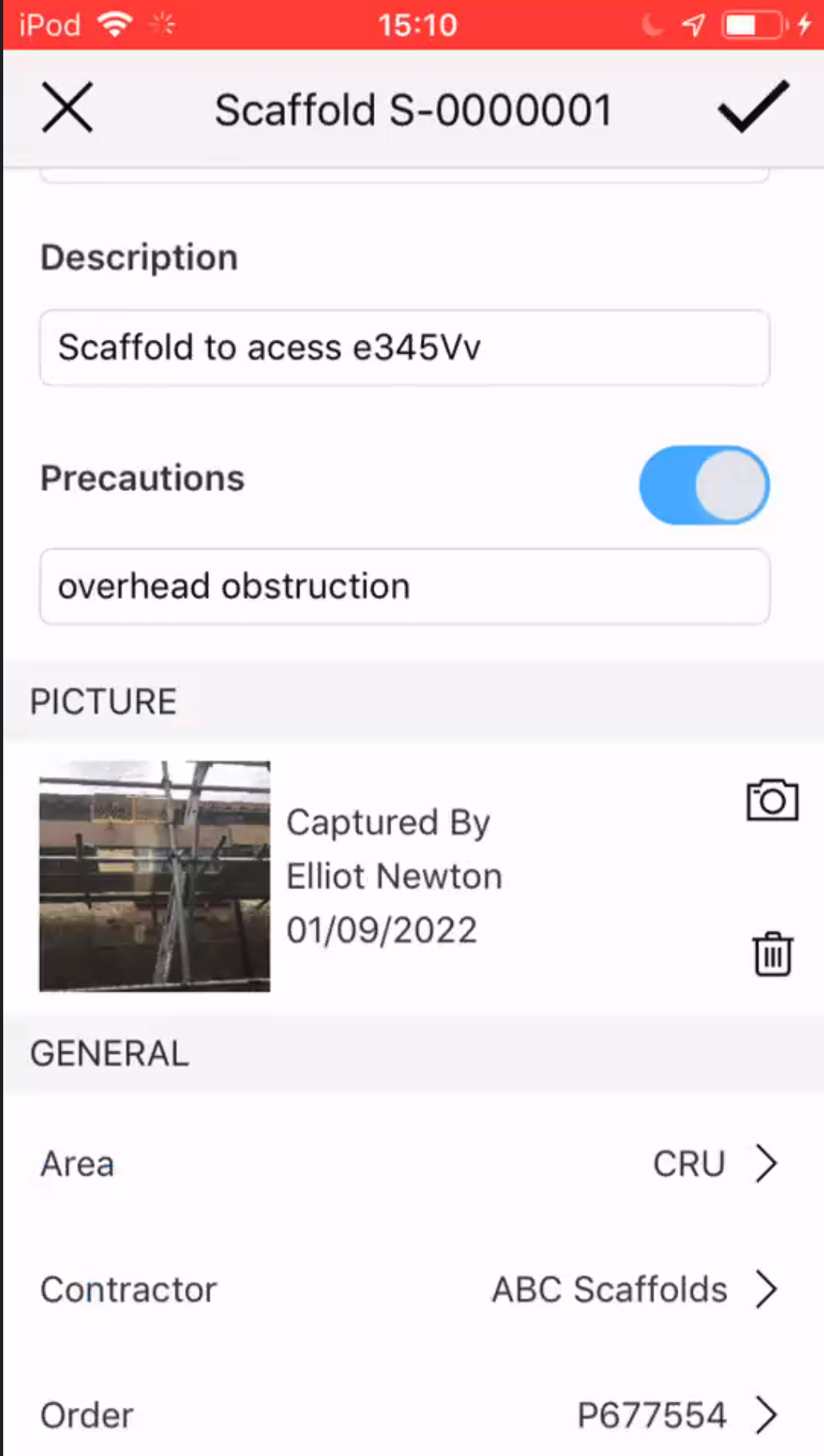
You can upload a picture and attach it to a Scaffold. This could be an image of a Scaffold to ensure an onsite worker does not mistakenly identify the wrong scaffold, a picture can be uploaded to ensure correct identification of the scaffold.
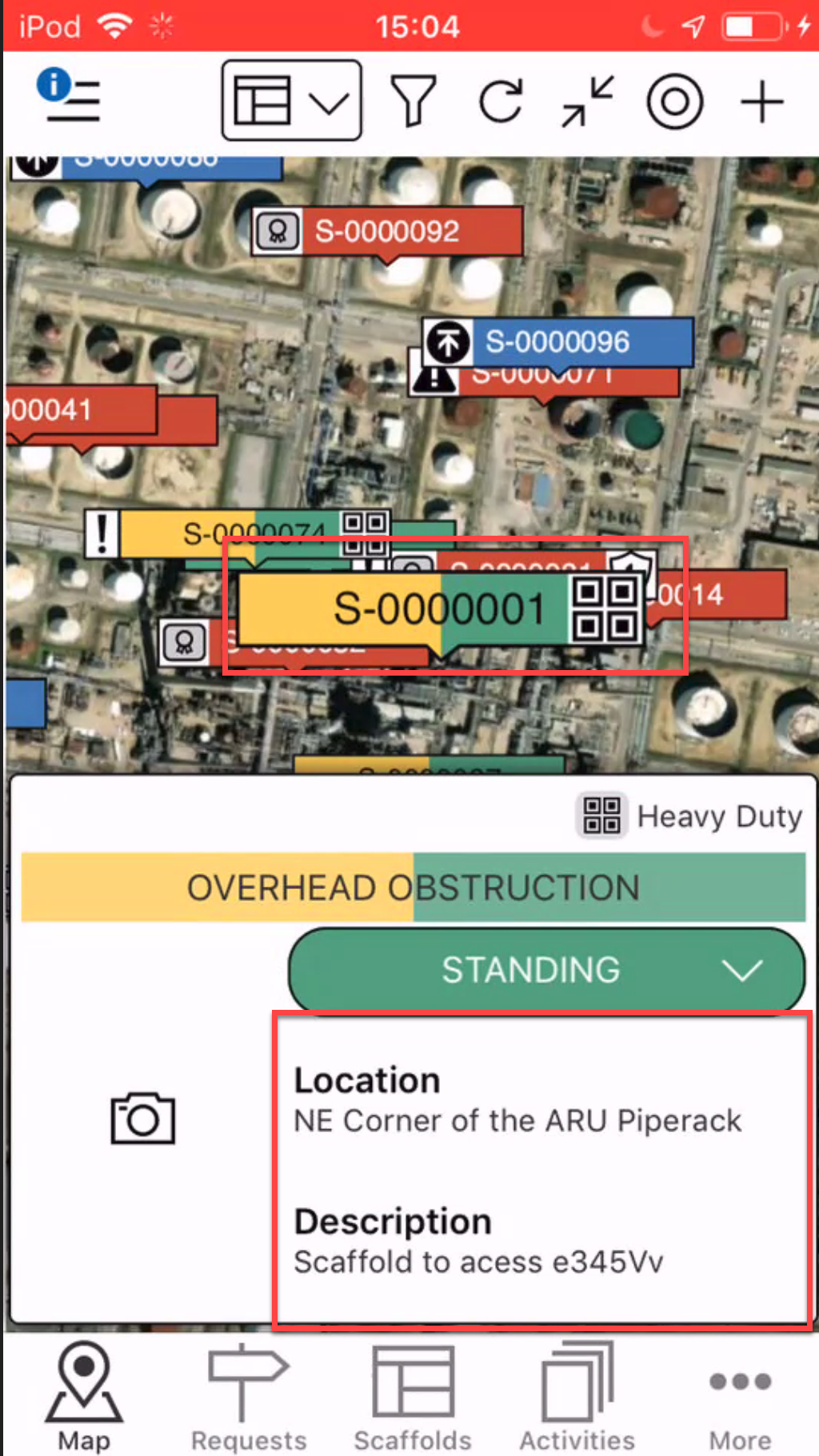
- On the Map screen, locate the scaffold to add an image to.
- Tap the details section.
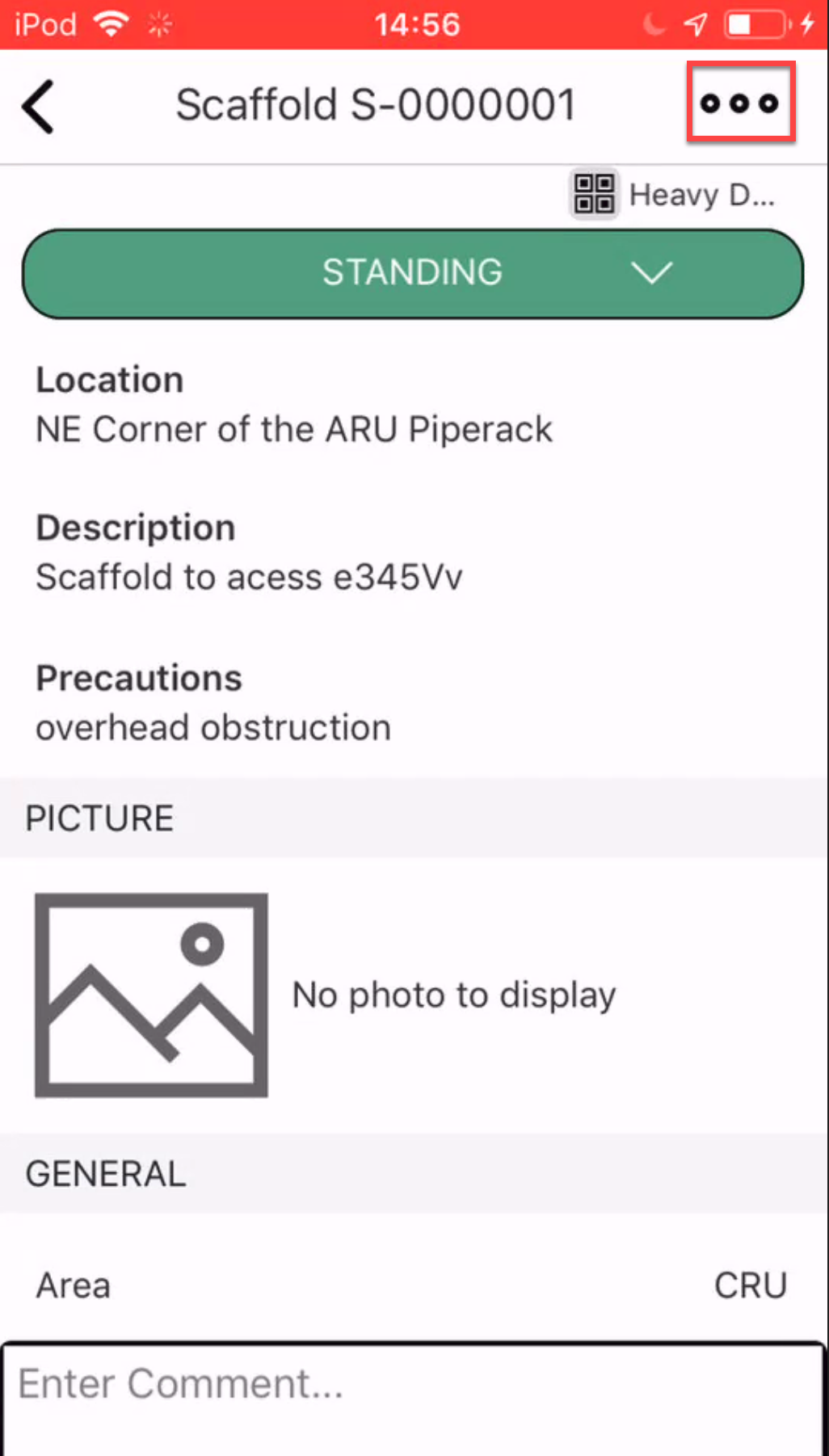
- Tap the three dots in the top right
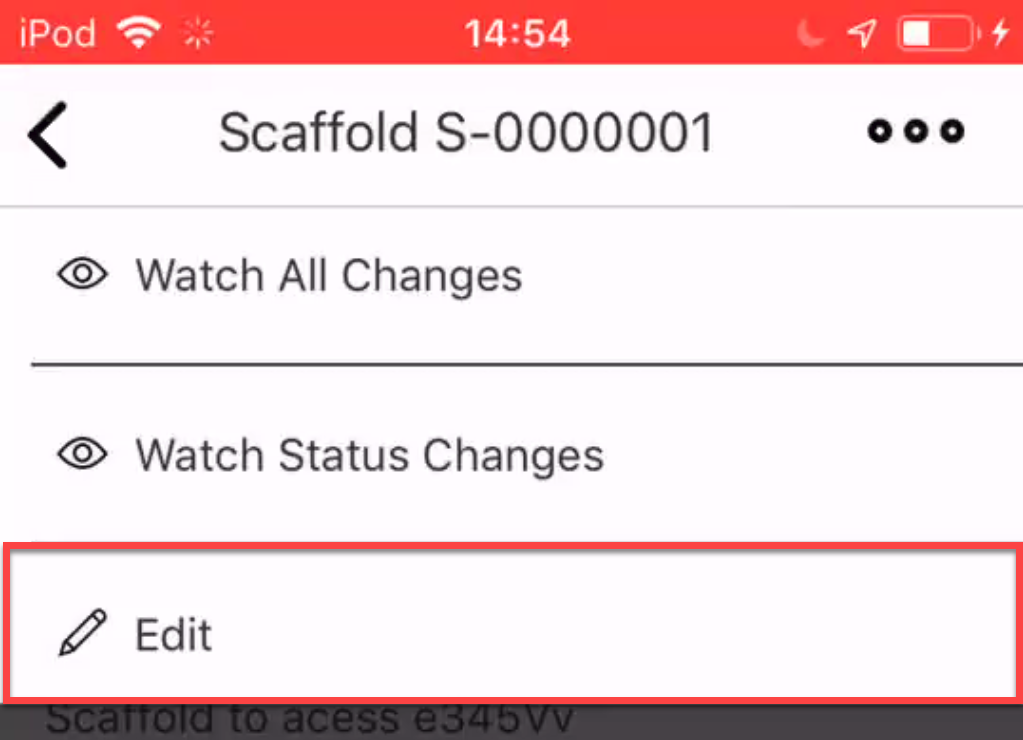
- Select Edit.
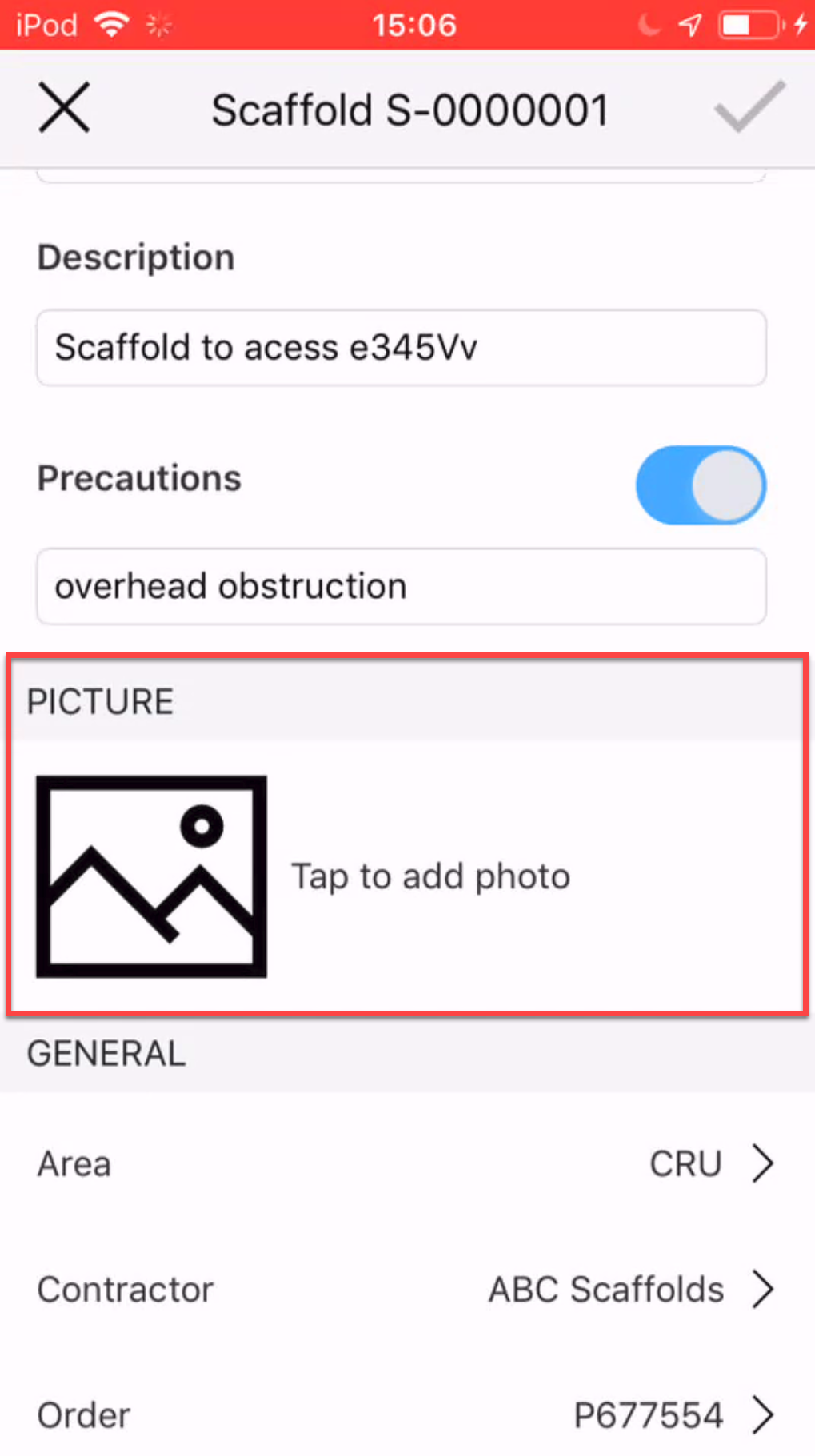
- Tap within the Picture section
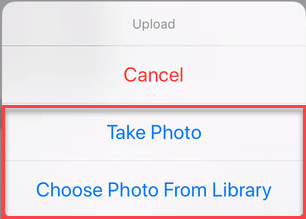
- Select to take a new photo or choose a photo from your library.
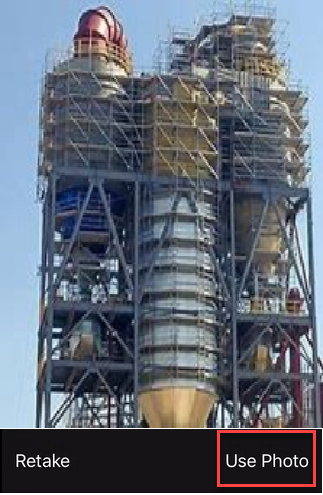
Take Photo- Take the photo and tap Use Photo.
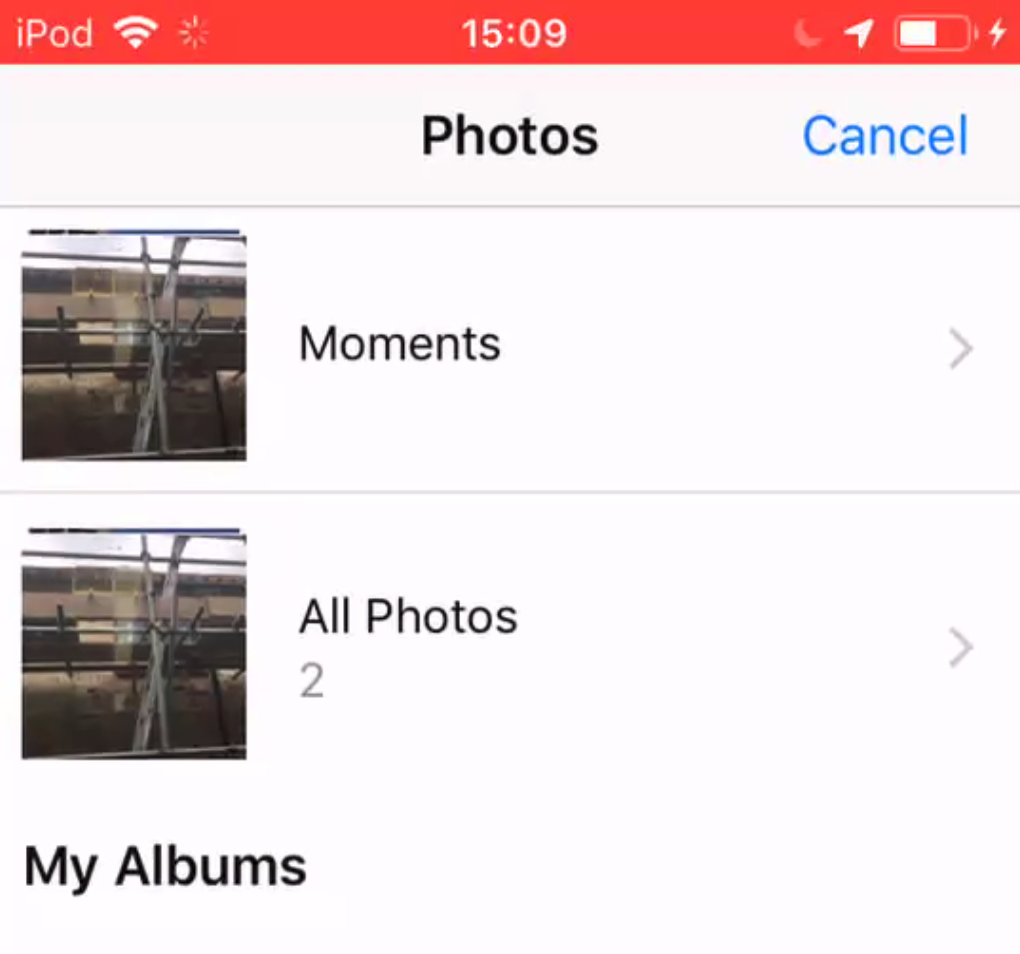
Choose Photo - Select a photo from your albums by tapping the selected photo.
- Take the photo and tap Use Photo.
- The selected picture will be displayed in the Scaffold Image Tap the tick icon to save the change.