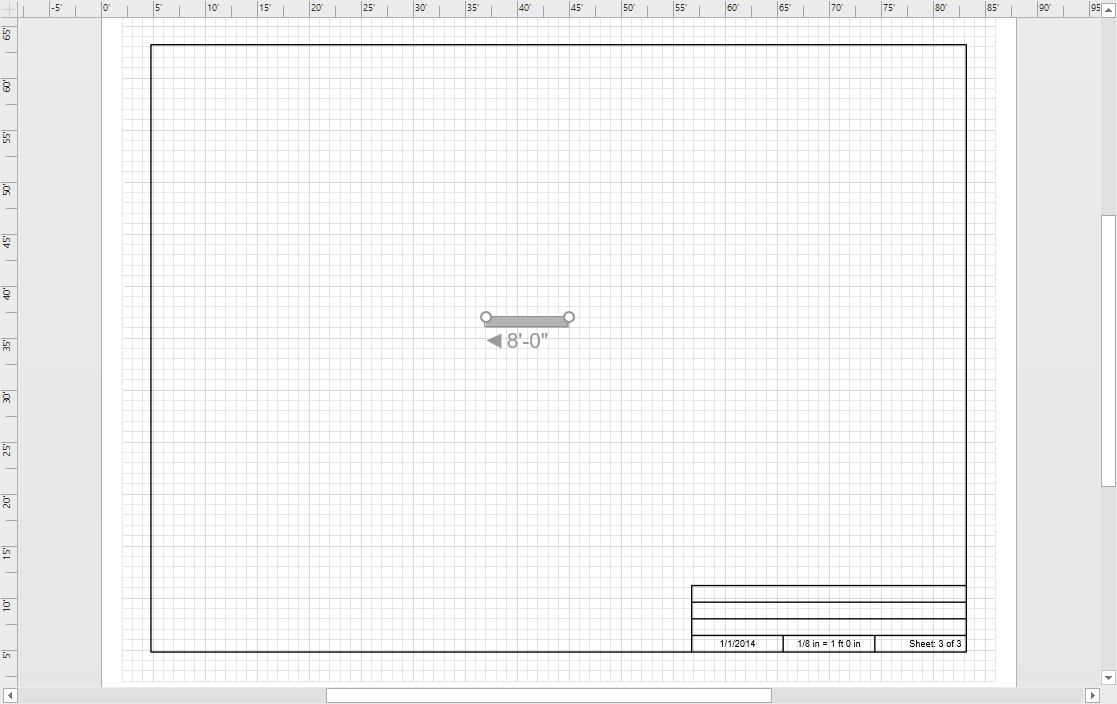
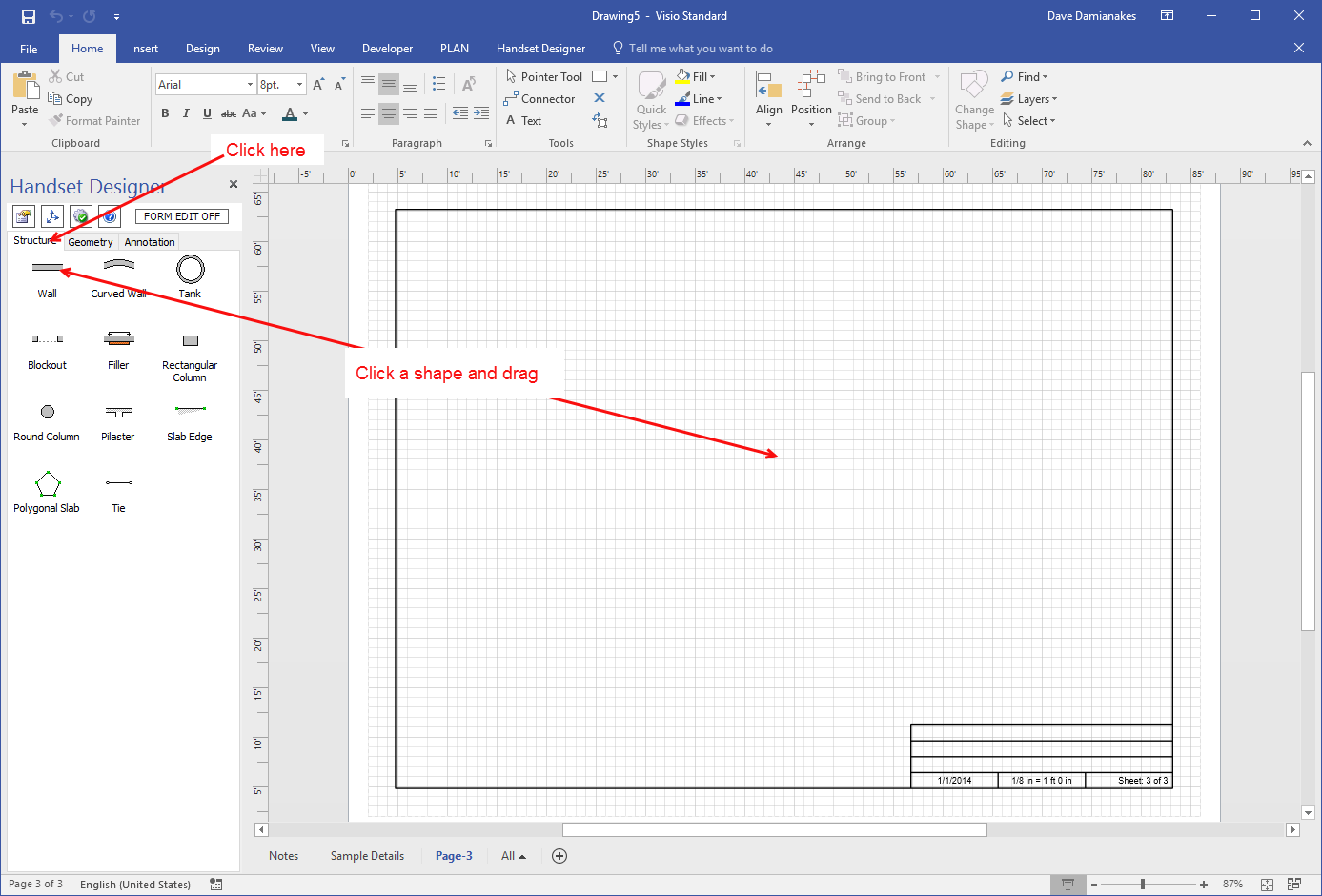
The procedures below explain how to add the shapes you find in the Handset Designer Structure tab onto the Drawing page.
To add shapes onto a Drawing Page:
- As necessary, click the Handset Designer Structure tab.
- Click a shape and drag it onto the Drawing Page.
Handset Designer adds the shape to the drawing.