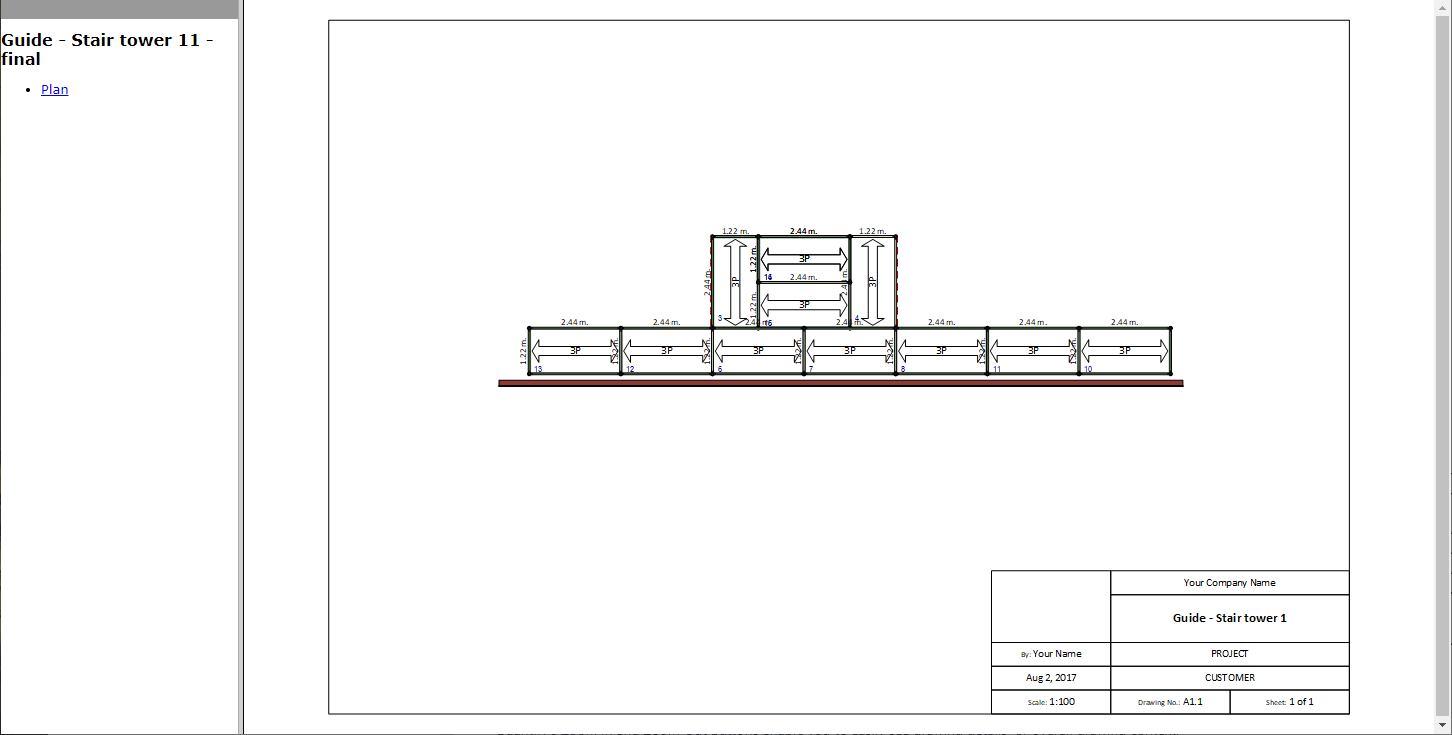
Once an Avontus Designer drawing has been attached to the appropriate Scaffold Tracking Job Site, it is available to you to work with.
Viewing a Drawing in Quantify Web
You can easily view a drawing that is attached to a Scaffold Tracking Job Site to which you have access.
To view a drawing in Quantify Web:
- Log in to Quantify Web.
The Quantify Web interface appears, with the Products tab selected, but it is blank because a location has not been selected.. - Locate and click the appropriate Scaffold Tag Job Site in the Organization Tree, then click the Drawings tab.
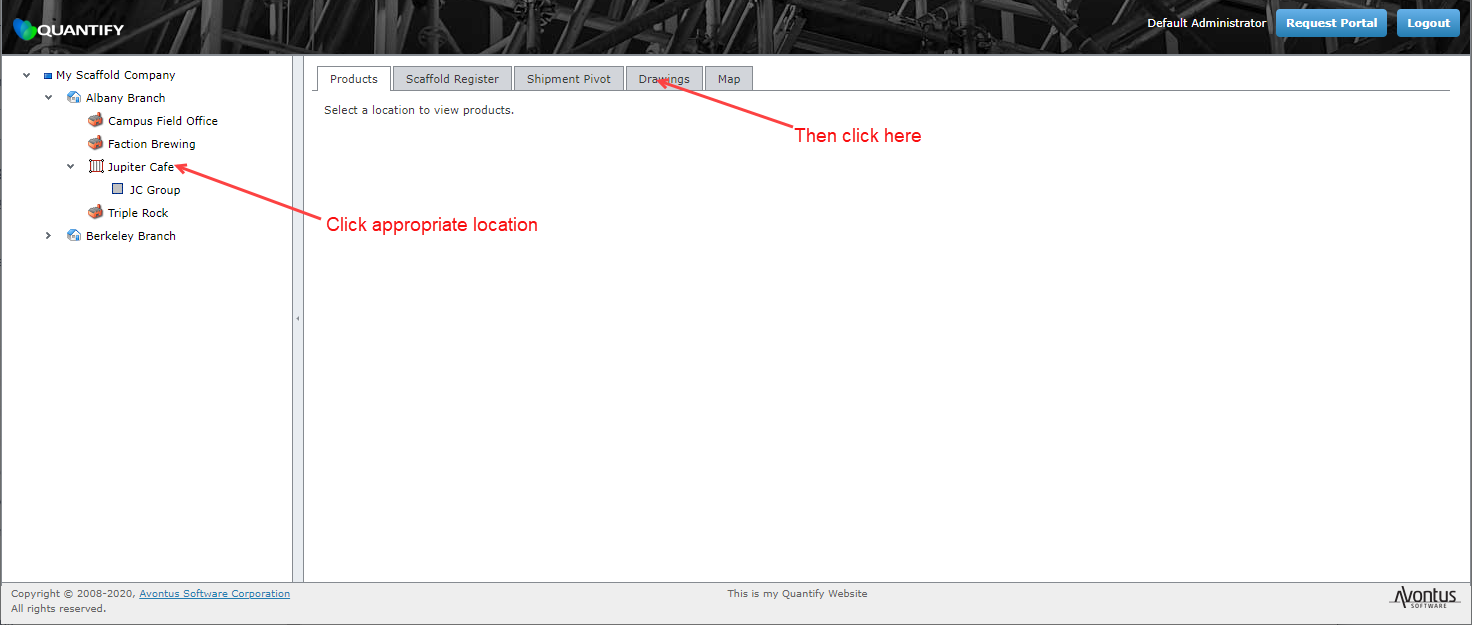
The Quantify Web interface refreshes, displaying the contents of the Drawing tab. - Click the name of the drawing.
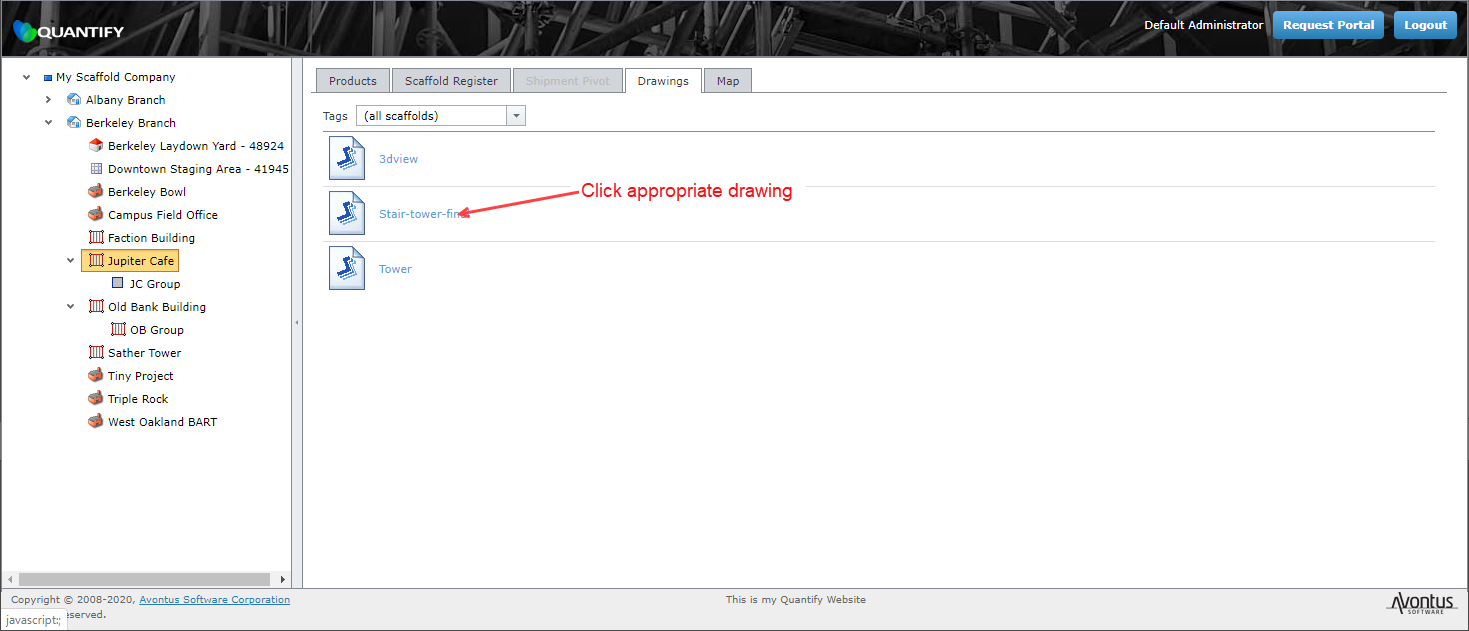
Your web browser adds a new tab and displays the drawing in that tab