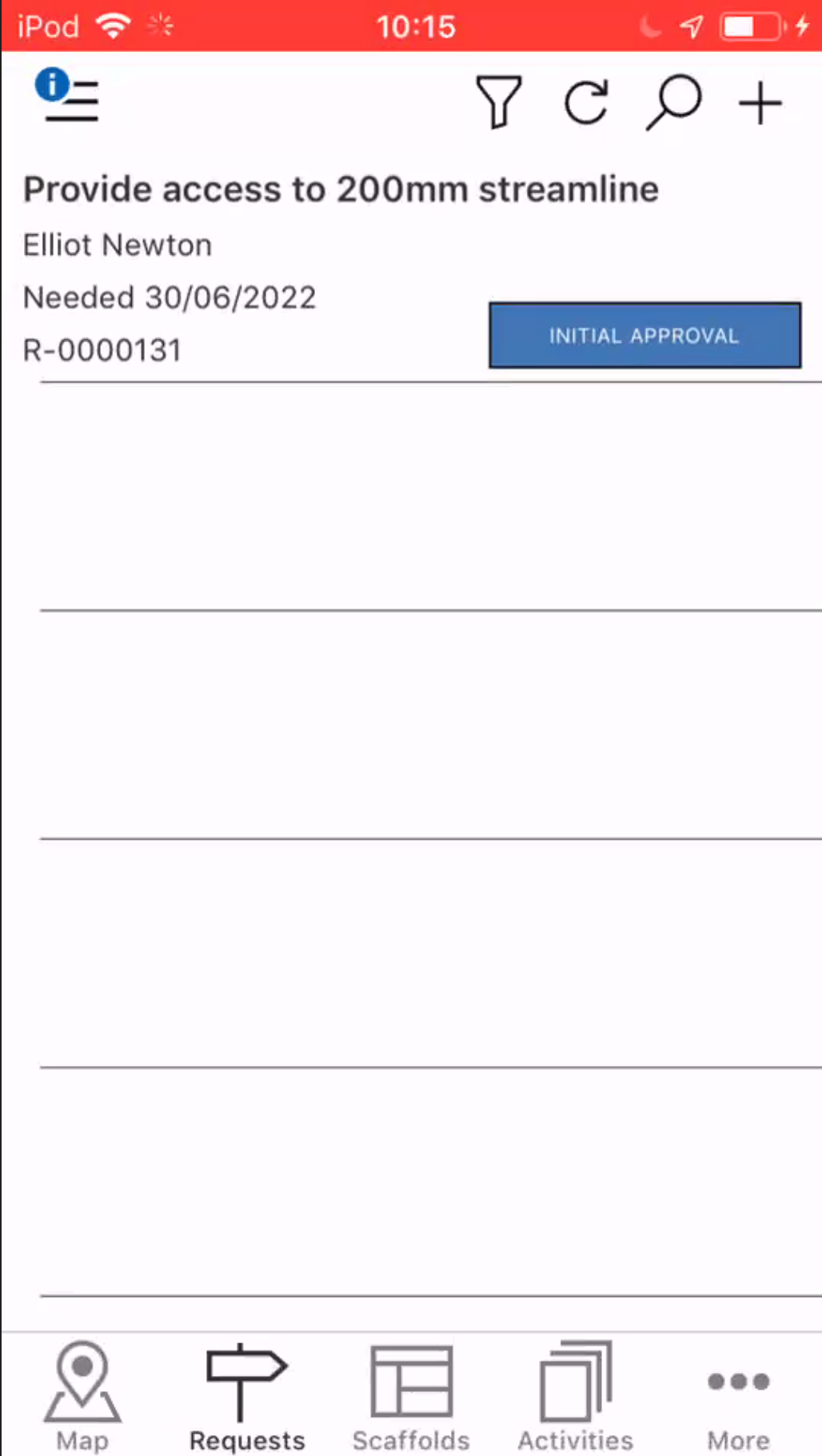
The Requests screen provides an overview of all requests in the database and allows for the monitoring of all requests on your job site. Here you can view the details of that request and move the request along the approval process. Creating a request is the first step in erecting a scaffold. To view the details of a request, tap on a request in the table.
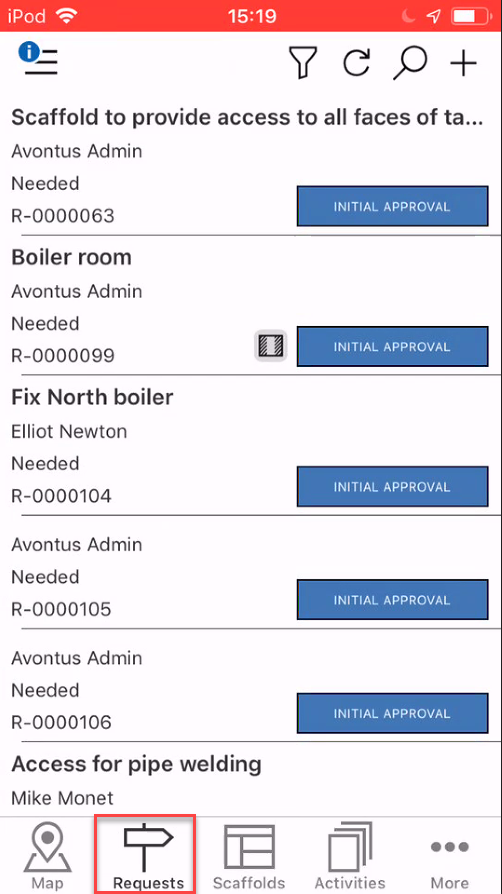
Requests are ordered by their status and then the request ID. For instance, all requests in the Initial Approval status will be ordered together, followed by those in the Secondary Approval status and then those in the Estimate status. These statuses are ordered by the step they are in along the approval process.
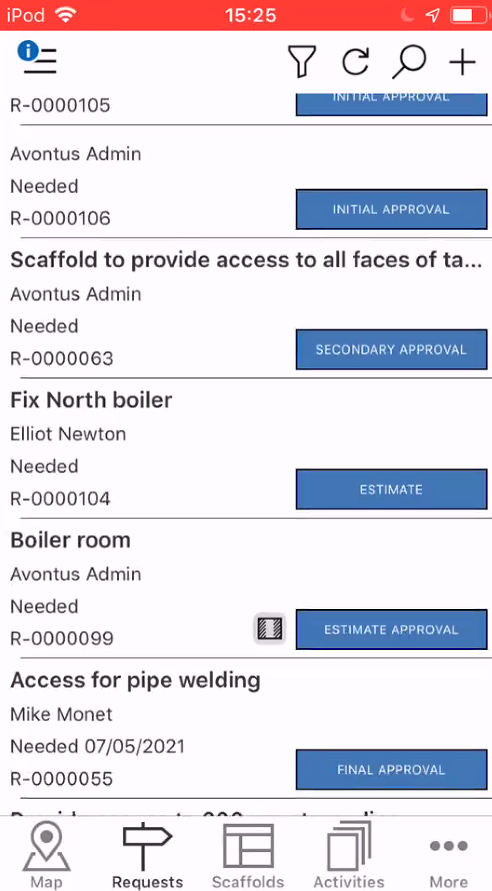
This means whenever the status of the request changes you will have to scroll to where the status group can be found or search for the request using the search feature.
Note: You can also use the Filter (
) to display a specific status.
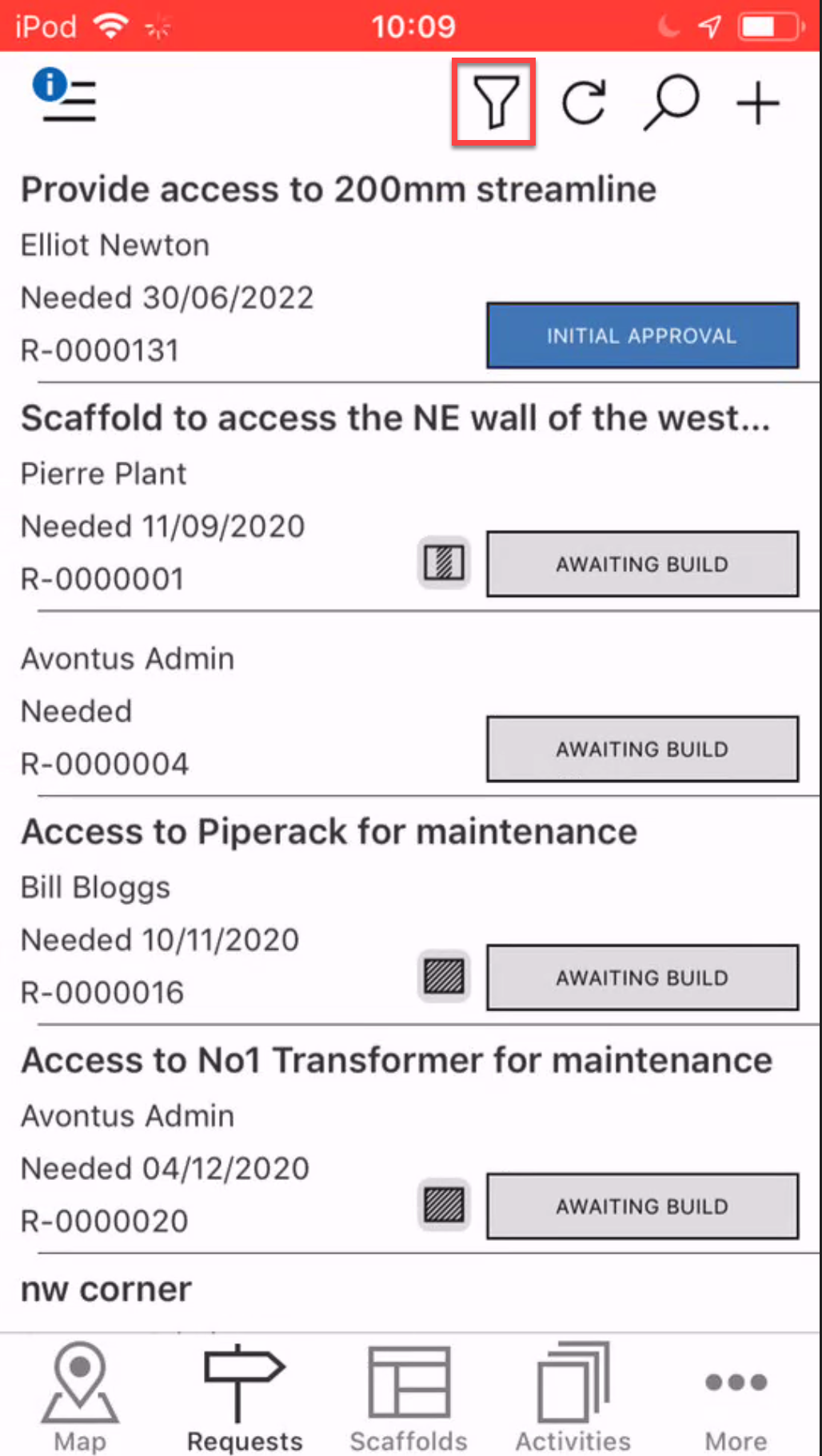
You can use the filter to display Requests in the Initial Approval status
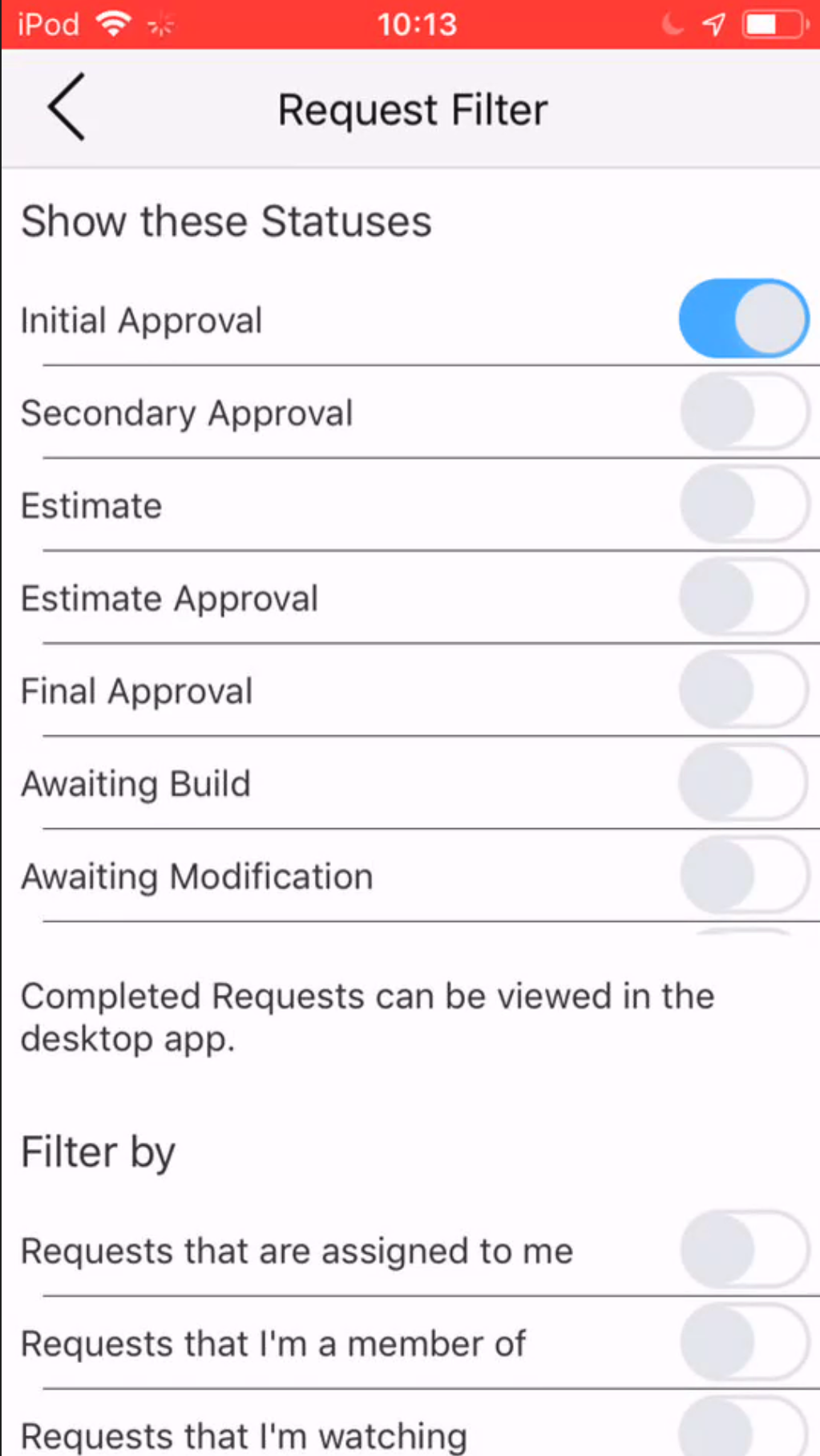
This will display Requests in the Initial Approval status.