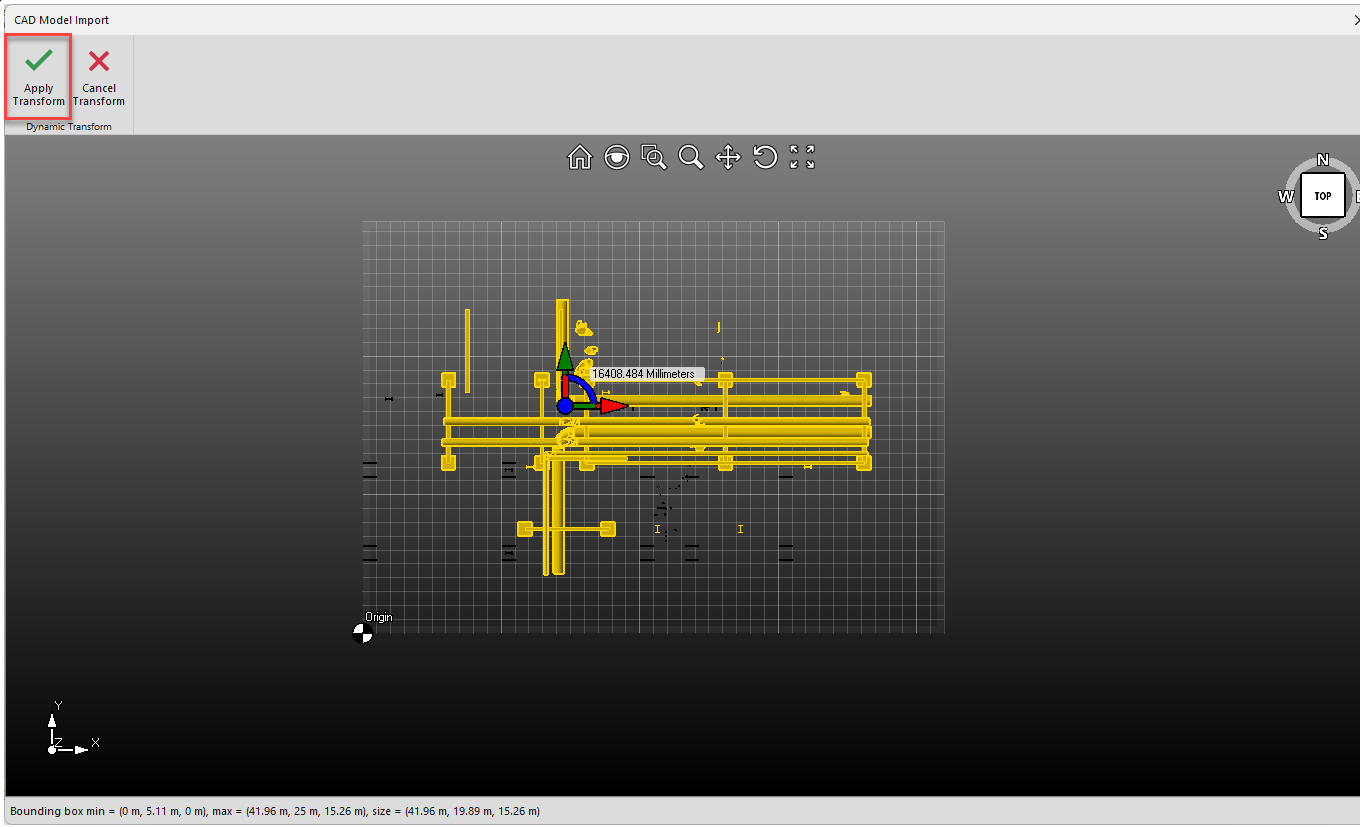
Dynamic Transformation allows users to move and rotate a 3D object.
Selecting Objects
There are many ways to select objects, visit Selecting Objects for more information.
The easiest way is to click and drag a box over the objects you want to select.
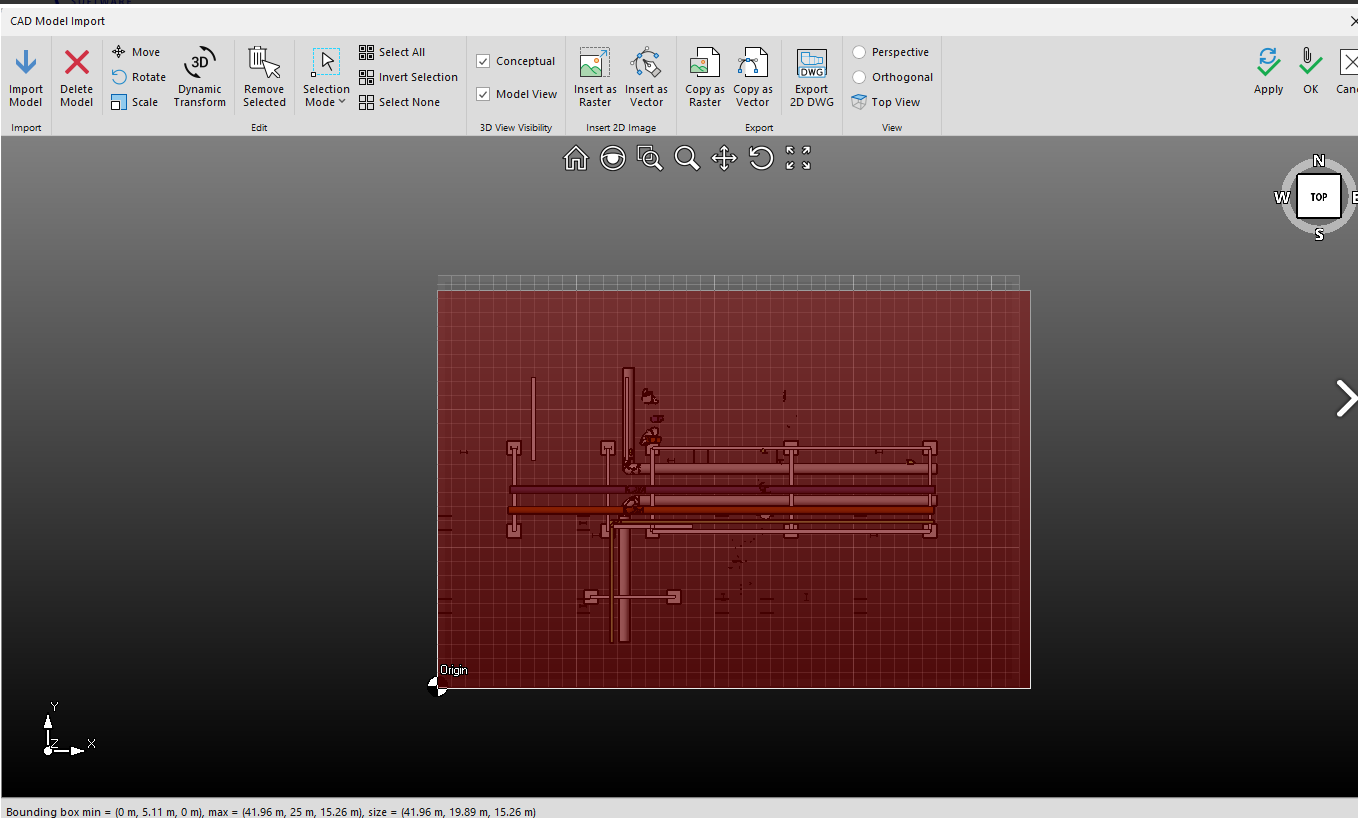
Then click Dynamic Transform.
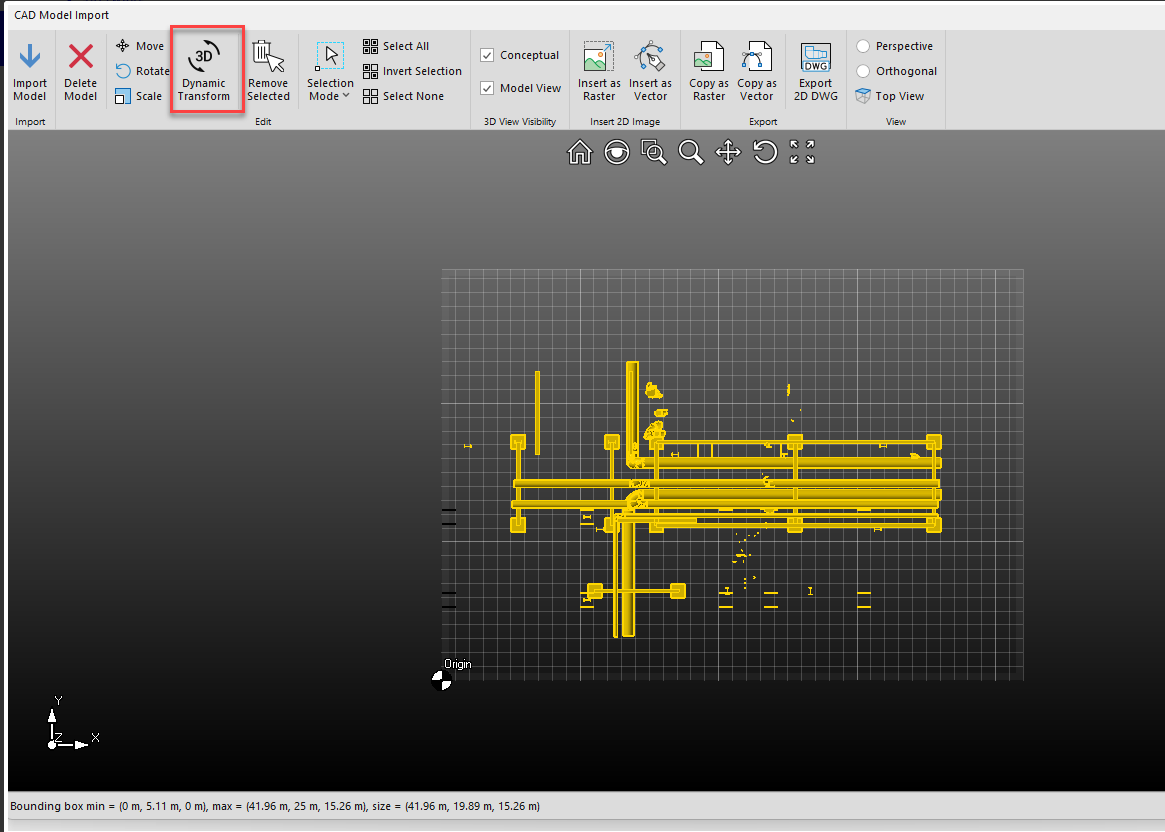
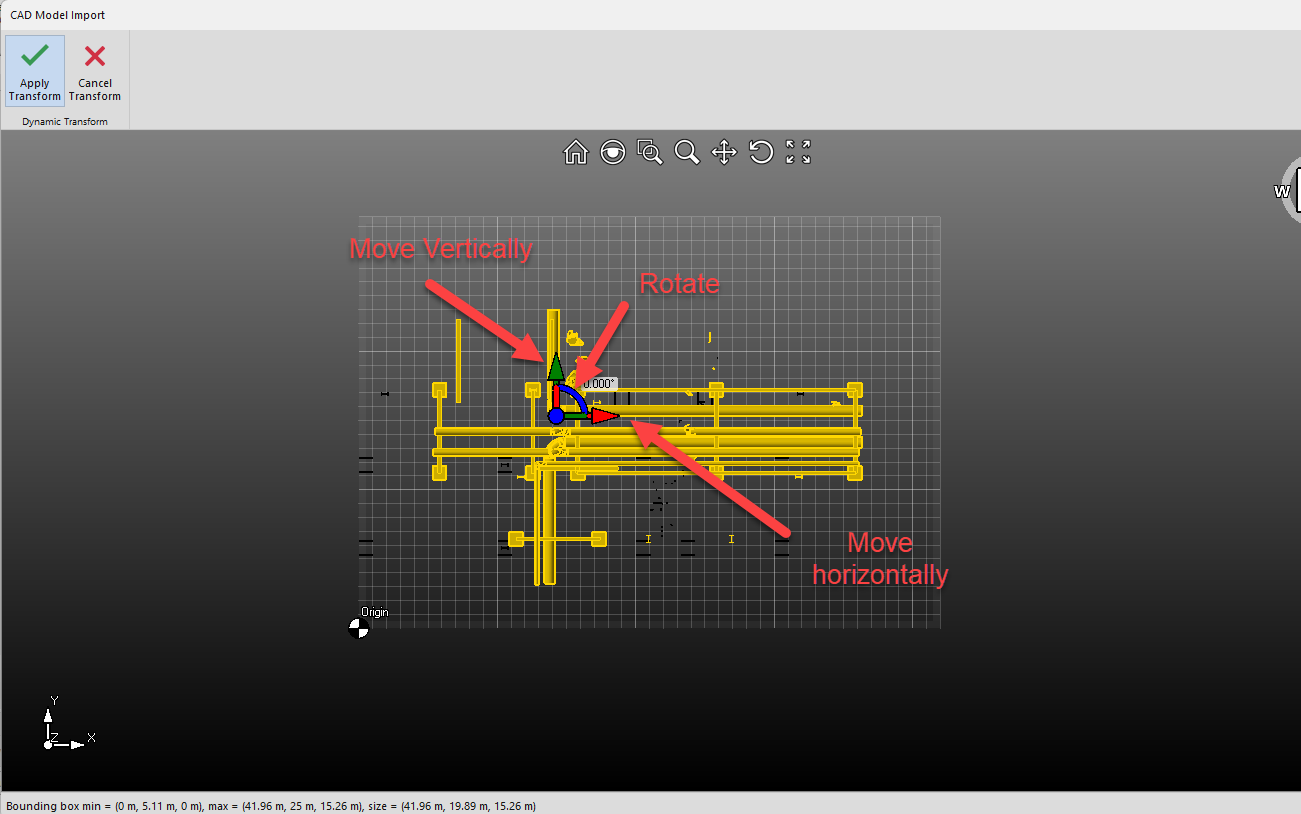
Controlling the Object
Then use the controls to move the object around the screen. Click on the glyph to begin moving the model around. You can move it vertically or horizontally. You can also rotate the model.
You can also see a video below.
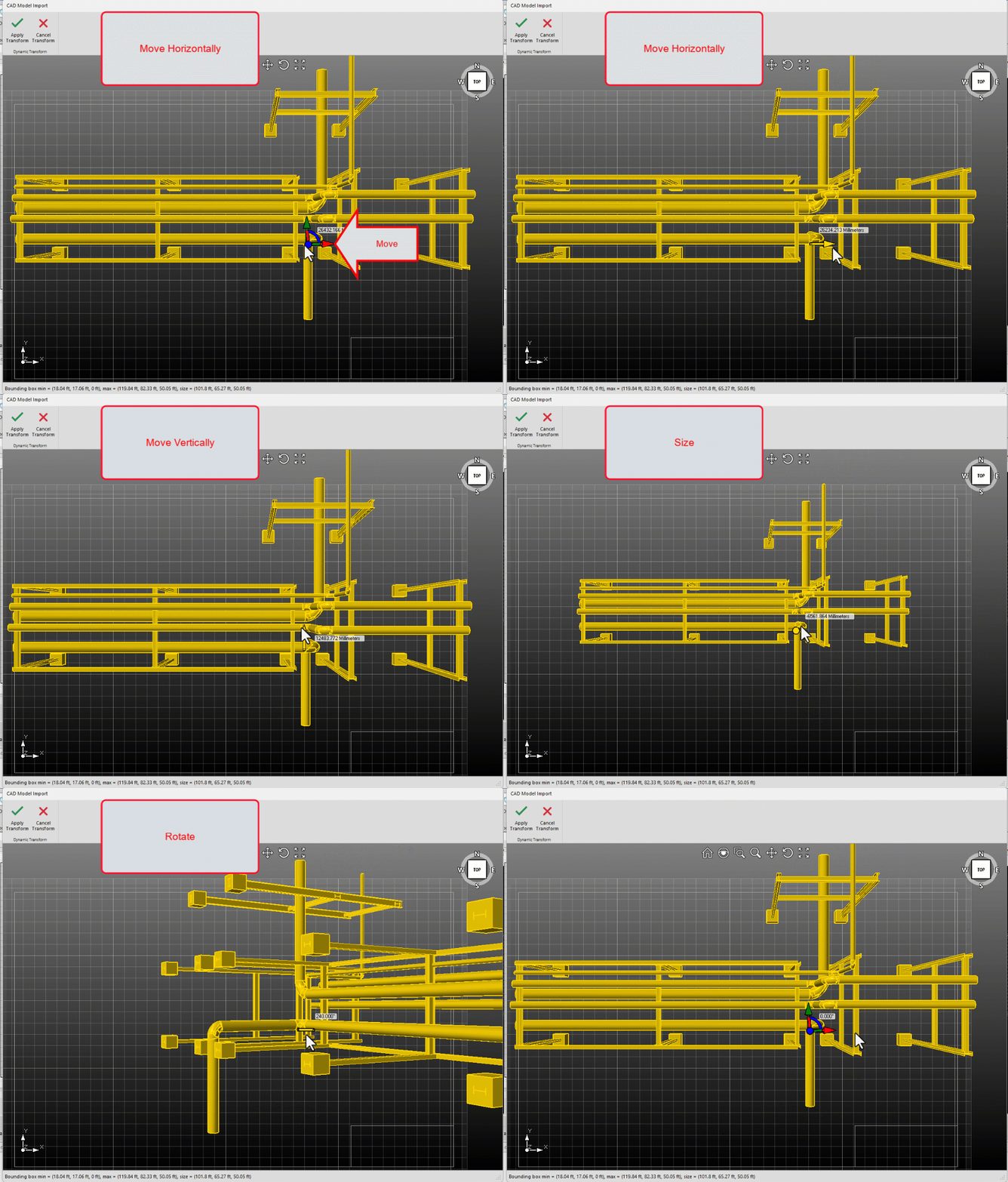
Click Apply Transform to apply the changes.
Note: You can also hit Enter to apply the changes