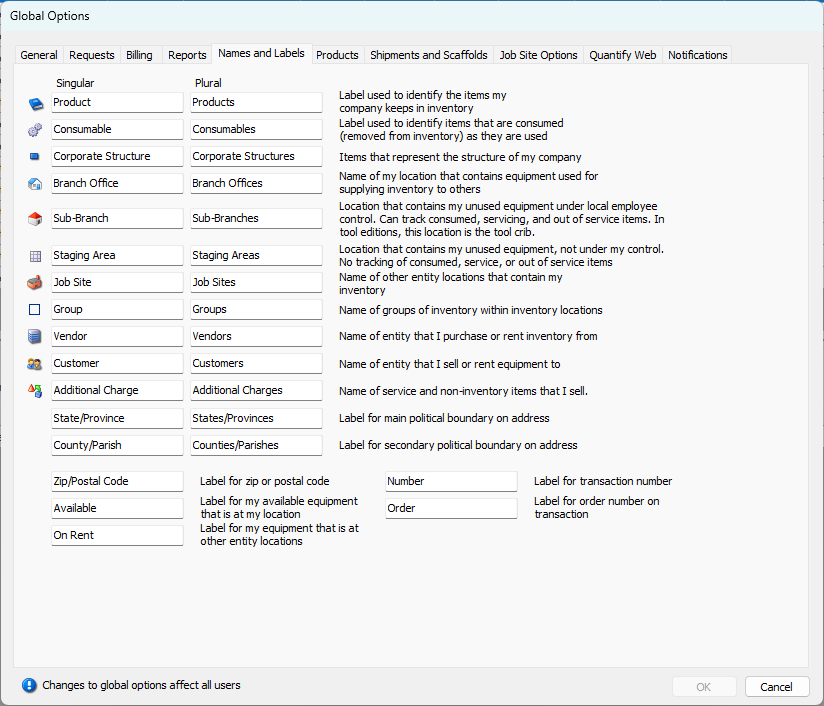
Use the information in this tab to help you customize the names and labels in the Quantify interface to suit your needs.
| Icons | The icons to the left of the text fields in this tab appear in the Quantify interface. You cannot change these. |
| Explanations | The explanations to the right of the text fields in this tab explain what feature or function is being labelled. |
| Singular | Use these text fields to determine the singular version of the label that Quantify will use in its interface. For example: Product, Branch Office, Customer, etc. |
| Plural | Use these text fields to determine the plural version of the label that Quantify will use in its interface. For example: Products, Branch Offices, Customers, etc. |