NOTE: The features mentioned in this article are only available in the Industrial Edition of Quantify.
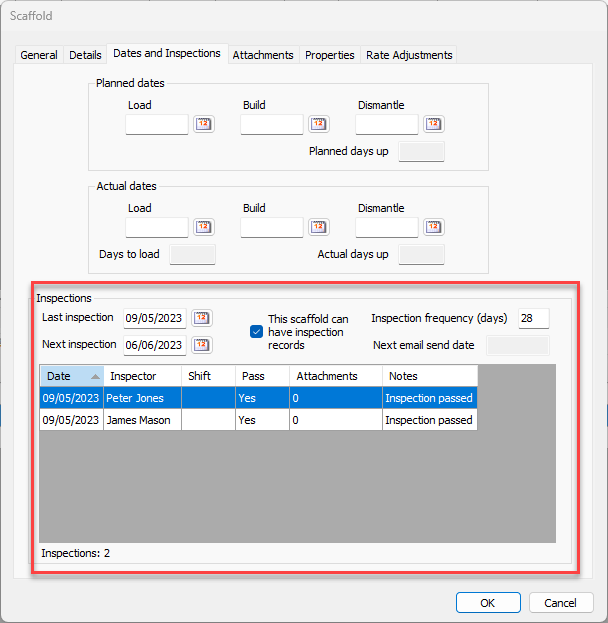
You can use Inspection records to track the inspection history of a specific scaffold. This includes the date of inspection, if the scaffold passed or failed inspection, the inspector, etc. While adding Inspection records, you can increment the next inspection date of a scaffold to update Notifications and reports.
Inspection records can be added individually, for multiple Scaffolds at once and/or through Activities. However, the Inspections feature must be enabled on the Job Site before you can add and track inspections for individual scaffolds. Inspections must also be enabled on the individual Scaffold.