The Activity Details screen provides an overview of the selected Activity, including the current status of the scaffold, and any linked items such as Requests or Scaffolds.
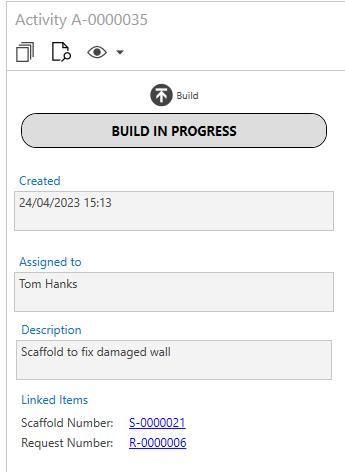
The icons along the top allow the user to action the Activity.
Icon | Purpose |
| Select this icon to display further details on the Activity. |
| Select this icon to print the report. |
| Select this icon to reveal a pull-down, which allows users to receive notifications regarding any changes or status updates on this Activity. |


For more information, please visit the Activity Details section.
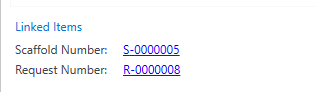
You can also select the Scaffold Number to be taken directly to the Scaffold Details screen of the linked Scaffold where you can action the Activity.