The Activities screen provides an overview of all activities, both complete and incomplete, on your Jobsite. The Activity screen is accessed by tapping Activities in the bottom menu.
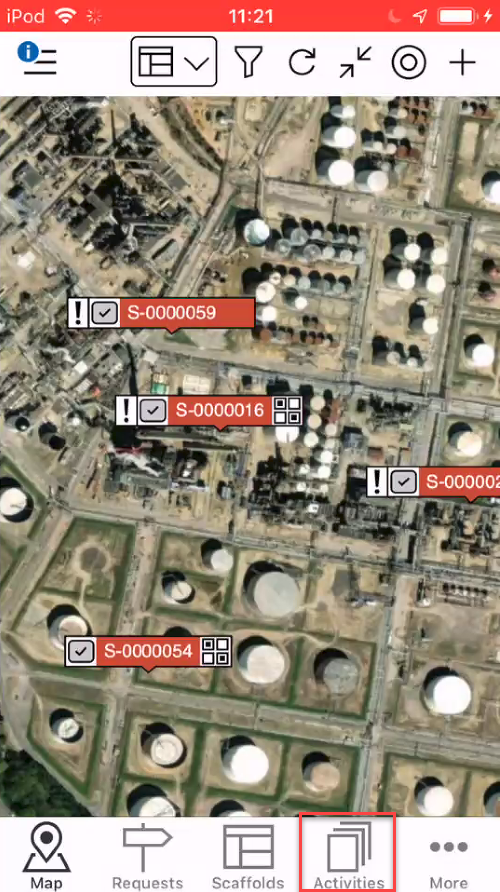
An Activity is something that requires an action or is a previously performed action. Activities are created when Requests have been given final approval or when a scheduled dismantle or modification of a Scaffold has been created. These requests could be for a new scaffold or a dismantle request. These Activities are related to practical tasks such as builds, repairs, modifications and dismantles.
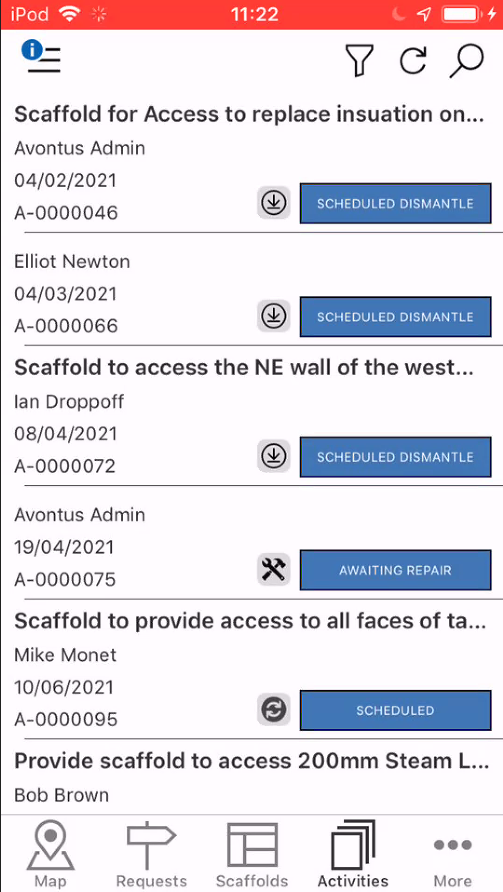
The colour of the status indicates what type of Activity it is. If the colour of the status is blue, then the Activity needs to be actioned.

If it is grey, then the Activity is in process and needs to be changed when work on the scaffold (a build for instance) has been completed.
Completed Activities only show on the desktop app.
Activities include:
- Repairs
- Modifications
- Builds
- Dismantles.
These activities can be completed on the Activity Details screen. The Activity Details screen can be viewed by tapping on an Activity and you will see the details for the selected Activity.