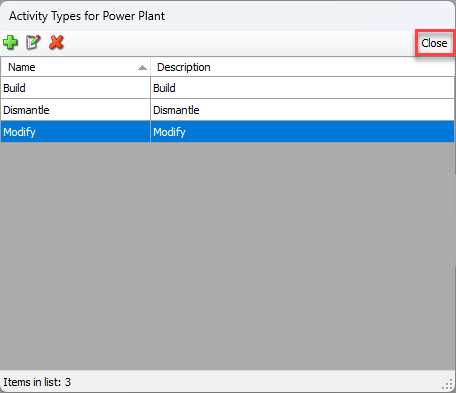
Use Activity Types in the creation and management of Scaffold Activities. You can assign Activity Types to a specific Scaffold Tracking Job Site, to categorize or label the different types of Activities related to a Scaffold. There is no limit to the number of custom types you can create. The types you create using the procedures below will be available to assign to new and existing Activities.
NOTE: The features mentioned in this article are only available in the Industrial Edition of Quantify.
To add a custom Activity Type:
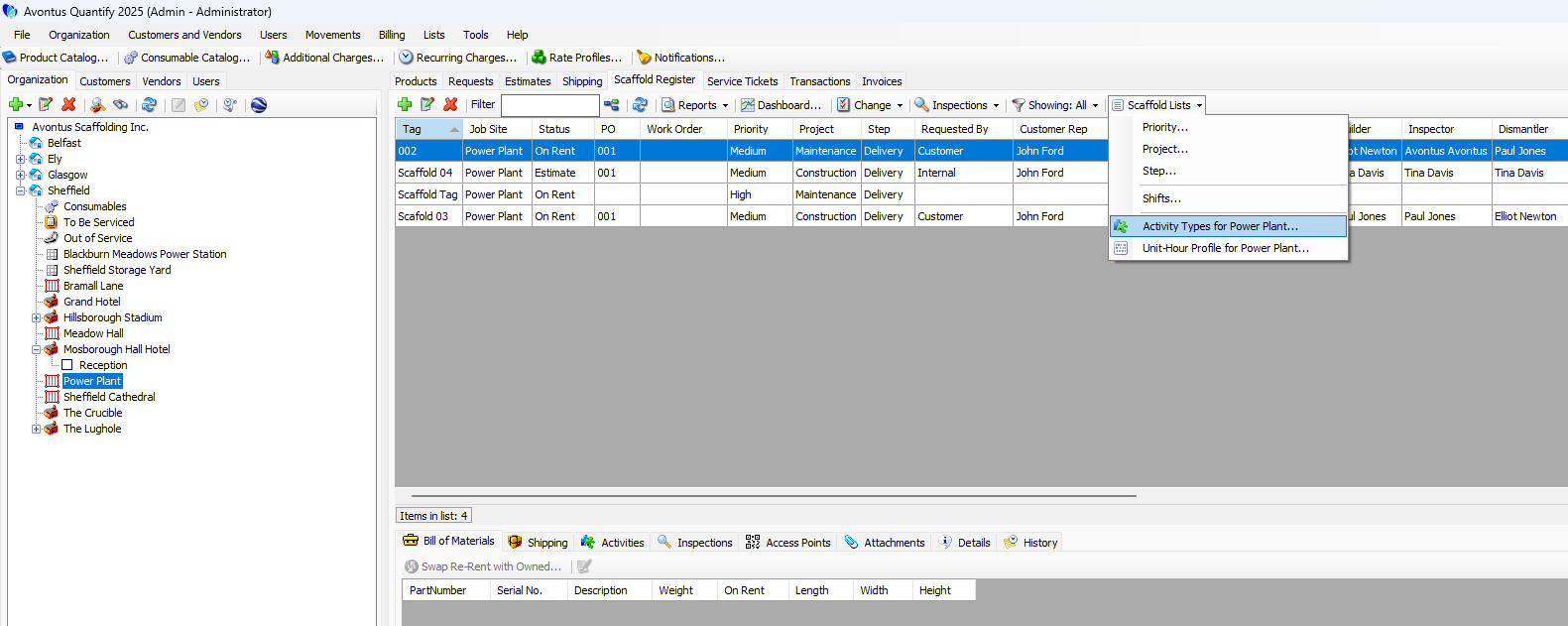
Locate and select the appropriate Scaffold Tracking Job Site and click the Scaffold Register tab.
Click the Scaffold Lists dropdown and select Activity Types for [Job Site name].
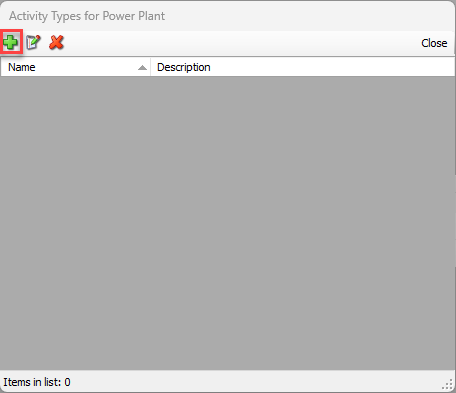
The Activity Types dialog appears.Click the Add button.
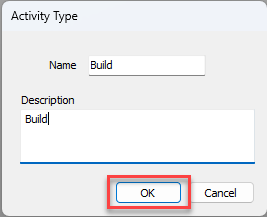
The Activity Type dialog appears.Click in the Name text field and enter a name for the new Activity Type.
This step is required.Click in the Description text field and enter a short description of the new Activity Type.
Note: This step is optional.
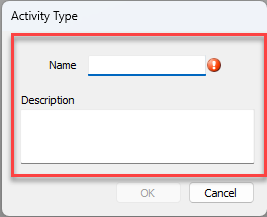
Click OK.
The Activity Types dialog returns.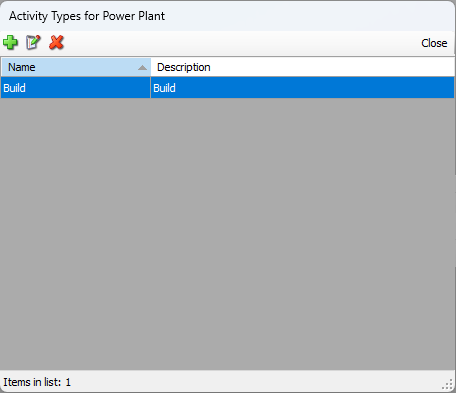
Repeat the above steps and add as many Activity Types as necessary.
Click Close in the Activity Types dialog.