You can easily add any Dimension to walls, curved walls, pilasters, rectangular columns, etc.
To add a Dimension to a shape:
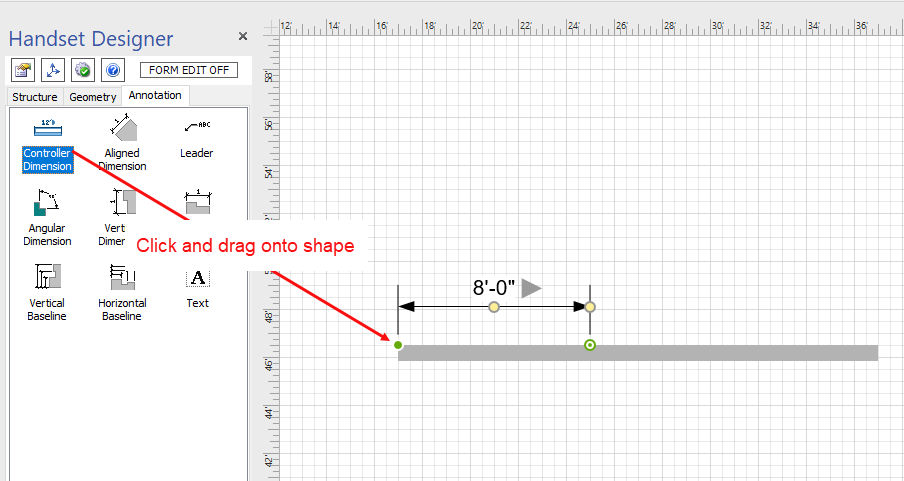
- Click the Annotation tab
- Locate the drawing shape to which you want to add a Dimension.
- Click the Dimension and drag it onto the shape, so that one end of the Dimension glues to one end of the shape.
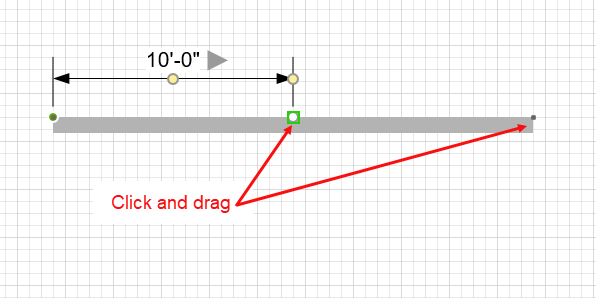
- Click the other end of the Dimension and drag it to the other end of the object, so that it glues to that end.
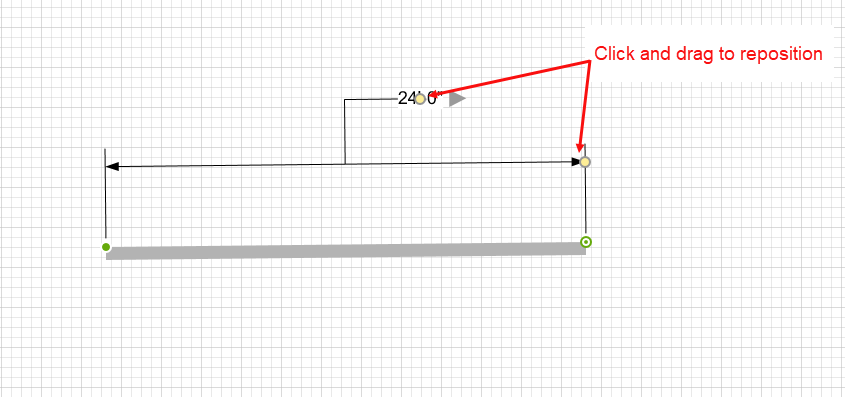
- Click and drag the yellow shape handles to re-position the Dimension leaders while still remaining glued to the shape.