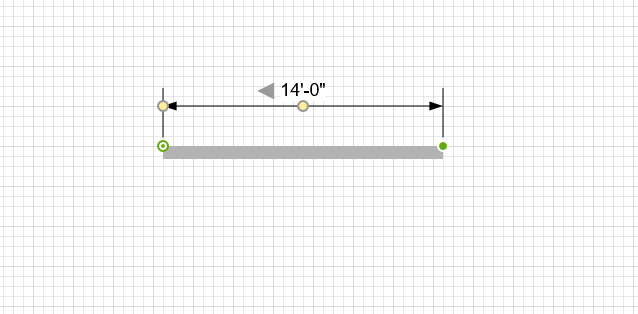
In addition to drag and drop, you can use the dropdown menu to add a Controller Dimension (but not the other dimensions available in the Annotation tab).
To add a Controller Dimension:
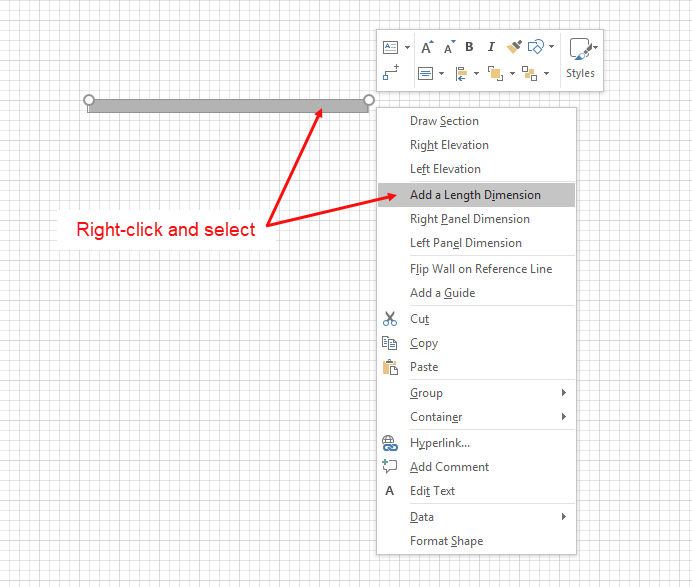
- Right-click the shape to which you want add the Controller Dimension and select Add a Length Dimension from the menu that appears.
Handset Designer connects the Controller Dimension to the wall.