You can add a property that will appear on a Request, Scaffold, and Activity.
To do this
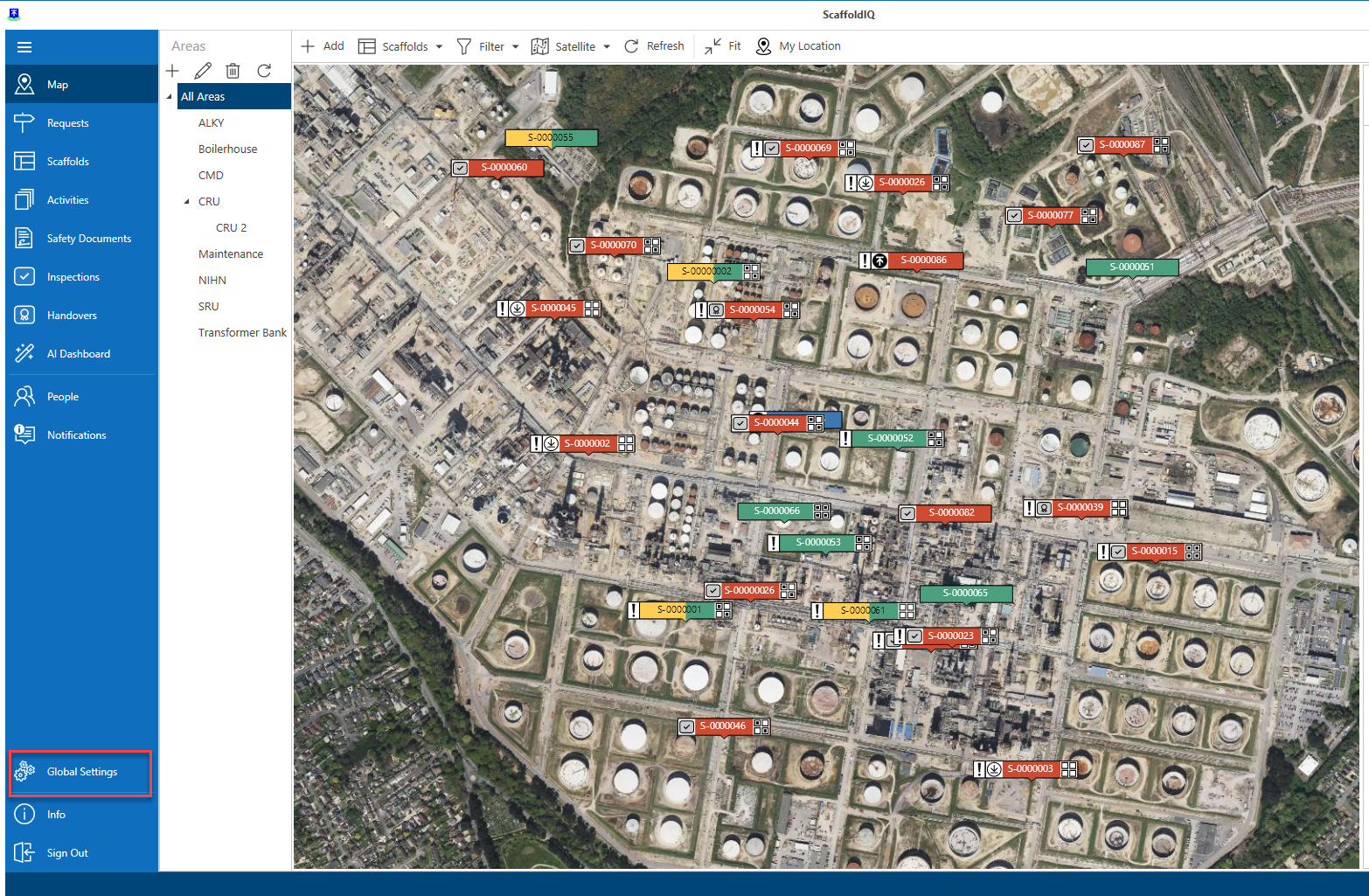
Click Global Settings
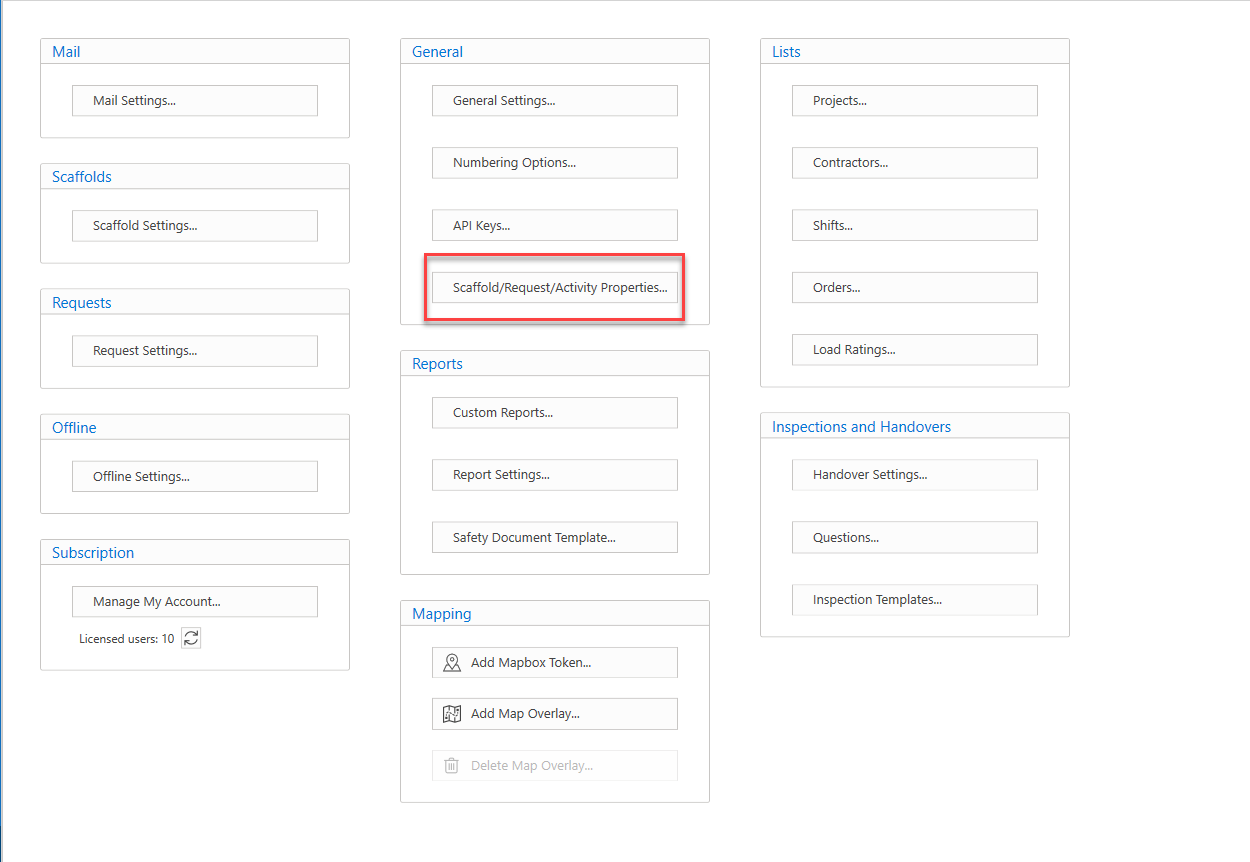
Select Scaffold/Request/Activity properties
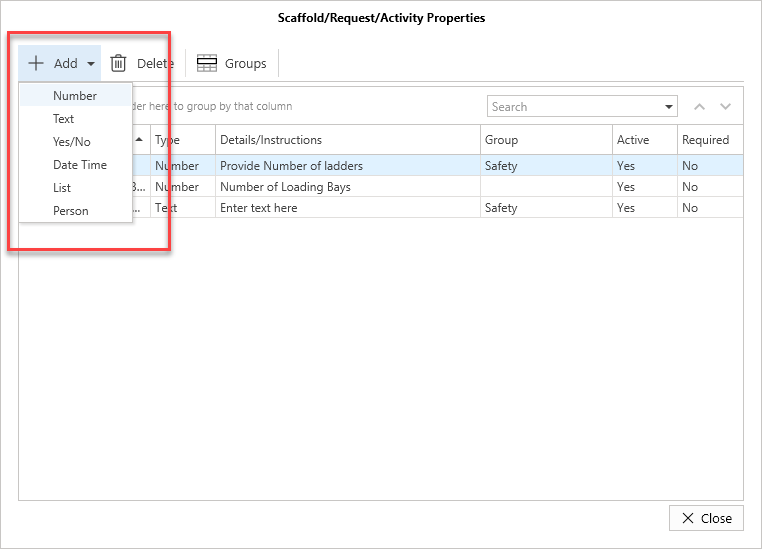
Click Add
Select a question type from the list
For more information on question types, please see the questions article for more information.
In this example, we will select Number
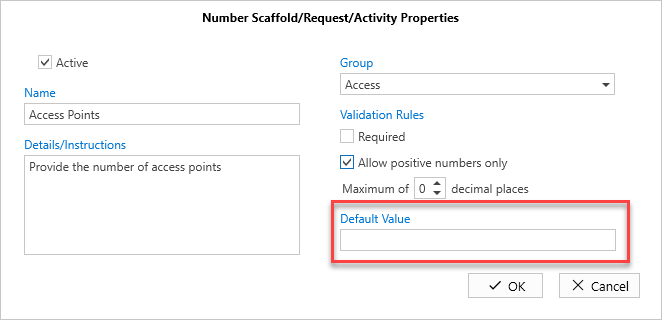
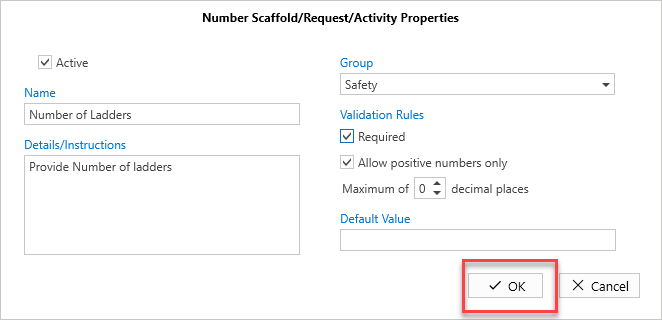
Provide the Scaffold name
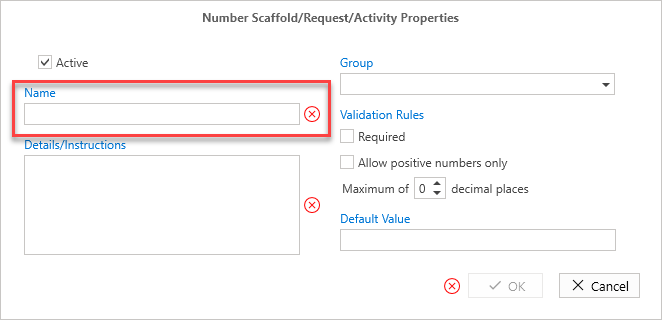
Provide the Details/Instructions
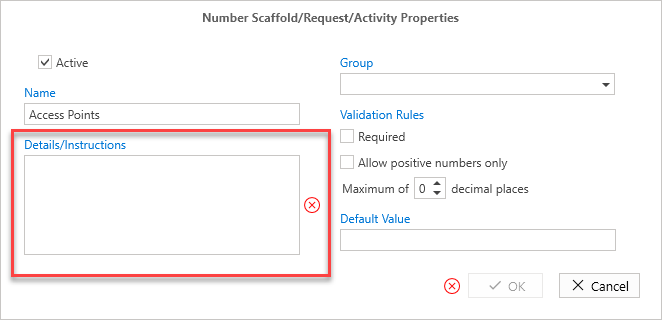
You can now click OK, or provide the remaining information.
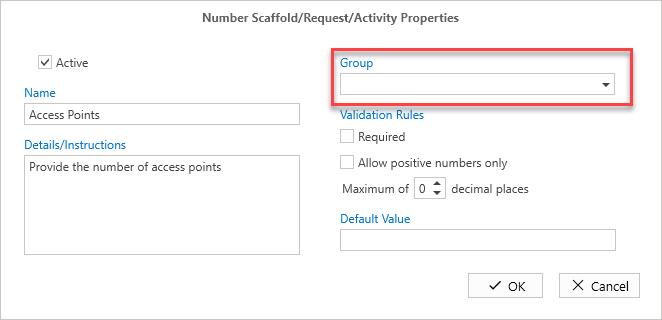
Select the Group
Specify the Validation Rules
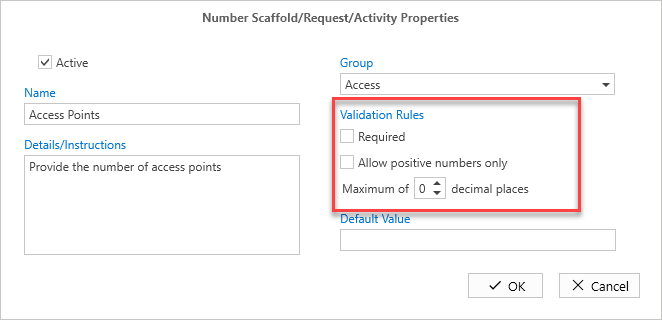
Add the default value if required.
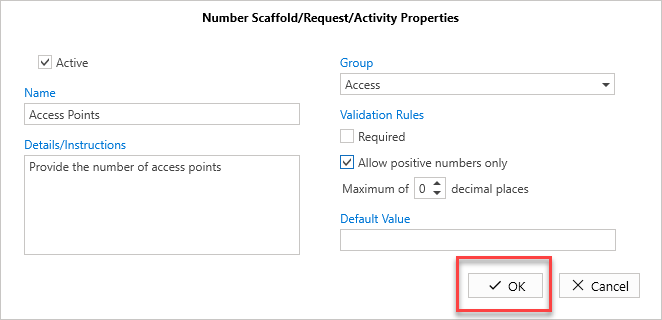
Click OK
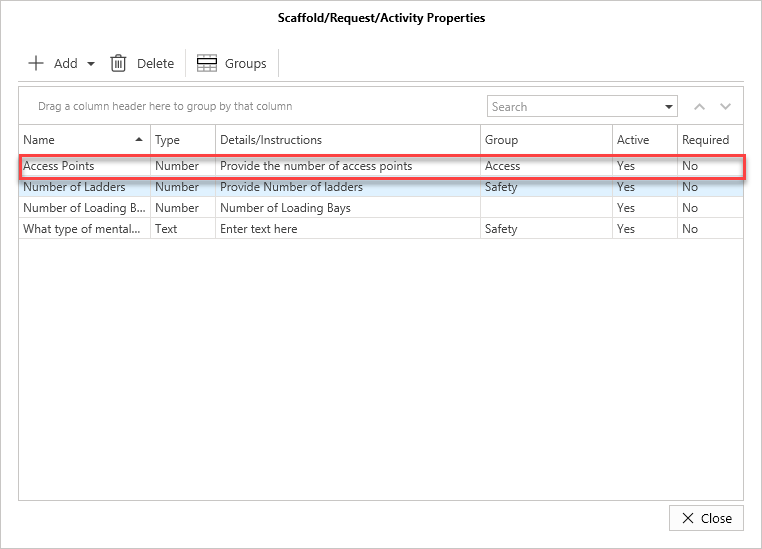
The property will be created.
Editing a property
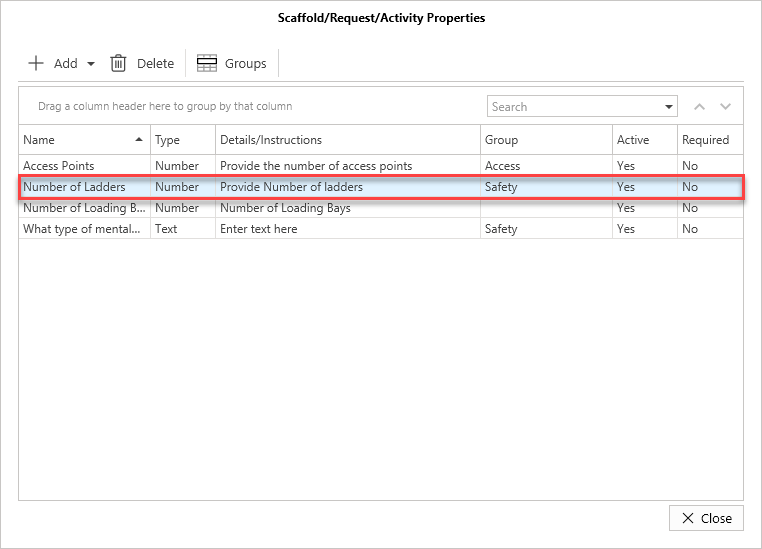
To edit a property, double-click on a property.
Make your changes, and click OK.
Deleting a property
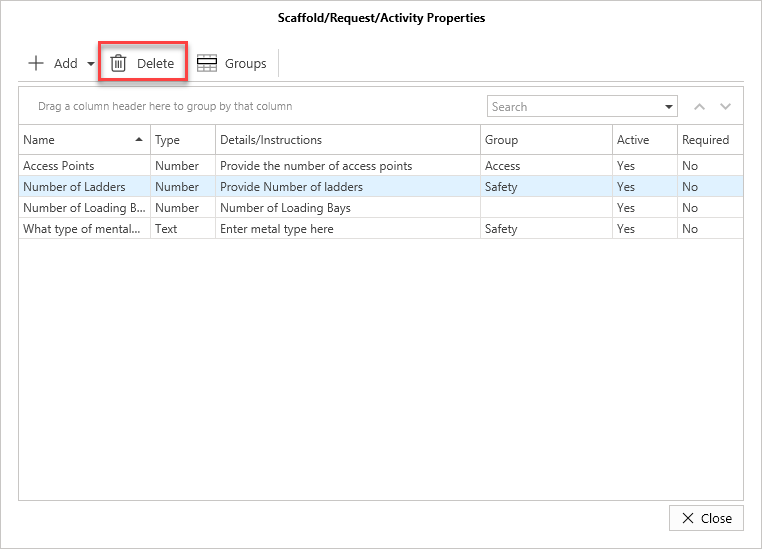
To delete a property:
Select on the property, and click Delete.
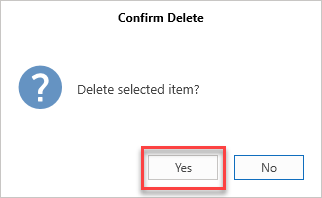
Click Yes
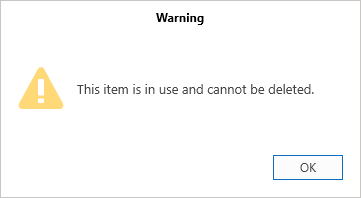
If a property has been used, it cannot be deleted.