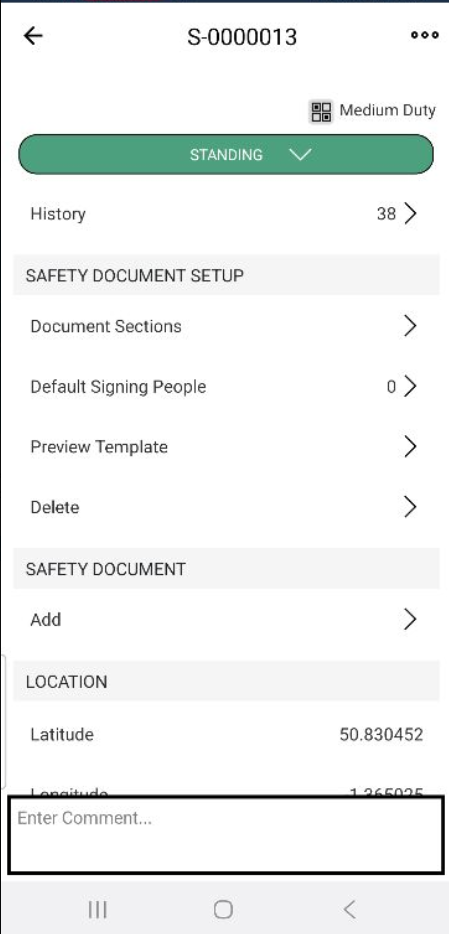
To assign a template to Scaffold
Go to the Scaffold screens
Tap on a Scaffold
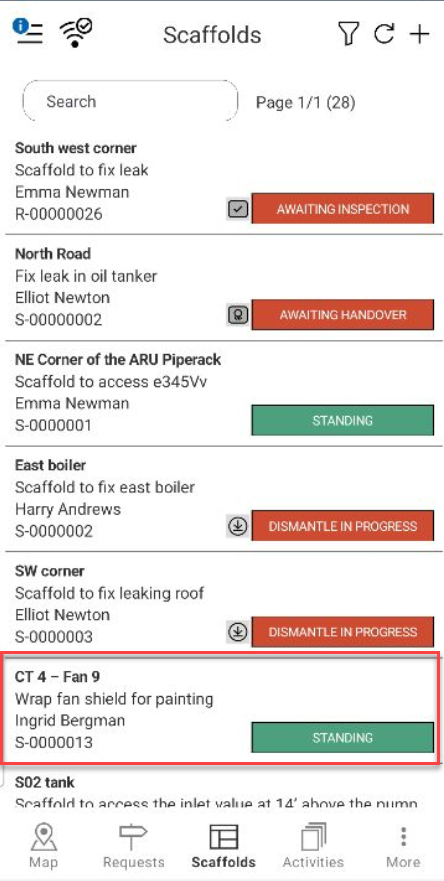
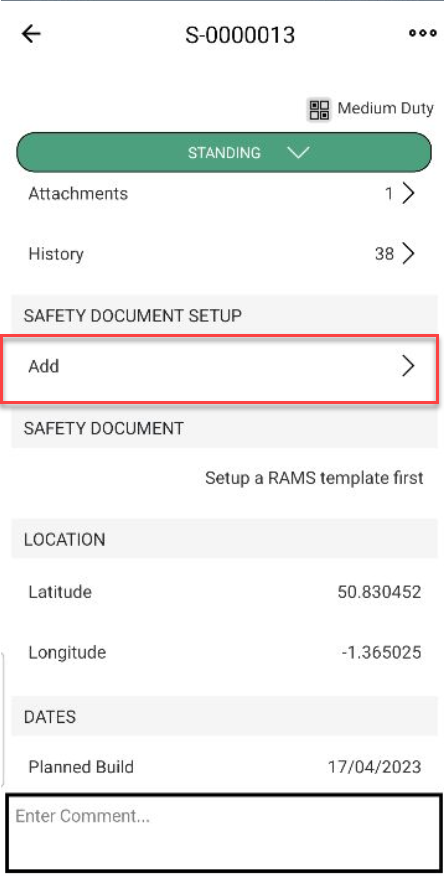
Scroll down to the Safety Document Setup section
Tap Add
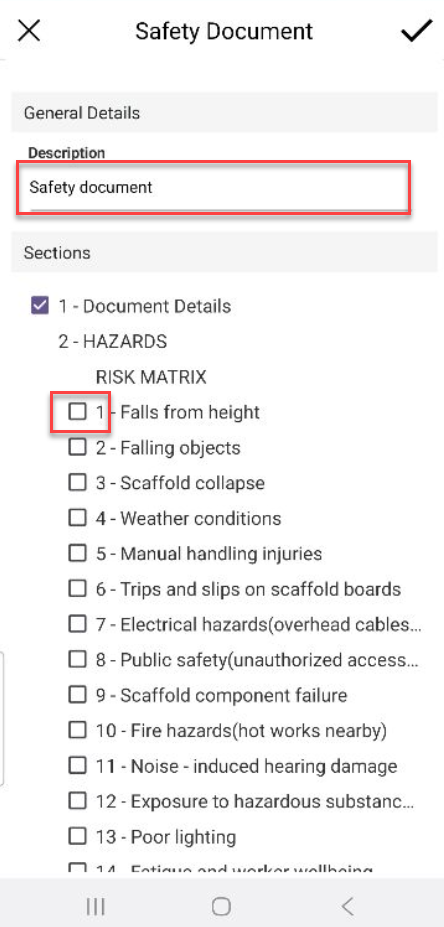
Enter a Description
Tap on a hazard section
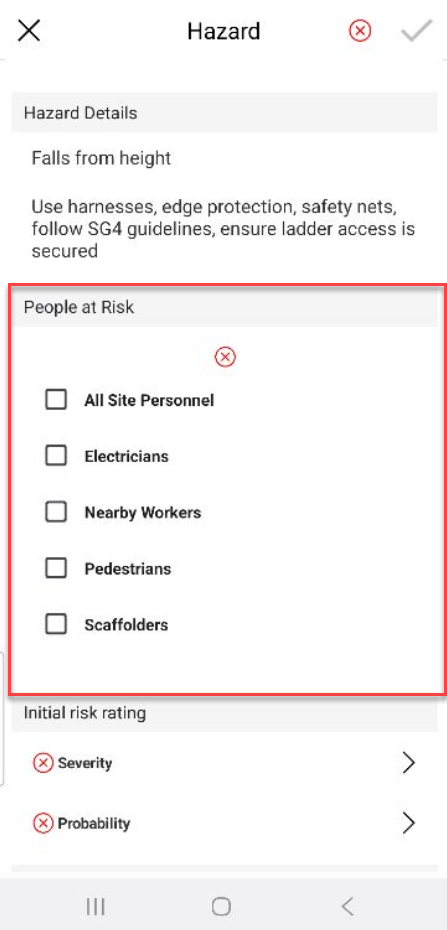
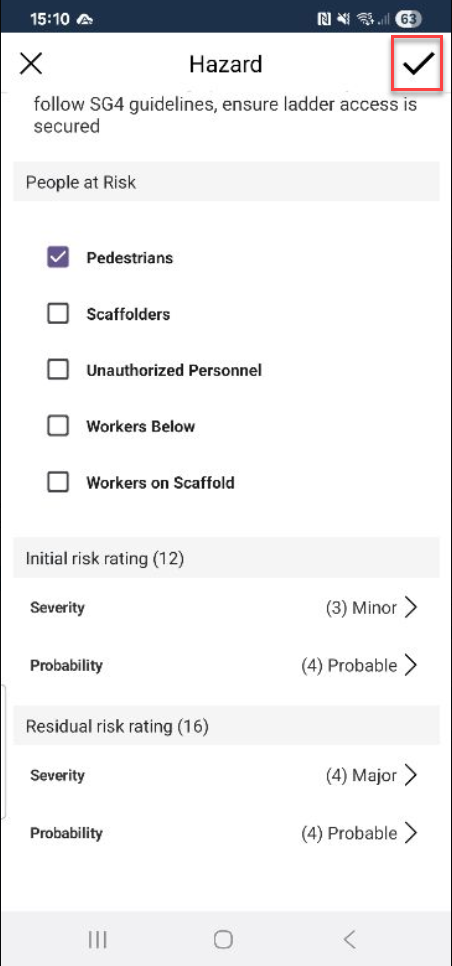
Specify the people at risk
8. Tap Severity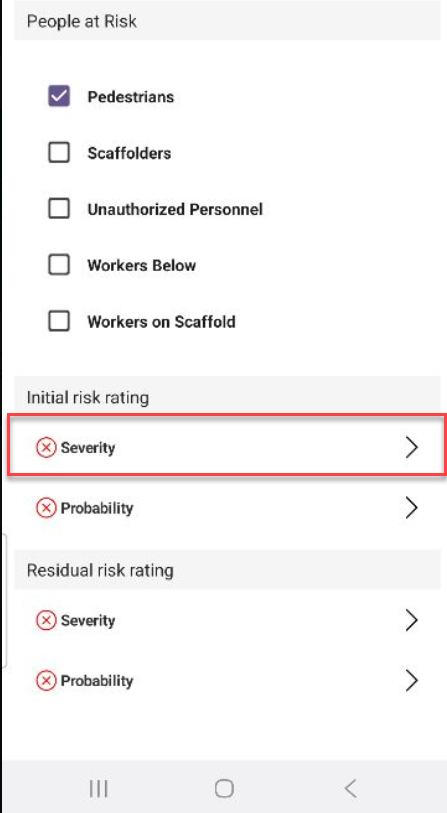
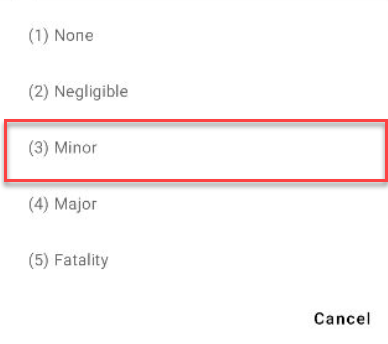
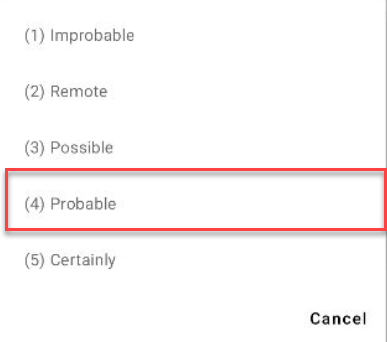
Select a rating from the list
Tap Probability
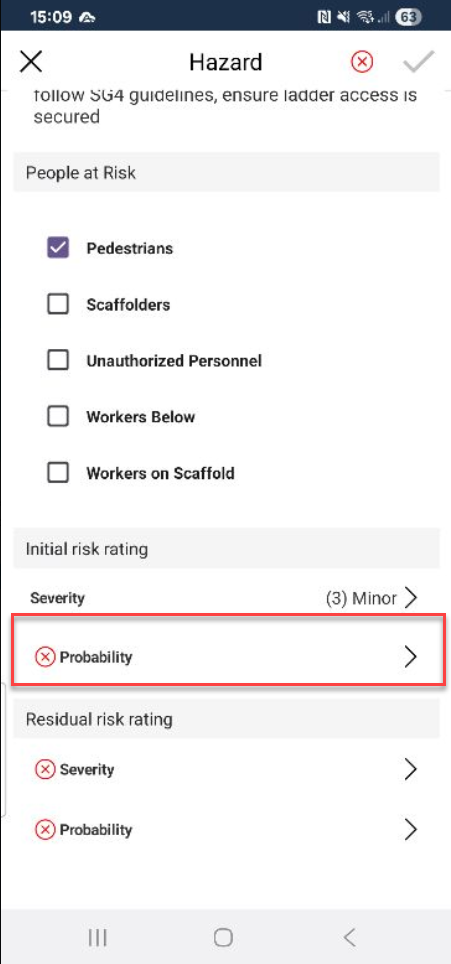
Select a rating from the list
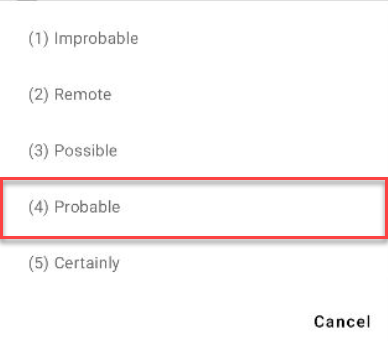
12. Select the Severity for the Residual Risk Rating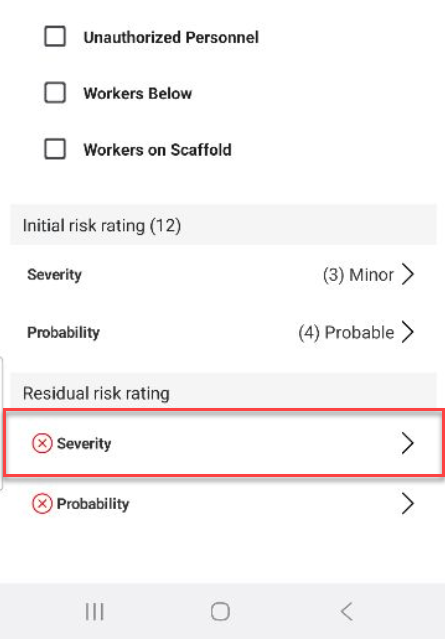
Select a rating
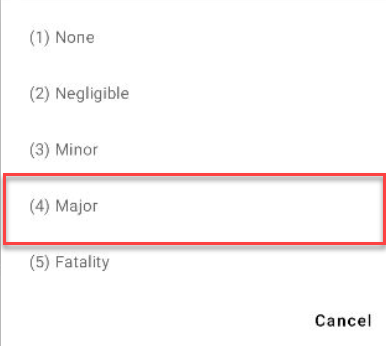
Tap Probability
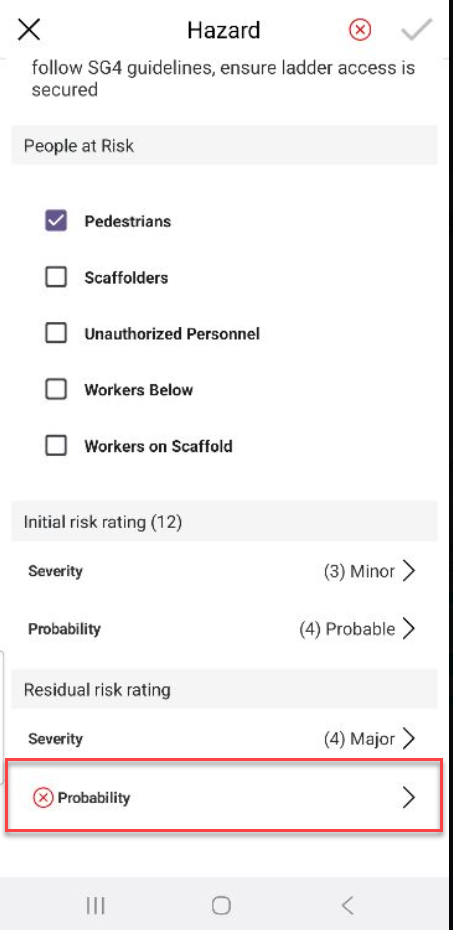
Select a rating
Tap the tick icon
Add further Hazards or sections if required, or just tap the tick icon
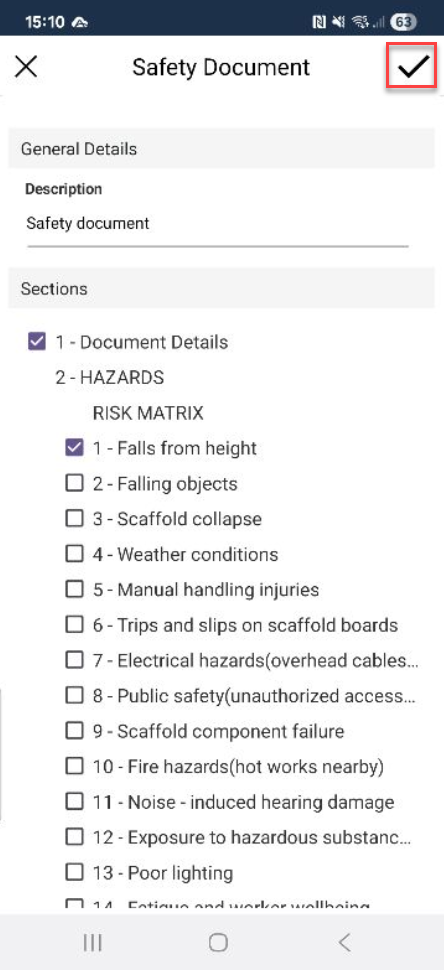
The document will be set up. You can then add Default Signees, and add the document to the Scaffold.