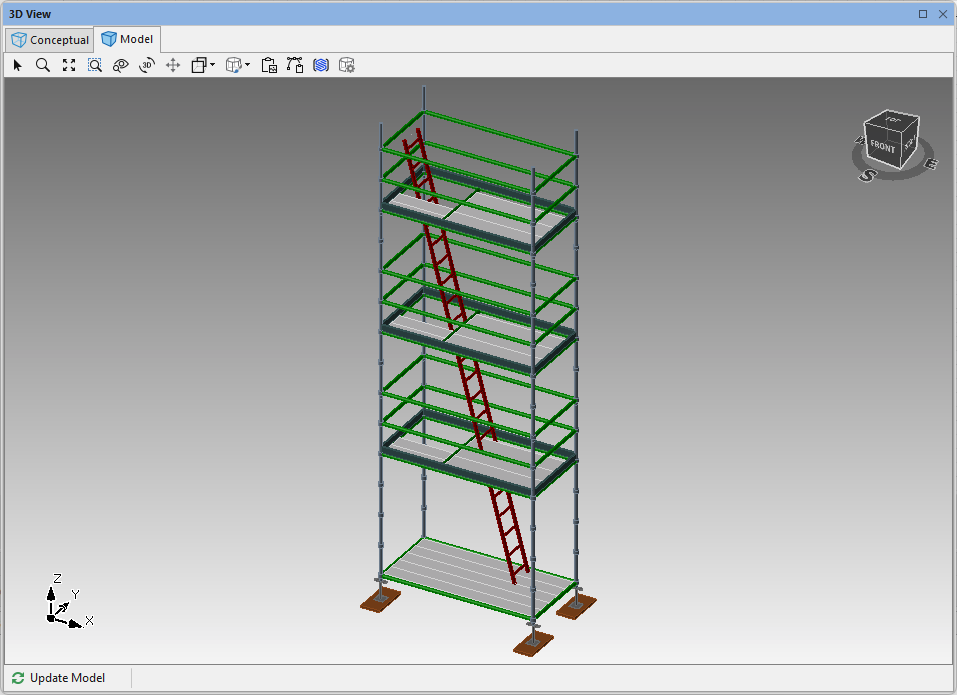
Avontus Designer enables you to add Inclined ladders that rise three scaffold levels.
To add a three-level inclined ladder:
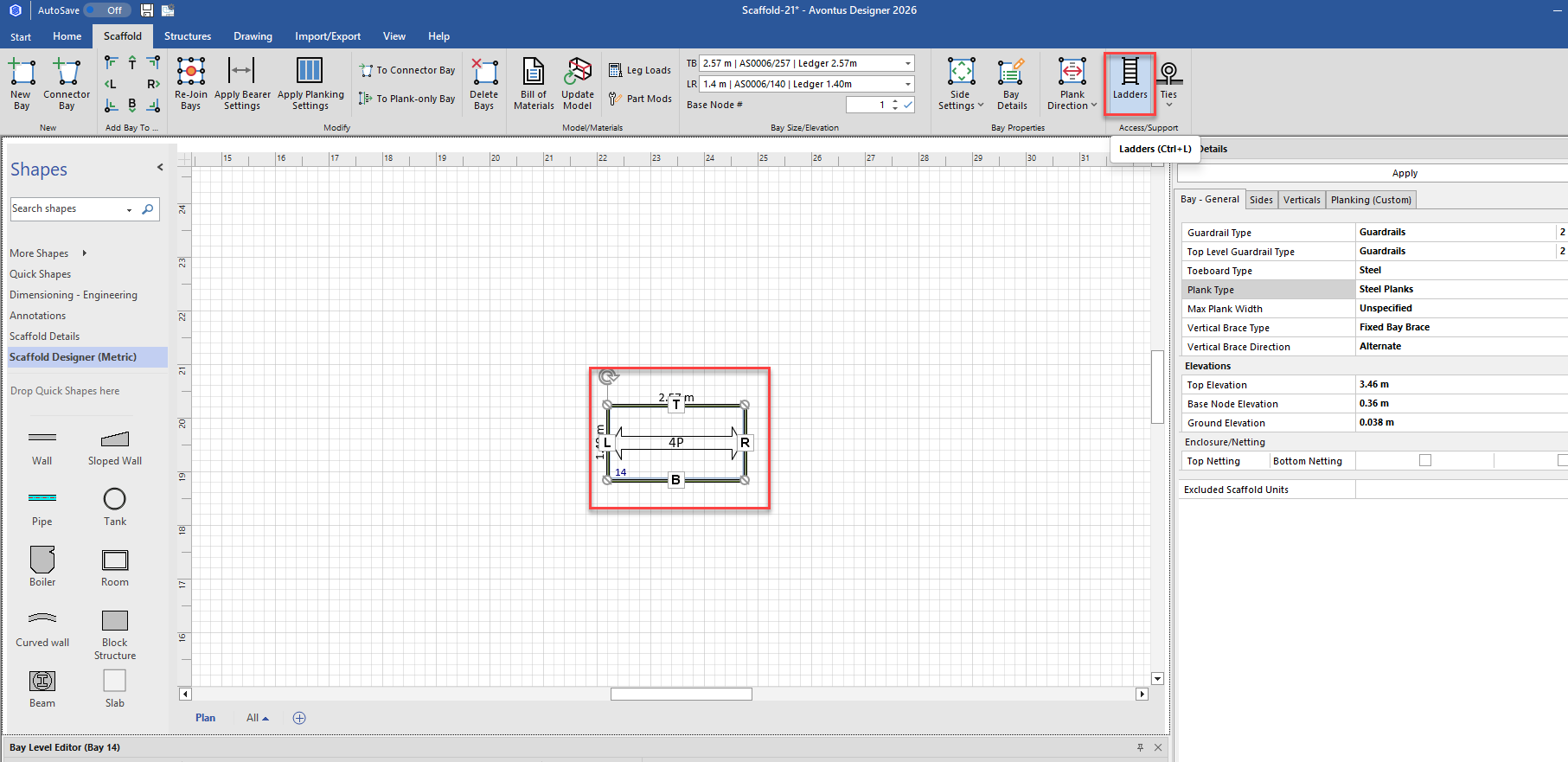
Click the appropriate three-level Bay in the Drawing Page, to select it.
Click the Scaffold tab and click Ladders.
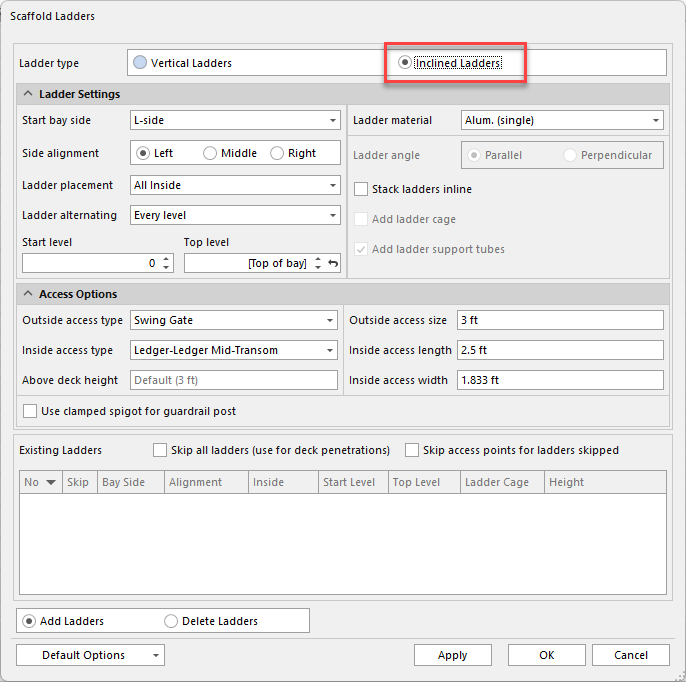
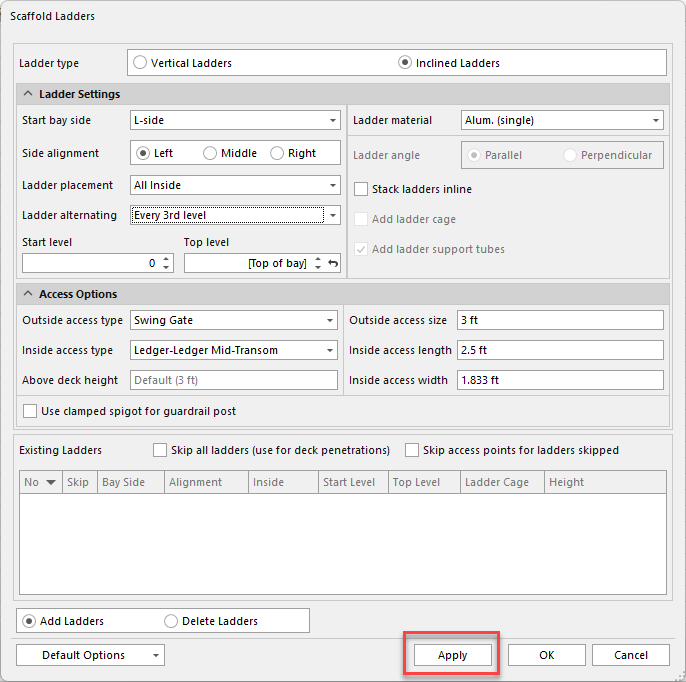
The Scaffold Ladders dialog appears.Click the Inclined Ladder Type radio button.
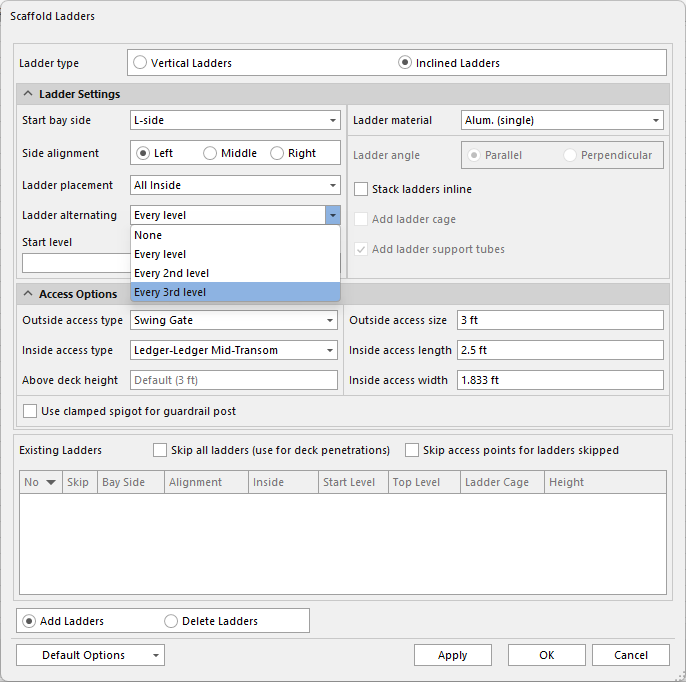
Click Ladder alternating dropdown and select Every 3rd Level.
Configure the rest of the ladder as necessary. For an explanation of these settings, refer to Working with Ladders.
Click Apply
Click OK.
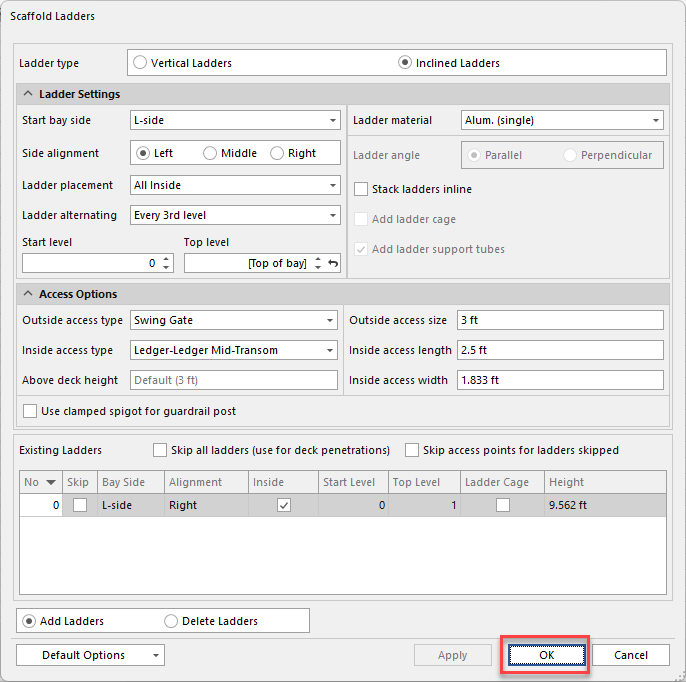
The result looks like this: