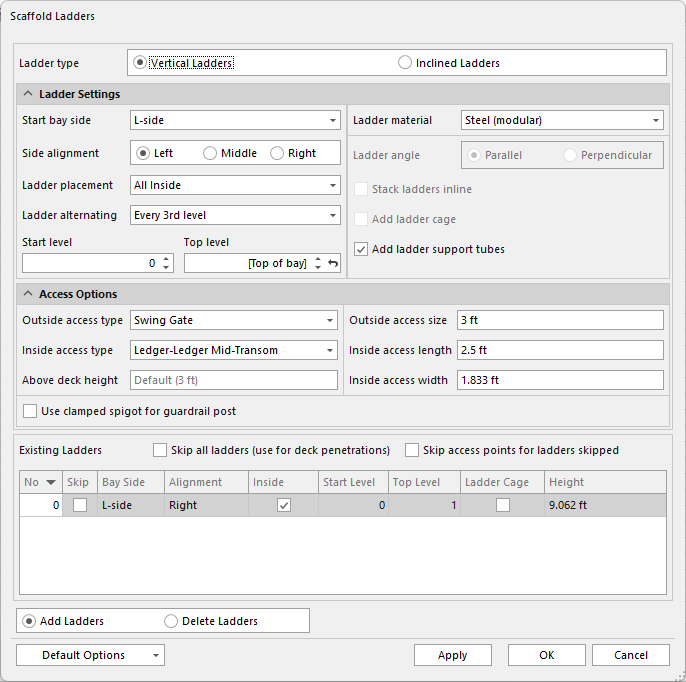
Ladder Settings for Scaffold Ladders set basic materials and location details of a Ladder.
To edit ladder settings:
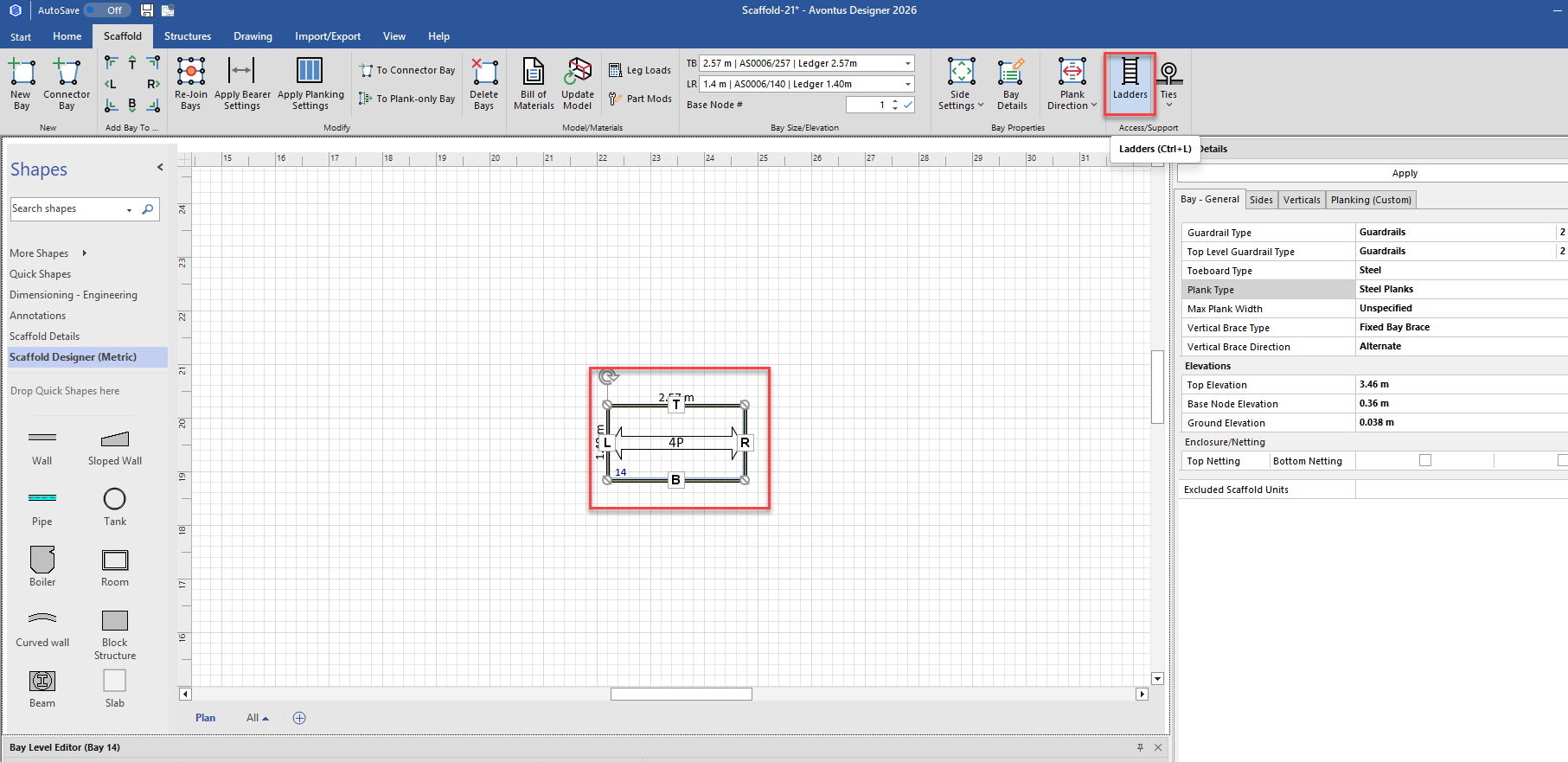
1. Click the appropriate Bay in the Drawing Page, to select it.
2. Click the Scaffold tab and click Ladders.
The Scaffold Ladders dialog appears.
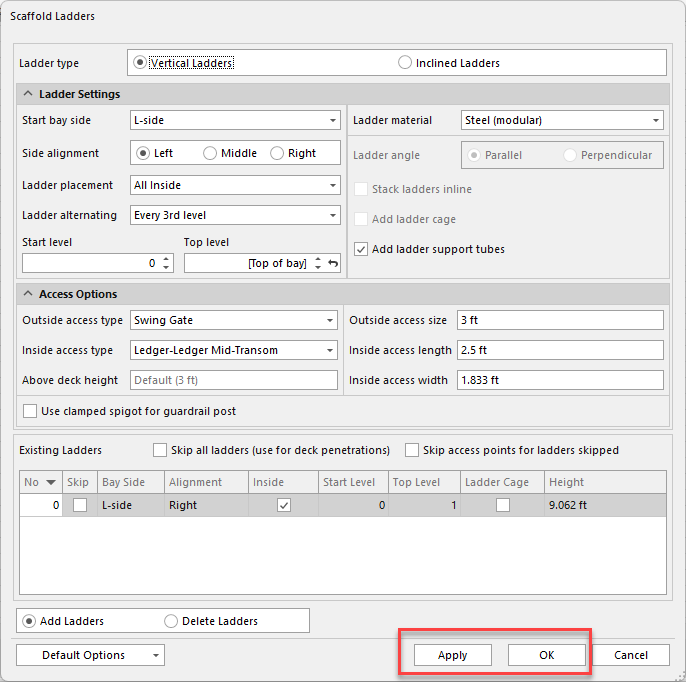
3. Make the required change, and click Apply and/or OK.
For more information about Ladder setup, refer to Ladders.