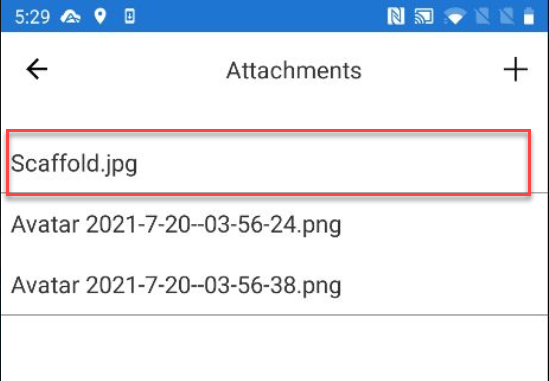
You can add an attachment to a Scaffold. This could be an image of the scaffold or any drawing planes.
To add an attachment to a request or scaffold
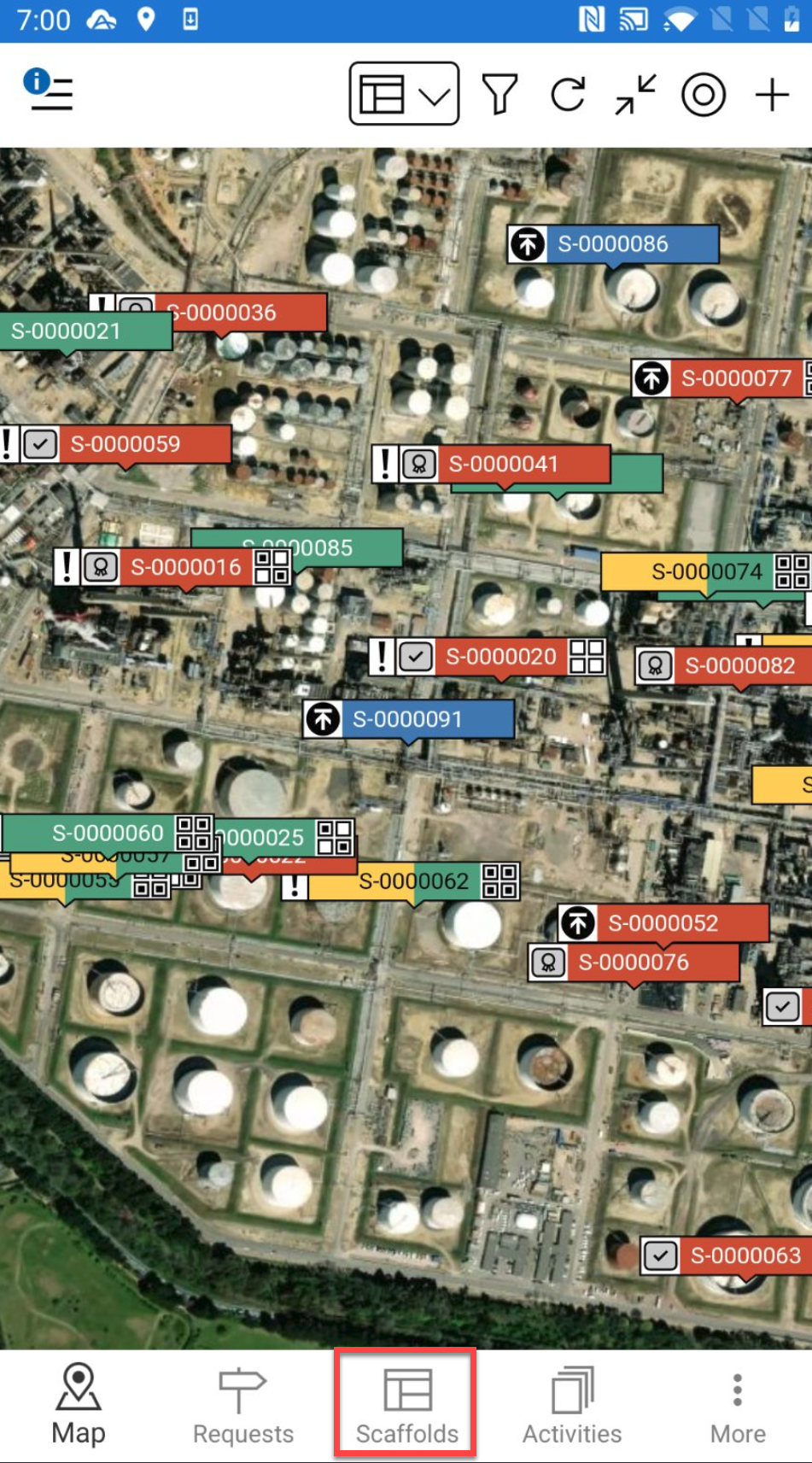
- Go to the Scaffolds screen.
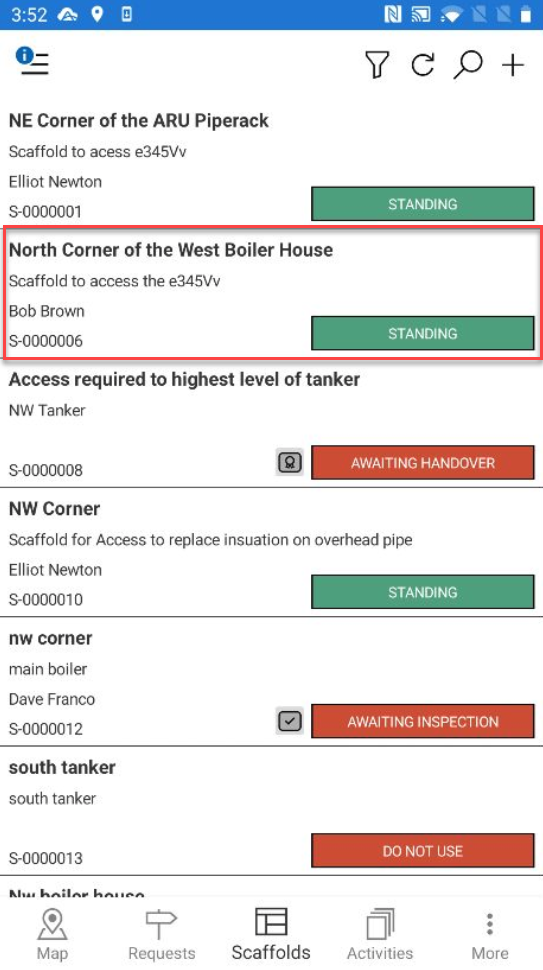
- Locate the scaffold you are looking for via its ID or any other known details.
- Tap the scaffold to open.
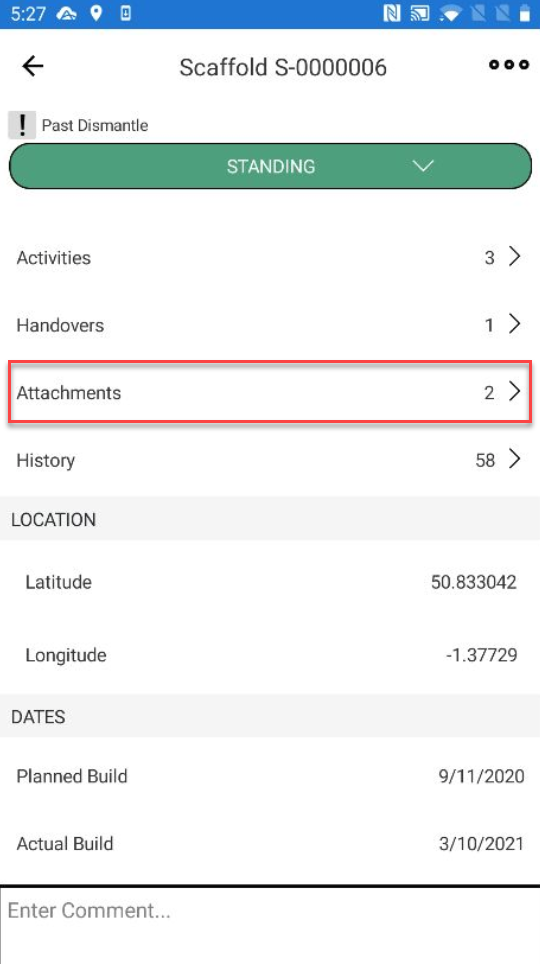
- In the Scaffold Details screen, scroll down to the Attachment section and tap the Attachment section.
- In the Attachments screen, tap + in the top-right.
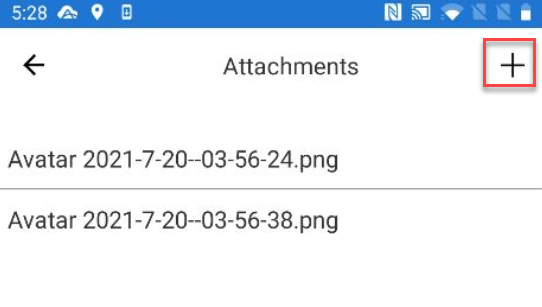
- Select to specify whether you wish to take a photo or choose a photo from your library.

- Take a photo or locate a file and tap OK.

- Browse and select your image
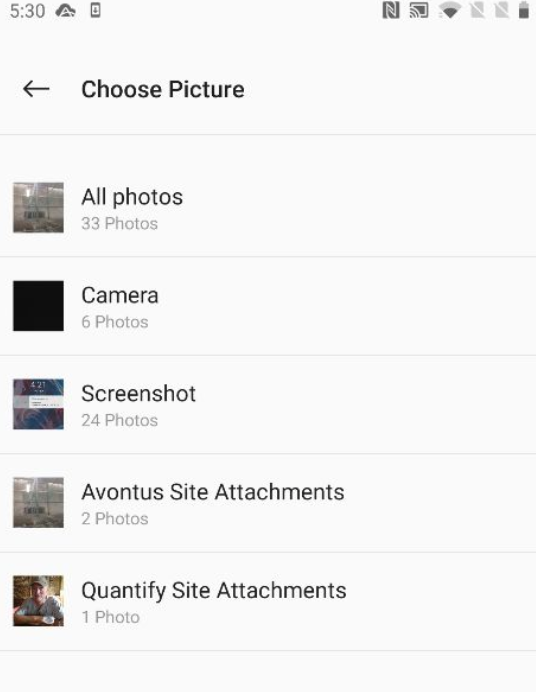
- Take a photo or locate a file and tap OK.
- Specify the attachment name and tap Submit.
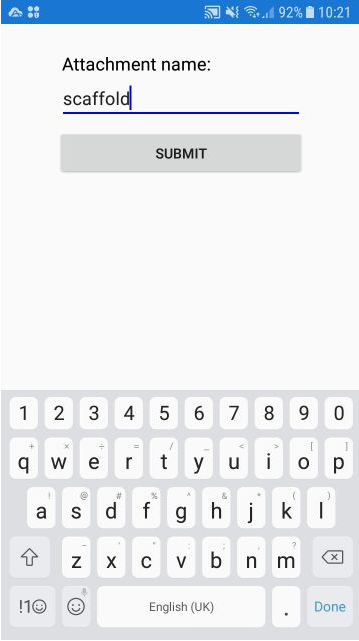
The attachment will be uploaded to the Scaffold.