To add an attachment to an Activity
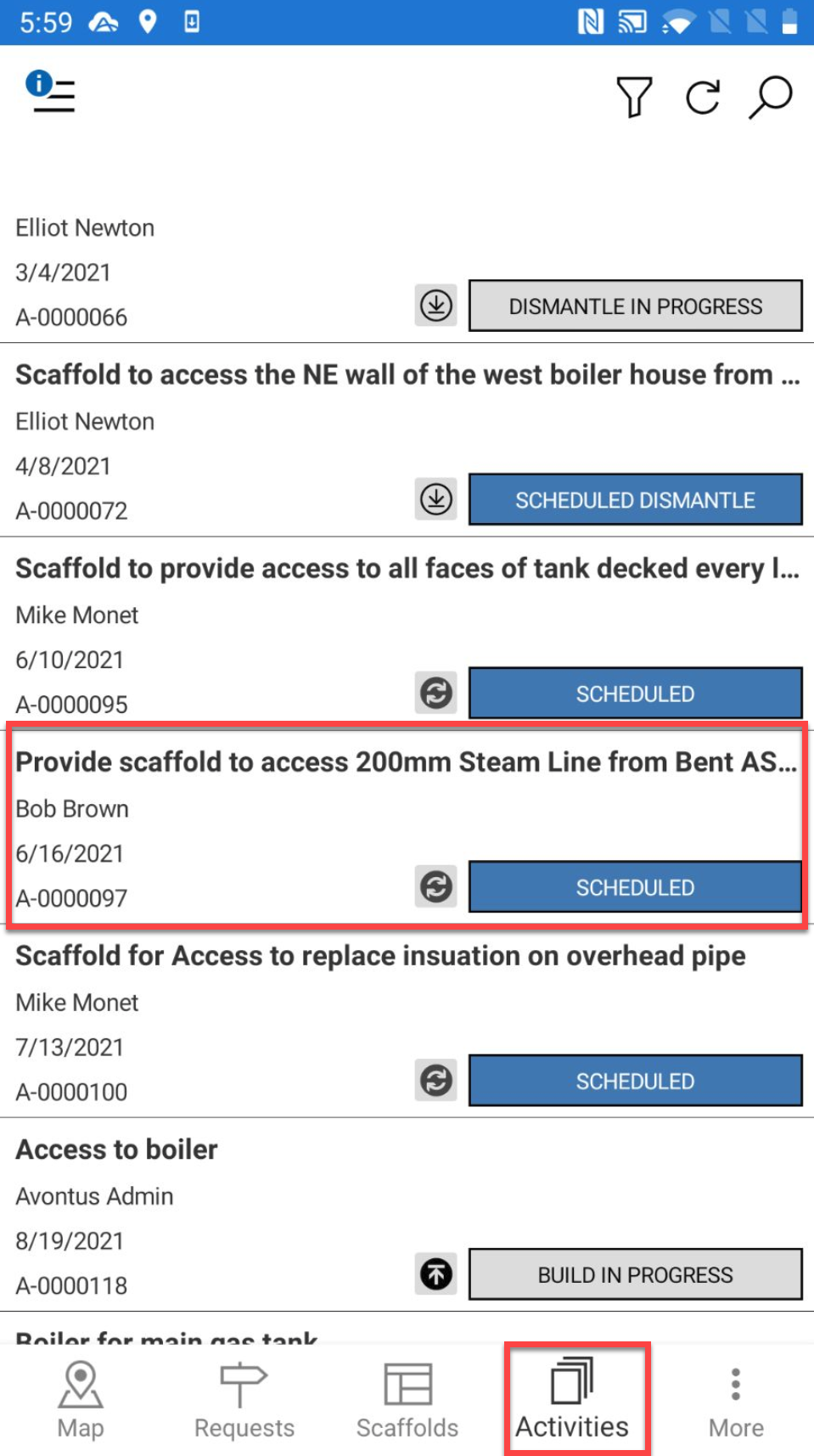
- Go to the Activities screen and select the Activity to modify.
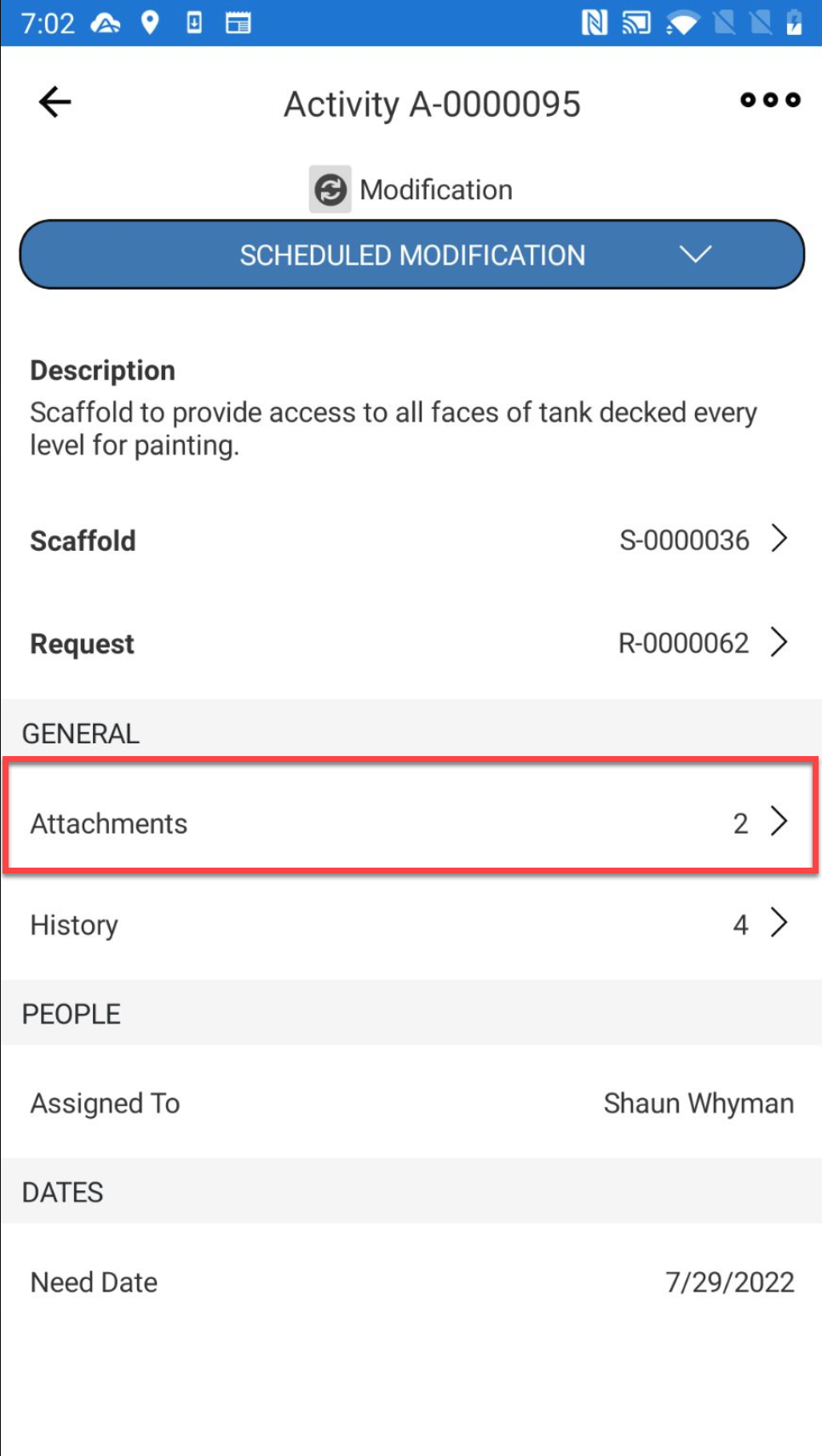
- Select Attachments
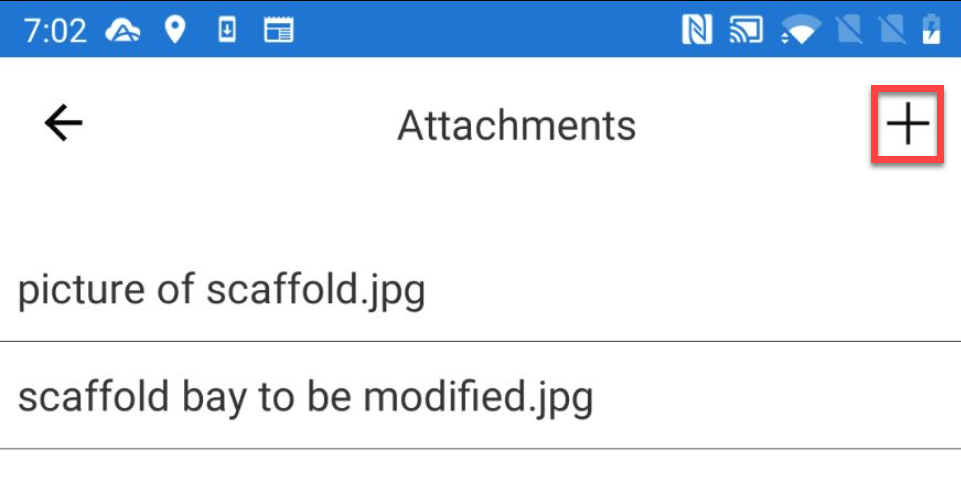
- Select the + icon
- Select to specify whether you wish to take a photo or choose a photo from your library.
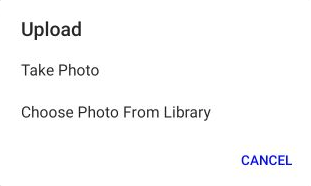
- Take a photo or locate a file and tap OK.

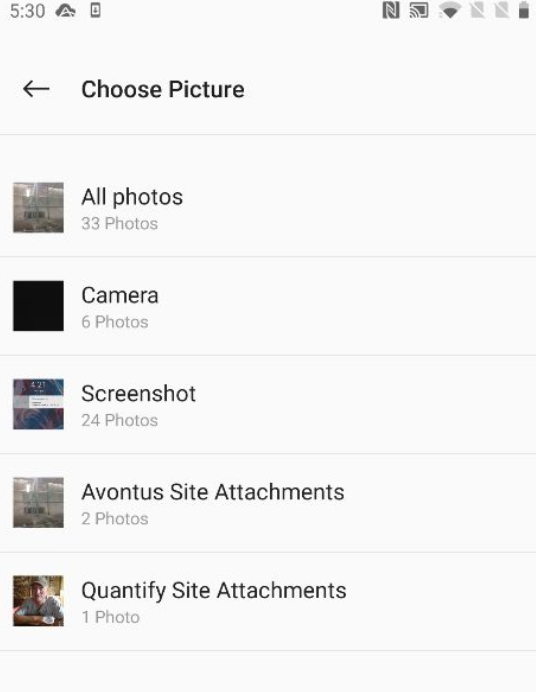
- Browse and select your image
- Specify the attachment name and tap Submit.
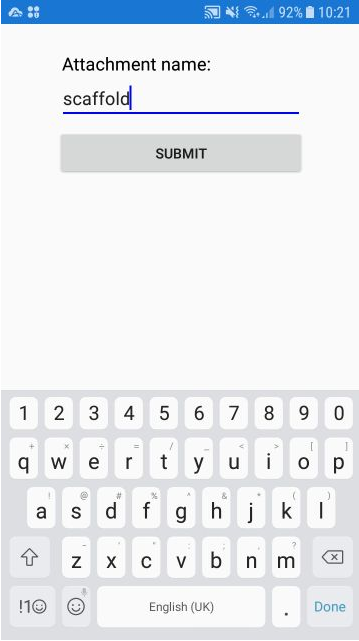
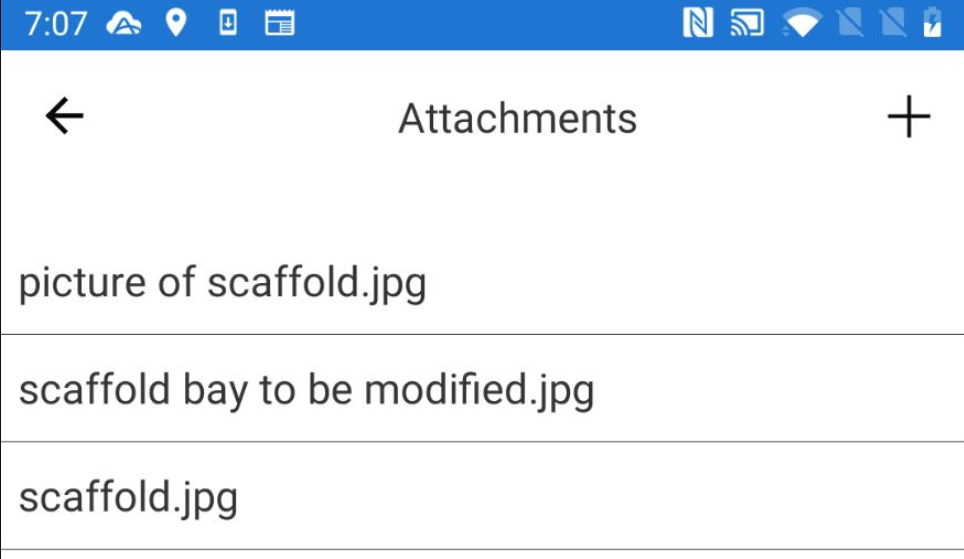
The new attachment will be added