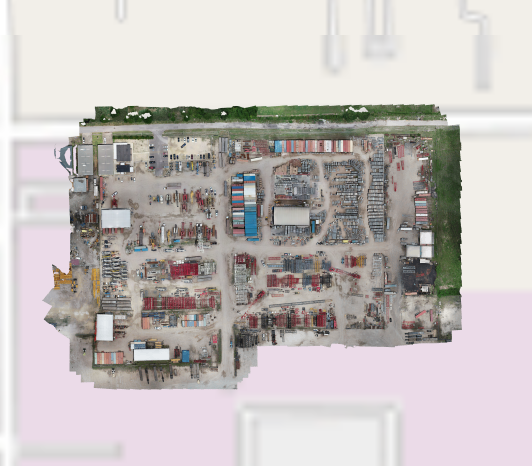
A street or satellite view in ScaffoldIQ can be overlaid with an image the end user creates. This could be a drone shot of your site, and provides a more up-to-date view of your site than a standard map could show. Note: To do this, you need to enable MPTiles and you can find out more information in the Mapping section. You will also need to use a third-party site to create the MBTile file for your overlay. Please see Creating an MBTile for more information.
Note that, only one Overlay can be added.
Only users with access to the Global Settings screen can add an overlay.
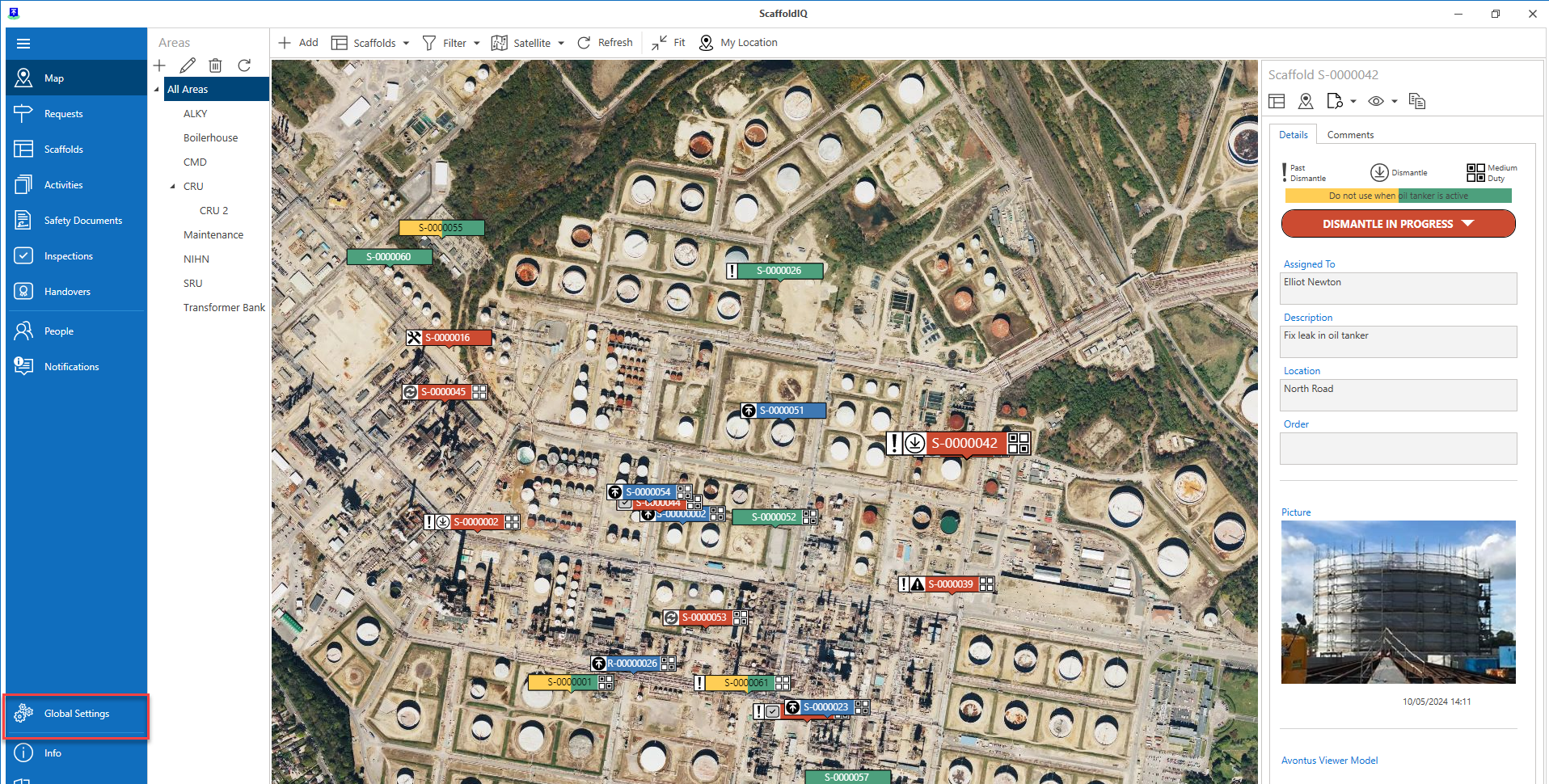
Go to the Global Settings screen.
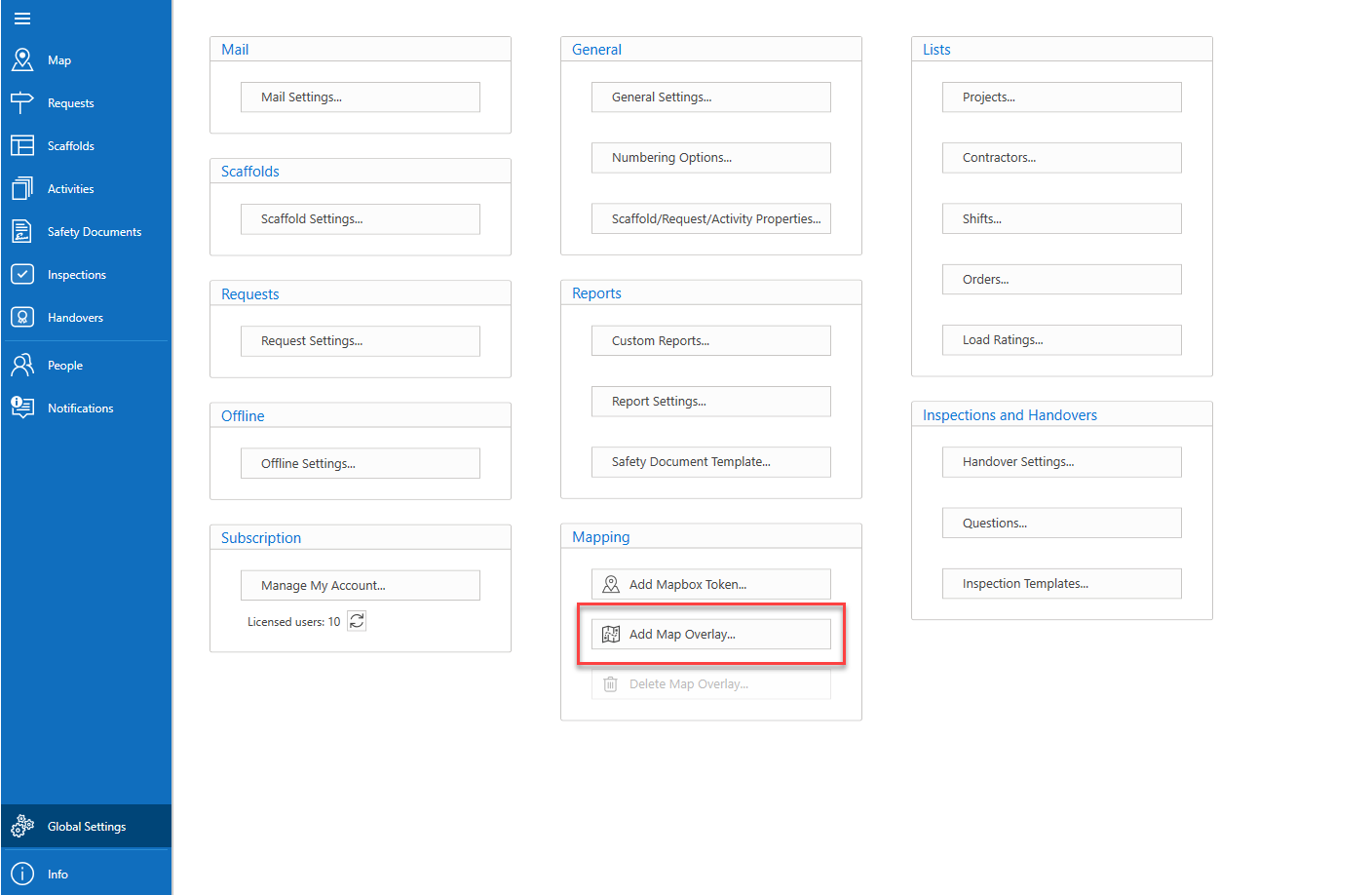
in the Settings screen, select Add Map Overlay.
Click the ... button to navigate to a file.
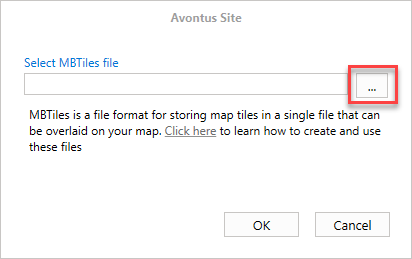
Upload the file and click OK.
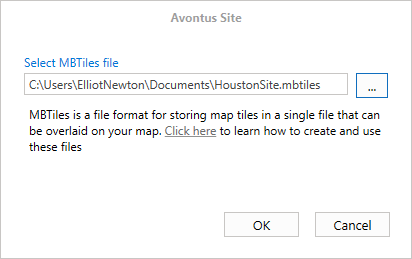
Upload the new MBTile format (overwrite the old one if one already exists).
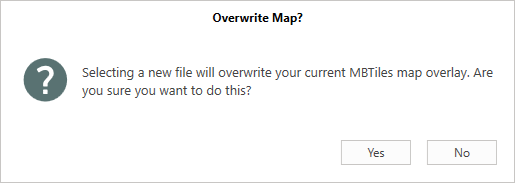
The new file will be uploaded.