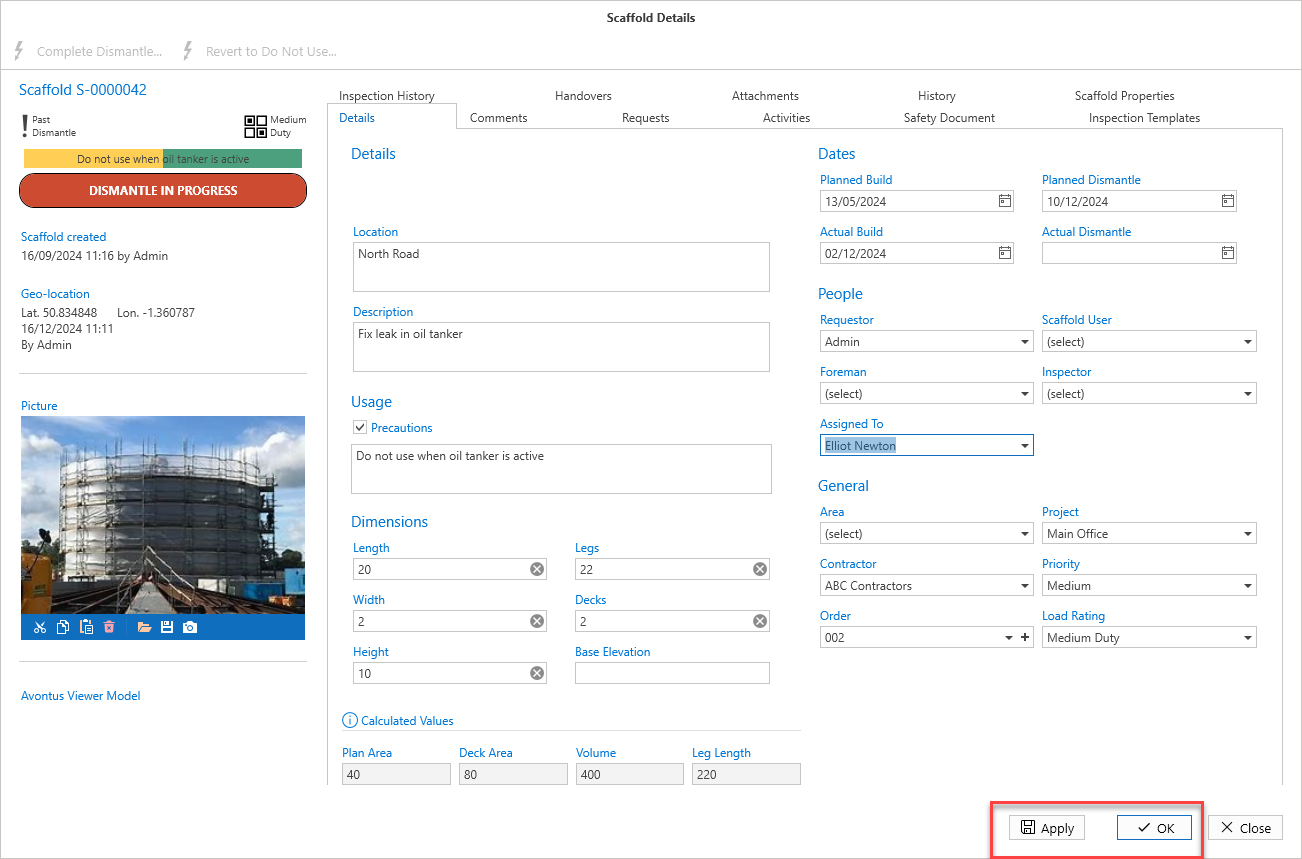
You can view the details of a Scaffold or Request and make changes to that Request or Scaffold
To view and edit the details of a request or scaffold
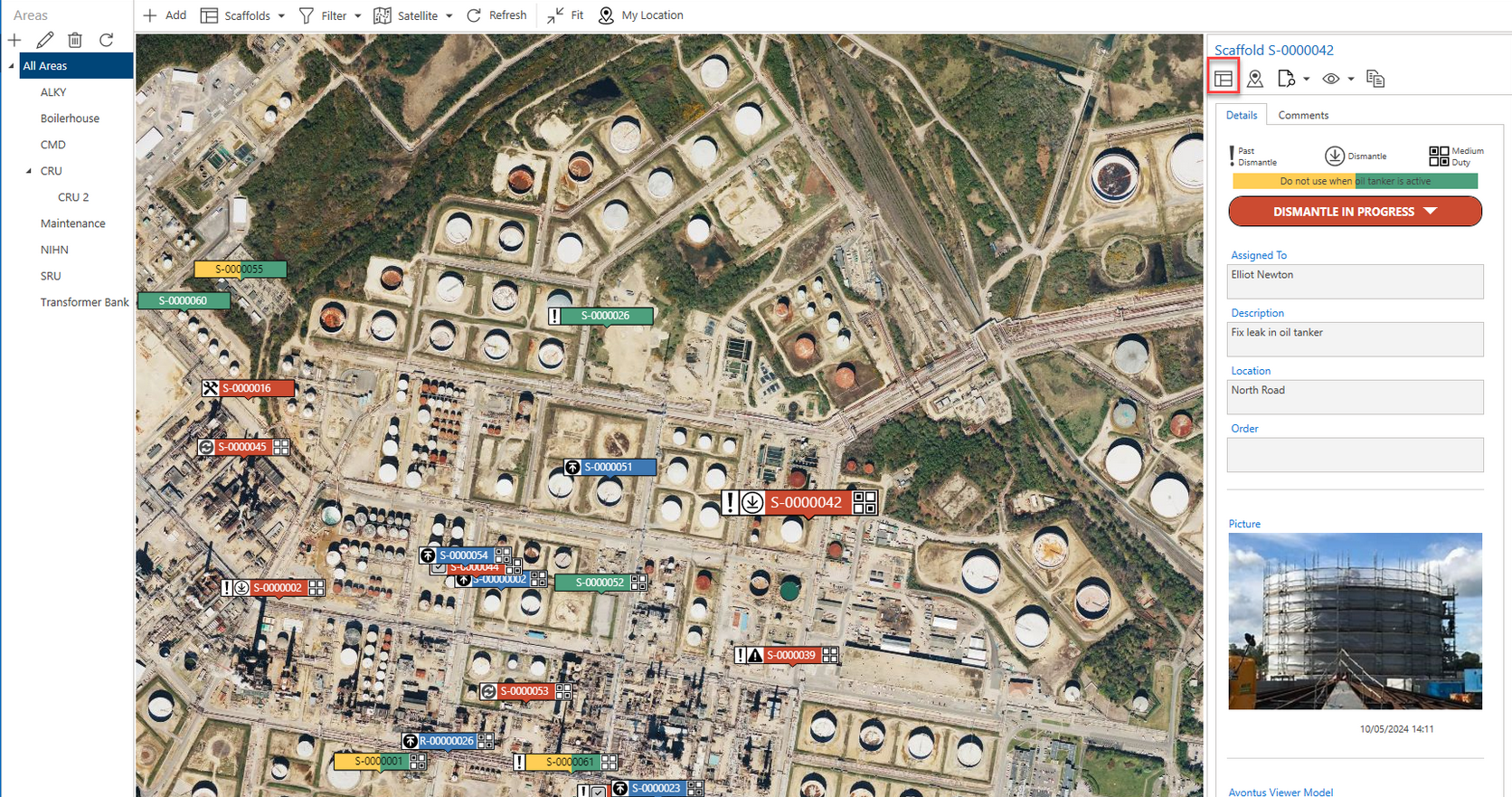
On the Map screen, select the pin of the request or scaffold to update.
On the right-hand side, select Scaffold Details (
 ) or Request Details (
 ).
).
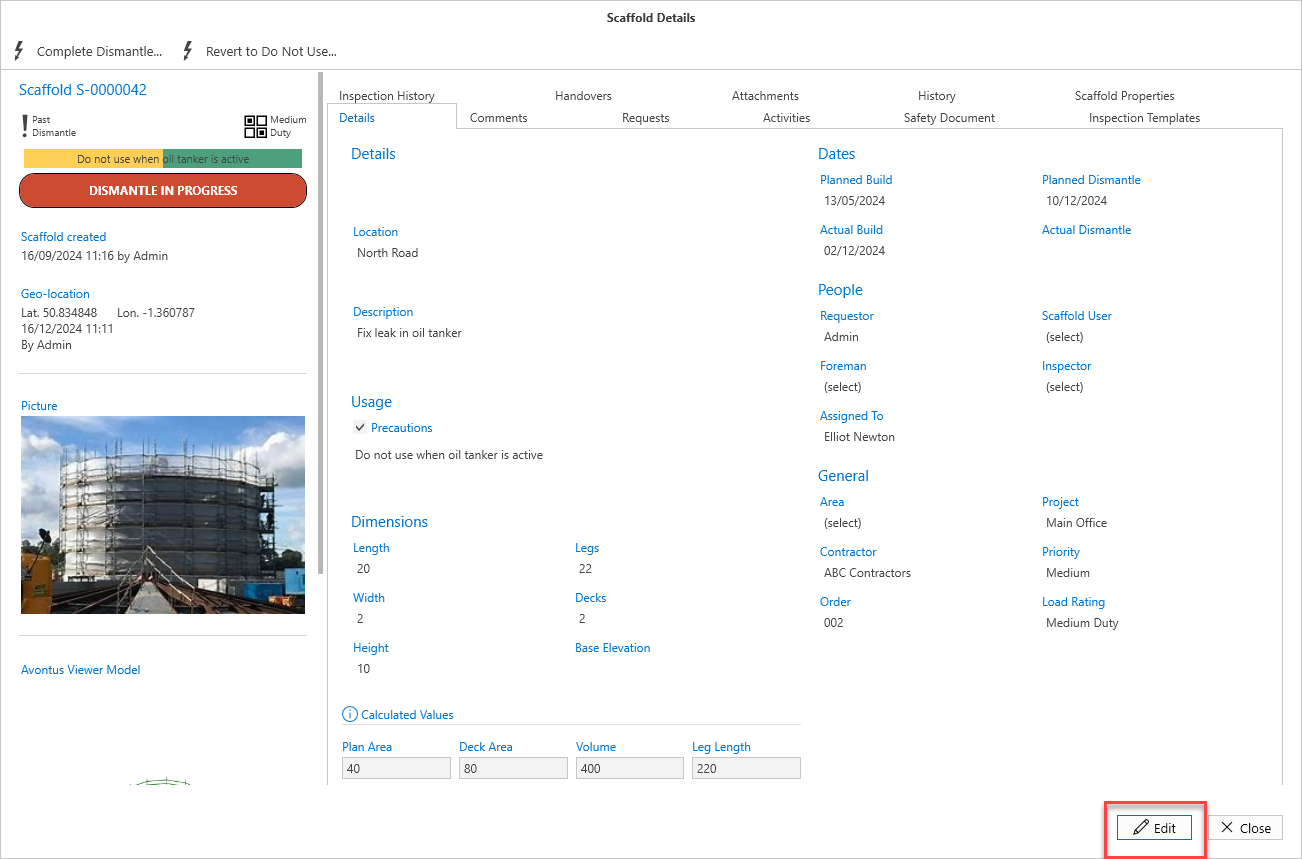
In the Details screen, select Edit at the bottom right of the window.
Make the required changes and click Apply or click OK.