You can add and edit sections which are used to make up a safety document template.
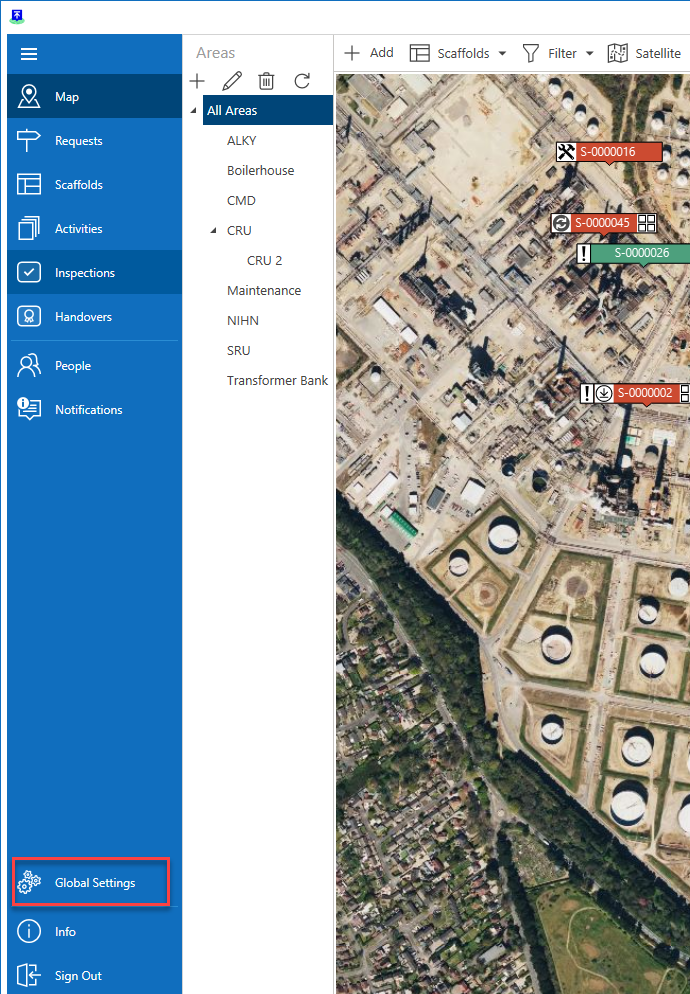
From the main menu, select Global Settings
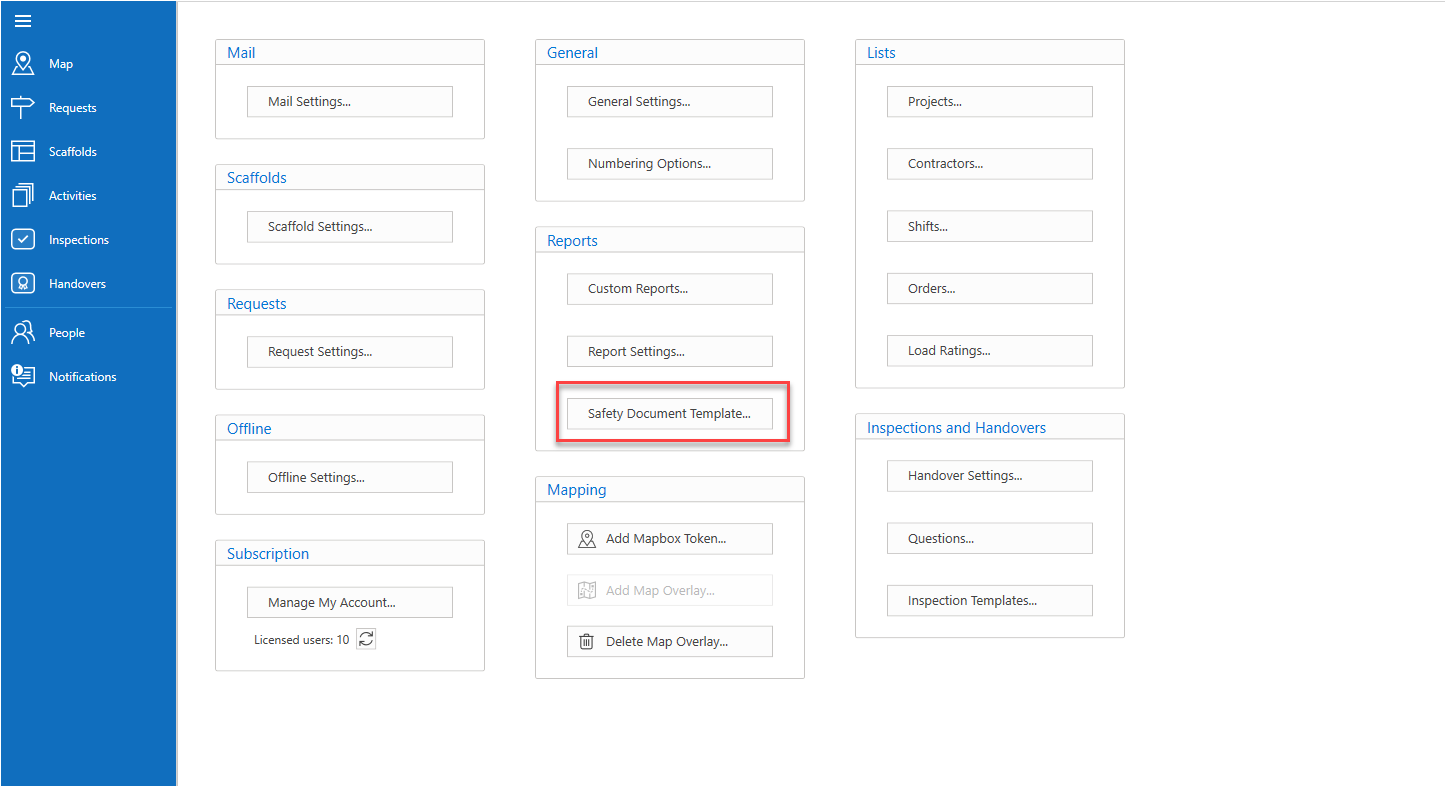
Select Safety Document Template
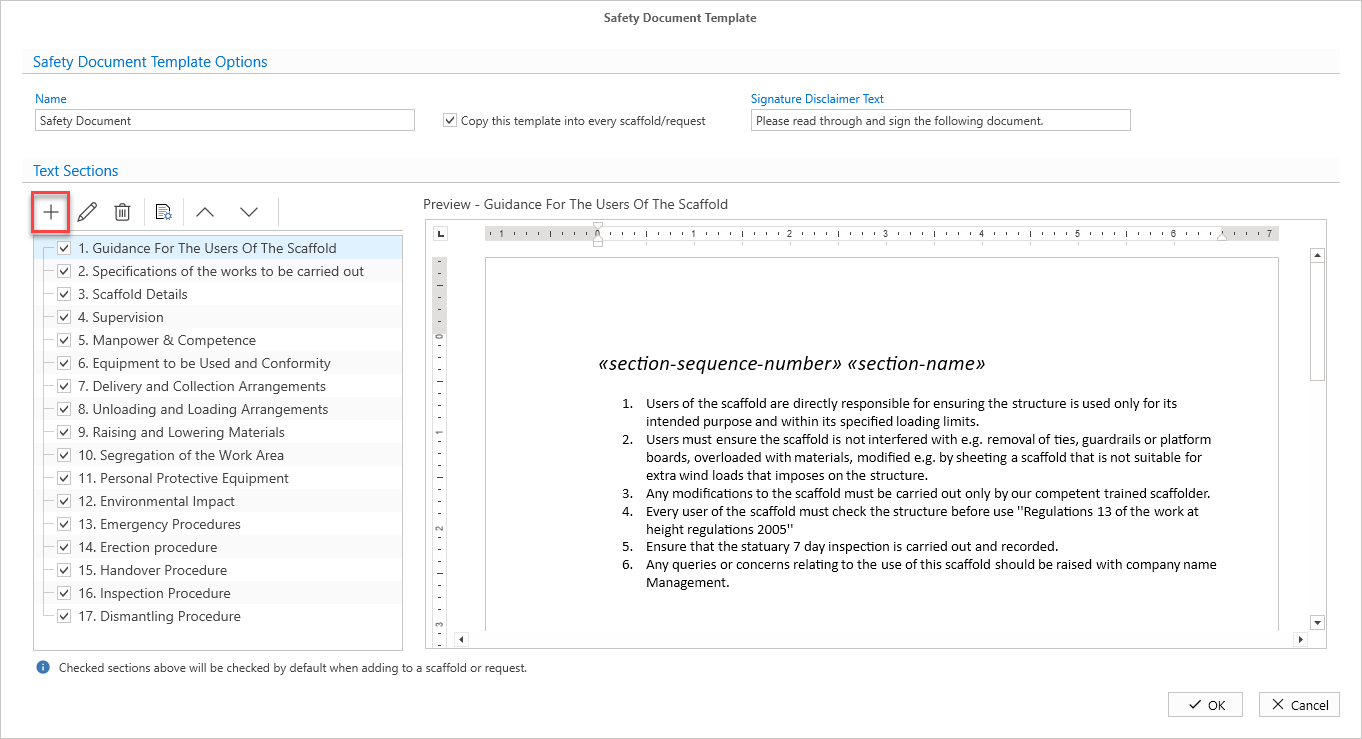
Click the + button
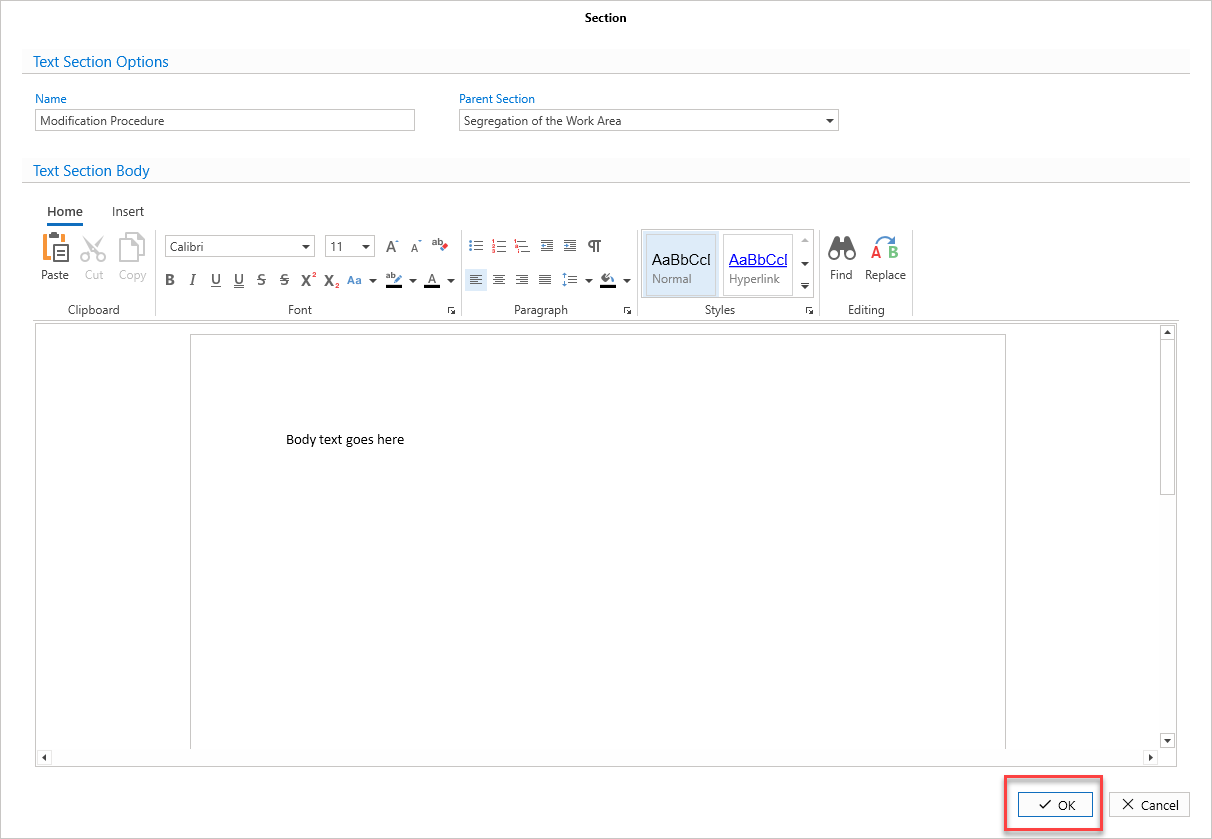
Provide a name of the Section
Select the Parent Section - this will add this text section under the select Parent section
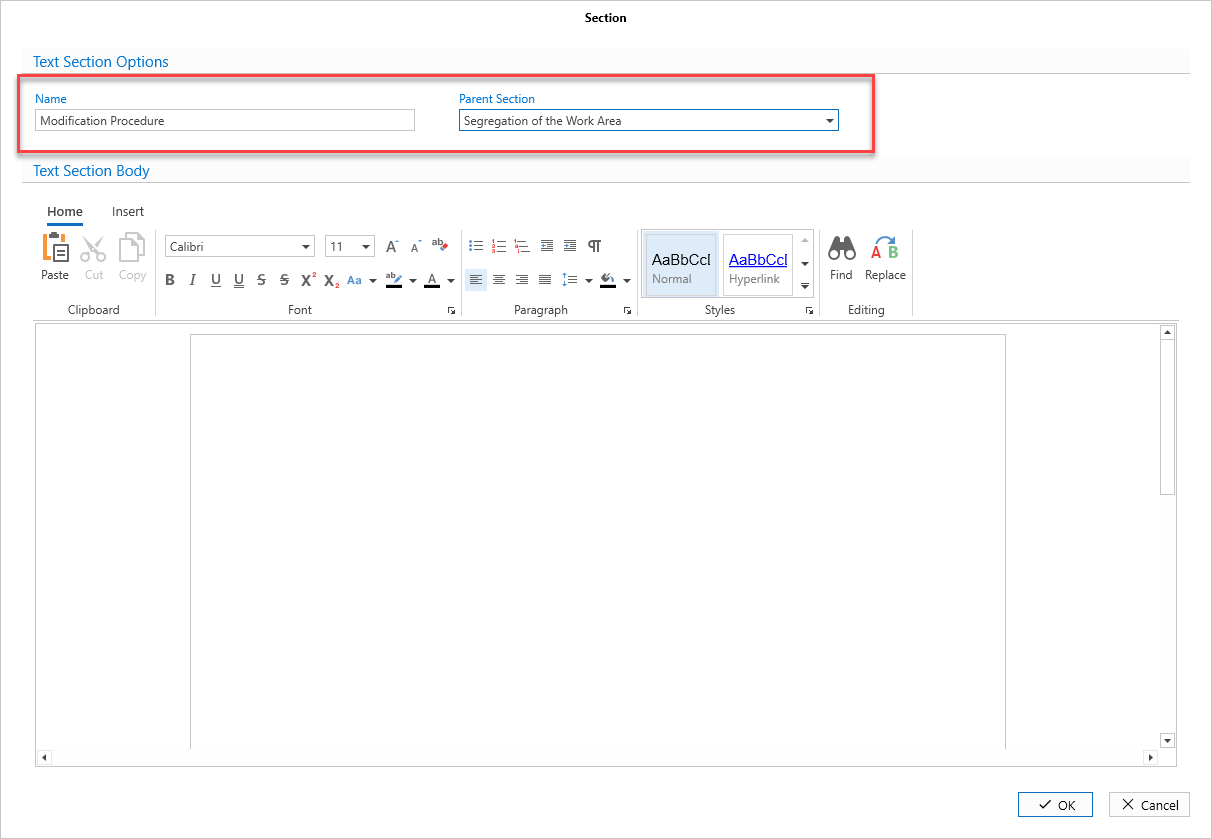
Provide the document body text.
Click OK