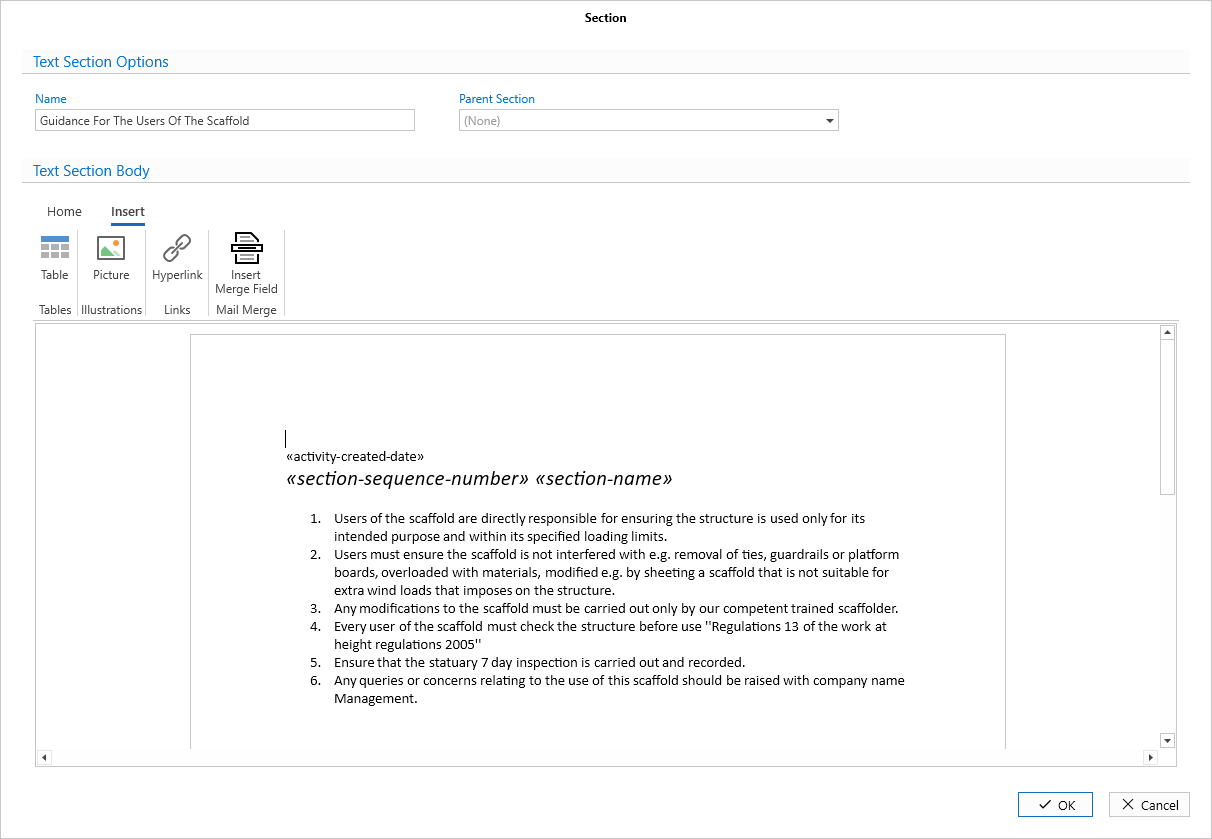
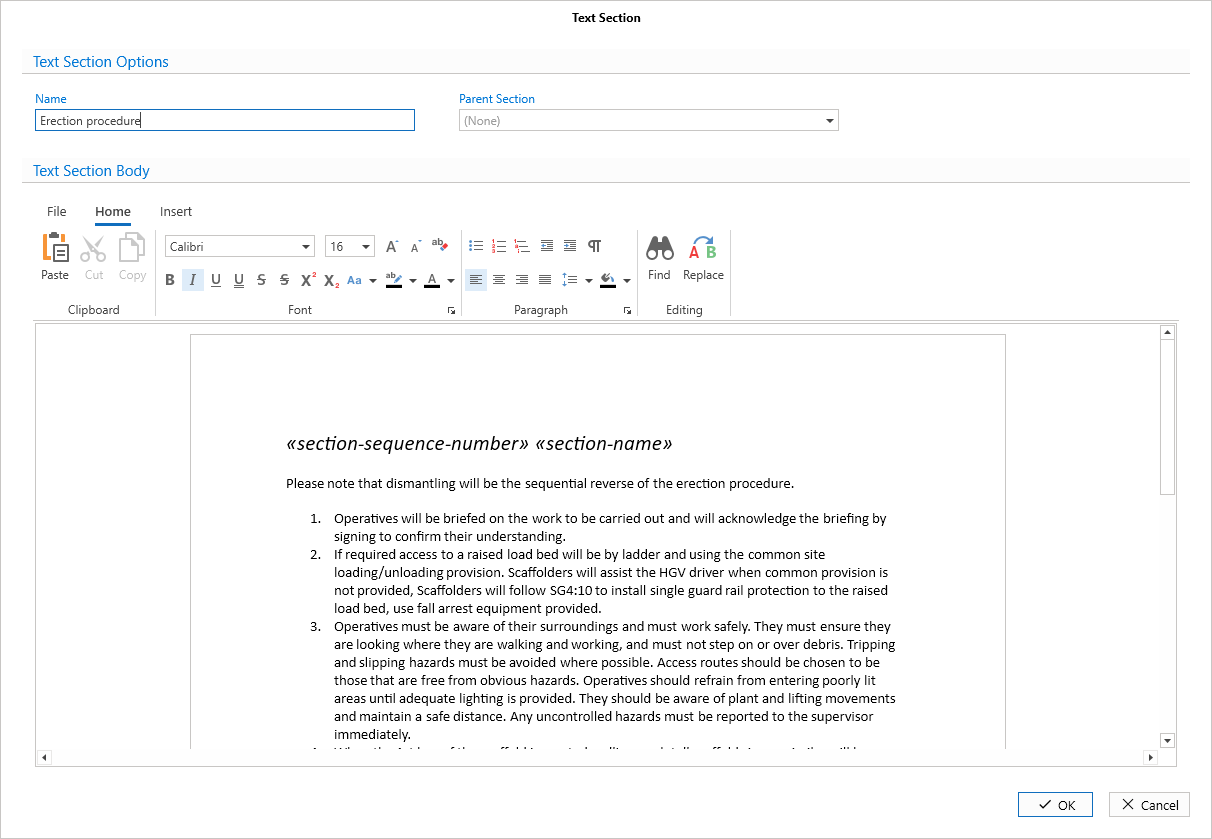
The text section option section allows you to modify the document’s contents. This includes the text, links, tables, and insert any Merge Fields. You can also provide a name for the section and assign it to a parent section.
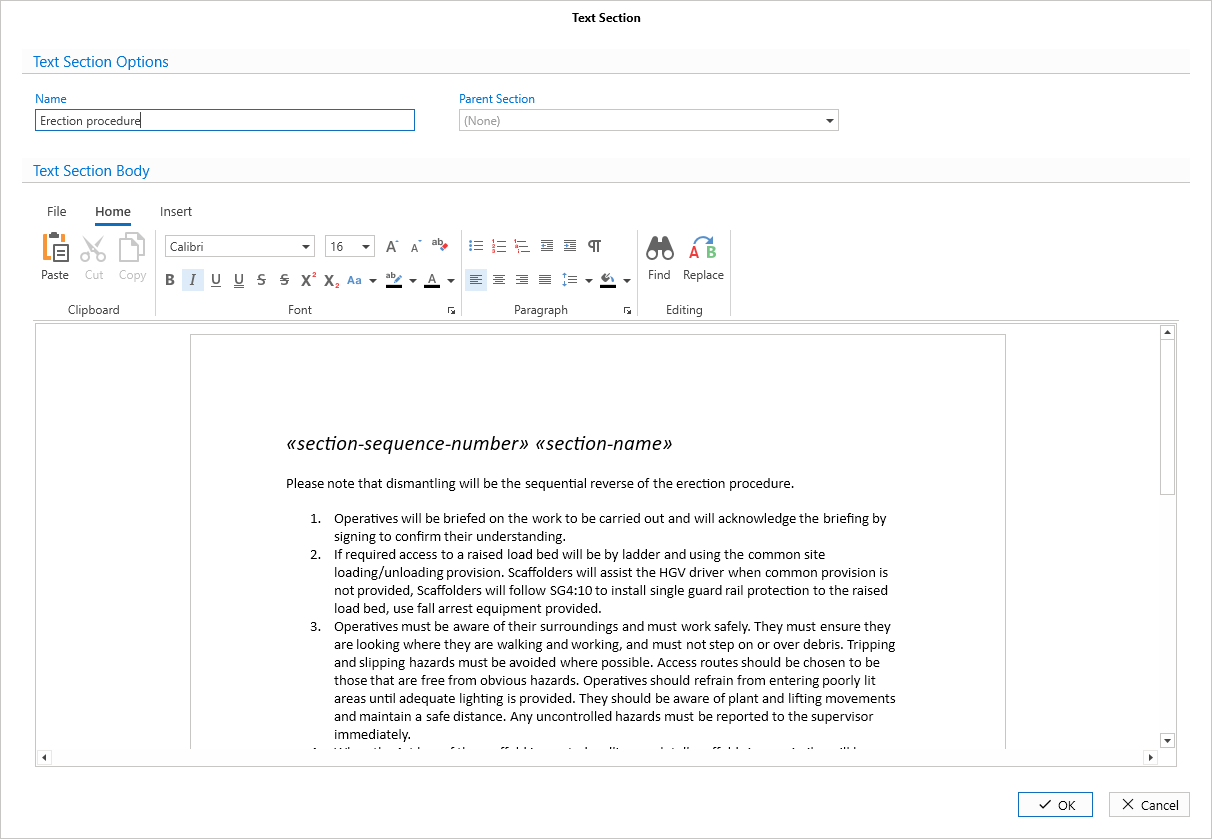
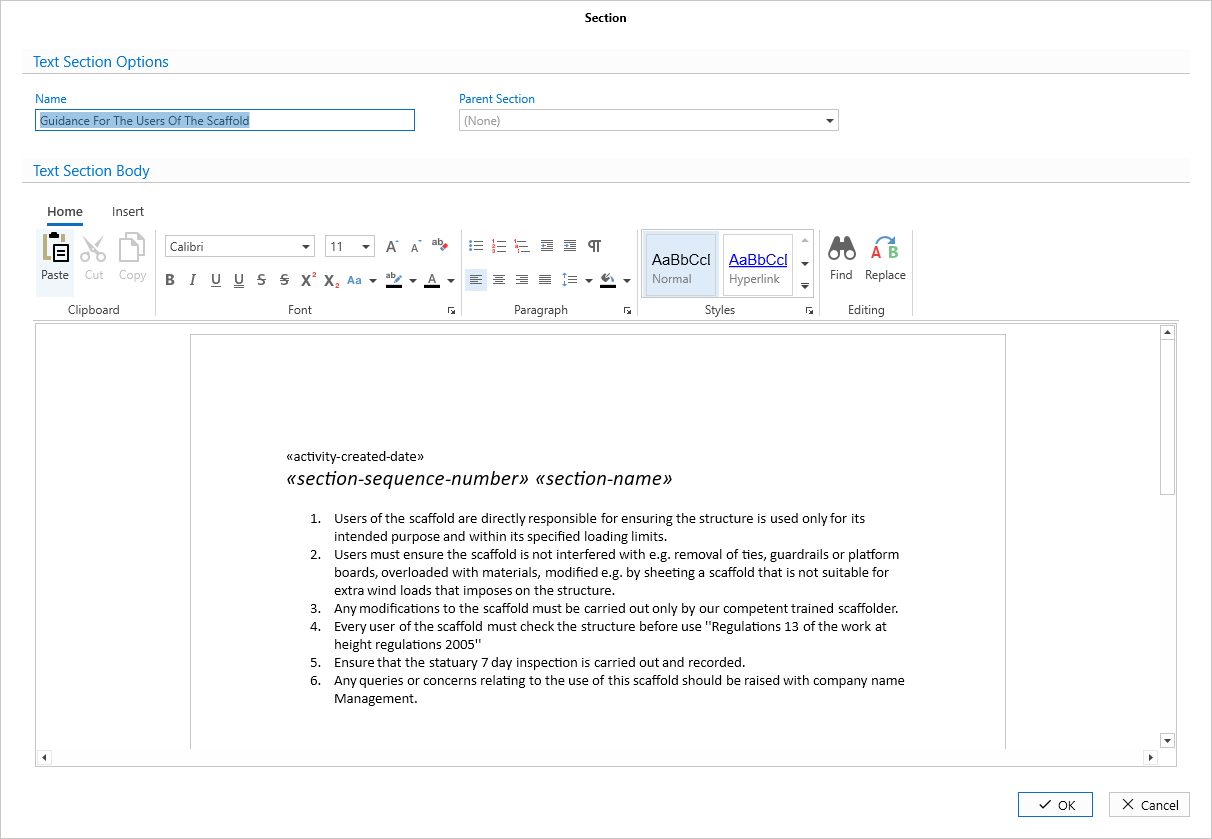
At the top, you can provide the name of the section, and select a parent section. If you select a parent section, the document will be a child of the selected parent section.
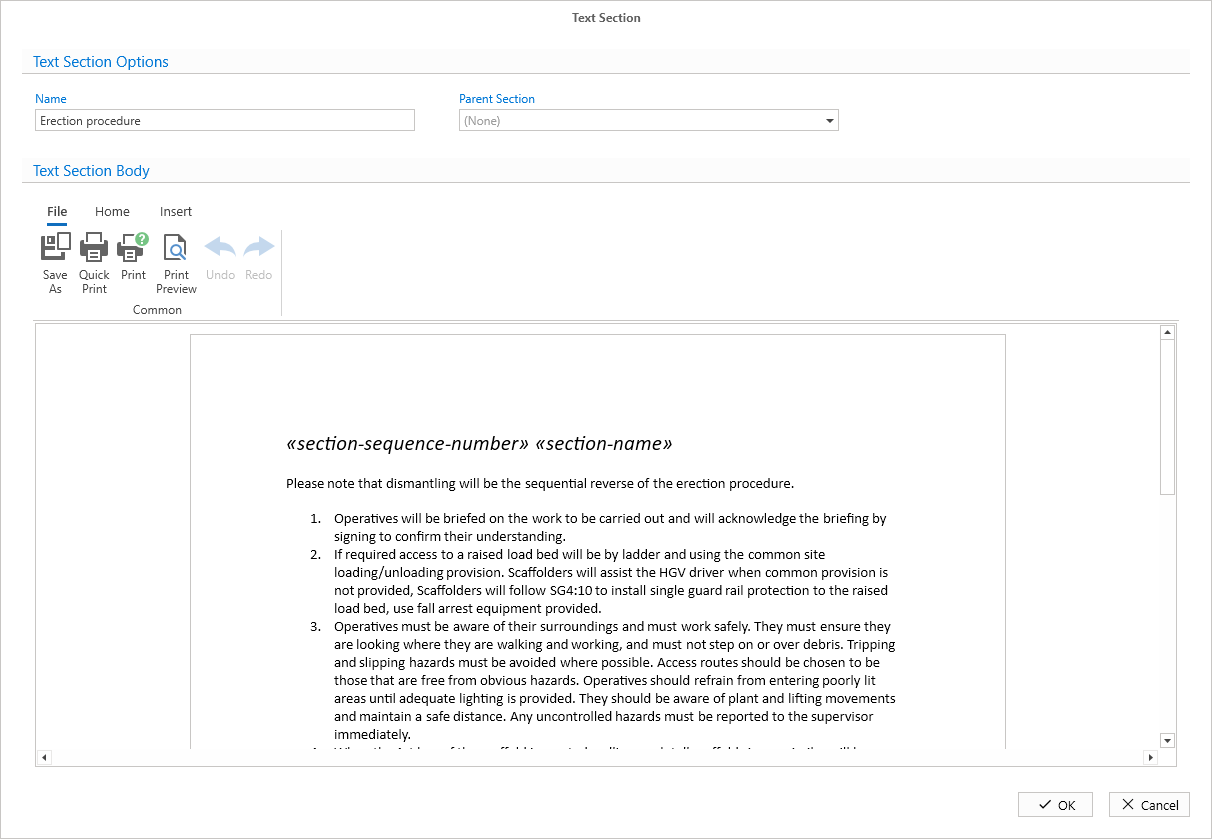
The File tab is where you can save and print the text section.
The Home tab is where you can find the text formatting options, including font, font size, bulleted lists, and options to bold text.
In the Insert tab, you can add a table, and merge fields. Click Merge Fields for more information.