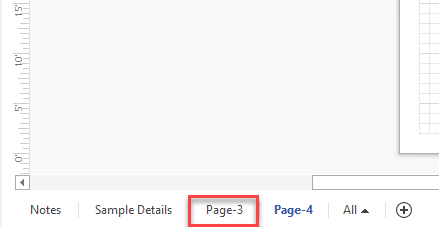
You can add more pages to a drawing to allow for multiple views, text, etc.
To add pages to a drawing, click the plus sign ( ) in the bottom of the page.
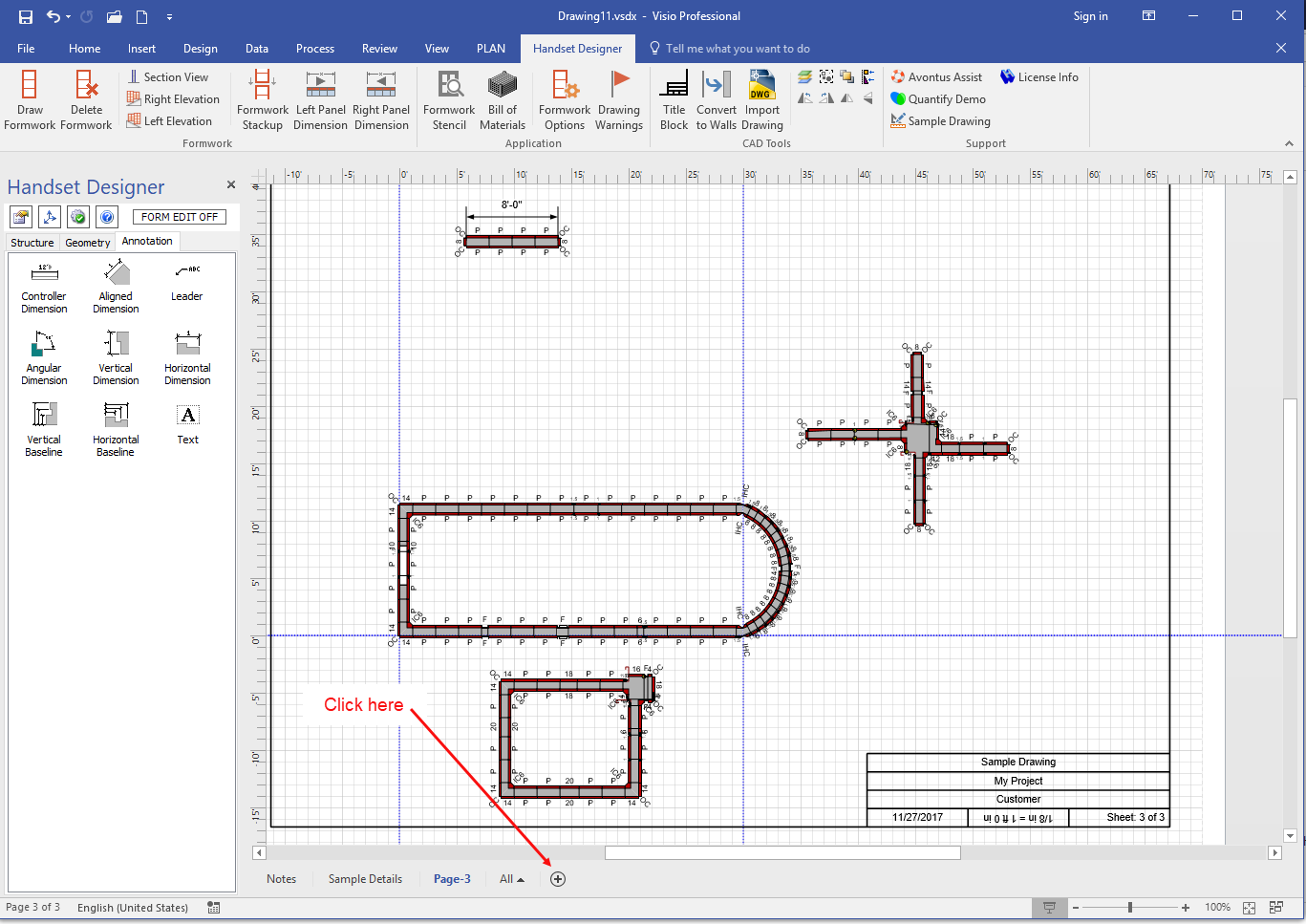
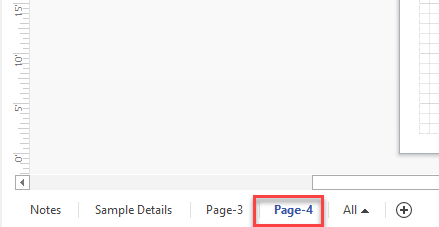
Handset Designer adds a new, blank page.
Note: Every new drawing includes a Notes page and a Sample Details page so Page-3 is always the first drawing page.