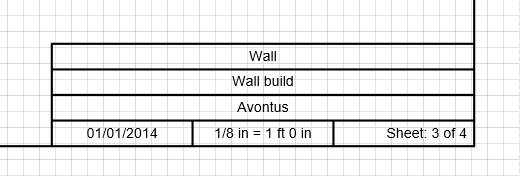
Each page in Handset Designer has a Title Block that contains the scale and page number. Additionally, there are three lines for you to insert custom text for your project and job name or page title. You can have pages with different sizes and scales and the Title Block will update itself automatically to fit the page.
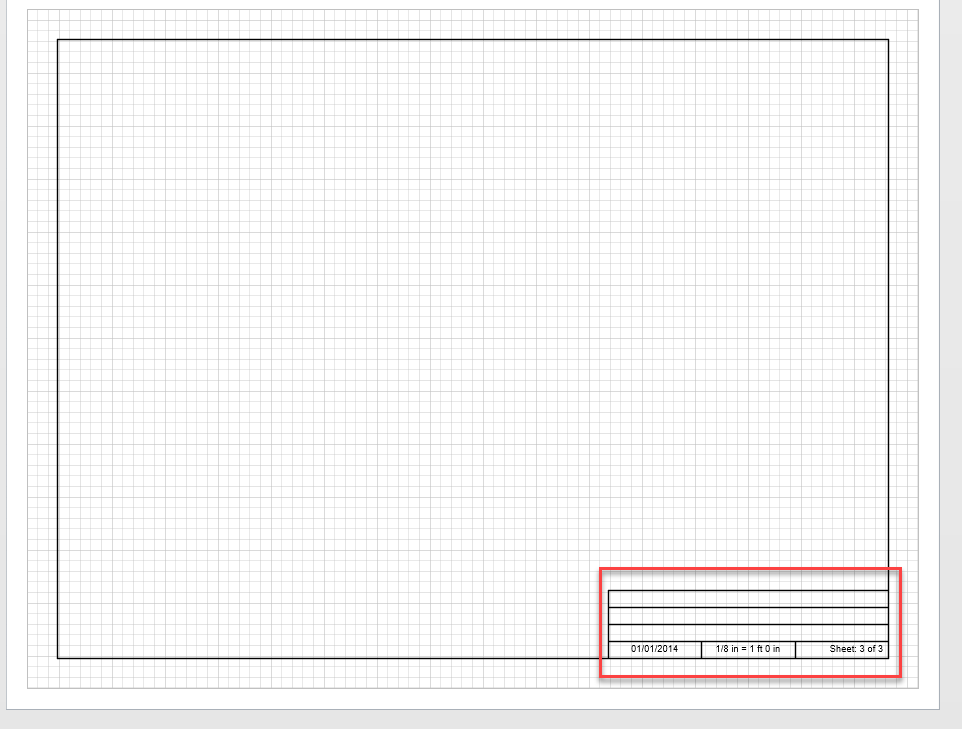
To edit the Title Block:
Click Title Block on the button bar.

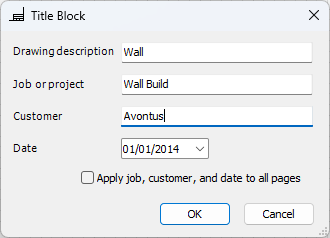
The Title Block dialog appears.Fill out the information in the dialog box.
Click the Drawing description text field and enter a description for your drawing.
Click the Job or project text field and enter a name for your job or project.
Click the Customer text field and enter your customer's name.
Click the Date dropdown calendar and select a date if you wish to select a date other than the current one.
Click the checkbox Apply job, customer, and date to all pages to have this information copied to all pages of your drawing.
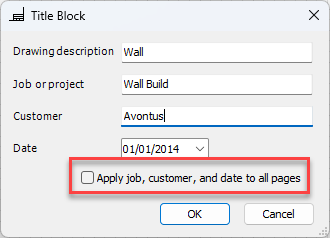
Handset Designer will scan through the Title Blocks of each page and replace the information on each Title Block with the information from this dialog.Click OK.
The Title Block information appears in the Title Block section of the drawing.