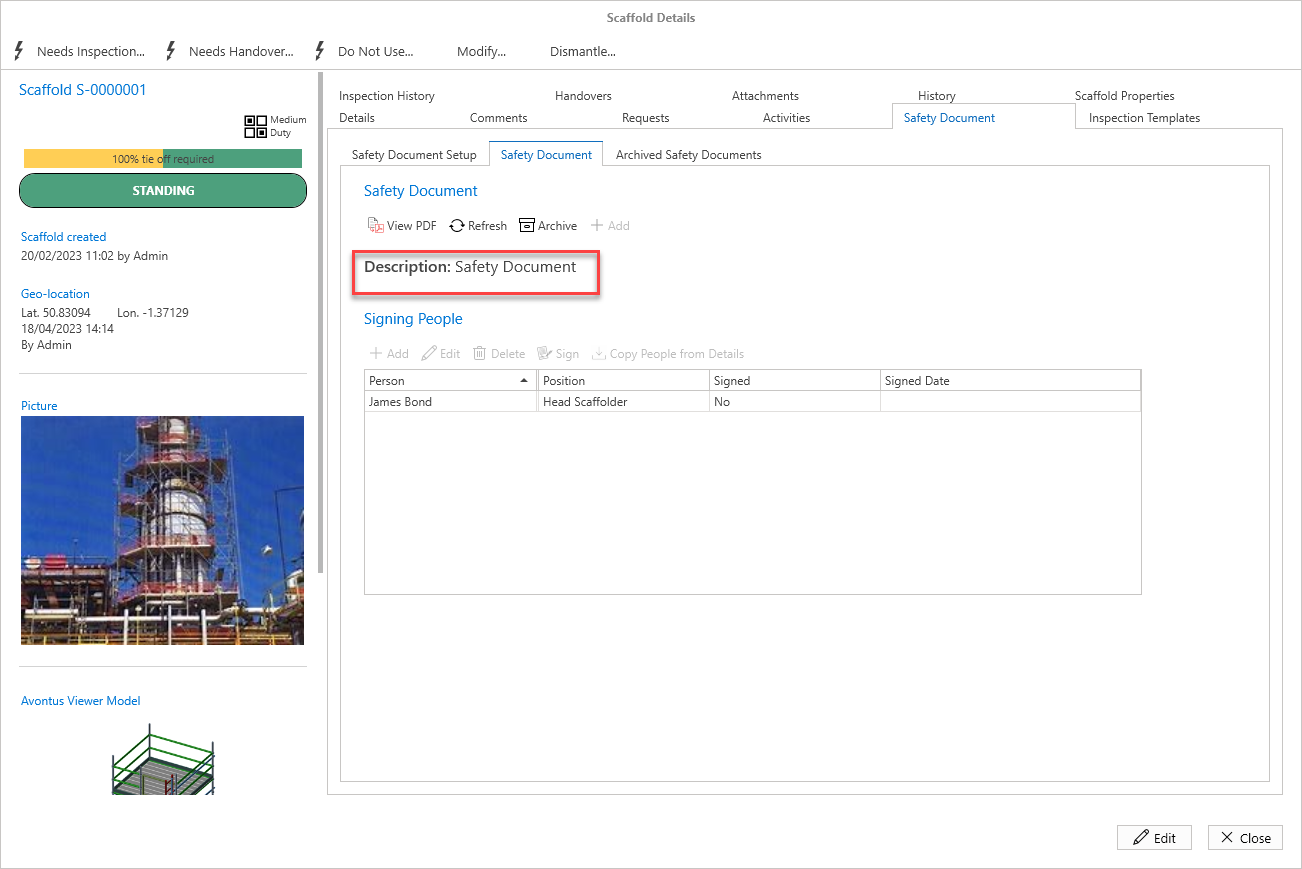
When you have created a Safety Document template in the Global Settings, and add a Template to the Scaffold, you can then add the Safety Document.
To do this
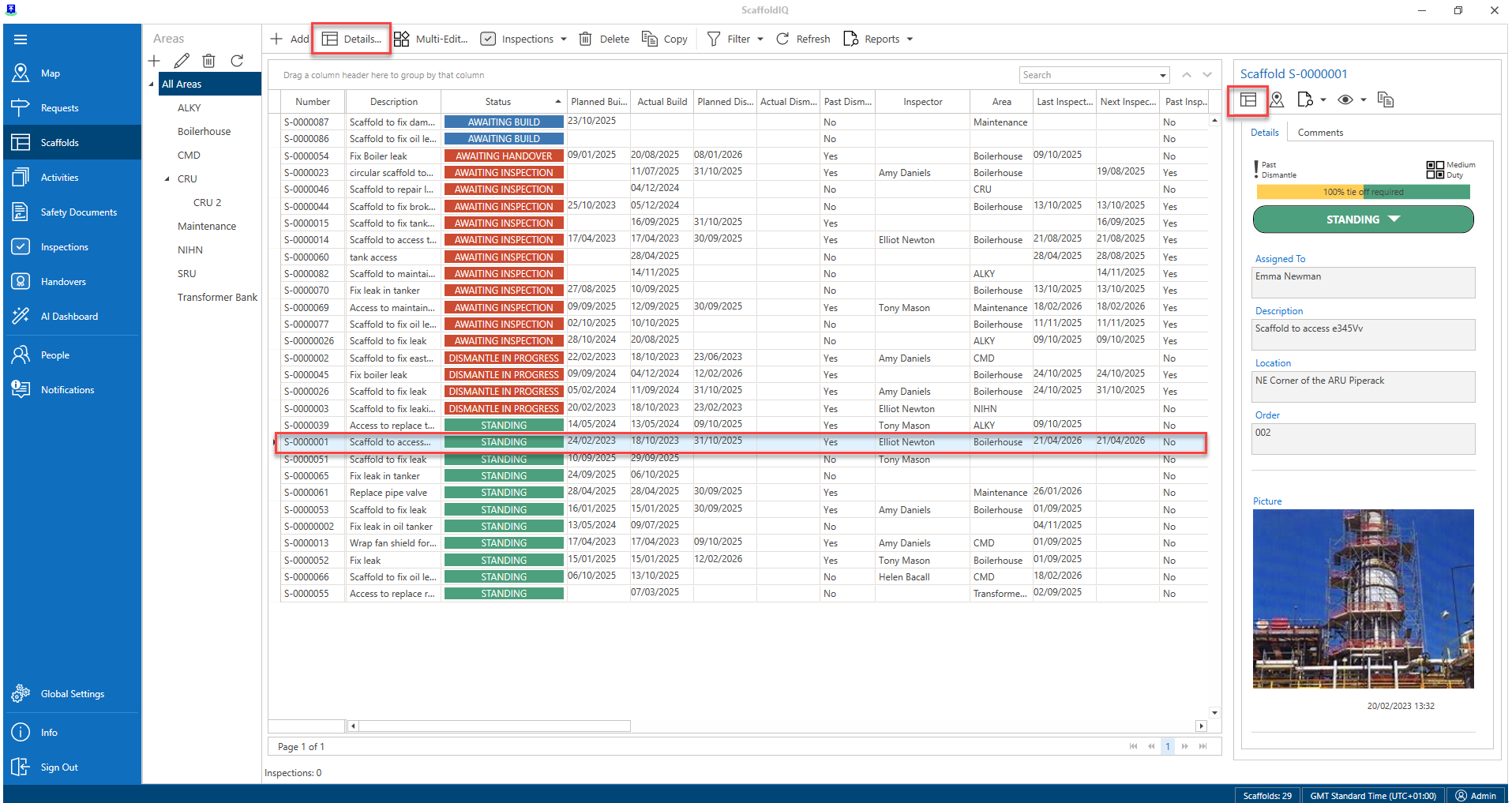
Open the Scaffold’s Details
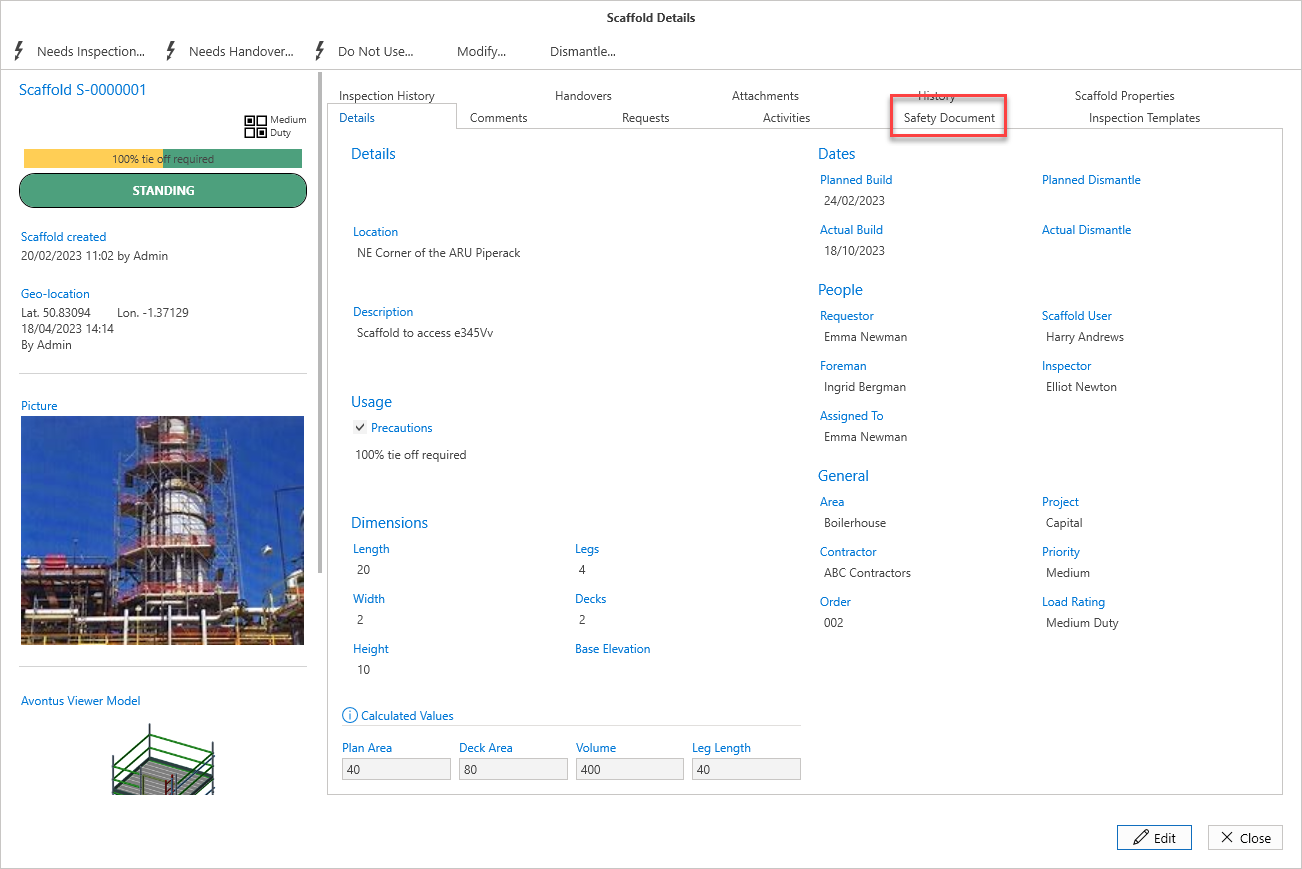
Select the Safety Document tab
3. Select the Safety Document tab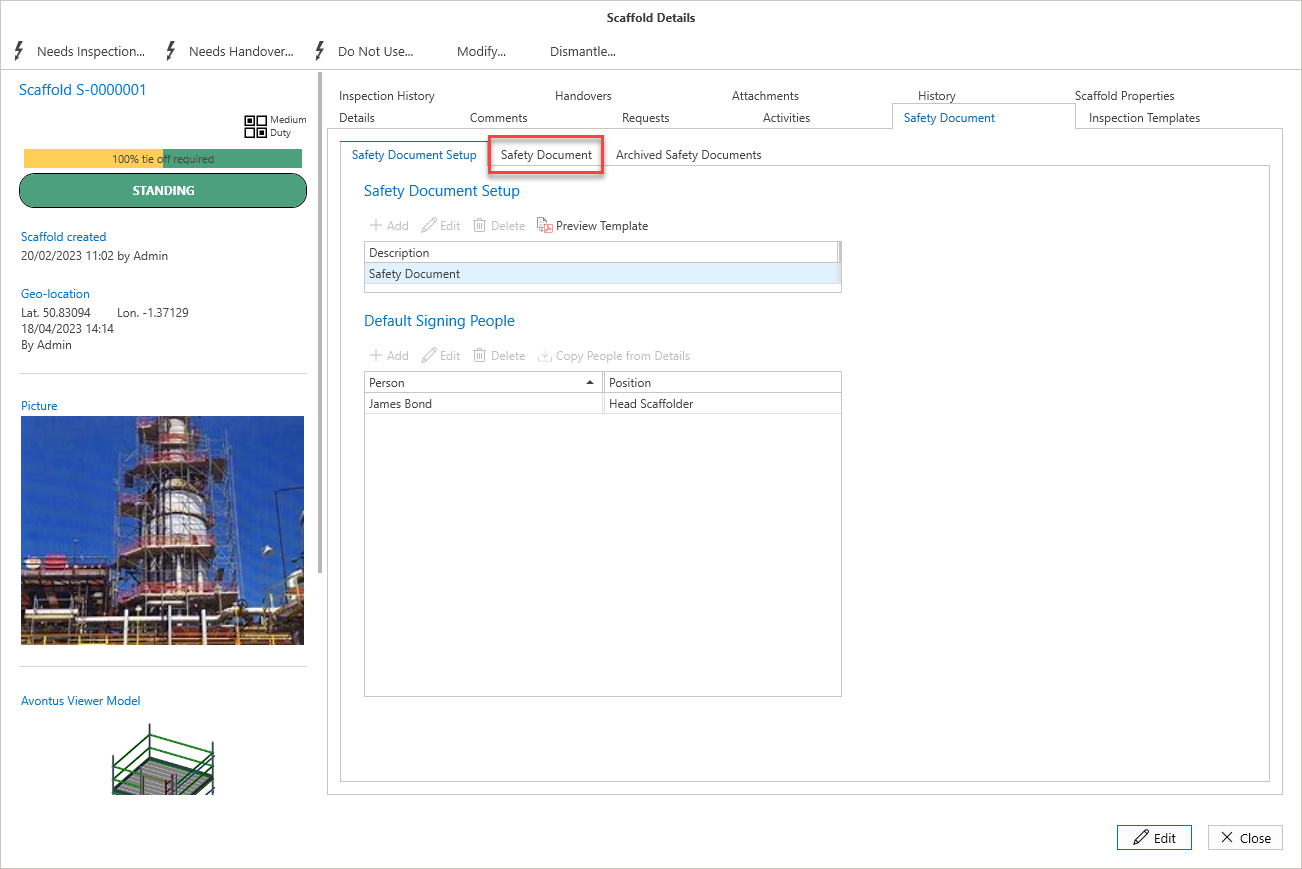
Click Add
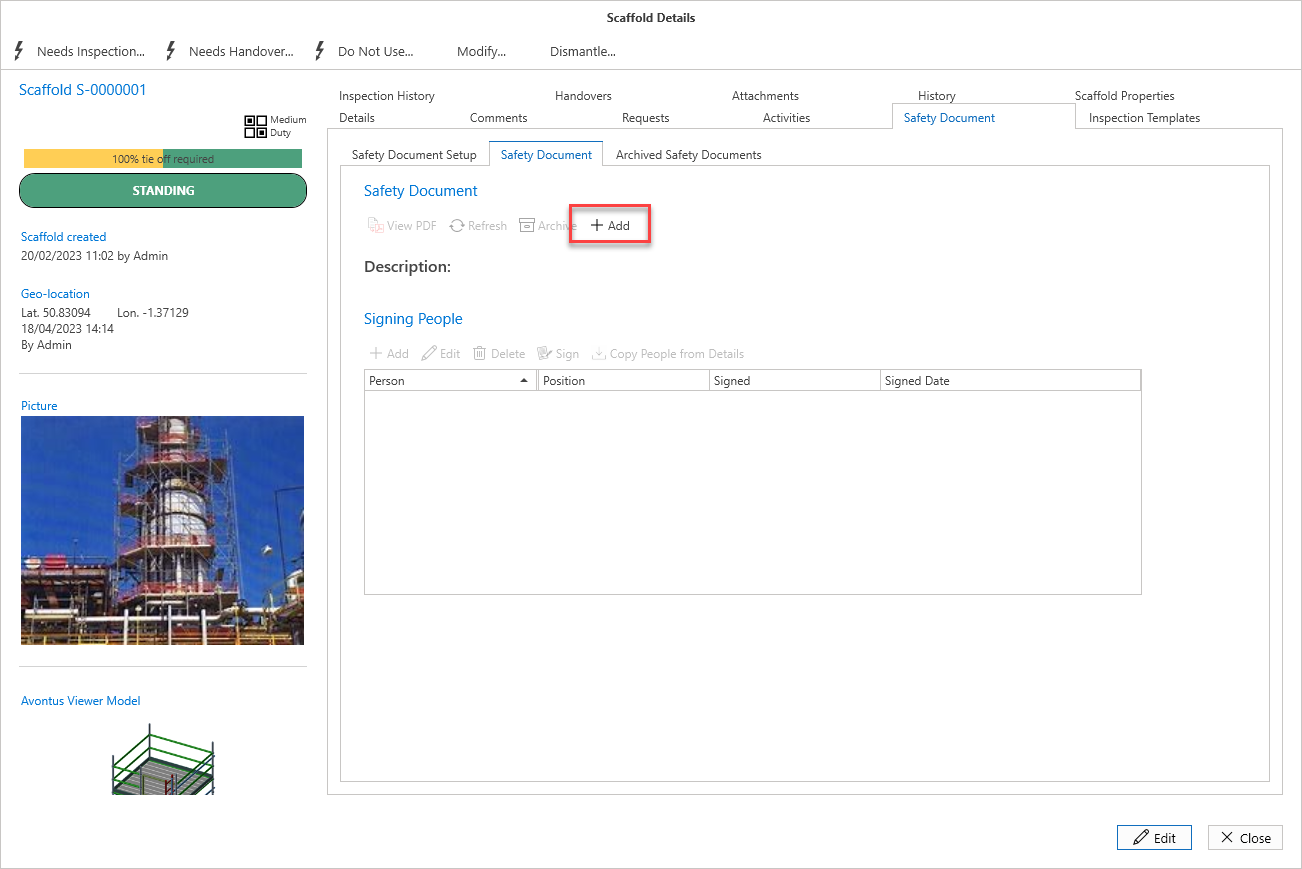
The document has been added, and it can now be signed.