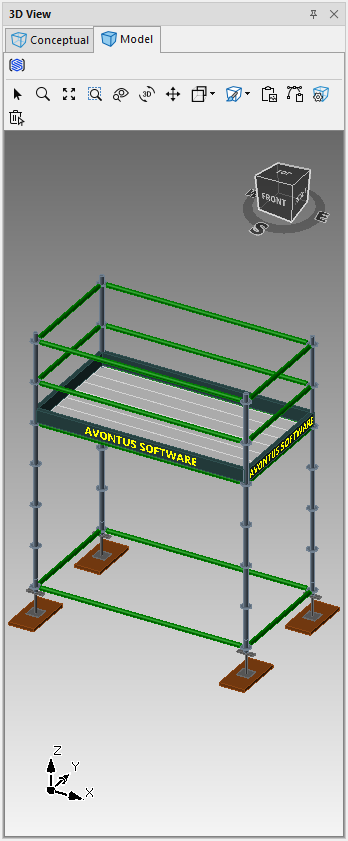
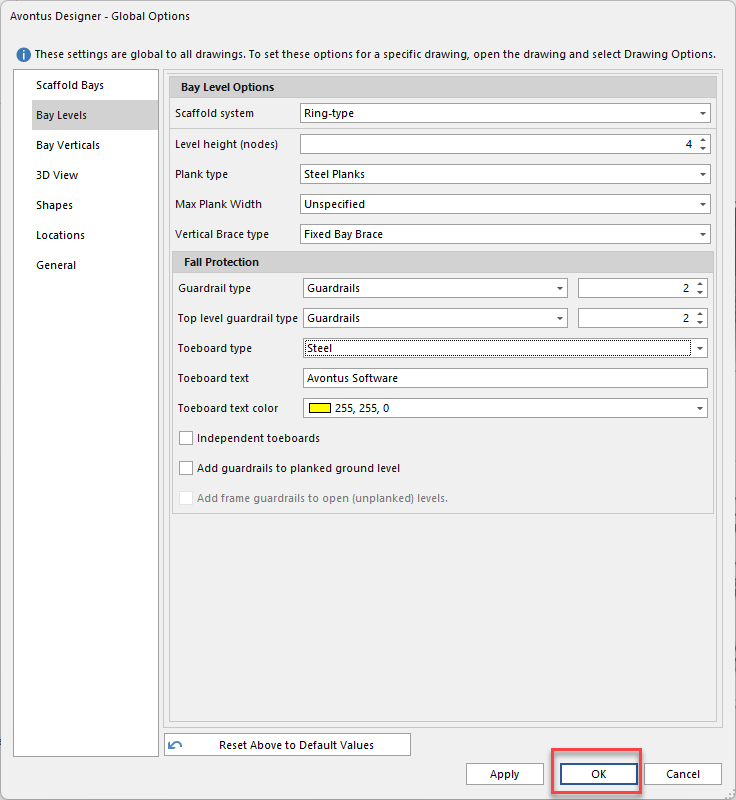
You can add text to toeboards of Bays in the Global Options.
To do this
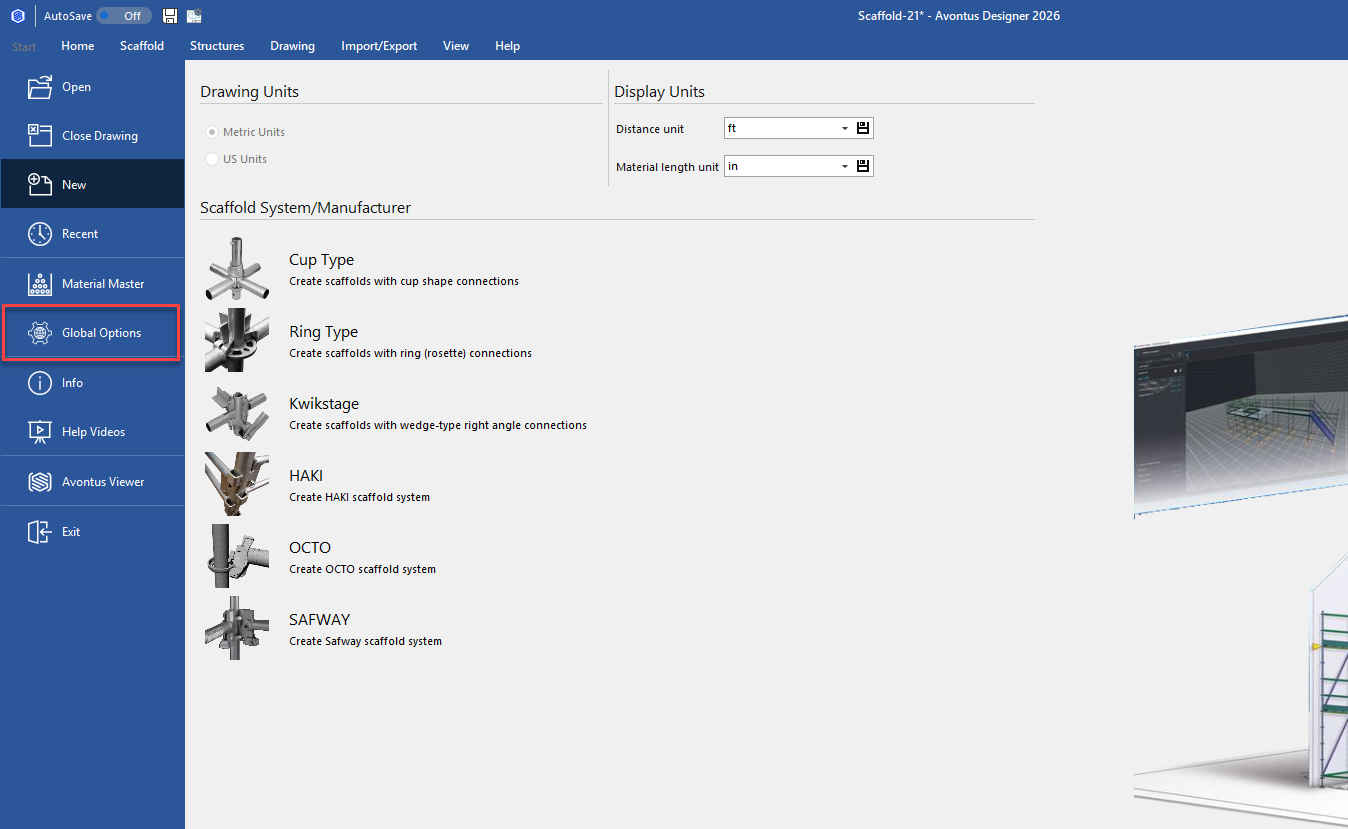
In the backstage, Select Global Options
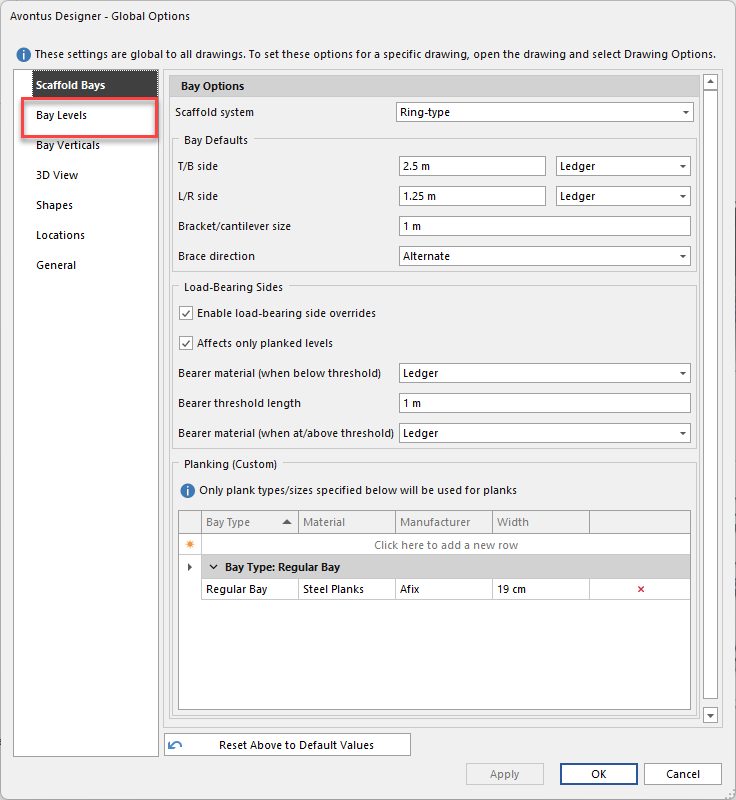
In Global Options, select Bay Levels
Modify the toeboard text, and change the colour if required.
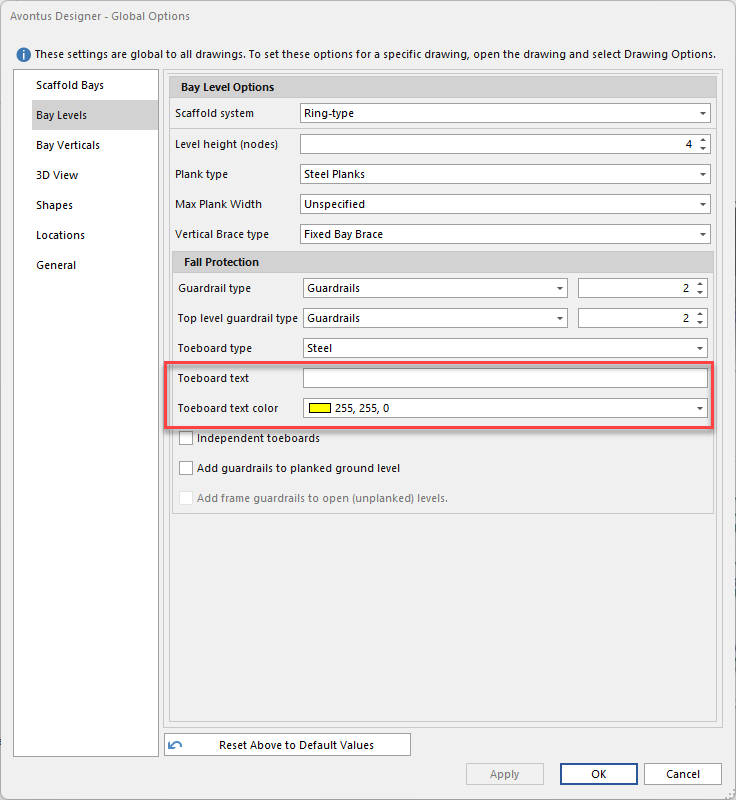
Click OK.
When you create a bay, the text you entered will appear on all Bays.