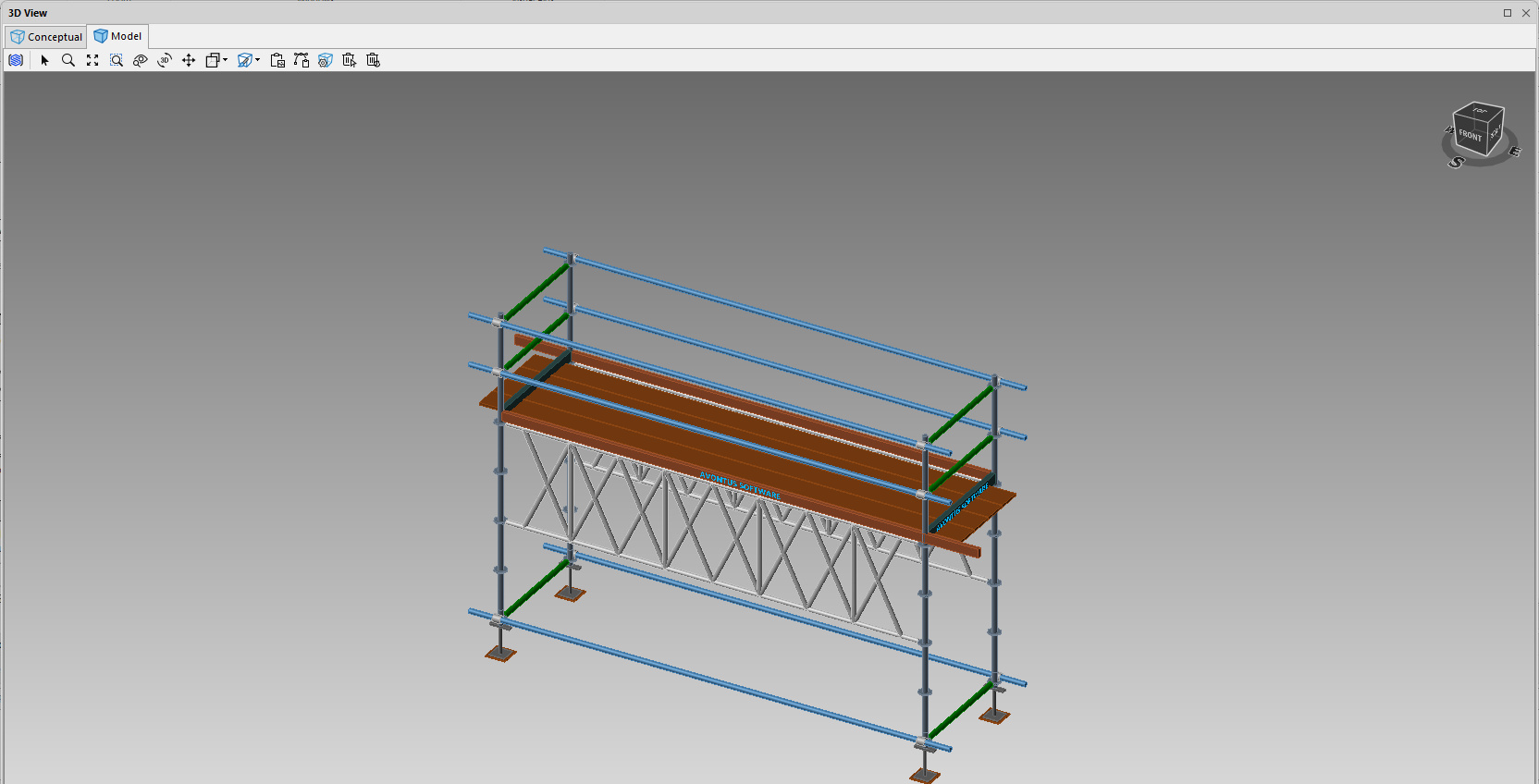
X Beams can be added to bays in Avontus Designer.
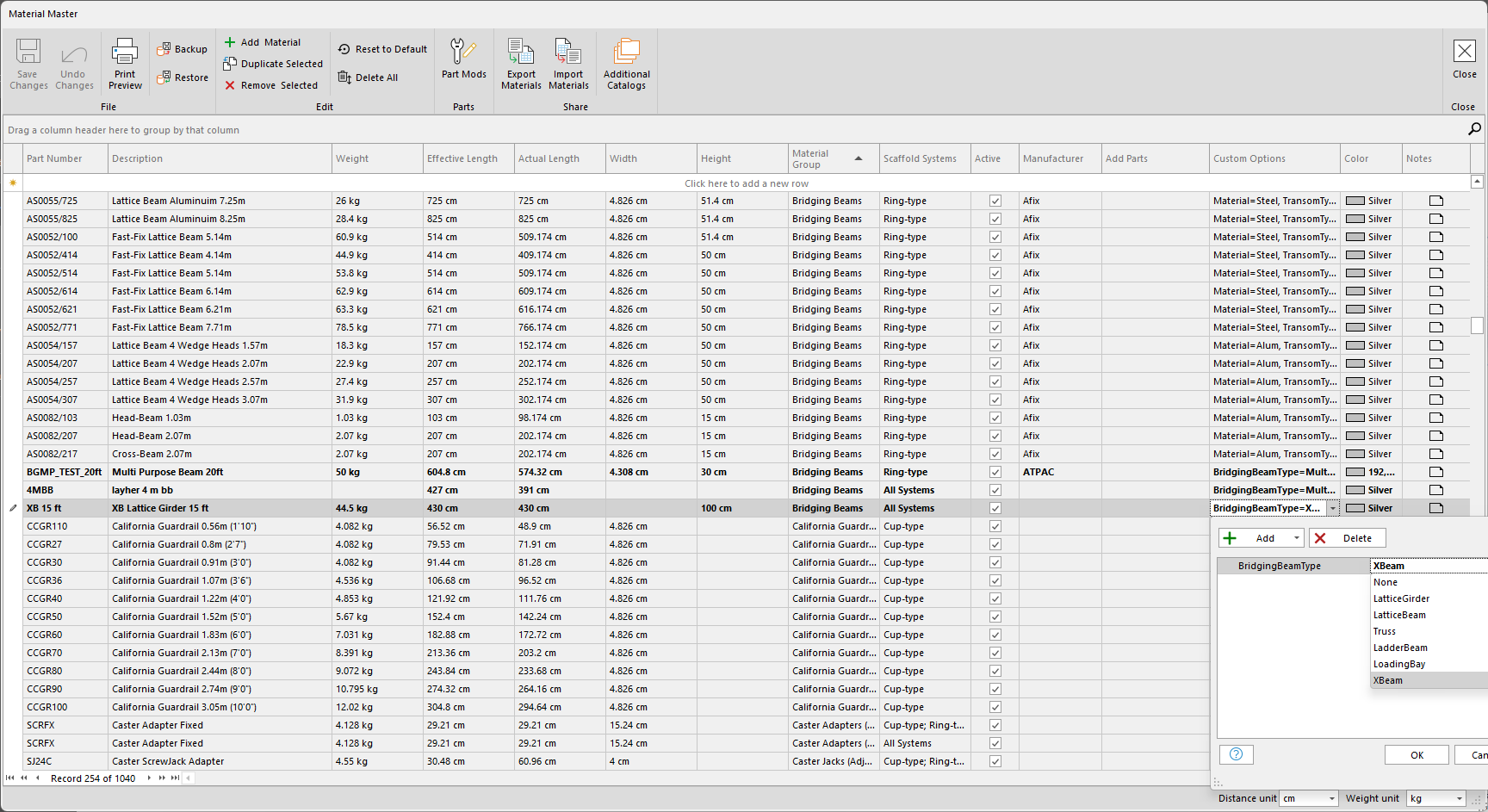
Before you can use X Beams, you will need to add the part to the Material Master.
In the example below, we have applied X-Beam Bridging Beams to a 15 ft XB Lattice Girder
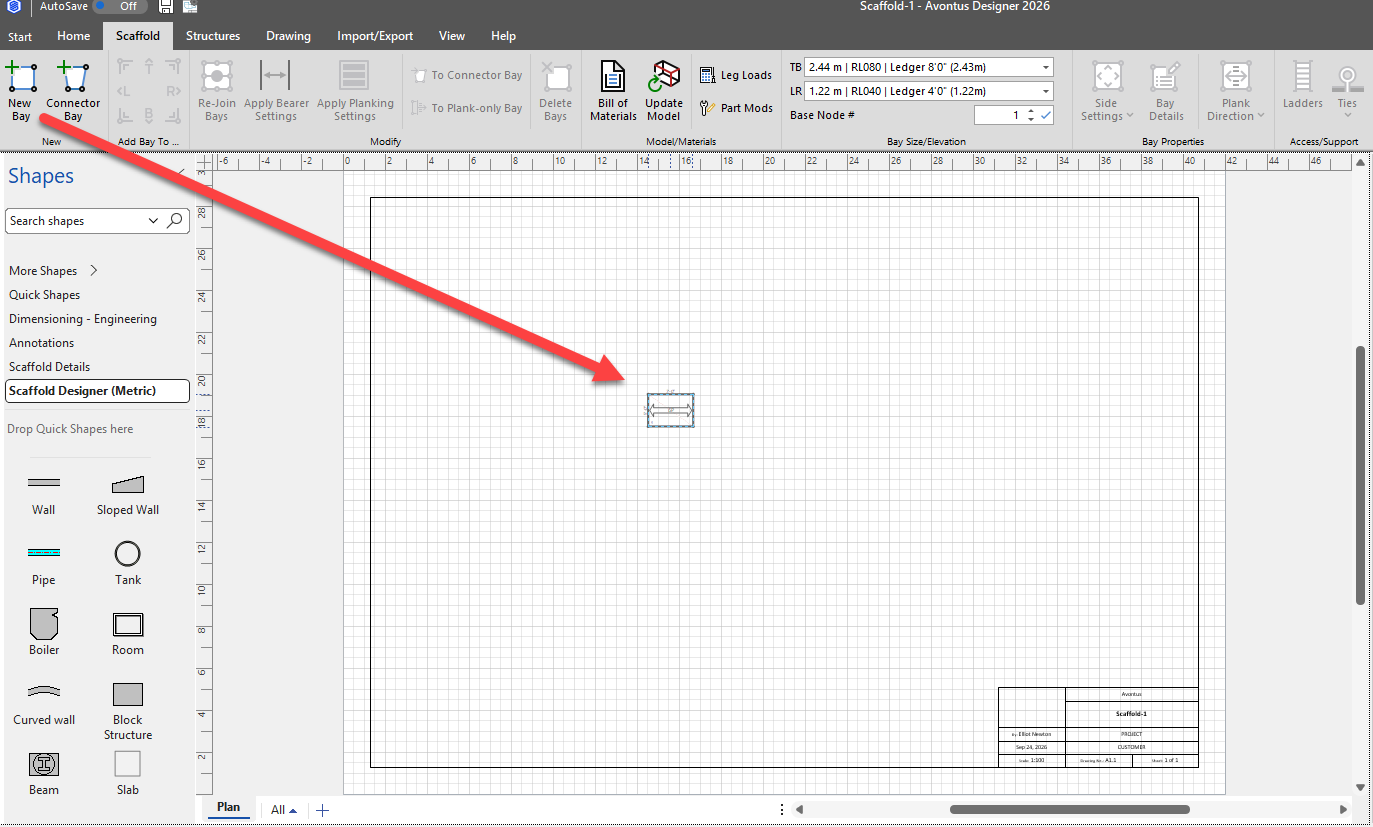
In the Drawing page, drag in a bay
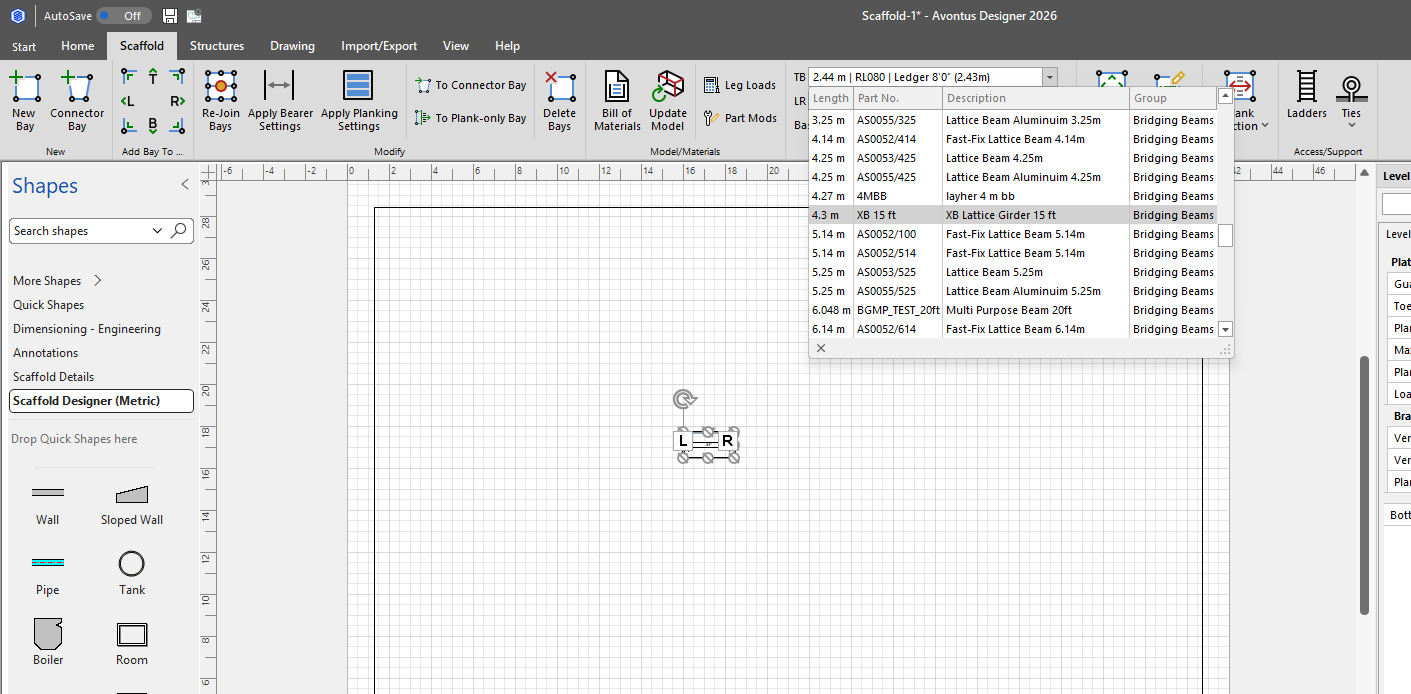
In the TB drop-down, select XB Lattice Girder 15 ft
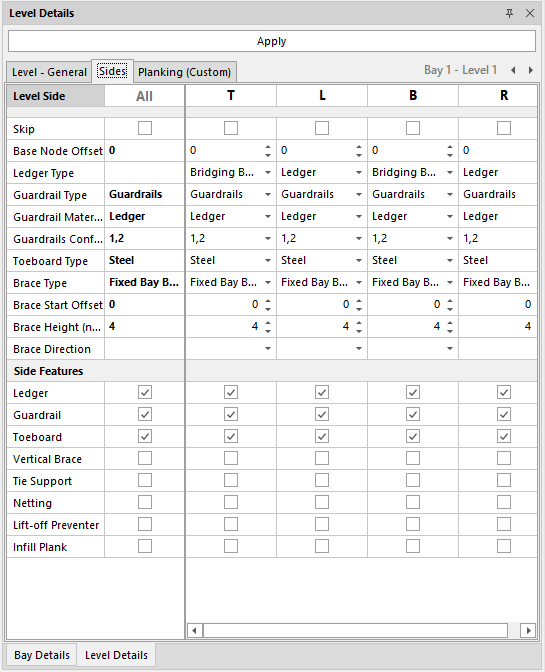
In the Bay’s Side Settings, the Ledger type of the T and B sides will change to Bridging Beams
In the 3D view, x-beams will be added.