Attachments can be added to a site. An attachment could be an image of the site. You will need permission to view a location to be able to add an attachment.
To add an attachment to a site
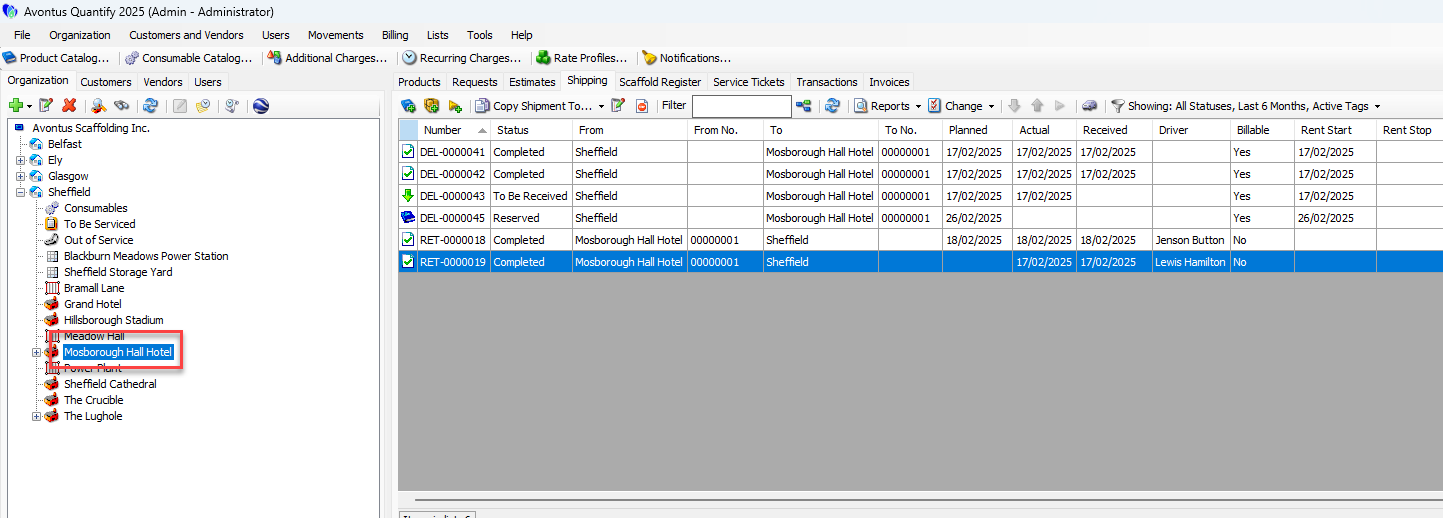
Double-click on a site or select the site and click the Edit button.
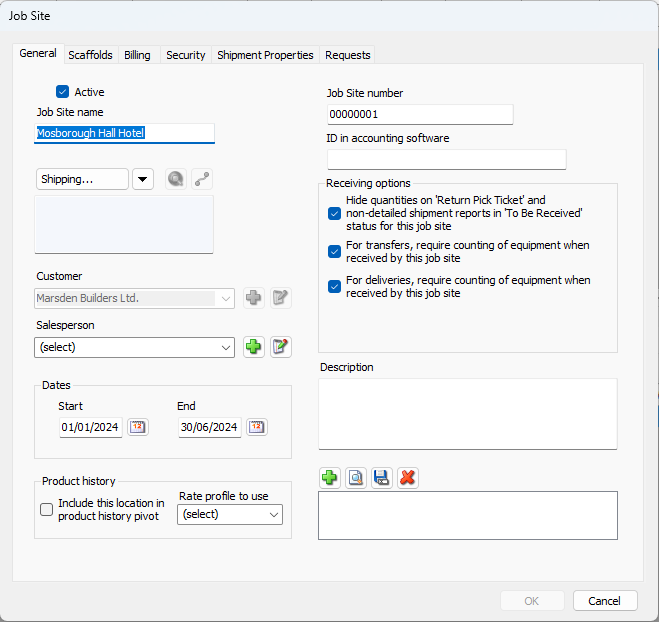
In the Job Site screen, click the green + icon to add the attachment.
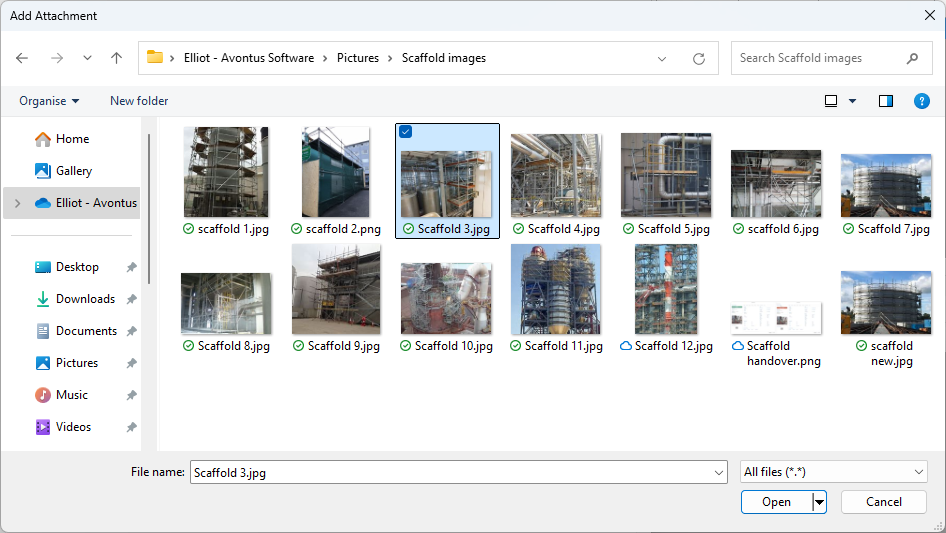
Browse to the file to attach to the jobsite.
Open the file.
The attachment will be added
Click OK
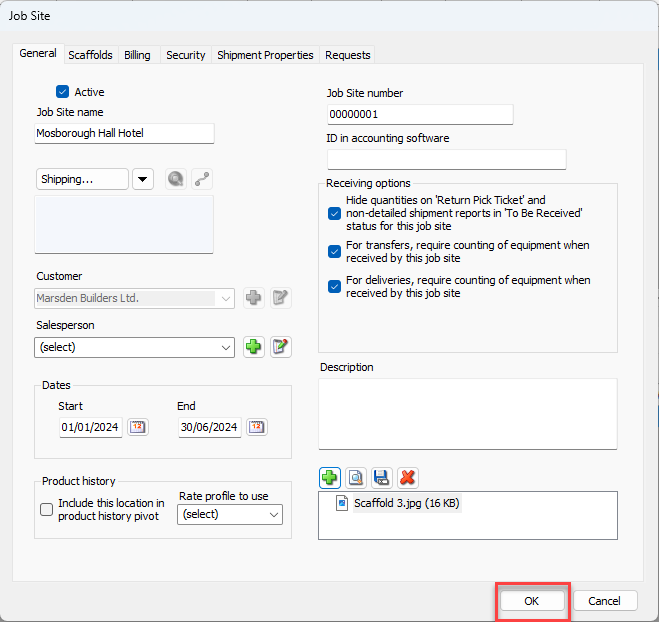
You can view the attachment in the Job Site details screen or you can right-click on the job site and select Attachments for this Job Site.
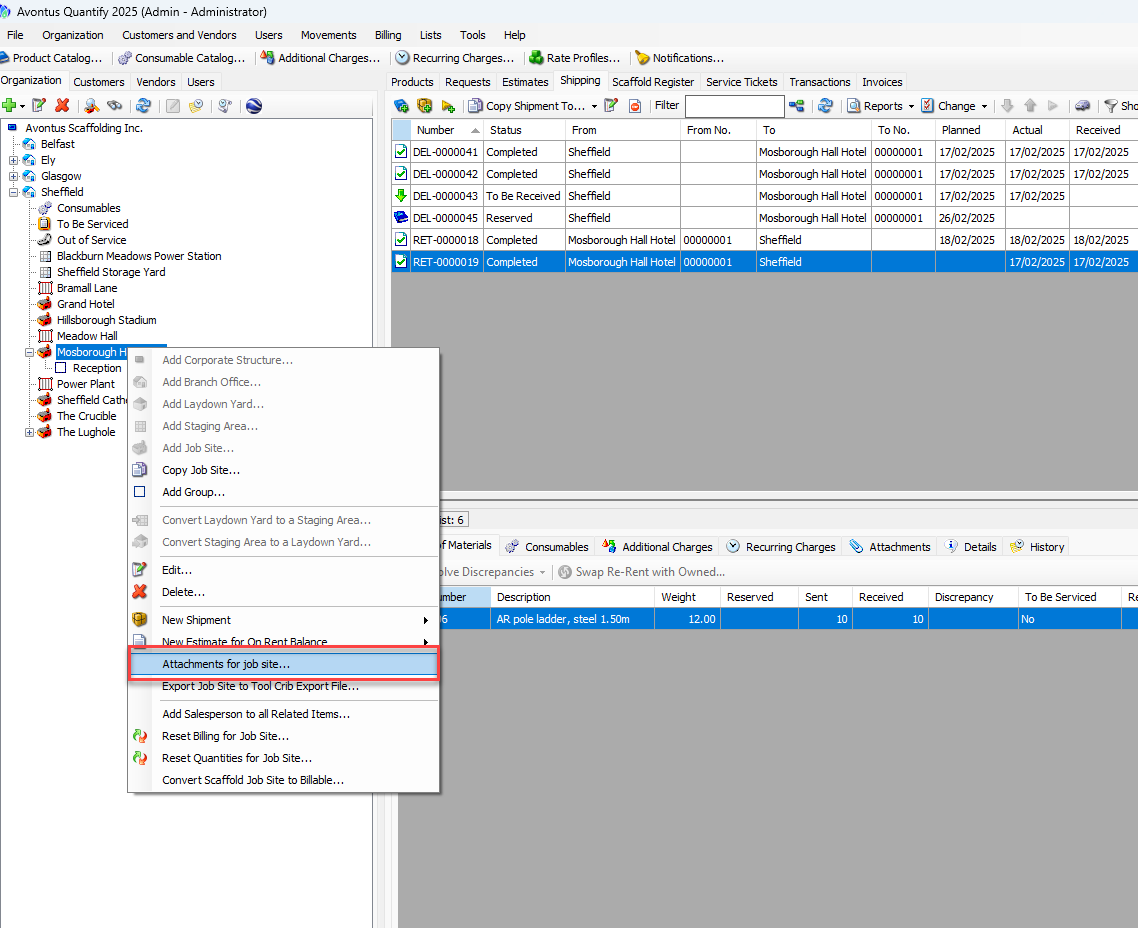
This will display all attachments for the selected site.
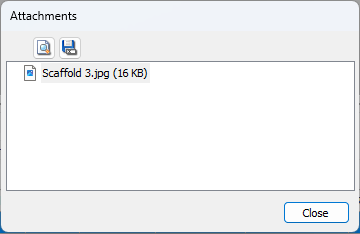
You can double-click on the attachment to open it.