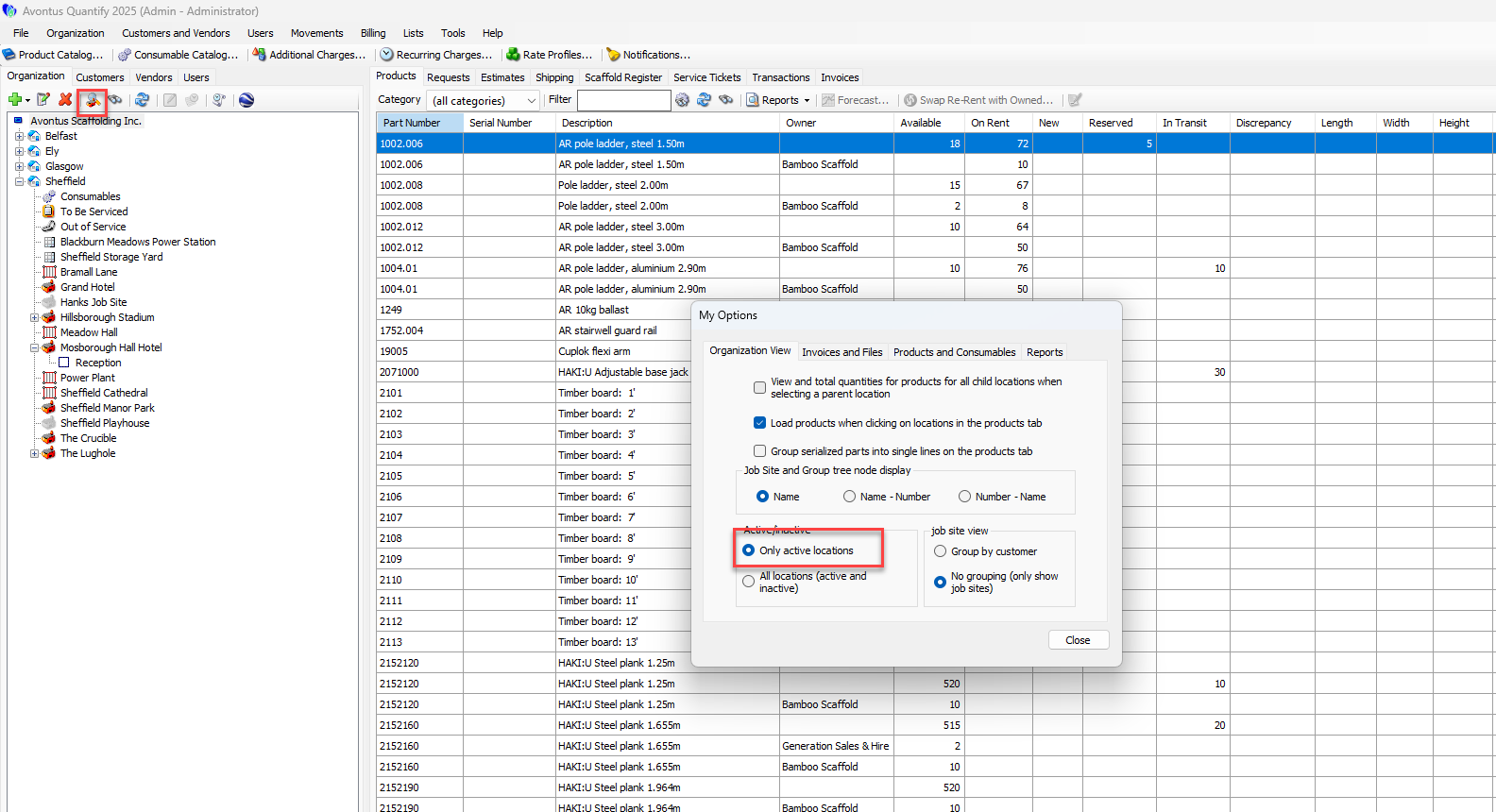
It is not possible to delete a job site if the site has been used; however, you can mark a job site as inactive and hide it from the organisation tree.
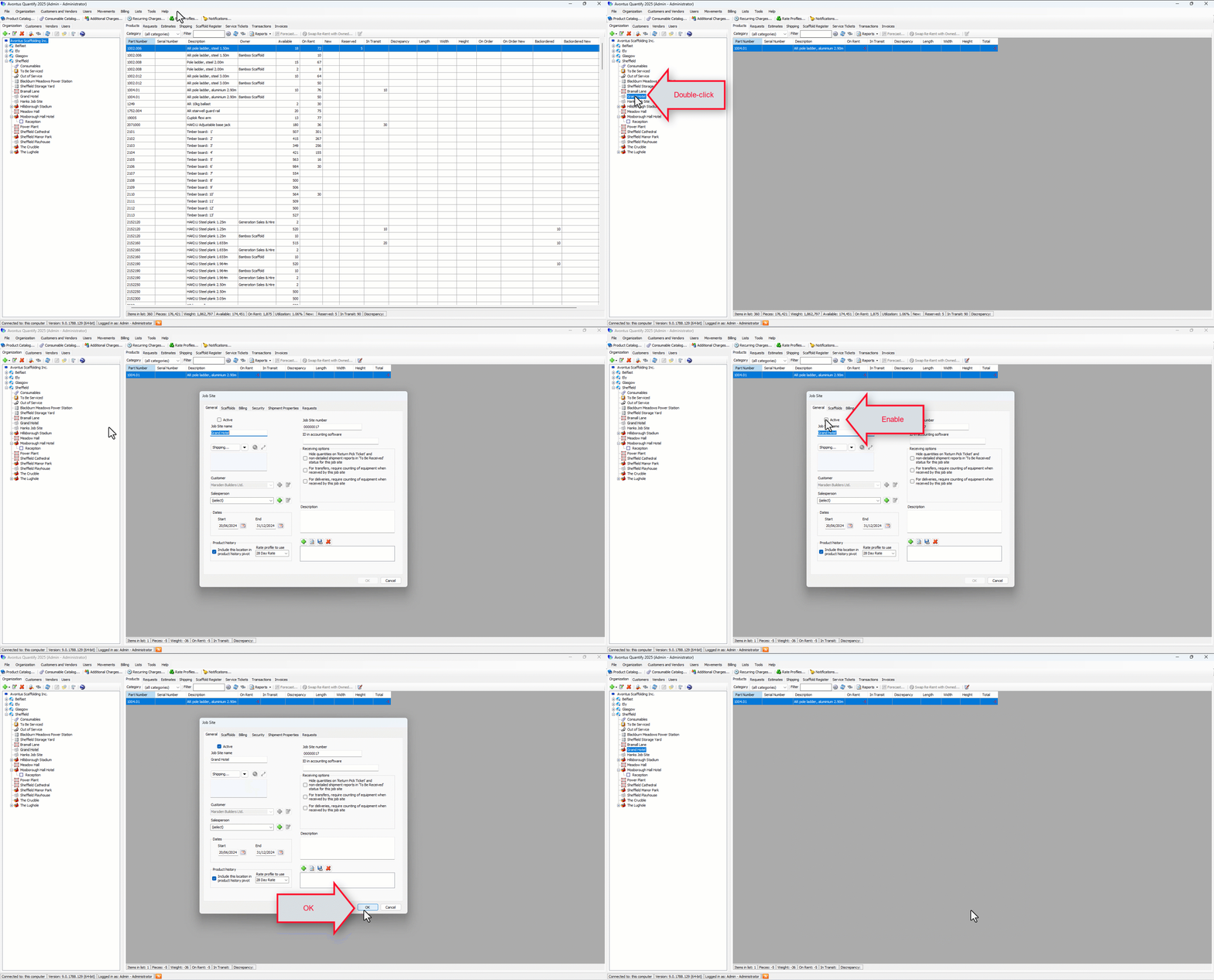
To mark a job site as inactive:
Double-click on the job site in the organisation tree
Note: You can also select the Edit icon
Click the Active checkbox to remove the tick
Click OK
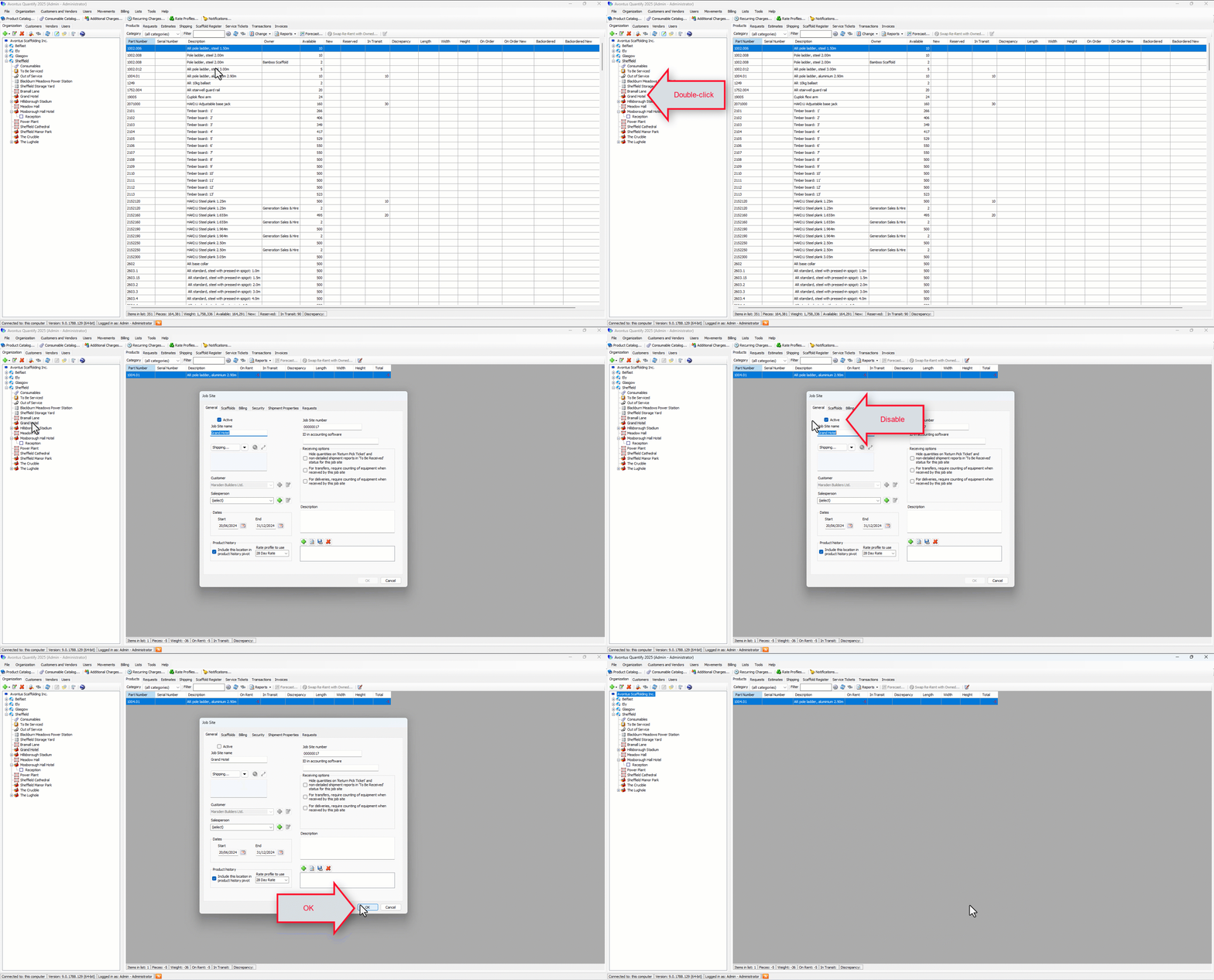
The job site will be hidden from the organisation tree.
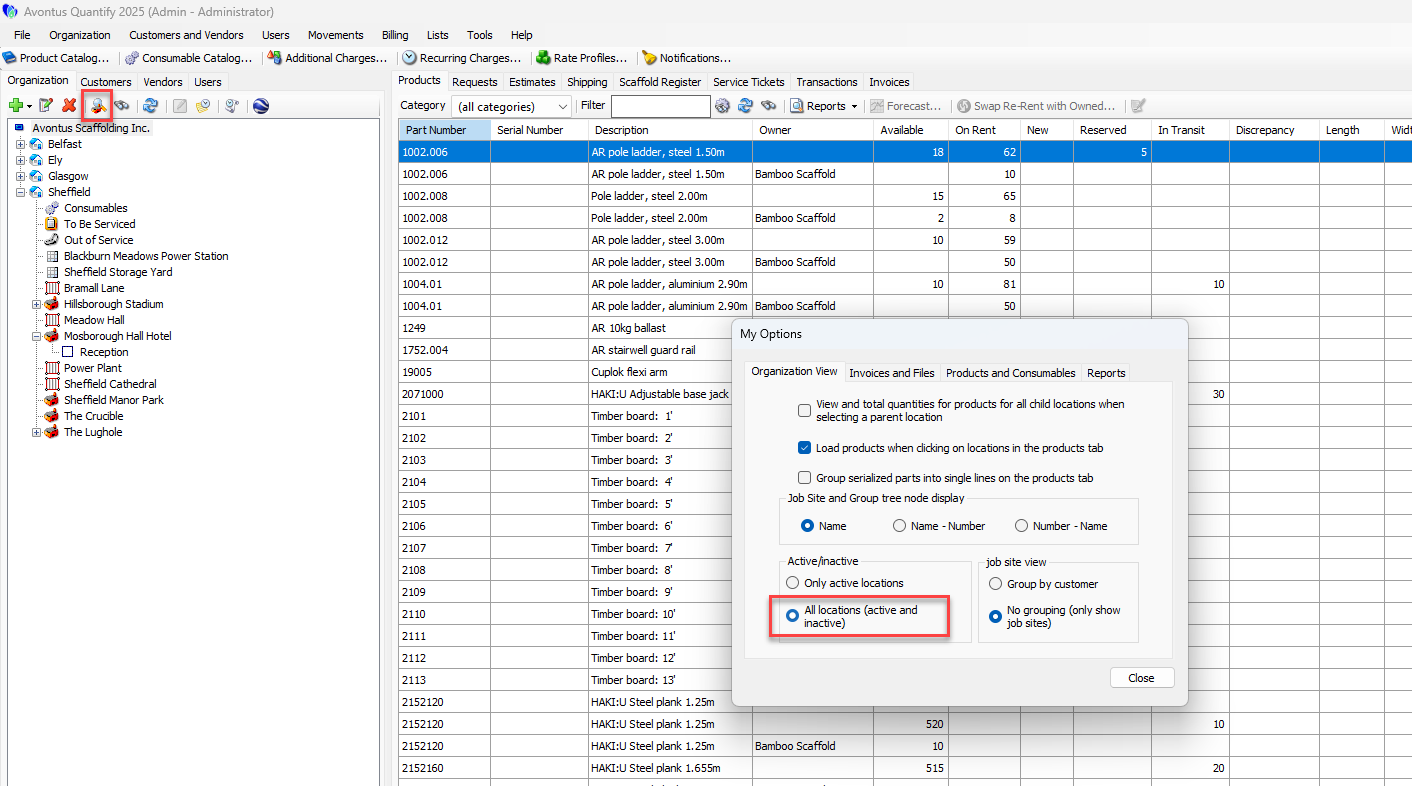
By selecting to show all locations (both active and inactive) in the My Options screen, the inactive job sites will be shown.
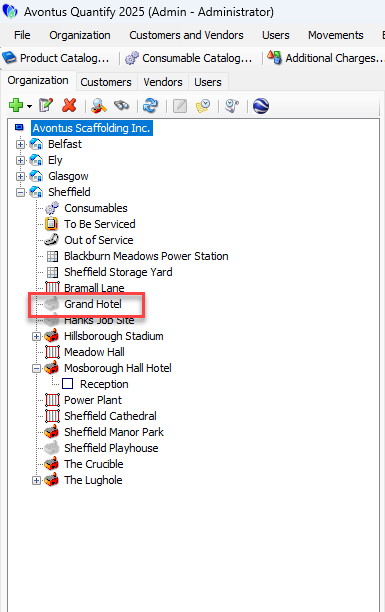
The inactive site will be shown but greyed out.
Marking a Job Site as Active
If a Job Site is inactive, you can mark it as active.
To do this
Double-click on the job site in the organisation tree
Note: You can also select the Edit icon
Click the Active checkbox to add the tick
Click OK
The Job site will be active. You can select to hide inactive locations in the My Options dialog.