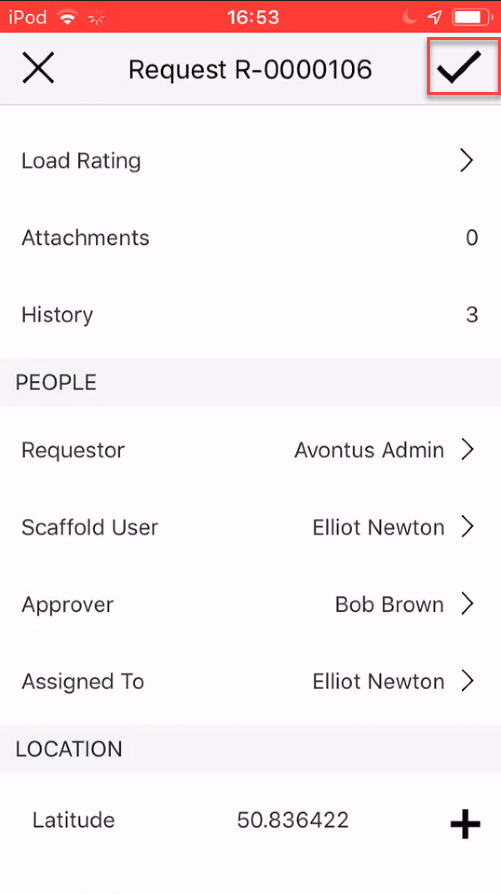
It is possible to make changes to a Request, for example, you can change who the approver is on a Request.
To edit a request:
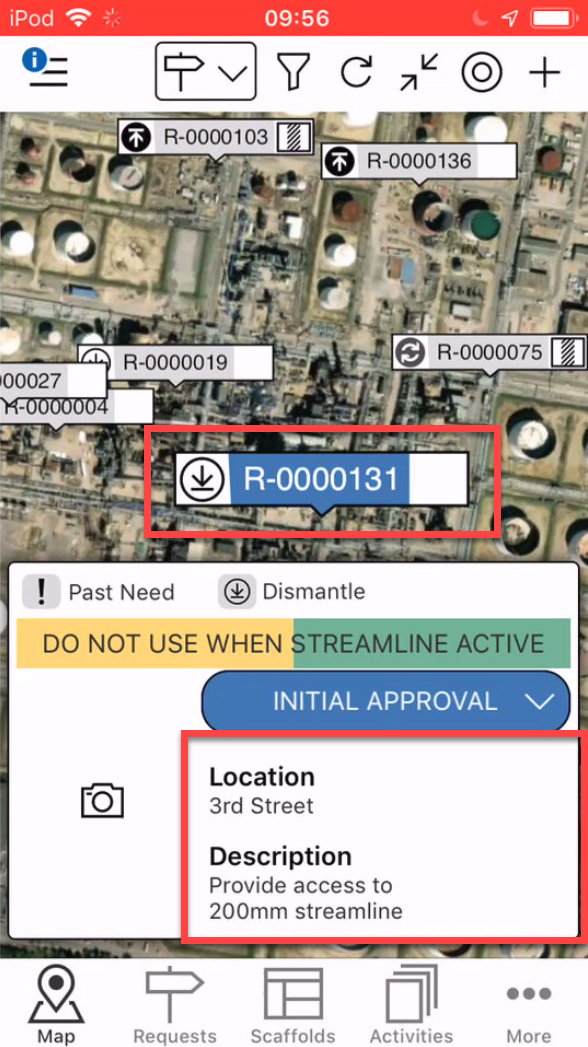
On the Map screen, tap the Request to edit
Tap the Request details area
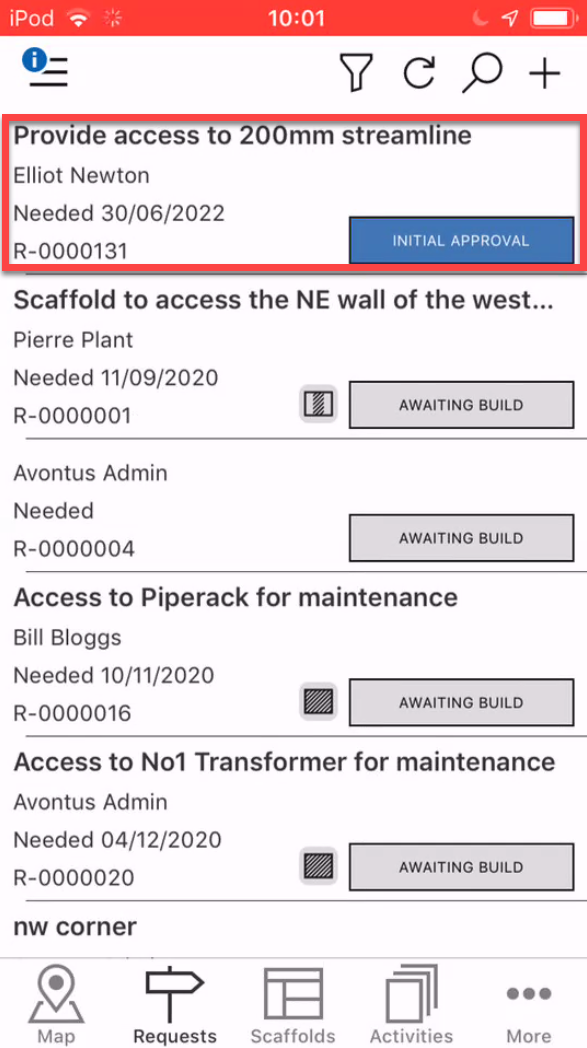
Note: You can also access the Request details by tapping on the Request in the Requests screen
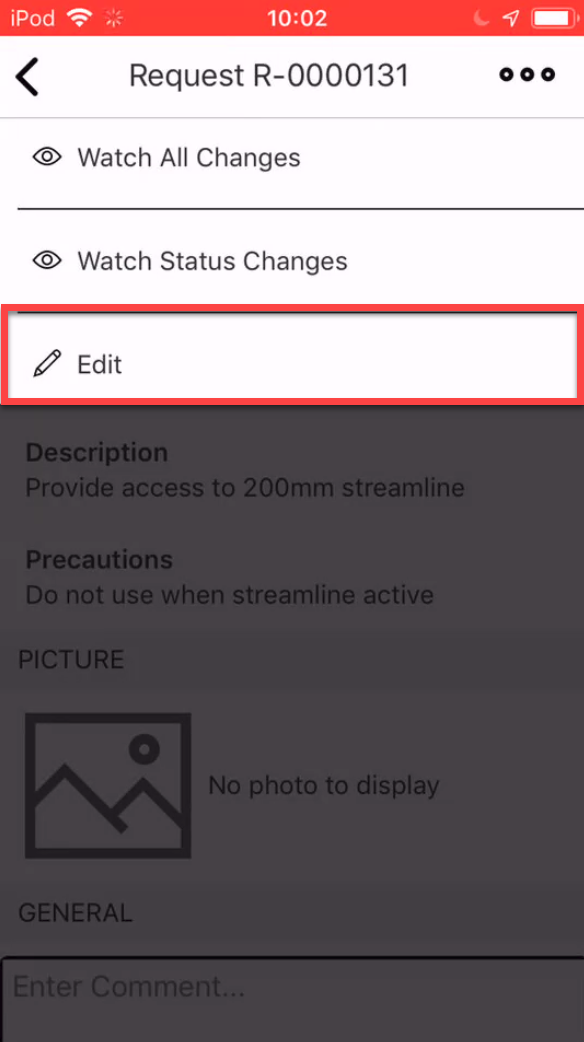
In the Request screen, tap ... dots in the top-right
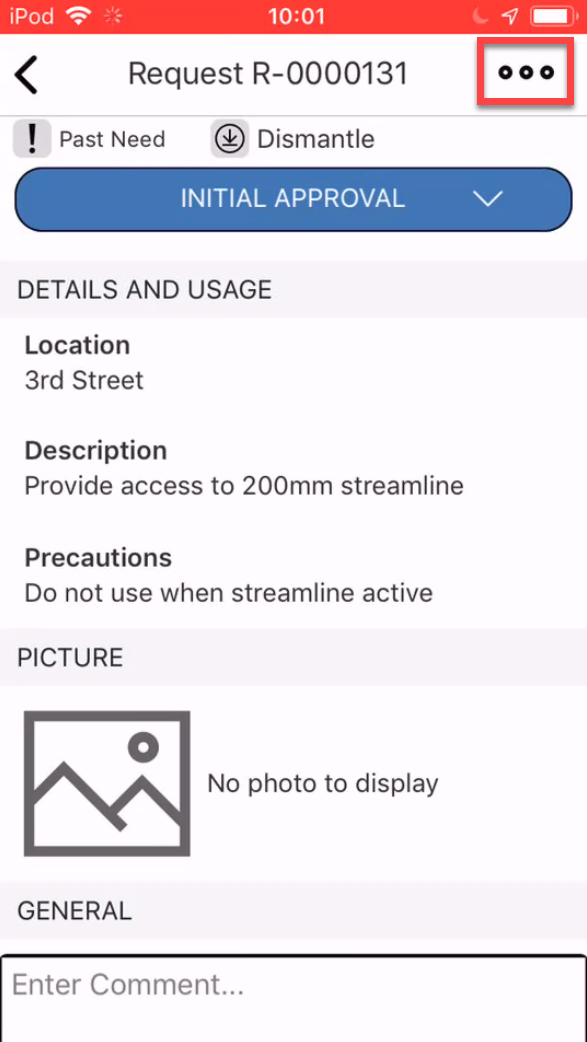
Select Edit
Make the required change. In this example, we will change the approver.
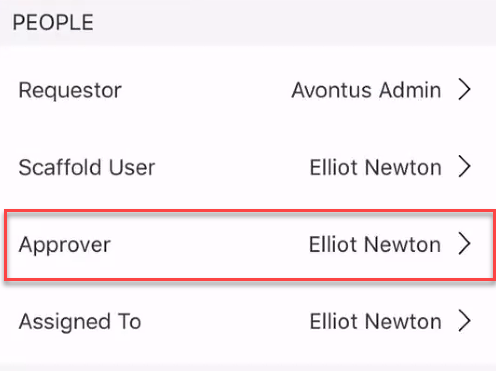
Scroll down to the People section and tap Approver.
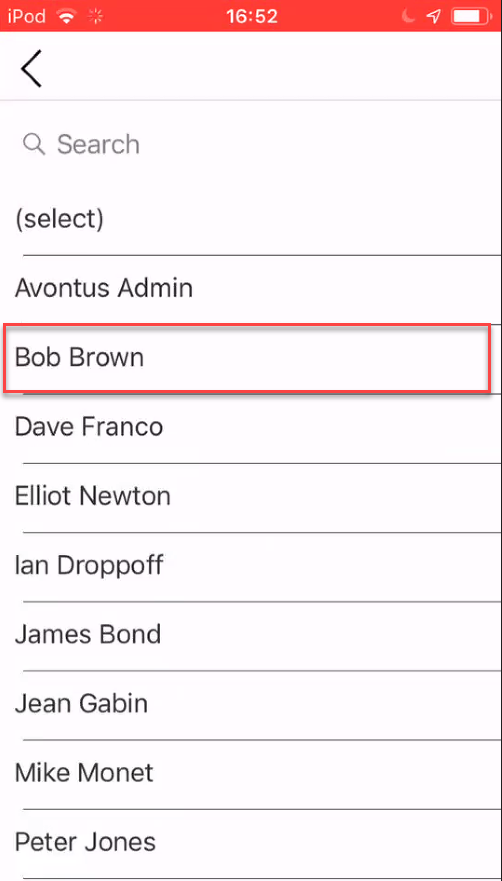
Select the new approver by tapping on the name.
Tap the tick icon to save all changes that have been made to the request.