An area is a useful way to group scaffolds or requests together, allowing users to easily organise their scaffolds or requests into relevant groups. These areas can be geographical (an area within a Job site) or they could be used to group scaffolds together depending on the unit that the scaffold is built on. For example, an area could be created that groups together scaffolds that are erected around an Alkylation Unit.
The list of areas can be found on the left-hand side of the map.
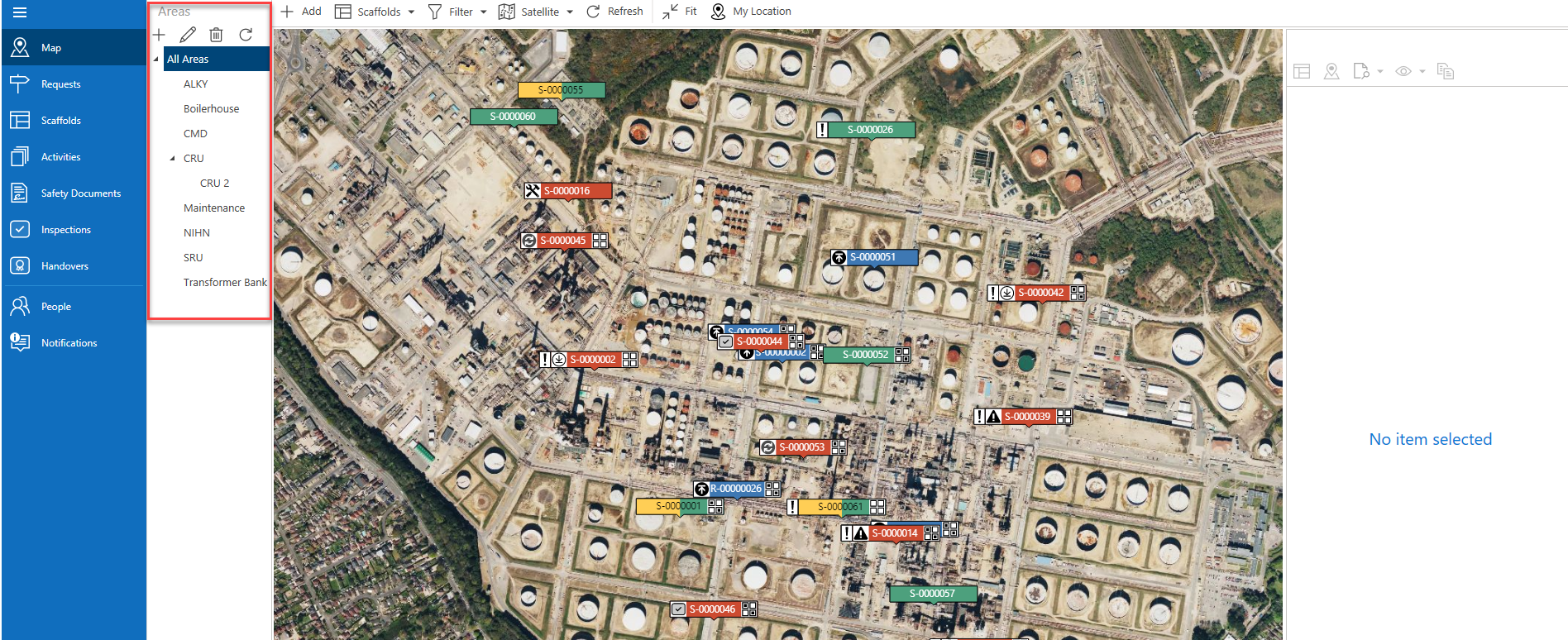
Selecting an area will display only scaffolds or requests that have been assigned to that area.
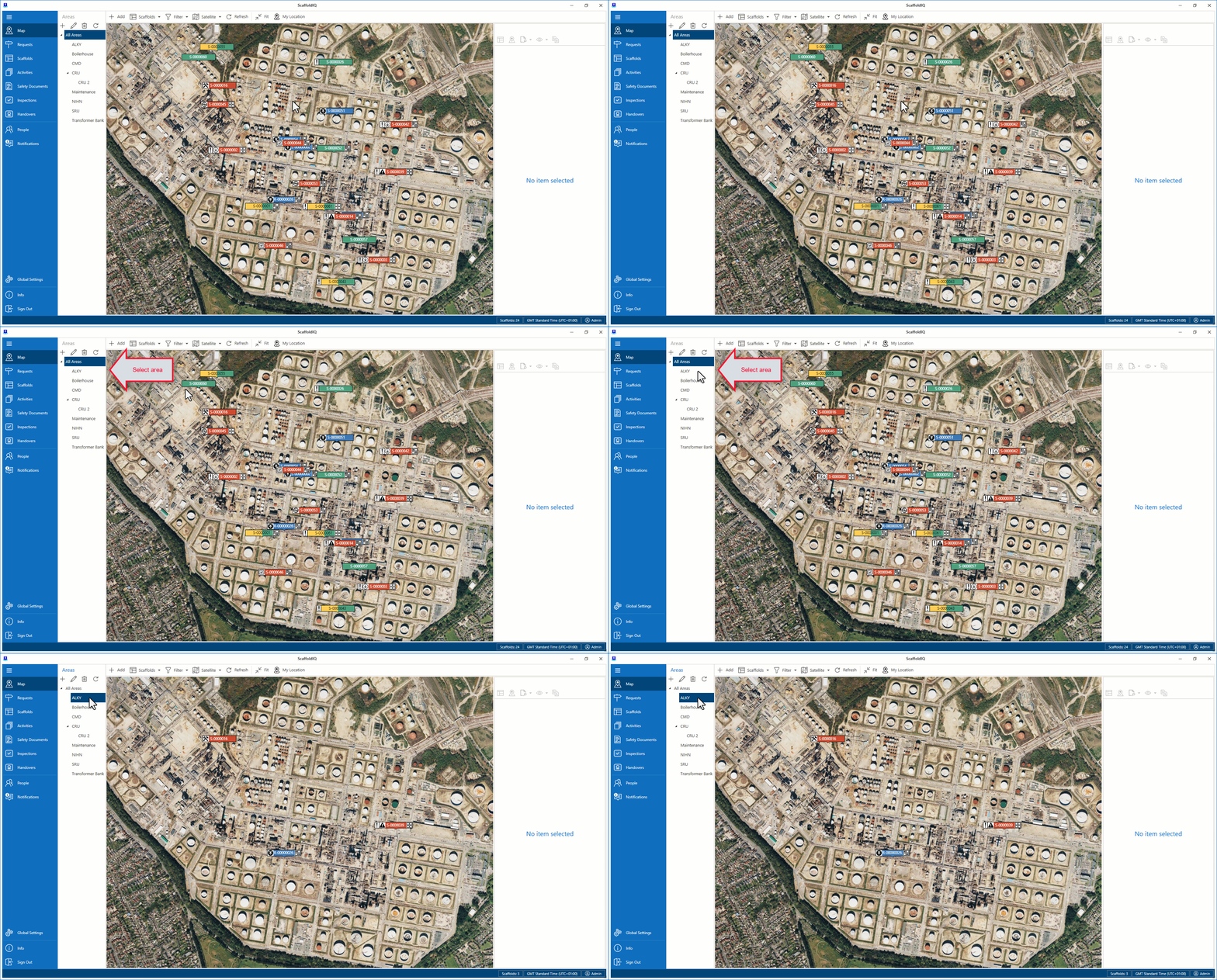
For instance, if we select ALKY then the map will display only Scaffolds or Requests that are assigned to the ALKY Area. You can see this in action in the video below.
Along the bottom are four icons. These are
Icon | Purpose |
| Select this icon to create a new area |
| Select this icon to edit an area |
| Select this icon to delete an area |
| Select this icon to refresh the area list |


For more information on areas, please visit the Working With Areas guide.