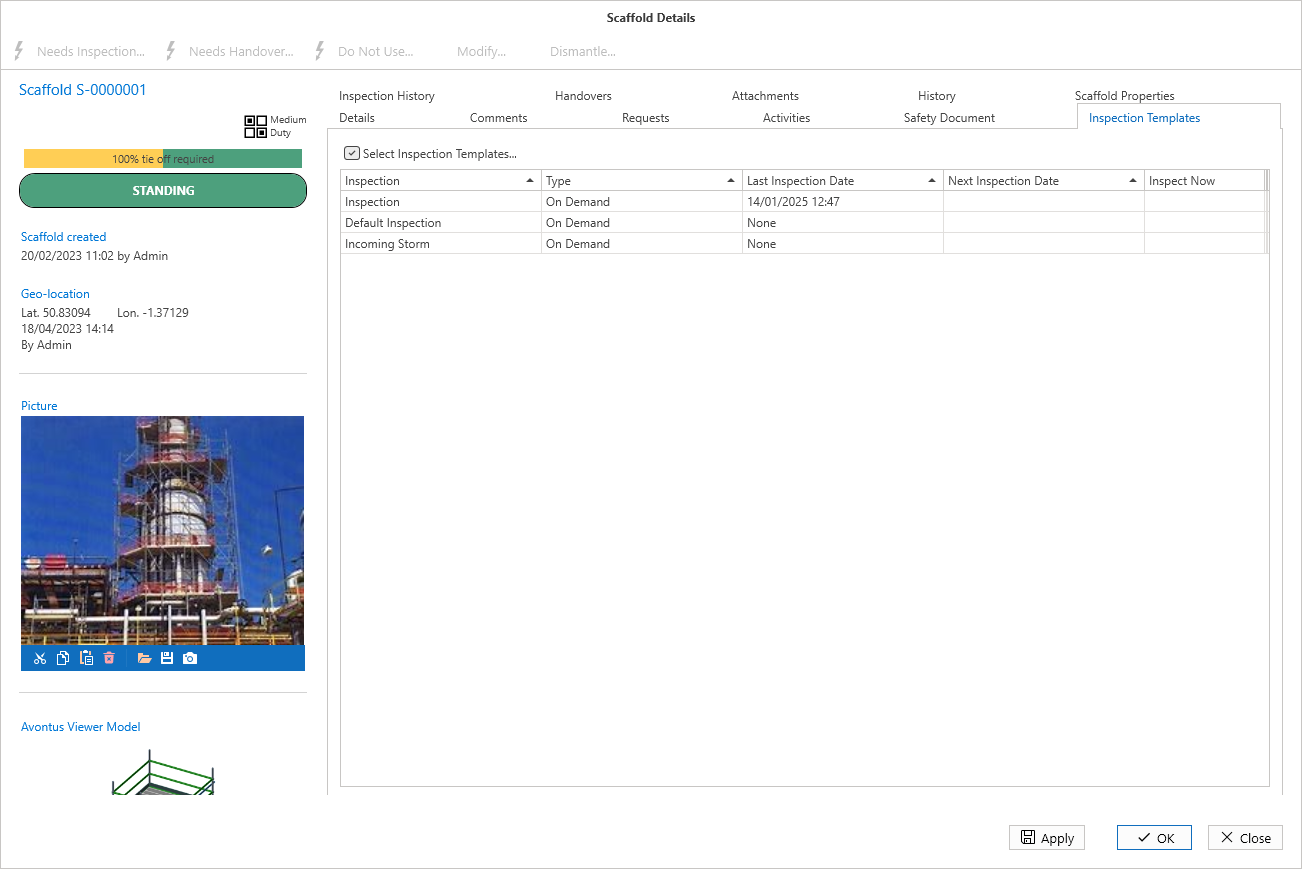
You can create Inspection Templates and assign them to a Scaffold. This article will explain how to assign a template to a Scaffold.
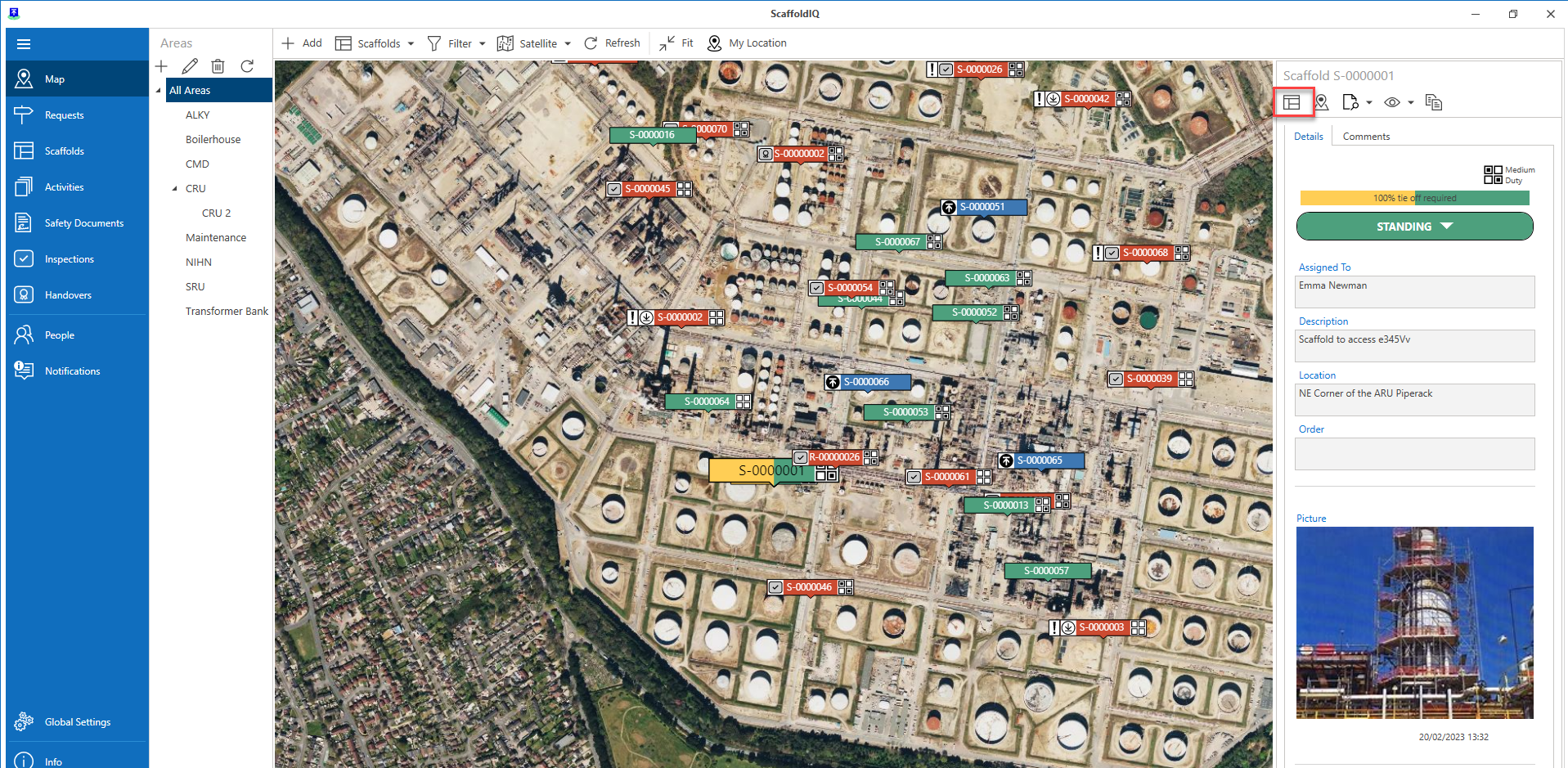
Select a Scaffold and open its details
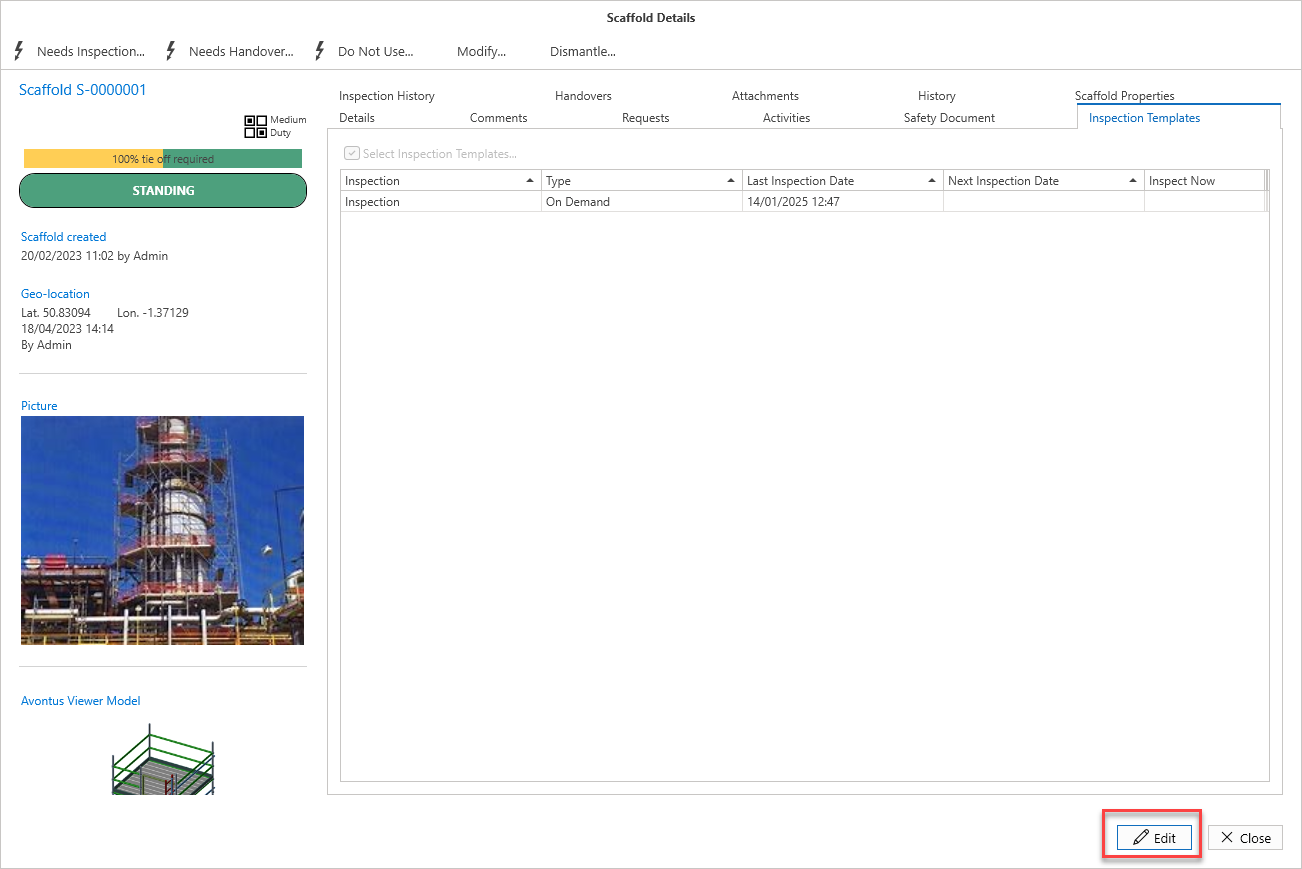
2. Select the Inspection Templates tab
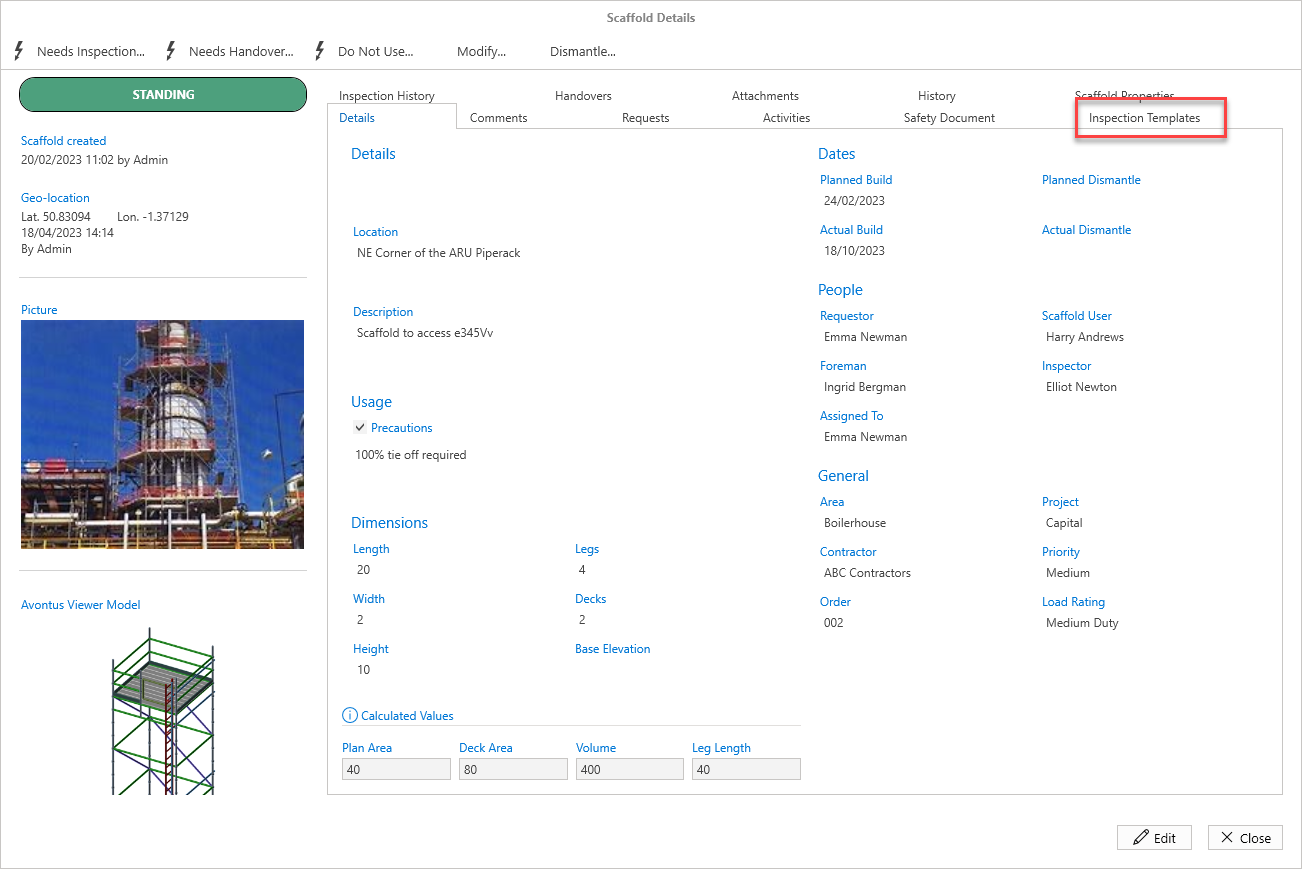
Select Edit to enable edit mode.
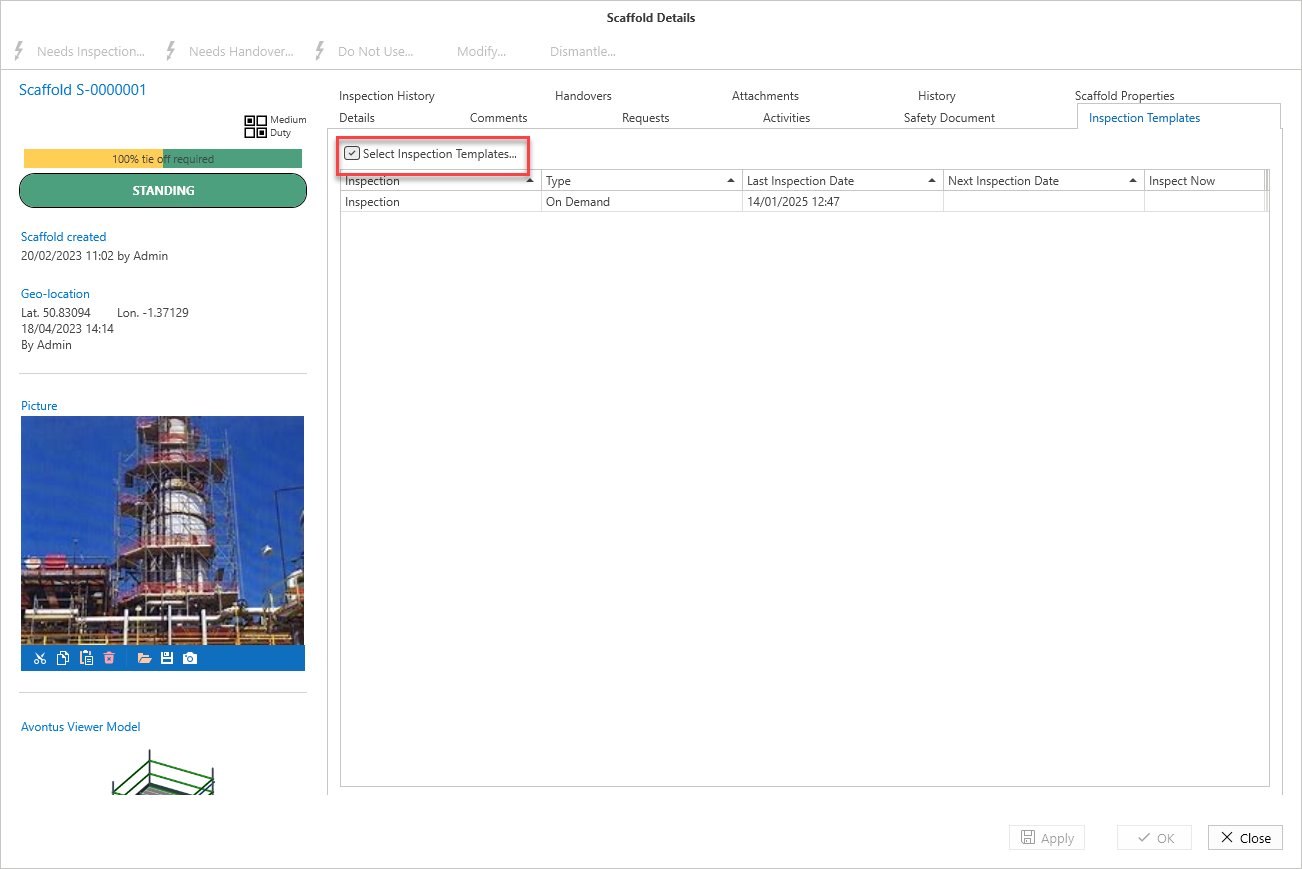
Click Select Inspection Templates
Check the checkboxes of the Inspection Templates you wish to assign to the scaffold
Click OK
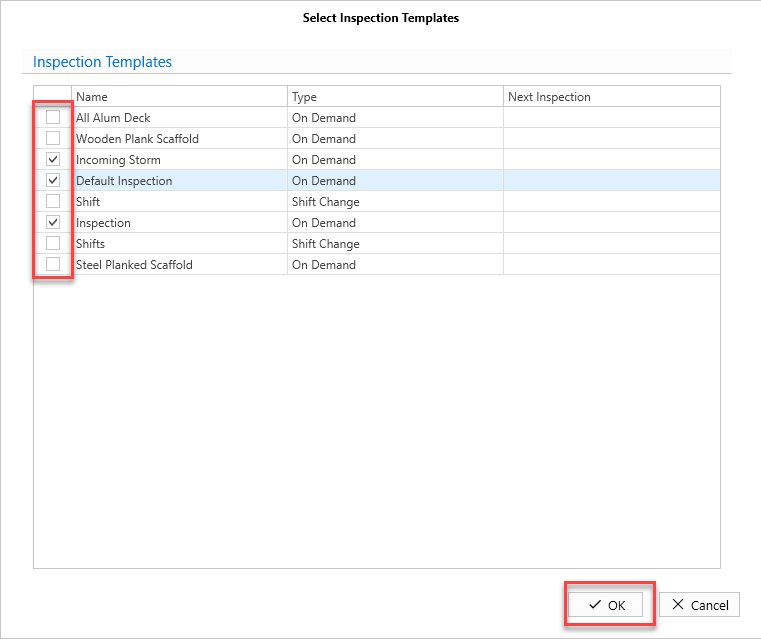
The inspection templates are added.